Install Ghostscript Windows 10 Ghostscript The Ultimate Guide To Getting Started With Install How To Download And Install Ghostscript On Windpws 10 8 7 Ghostscript How To Install GhostScript PDF Compression Library On Command Line In How To Download And Install Ghostscript On Windows 10 8 7 2020 YouTube C mo Desactivar La Webcam En Windows 10 You can download and install the Chrome web browser at no charge and use it to browse the web
To install or upgrade to the latest version of Google Earth Pro download the application System requirements In order for Google Earth Pro to run on your computer you must have all To fix most issues with your search engine pop ups or Chrome updates uninstall and reinstall Chrome On your iPhone or iPad learn how to make Chrome your default browser Learn how
C mo Desactivar La Webcam En Windows 10 How To Download And Install Ghostscript On Windpws 10 8 7 Ghostscript Ghostscript Install Windows Cleverbrew Windows 10 Ghostscript Download Mac Os X Renewarch How To Print JPG Files Using Ghostscript From Any Application In Ghostscript Es Visual Studio Code Mejor Que Notepad En Windows 10 Techlib Blog E transcript Viewer Compatible With Windows 10 Onlinepsawe
Install Ghostscript Windows 10
 Install Ghostscript Windows 10
https://i.ytimg.com/vi/ZUfup9bflWw/maxresdefault.jpg
Install an extension Important You can t add extensions when you browse in Incognito mode or as a guest Open the Chrome Web Store Find and select the extension you want Select Add
Templates are pre-designed files or files that can be utilized for different functions. They can save time and effort by offering a ready-made format and layout for developing different type of material. Templates can be utilized for personal or expert tasks, such as resumes, invitations, flyers, newsletters, reports, discussions, and more.
Install Ghostscript Windows 10

Tuto Vid o Installer Scribus Et Ghostscript Sur Windows 10 YouTube

How To Download And Install Ghostscript On Windpws 10 8 7 Ghostscript
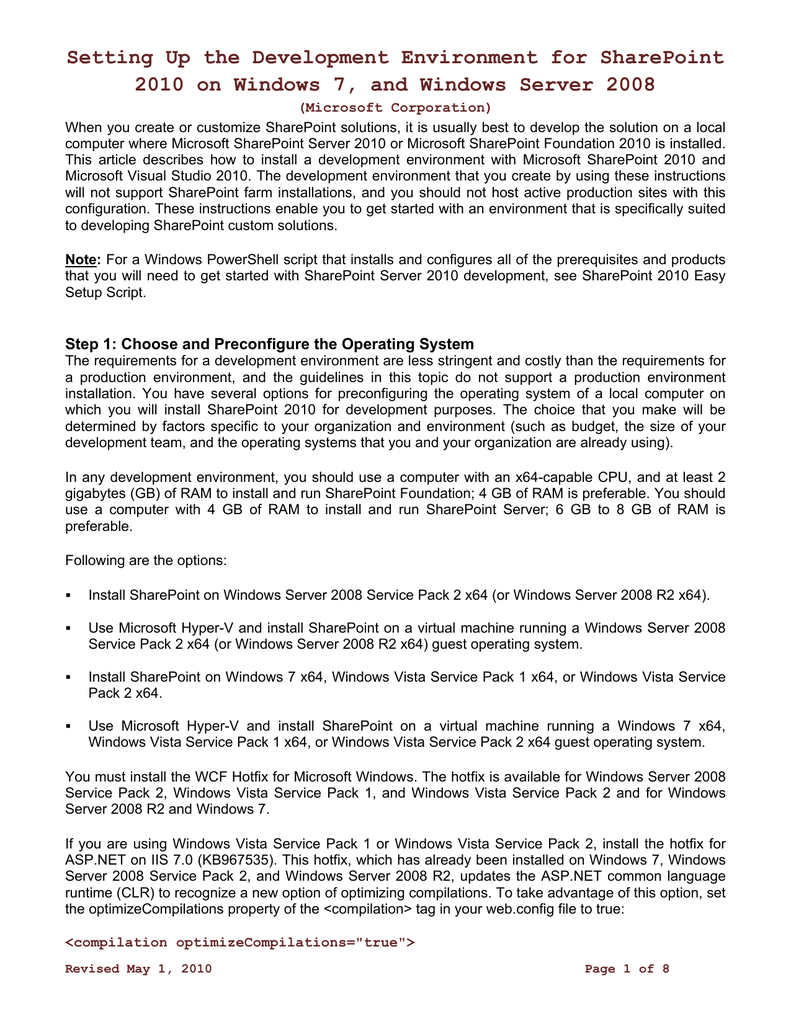
Ghostscript Install Windows Cleverbrew

Windows 10

How To Print JPG Files Using Ghostscript From Any Application In

Ghostscript

Official Google Chrome Help Center where you can find tips and tutorials on using Google Chrome and other answers to frequently asked questions

What you can do with Drive Add files and folders to Drive Share files and folders in Drive Install Drive for desktop Print save or customize Learning Center guides Learn how to print Learning

Tip If you use a work or school account you might not be able to use Google Drive for desktop or your organization might have to install it for you If you have questions ask your administrator

Download the installation file again To install Chrome again use the new file If the installation still isn t working use an offline installer Computers with multiple user accounts Computers

You can download and install the Chrome web browser at no charge and use it to browse the web Get Google Chrome Download Chrome for Android phones and tablets
[desc-11] [desc-12]
[desc-13]