Install Free Pycharm Pycharm 2020 Crack Activation Key Free Download Latest Version Download PyCharm Community Edition For Windows Heaven32 English Setup Pycharm Brospeedy Pycharm Professional Free Download Gretim How To Install TensorFlow On PyCharm Be On The Right Side Of Change 1 subscriber Subscribe Subscribed 0 Share 46 views 2 months ago PyCharm FreeSoftware CodingTutorial In this step by step tutorial we ll show you how to download and install PyCharm one
Easy License Last updated on 3 1 22 This tutorial shows you how to install PyCharm IDE on Windows 10 or 11 machine This video covers Minimum system requirements for PyCharm How to download the
How To Install TensorFlow On PyCharm Be On The Right Side Of Change Pycharm Preferences Papersopec PyCharm PyCharm Pycharm Install Cateringkum How To Download Install PyCharm Python IDE On Windows 10 YouTube Download PyCharm Python IDE For Professional Developers By JetBrains Install PyCharm Python IDE In Windows Mac OS X Linux Unix Migrating From Text Editors PyCharm Documentation Comfyui Ranting8323 Auto Photoshop StableDiffusion Plugin
Install Free Pycharm
 Install Free Pycharm
https://crackedonic.com/wp-content/uploads/2019/12/Pycharm-2019.2.4-Crack-1024x576.jpg
How to Install and Configure PyCharm on Windows Posted on September 21 2020 by Dominic Nixon
Pre-crafted templates use a time-saving service for producing a varied variety of files and files. These pre-designed formats and layouts can be utilized for numerous individual and professional projects, consisting of resumes, invites, leaflets, newsletters, reports, discussions, and more, improving the content production process.
Install Free Pycharm

Pycharm Professional Free Trial Bestsfiles
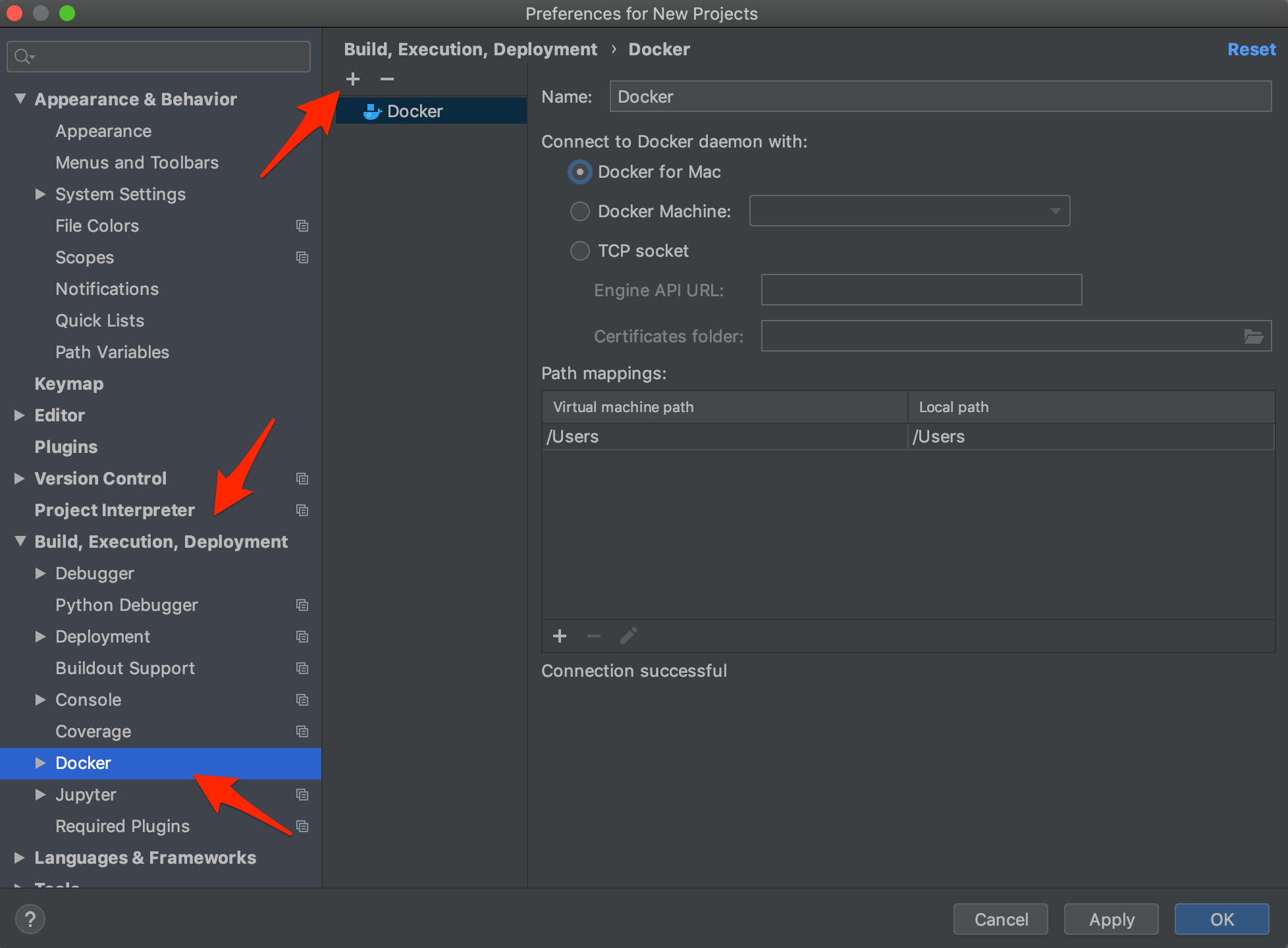
Pycharm Preferences Papersopec

PyCharm PyCharm

Pycharm Install Cateringkum
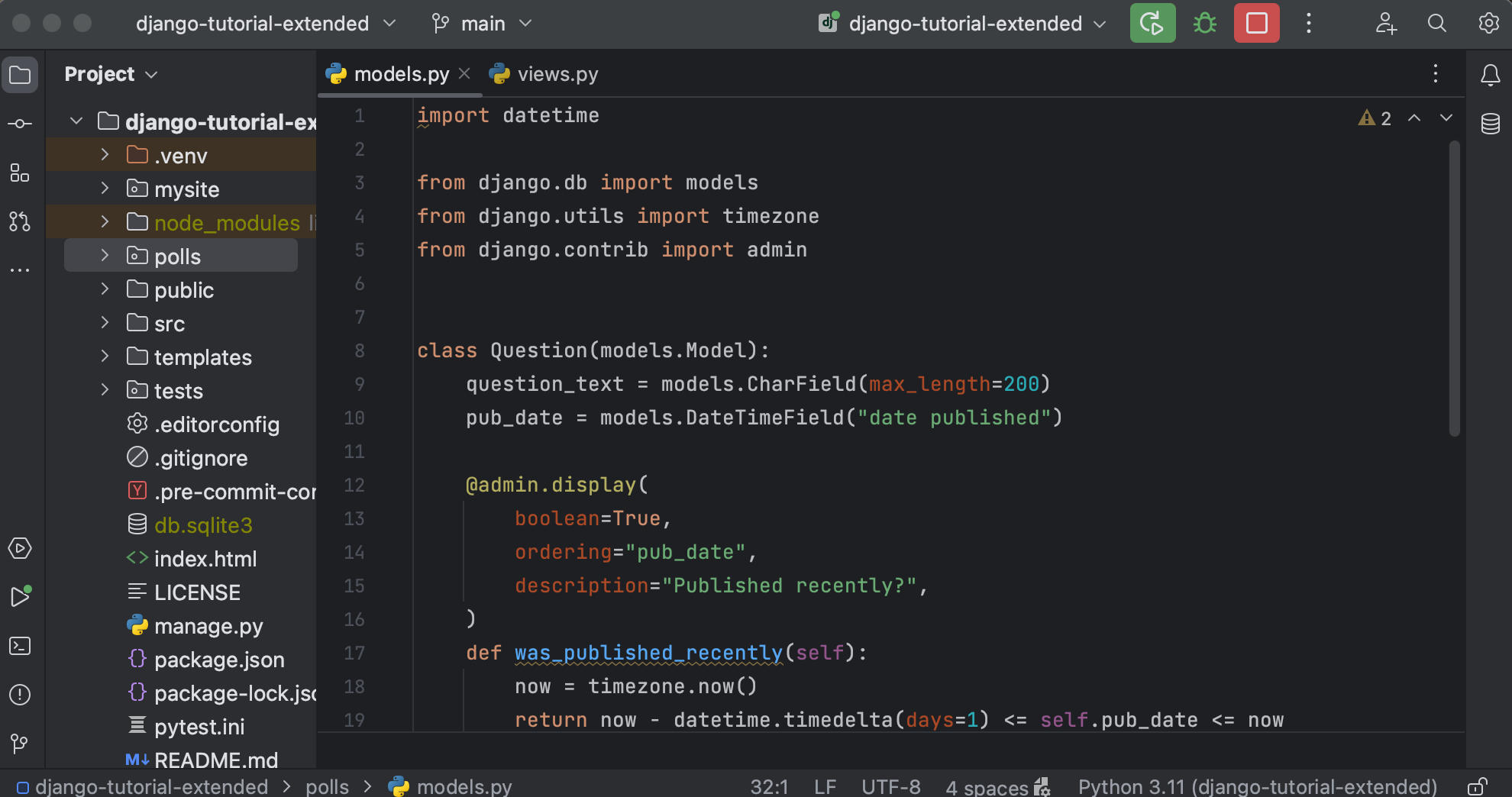
Download PyCharm Python IDE For Professional Developers By JetBrains
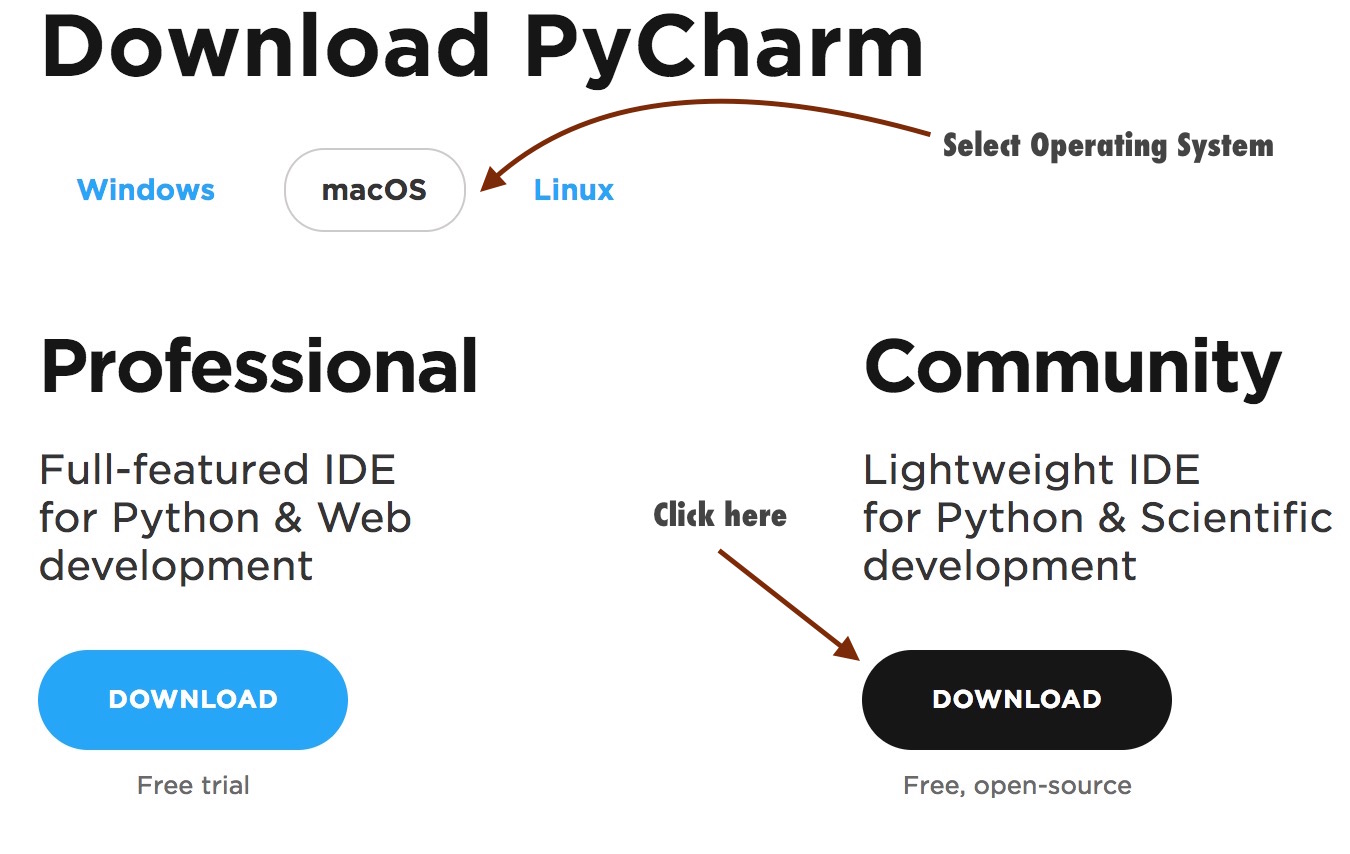
Install PyCharm Python IDE In Windows Mac OS X Linux Unix

Download PyCharm Community Edition free latest version Windows Development IT Web development PyCharm Community Edition Download Download PyCharm Community Edition for PC Free In English V 2023 1 3 3 9 206 Security Status PyCharm Community Edition free download Always available from the Softonic servers Free fast download

Download the installer exe There is a separate installer for ARM64 processors To verify the integrity of the installer use the SHA checksum linked from the Download page Run the installer and follow the wizard steps Mind the following options in the installation wizard 64 bit launcher Adds a launching icon to the Desktop
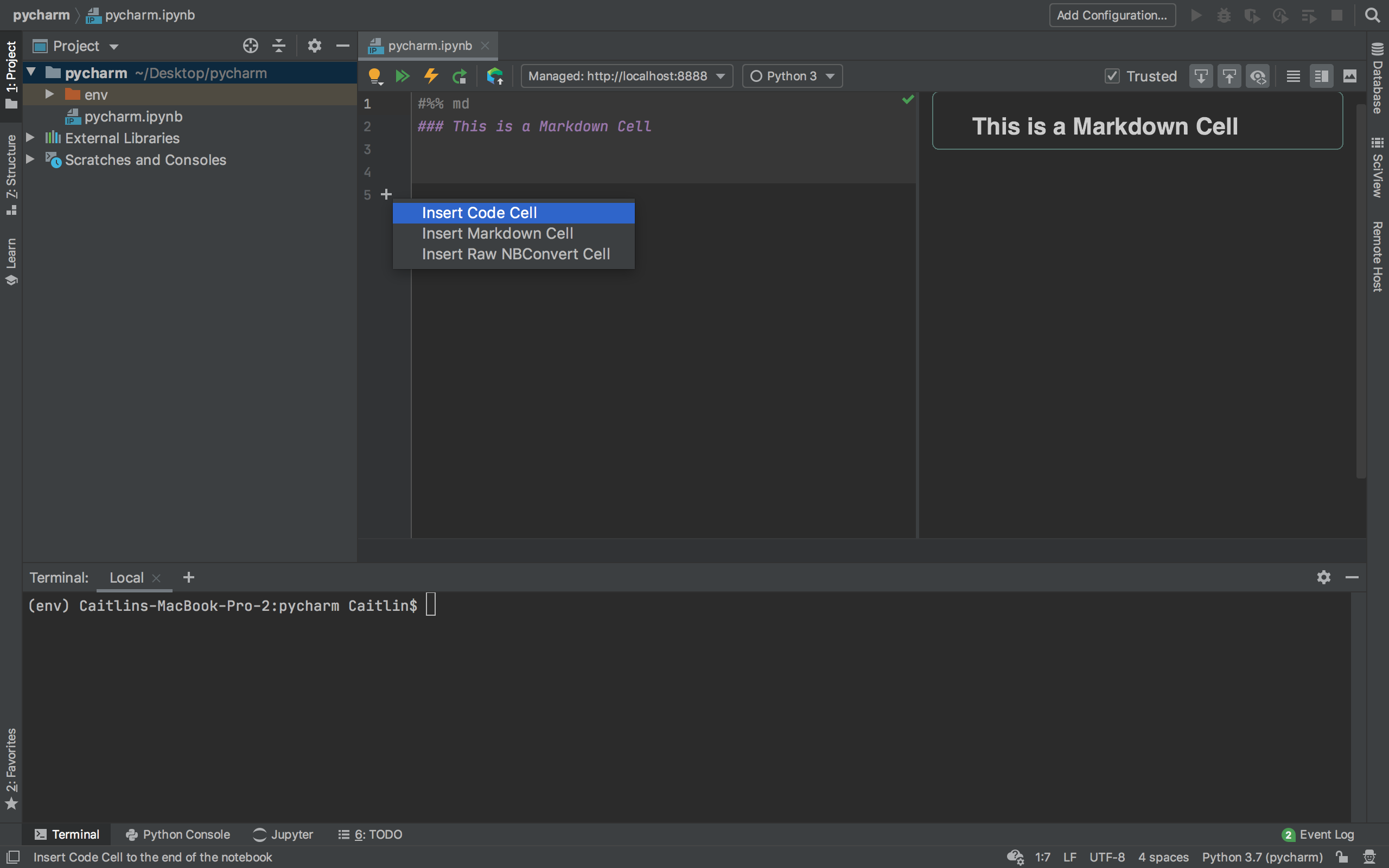
The Python IDE for Professional Developers Download Full fledged Professional or Free Community Why PyCharm All the Python tools in one place Be More Productive Save time while PyCharm takes care of the routine Focus on the bigger things and embrace the keyboard centric approach to get the most of PyCharm s many productivity features

Step 1 Download PyCharm Community Edition Begin by heading over to the official JetBrains website Here you ll find the PyCharm Community Edition The site automatically determines your operating system and suggests the appropriate version for download

Windows macOS Linux PyCharm Professional The Python IDE for Professional Developers Download exe Free 30 day trial Version 2023 3 2 Build 233 13135 95 19 December 2023 System requirements Installation instructions Other versions Third party software
It comes in two versions PyCharm Pro and PyCharm Community and supports the full Python workflow out of the box in the latter including web frameworks frontend technologies databases and scientific tooling Download PyCharm now PyCharm Community Edition The community edition of PyCharm is free and built on open source Download PyCharm by clicking the download button Installing These instructions differ depending on your operating system On the first launch of PyCharm Professional you ll be asked to log into your JetBrains account or start a free 30 day evaluation and that s it for installation Welcome Screen
Here is a process to download Pycharm Step 1 Go to website official website of Jetbrains https www jetbrains pycharm download and click on the DOWNLOAD link of the Community section Step 2 After clicking on Download Click on Next Step 3 After Click on Next You need to choose the destination folder according to your choice