Install Firefox Ubuntu Wsl Install Ubuntu 18 04 On WSL And Then Evalai Guillaume s Blog Windows WSL2 Ubuntu Docker Kubernetes How To Install Firefox ESR In Ubuntu Or Linux Mint PPA Or Snap Linux Uprising Blog Install Ubuntu Terminal Environment On Windows 11 From Microsoft Store HTMD Blog WSL Ubuntu Installation Fails With The Error Please Restart WSL With The Following Command NotTheDr01ds 3 439 1 6 28 asked Mar 9 2022 at 18 34 GANESH RACHA 1 1 2 Please edit your question and give us some more details starting with what operating system you are using Why is putty relevant The error is quite clear there is no package named firefox available but we can t help more unless you tell us what system you are using
Step 1 Run this command to remove the Firefox Snap sudo snap remove firefox Step 2 Run this command to add the Mozilla Team PPA to your list of software sources sudo add apt repository ppa mozillateam ppa Step 3 Chance the Firefox package priority to ensure the PPA deb apt version of Firefox is always preferred Wsl install This will download the Linux kernel set WSL 2 as the default and install Ubuntu as the default distribution Don t want ubuntu Here is the command for you wsl install d distro name These are the available distributions as of now Ubuntu OpenSUSE Leap 42 SUSE Linux Enterprise Server 12 SLES
WSL Ubuntu Installation Fails With The Error Please Restart WSL With The Following Command Windows Bash Laynecarlt Wsl Ubuntu Download Ascsejesus Install Firefox Via Apt Bukan Snap Di Ubuntu 22 04 Linux Open Source How To Install Ubuntu On Windows Using WSL How To Install Ubuntu On Windows 10 Wsl Linux Hint Vrogue How To Install Docker On Windows 10 Using Powershell With Wsl 2 Support Setup For Ubuntu 18 04 How To Install Nextcloud On Windows 10 Ubuntu With Wsl 2 Vrogue How To Install Uninstall And Update Firefox On Ubuntu Linux Tutorials Learn Linux Configuration
Install Firefox Ubuntu Wsl
 Install Firefox Ubuntu Wsl
https://castorfou.github.io/guillaume_blog/images/icons/wsl2.jpeg
From the Snap Store through the Ubuntu Software Manager From the Official Ubuntu Repository through the command line From the Mozilla PPA repository through the command line From Mozilla website through the command line
Pre-crafted templates offer a time-saving service for developing a varied series of files and files. These pre-designed formats and layouts can be utilized for various personal and professional projects, consisting of resumes, invitations, leaflets, newsletters, reports, discussions, and more, improving the content production procedure.
Install Firefox Ubuntu Wsl

How To Install The Windows Subsystem For Linux 2 On Microsoft Windows 10 DevsDay ru
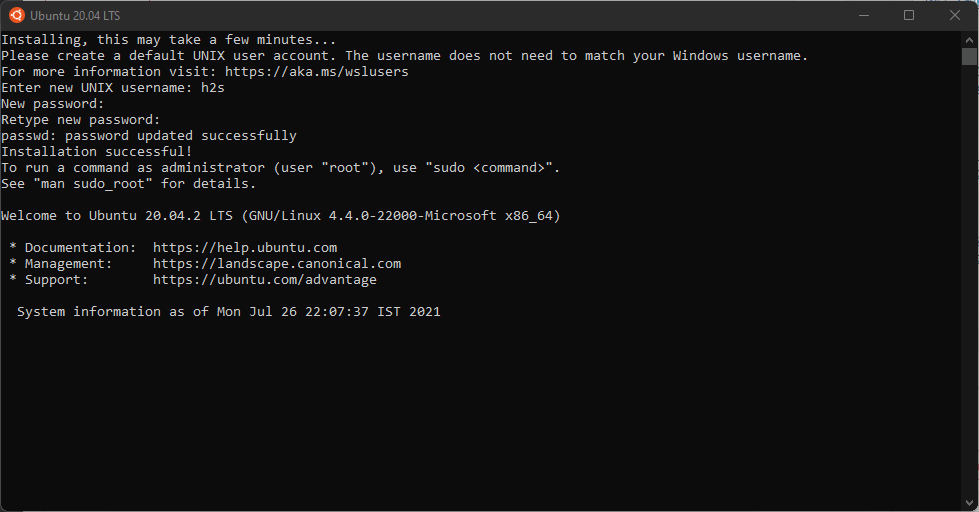
Windows Bash Laynecarlt
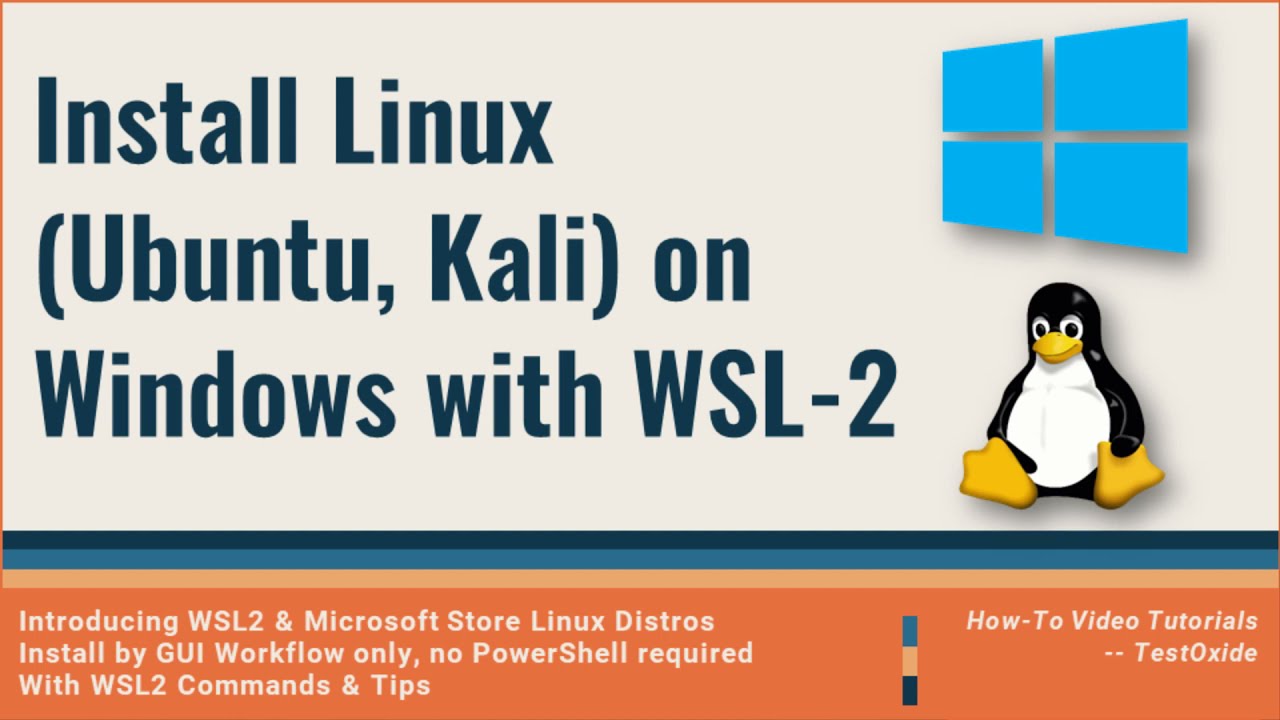
Wsl Ubuntu Download Ascsejesus

Install Firefox Via Apt Bukan Snap Di Ubuntu 22 04 Linux Open Source
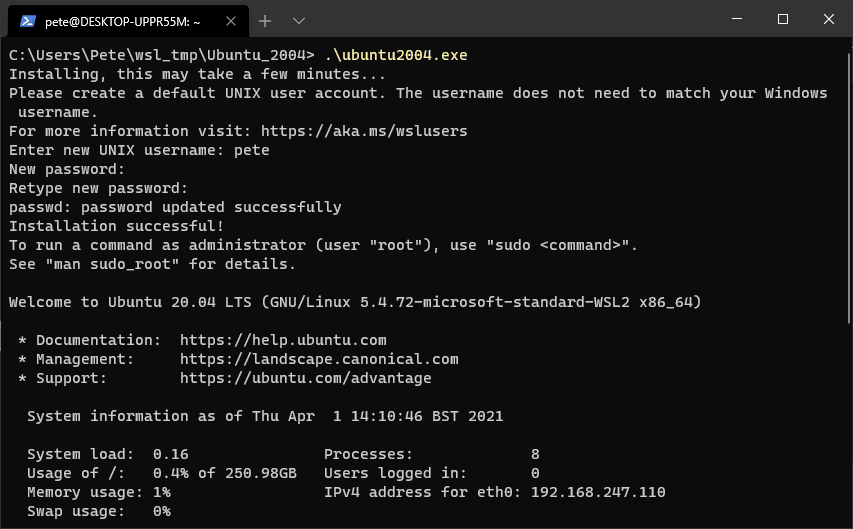
How To Install Ubuntu On Windows 10 Wsl Linux Hint Vrogue
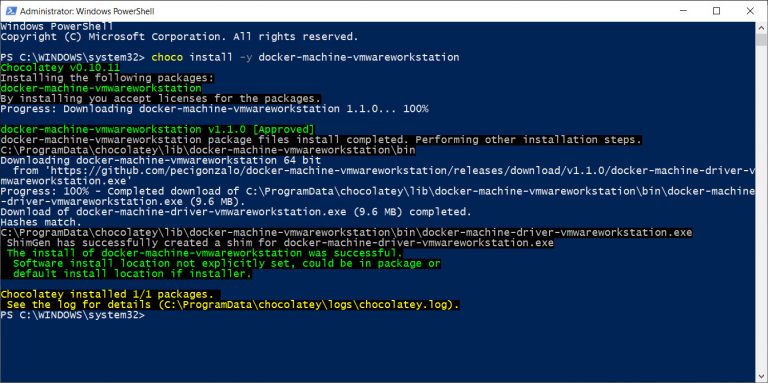
How To Install Docker On Windows 10 Using Powershell With Wsl 2 Support Setup For Ubuntu 18 04

What s New Privacy Install Firefox on Linux Most Linux distributions already have Firefox installed from their distribution package manager and configured as the default browser This article explains other ways to download and install Firefox on a Linux This article only applies to Linux

Run Linux GUI apps Troubleshooting Windows Subsystem for Linux WSL now supports running Linux GUI applications X11 and Wayland on Windows in a fully integrated desktop experience WSL 2 enables Linux GUI applications to feel native and natural to use on Windows Launch Linux apps from the Windows Start menu

7 Answers Sorted by 7 See Ubuntu wiki Running Graphical Applications You need to install on Windows an X server to be launched from Windows to be used by WSL graphical applications You may use any of X410 VcXsrv MobaXTerm Cygwin C Xming Cygwin X vcXsrv
Installing from the Standard Ubuntu repository this involves using an apt command to install a stable version of Firefox Use this method if you re in a hurry or unsure of which method to use Installing from the Mozilla PPA repository

Step 1 Update WSL2 Ensure you are on a newer WSL2 release or update your WSL2 installation Microsoft provides a comprehensive guide on how to update WSL Step 2 Enable Systemd Enable Systemd on WSL2 by following the instructions provided in the answer here Step 3 Install Firefox
Details on how to make Firefox work on WSL fix fonts make dbus work sudo apt get install dbus x11 sudo service dbus start sudo apt get install ubuntu desktop turn off multi proces in firefox turn off multi process from corel thanks UNSUPPORTED Select Ubuntu from the Microsoft Store and click on Install which will install Ubuntu 20 04 LTS on your Windows 10 system Now find the Ubuntu icon in the recently added applications
5 Get Mozilla browser using SNAP Well this method is for those who don t want to use the system s APT package manager In all the latest versions of Ubuntu Snap comes by default enabled to install various applications including the FireFox browser