Install Docker Desktop On Windows Server 2019 Datacenter What s New For Docker On Windows Server 2019 How To Install Docker And Run Docker Containers On Windows Server 2019 How To Install Docker Desktop On Windows 10 2021 Update YouTube Install Docker Desktop On Windows 10 How To Install Docker Desktop On Ubuntu A Step by Step Guide Learn to install Docker on Windows Server 2019 Most of the public cloud platforms offer off the shelf copies of Windows Server 2019 with Docker pre installed Simply choose one of these such as Microsoft Windows Server 2019 Base with Containers ami 0b809eef92577a4f1 on AWS and you re good to go
1 Download Docker package Copy zip folder of the package to the target machine a machine with the Windows Server Extract copied zip to the C Windows System32 path after that you should have docker folder present in there Add this docker folder to the path variable Once the installation of DockerMsftProvider is complete Use the Install Package cmdlet with the following syntax to install Docker Install Package Name docker ProviderName DockerMsftProvider Important The provider enables the container feature on their server When the installation is complete reboot the server
How To Install Docker Desktop On Ubuntu A Step by Step Guide Install Docker Desktop On Windows A Handbook For Beginners In Research How To Install Docker Desktop On Ubuntu 22 04 LTE Linux YouTube Windows Server 2019 Datacenter Install Docker Desktop On M1 M2 Apple Silicon ARM Chip Mac Download And Install Docker Desktop For Windows Azure Technical Blog Installing Docker CE On Windows Server 2019 1809 SAC Windows 2016 Docker Install About Dock Photos Mtgimage Org Docker Failed To Initialize Error
Install Docker Desktop On Windows Server 2019 Datacenter
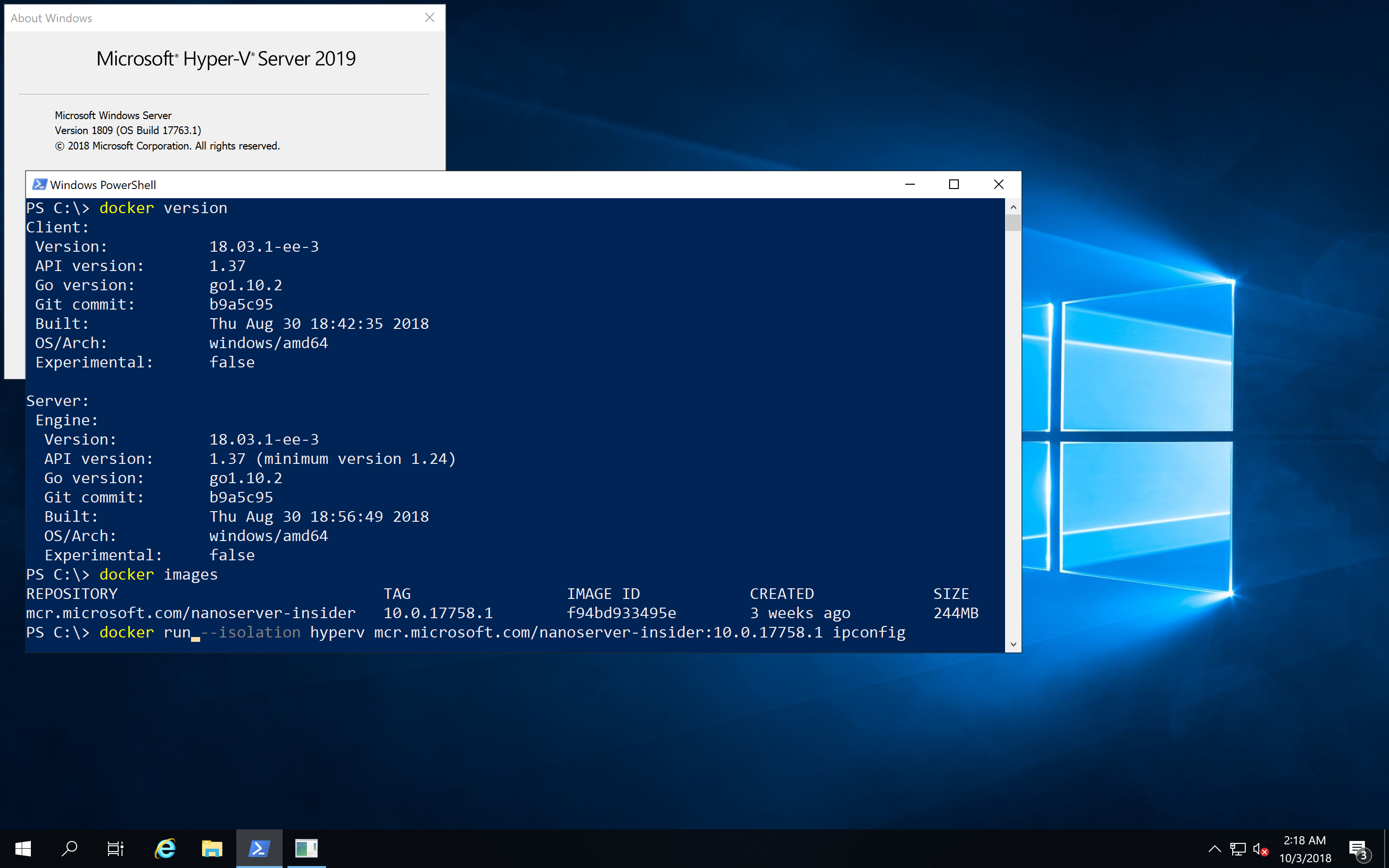 Install Docker Desktop On Windows Server 2019 Datacenter
http://stefanscherer.github.io/content/images/2018/10/Bildschirmfoto-2018-10-03-um-11.18.17.png
Configure Docker with a configuration file The preferred method for configuring the Docker Engine on Windows is using a configuration file The configuration file can be found at C ProgramData Docker config daemon json You can create this file if it doesn t already exist
Pre-crafted templates offer a time-saving service for creating a varied series of files and files. These pre-designed formats and layouts can be used for various individual and professional tasks, including resumes, invites, flyers, newsletters, reports, discussions, and more, simplifying the material development procedure.
Install Docker Desktop On Windows Server 2019 Datacenter

Docker Desktop For Linux

Install Docker Desktop On Windows A Handbook For Beginners In Research

How To Install Docker Desktop On Ubuntu 22 04 LTE Linux YouTube
Windows Server 2019 Datacenter
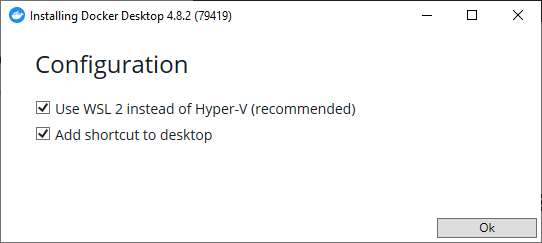
Download And Install Docker Desktop For Windows
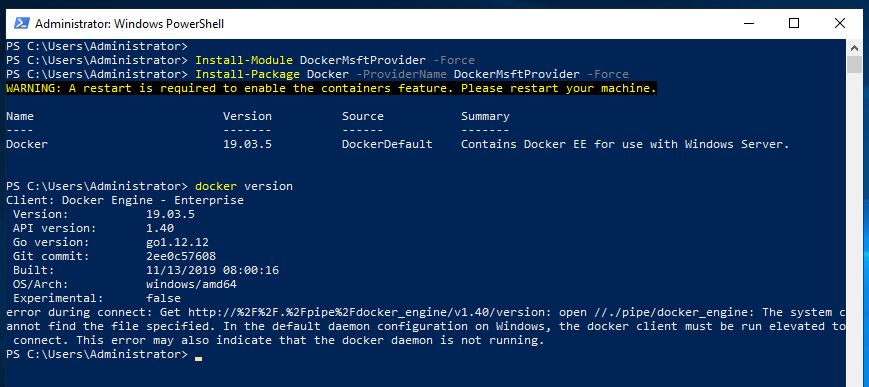
Azure Technical Blog Installing Docker CE On Windows Server 2019 1809 SAC
With Windows Server 2019 the 1809 build Microsoft managed to bring the containers to Windows on par with containers on Linux systems At present thousands of enterprise customers are widely using Docker on Windows in production environments

WSL 2 backend Hyper V backend and Windows containers WSL version 1 1 3 0 or later Windows 11 64 bit Home or Pro version 21H2 or higher or Enterprise or Education version 21H2 or higher Windows 10 64 bit We recommend Home or Pro 22H2 build 19045 or higher or Enterprise or Education 22H2 build 19045 or higher

The first step is to enable the Windows Server 2019 containers feature Open PowerShell as Administrator Run the following commands Enable WindowsOptionalFeature Online FeatureName Containers Accept by pressing the y key in your keyboard Step 2 Install Docker Engine on Windows Server 2019
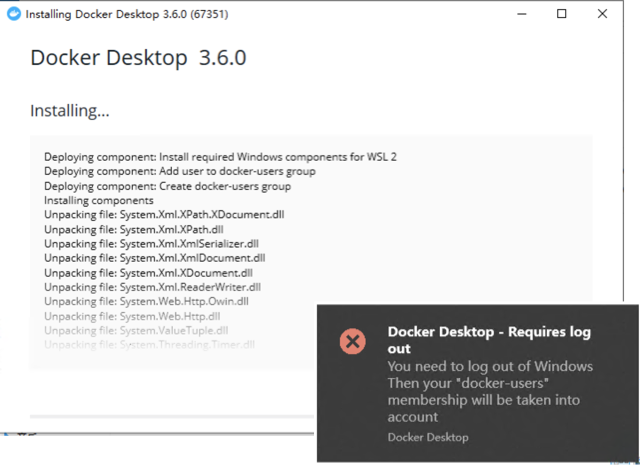
How to Install and Run Docker on Windows Server 2016 2019 2022 In this tutorial we will introduce Docker and how it works with it s main advantages then move onto installation phase with how to install Docker using PowerShell Docker is one of the most widely used containerization platform used by developers
1 Install Windows Server 2019 Containers feature First before running Docker images we need to install the Windows Server 2019 containers feature This installs and configures your Windows Server 2019 host for use with containerized workloads This can easily be done using the Server Manager tool
WSL2 is not available for any Windows Server version below 2022 There used to be LCOW Linux containers on Windows but it s deprecated and not maintained anymore I see two possible solutions run a Linux VM Ubunte Debian CentOS and use docker ce to run Linux container inside the vm I have downloaded the latest release of Docker Desktop from the official source and I m trying to install onto a new production server The install seems to fail when creating the service although when I check the Docker Desktop service is present however wont start because Docker Desktop removes all installed files once install fails
1 After installation of docker desktop getting the below error System InvalidOperationException job failed with message DockerDesktopVM failed to start Virtual machine ID