Install Docker Desktop Centos 7 How To Install Docker Desktop On Windows 10 2021 Update YouTube How To Install And Use Docker On CentOS 7 BENISNOUS Installation Docker CE Centos 8 Integrateur Open Source How To Install Docker On CentOS 7 RHEL 7 How To Install And Use Docker On Centos 7 TechnoSyno Jun 1 2025 nbsp 0183 32 Learn how to successfully install software games and utilities on your computer with our detailed guidelines tailored for different operating systems and devices
Jun 25 2025 nbsp 0183 32 The official Google Chrome offline installer contains the full setup files and doesn t need any Internet connection at the installation time so you can use it to install Google Feb 9 2023 nbsp 0183 32 If your Windows 10 computer doesn t have Google Chrome browser yet or you accidentally deleted Chrome you can learn how to download and install Google Chrome for
How To Install And Use Docker On Centos 7 TechnoSyno Personas Mayores T o O Se or Poco Audifono Invisible Para Examenes How To Install Gnome On CentOS 7 Computer How To Install Docker On CentOS 7 YouTube Comment Installer Desktop Environments Sur CentOS 7 What Is Docker How To Install Docker In CentOS RHEL 7 With CentOS 7 5 Netinstall Guide Network Installation Screenshots Part 4 Connect To CentOS 7 Using Remote Desktop Connection RDP Via XRDP Run MSSQL Server In Your MAC Windows With Docker Devops Junction
Install Docker Desktop Centos 7
 Install Docker Desktop Centos 7
https://i.ytimg.com/vi/AgZwJnBe2OE/maxresdefault.jpg
Aug 1 2024 nbsp 0183 32 To install an app on your smartphone or tablet use the Google Play Store Android or App Store iPhone iPad If you have a Chromebook you can install apps using the Play
Templates are pre-designed documents or files that can be used for various functions. They can save time and effort by supplying a ready-made format and design for developing various kinds of content. Templates can be used for individual or expert jobs, such as resumes, invitations, flyers, newsletters, reports, discussions, and more.
Install Docker Desktop Centos 7
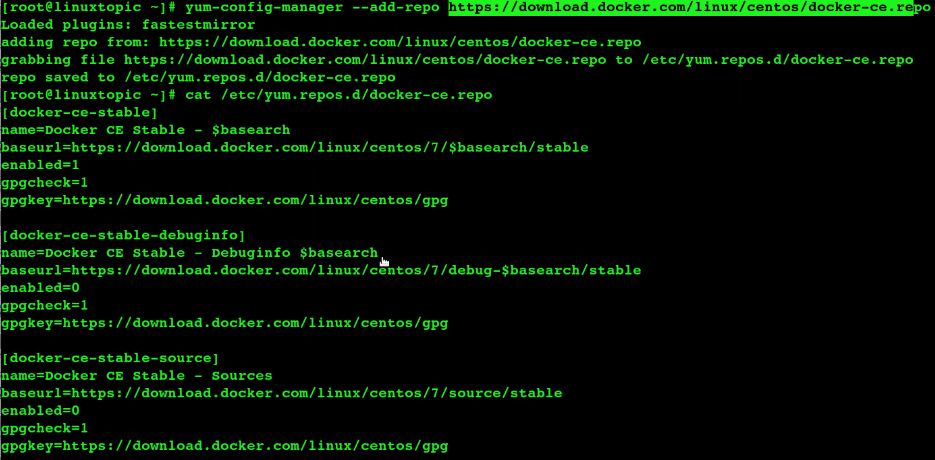
What Is Docker How To Install Docker In CentOS RHEL 7 With

Personas Mayores T o O Se or Poco Audifono Invisible Para Examenes

How To Install Gnome On CentOS 7 Computer How To
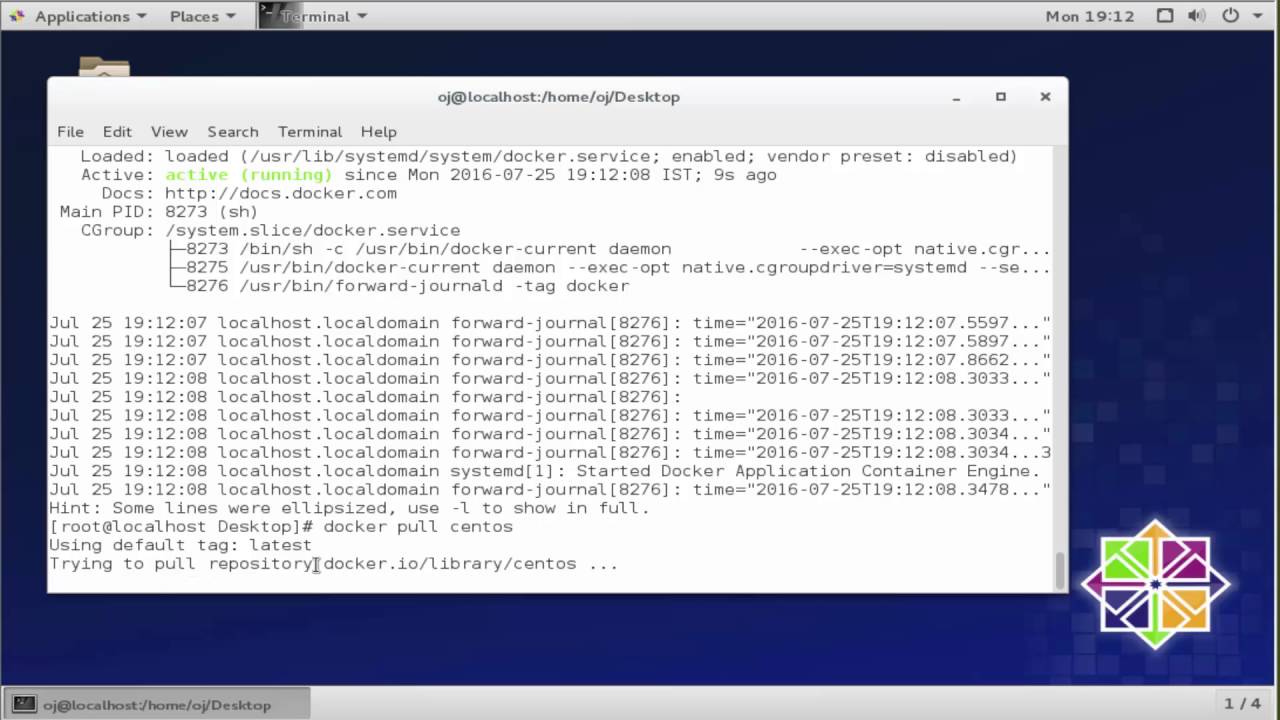
Install Docker On CentOS 7 YouTube

What Is Docker How To Install Docker In CentOS RHEL 7 With
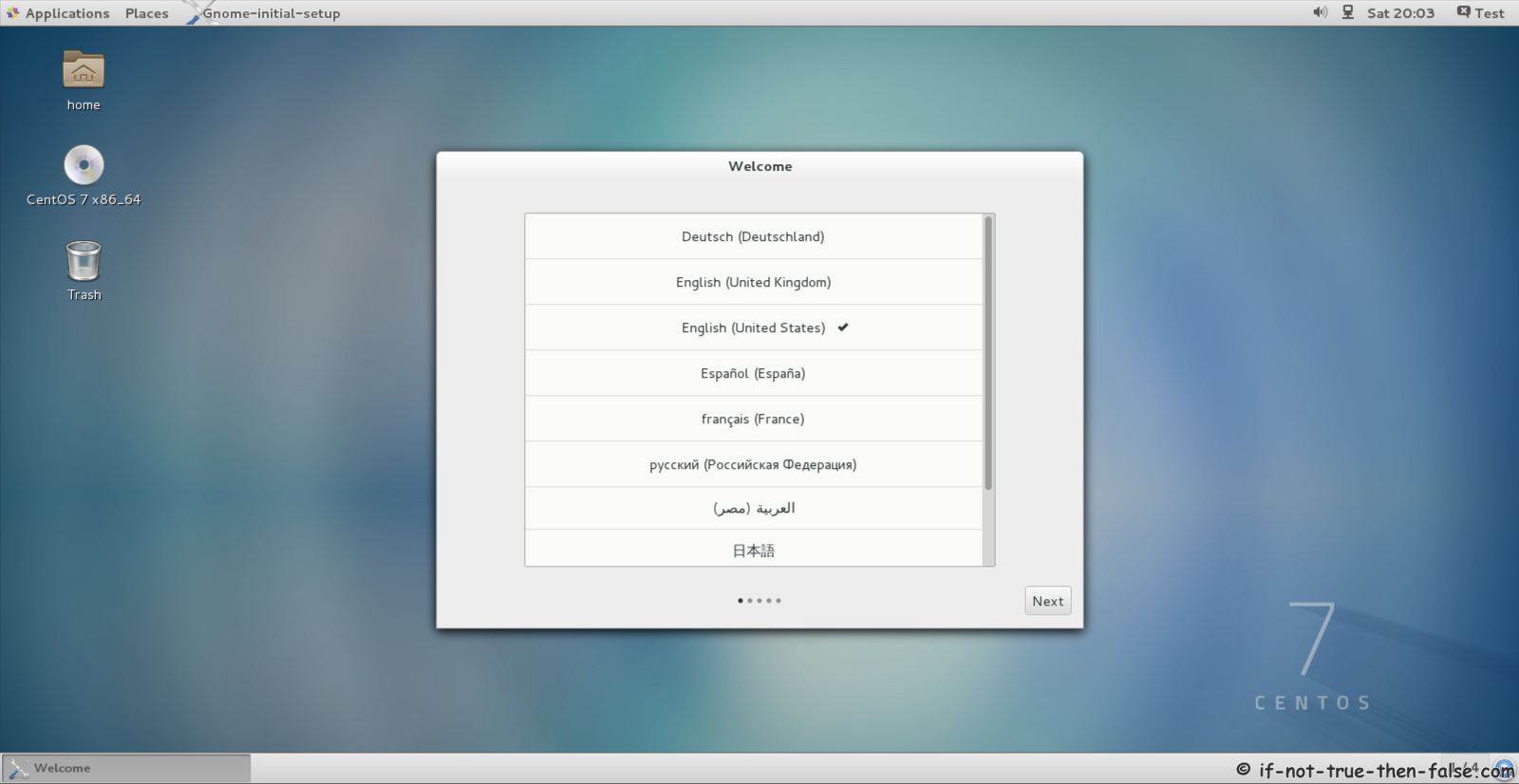
CentOS 7 5 Netinstall Guide Network Installation Screenshots Part 4

In order to install Chrome and receive adequate support you must meet the system requirements Learn more about using Chrome on your device

Learn how to install reinstall or activate Microsoft 365 or Office 2024 on a PC or Mac
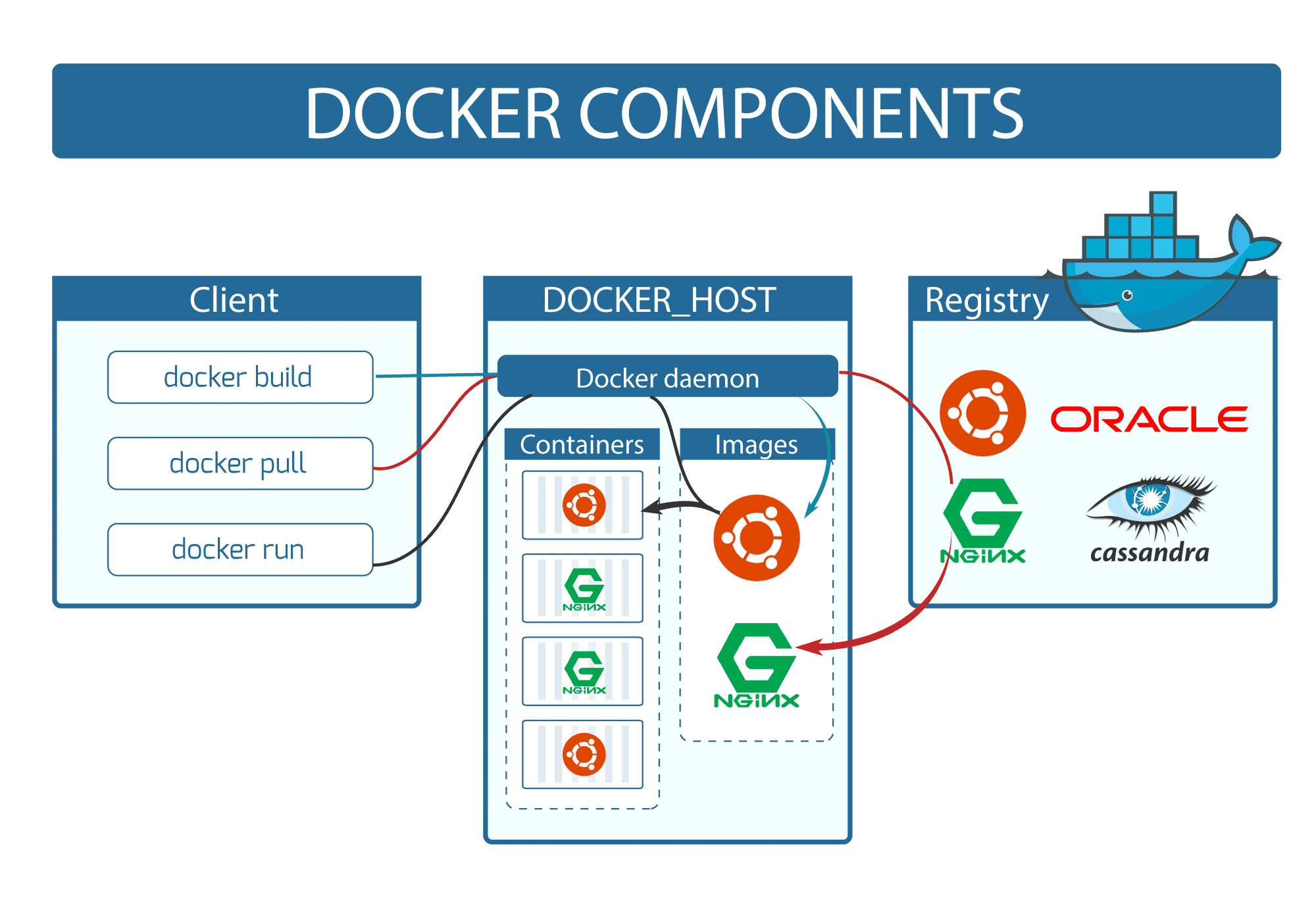
Jul 15 2025 nbsp 0183 32 Google Chrome is a fast simple and secure web browser built for the modern web Chrome combines a minimal design with sophisticated technology to make the web

Download the latest version of Microsoft Office for Windows PCs Microsoft Office provides the best experience for work creation and collaboration
Feb 14 2019 nbsp 0183 32 The easiest fastest way to update or install software Ninite downloads and installs programs automatically in the background
[desc-11] [desc-12]
[desc-13]