Install Debian Desktop Environment Terminal Best Desktop Environments For Every Debian User FOSS Linux How To Install Mate Desktop Environment In Kali Linux Systran Box How To Install Debian WikiHow Debian 9 Stretch Desktop LinuxBookPro How To Start GNOME Desktop From Command Line In Debian 1 Installing GNOME using Tasksel on Debian 11 minimal installation We will be using Tasksel to install GNOME on our Debian 11 installation It makes it very easy to install any desktop environment and automatically loads all the required packages
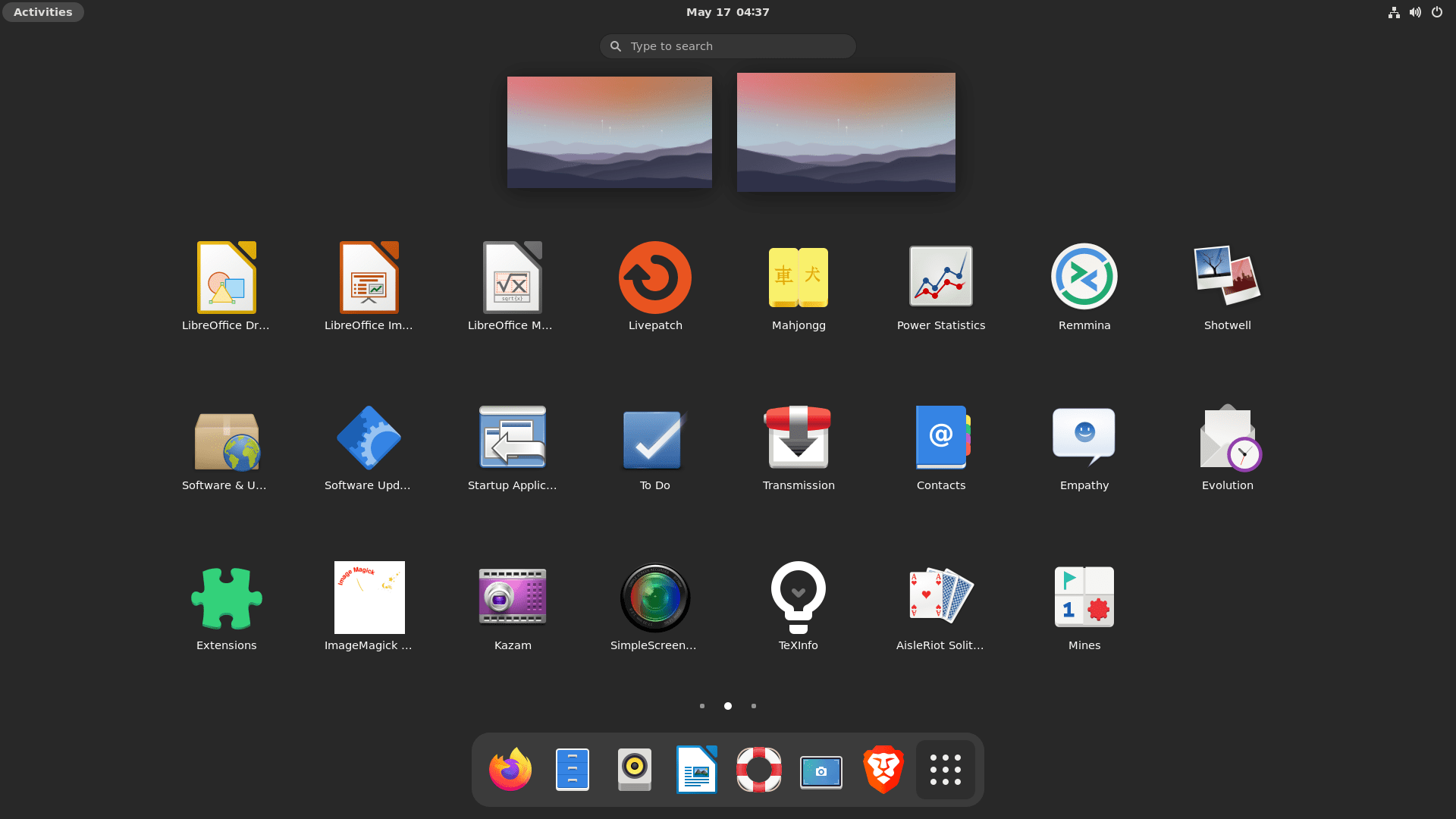
13 3 1 GNOME Debian Bullseye includes GNOME version 3 38 which can be installed by a simple apt install gnome it can also be installed by selecting the Debian desktop environment task task desktop and task gnome desktop GNOME is noteworthy for its efforts in usability and accessibility Select a Desktop Environment Installing System Enable users to create windows cifs network shares Locally Shared Group Directories Web Browser Additional packages you may want to install User Desktop Specific Adaptions GNOME Xfce Finally See also Select Appropriate Debian Release
How To Start GNOME Desktop From Command Line In Debian How To Change Debian Desktop Environment How To Change Debian Desktop Environment How To Install LXDE GUI In Debian 9 Linux RootUsers The 4 Best Debian Linux Derivatives To Check Out Linux Ubuntu How To Install XFCE Desktop Environment On Debian 11 Debian Vs Ubuntu What s The Difference Which One To Use How To Change Debian Desktop Environment Install Xfce On Debian 7 Wheezy BinaryTides
Install Debian Desktop Environment Terminal
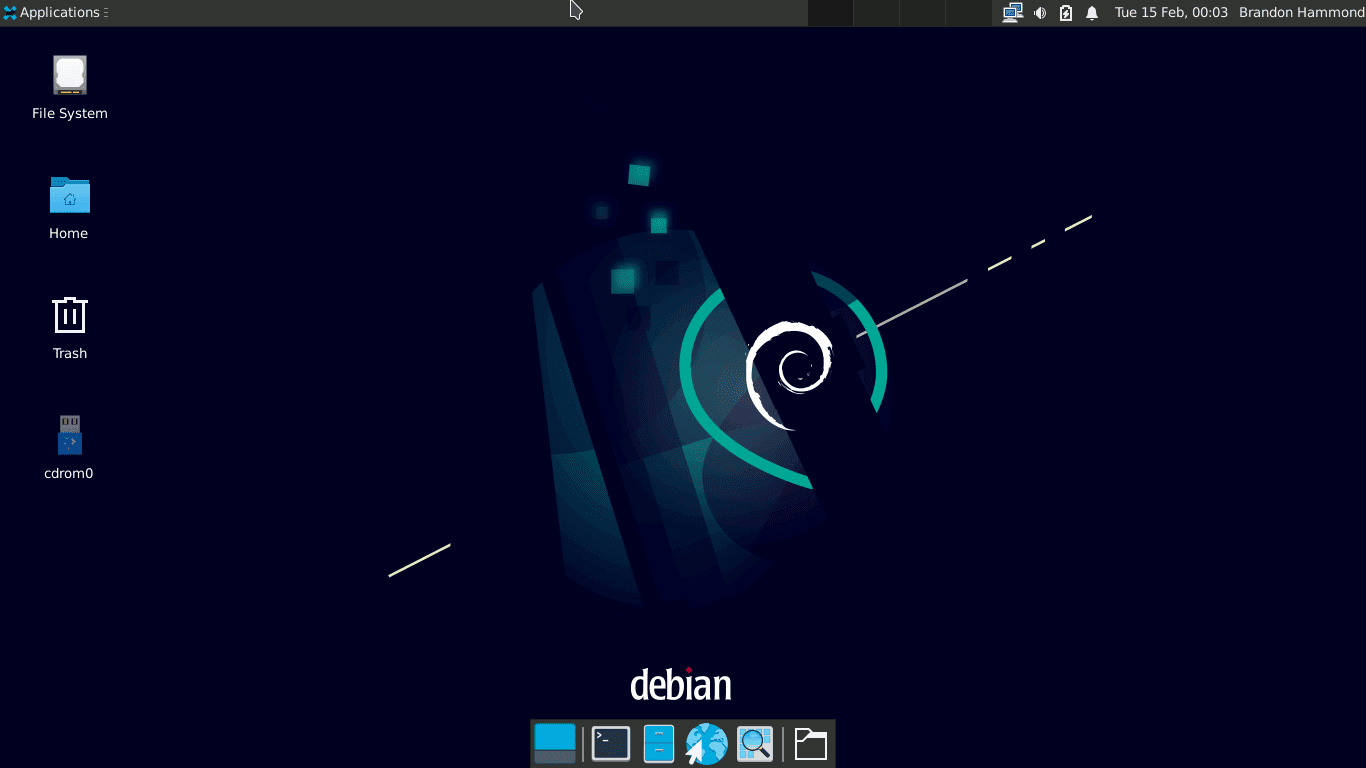 Install Debian Desktop Environment Terminal
https://www.fosslinux.com/wp-content/uploads/2022/02/Xfce-desktop.png
To install Debian GNU Linux Desktop Etch on your desktop or laptop we recommend you the multiarch DVD media With one single media you will be able to install the default desktop environment GNOME in new mac systems regular PCs i386 architecture old mac systems powerpc architecture and new PCs including high end servers amd64
Templates are pre-designed documents or files that can be used for various functions. They can conserve effort and time by providing a ready-made format and layout for producing various sort of material. Templates can be utilized for personal or expert projects, such as resumes, invites, leaflets, newsletters, reports, discussions, and more.
Install Debian Desktop Environment Terminal

How To Install Deepin Desktop Environment On Ubuntu VITUX

How To Change Debian Desktop Environment
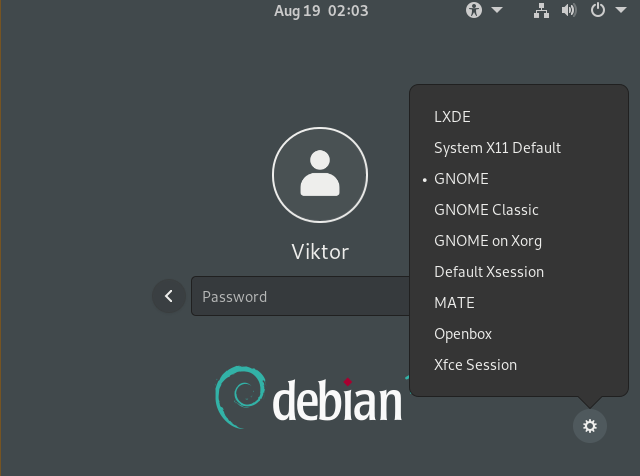
How To Change Debian Desktop Environment
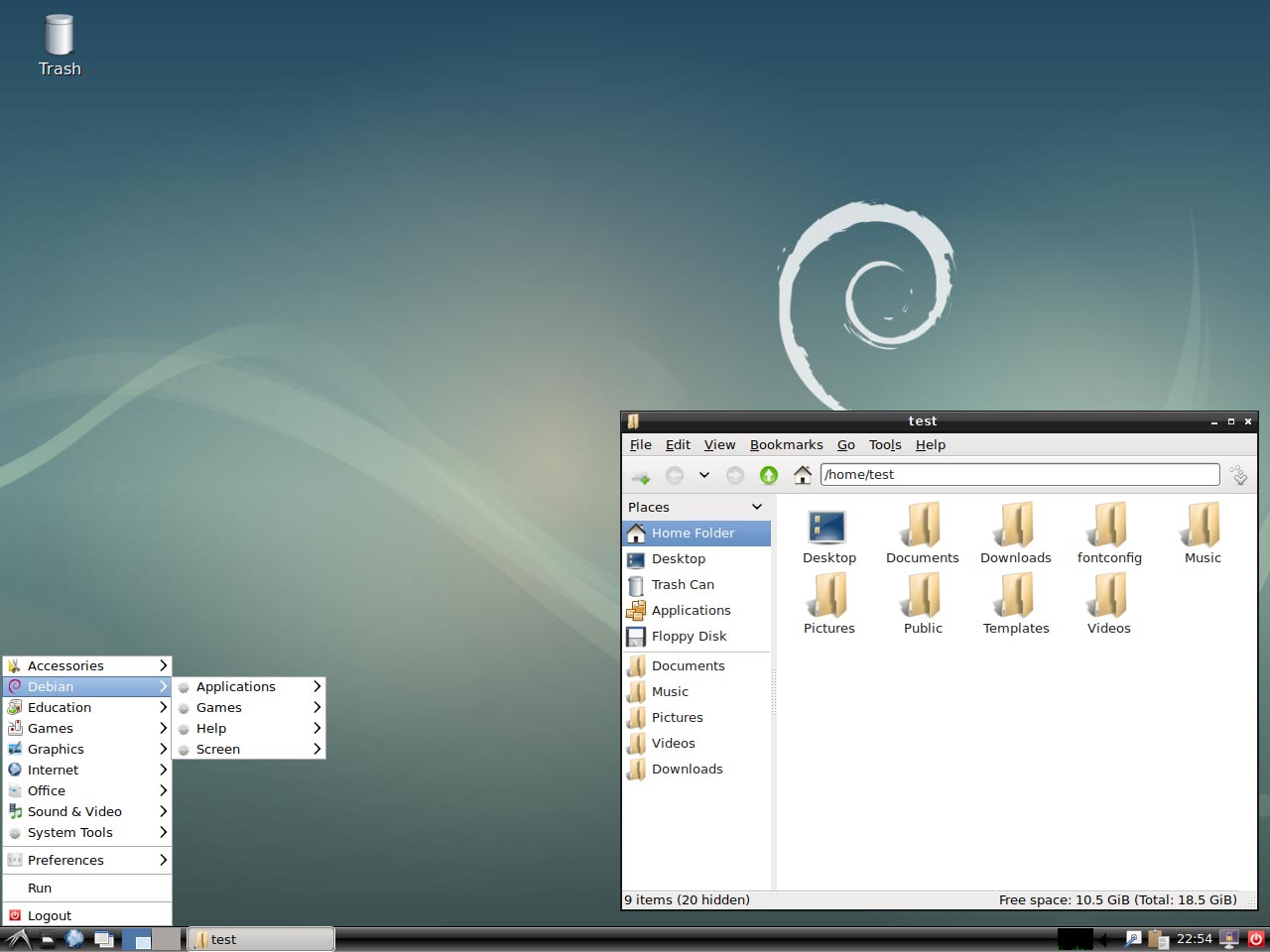
How To Install LXDE GUI In Debian 9 Linux RootUsers

How To Install XFCE Desktop Environment On Debian 11

Debian Vs Ubuntu What s The Difference Which One To Use
Method 1 Install GNOME Desktop When Installing Debian 11 Method 2 Install GNOME Desktop With Tasksel Method 3 Install GNOME Desktop Using Apt Login into GNOME Desktop Uninstall the GNOME Desktop Environment Uninstall GNOME Using Tasksel Uninstall GNOME Using APT Conclusion GNOME Features

Update the packages of Debian 12 with sudo apt update and then execute the command sudo apt install gnome stable y to install the GNOME desktop environment After the installation restart the computer to save and apply new changes In this post two different methods of installing GNOME desktop environments on Debian 12 have

Install GNOME desktop environment using the below command The installation process will require some time to get completed sudo apt y install task gnome desktop Once the GNOME desktop installation has been completed the next step is to assign the graphical runlevel

It depends on the desktop environment you are going to use For example the GNOME desktop environment could work on 4 GB RAM but it will work a lot better on 8 GB RAM If you have 4 GB or less try using KDE Cinnamon or Xfce desktops Debian also has both 32 bit and 64 bit architecture support
Download an installation image A small installation image can be downloaded quickly and should be recorded onto a removable disk To use this you will need a machine with an Internet connection 64 bit PC netinst iso 32 bit PC netinst iso 64 bit PC netinst torrents 32 bit PC netinst torrents
The process is basically the same on Linux Mint but you d search for the package in the Software Manager application instead Here s how you d install XFCE from the terminal on Ubuntu or Linux Mint sudo apt get install xfce4 The above command would give you the standard XFCE desktop environment Sudo tasksel To install Cinnamon you have to select Cinnamon and Debian desktop environment Once selected then press ENTER to let the installation begin Cinnamon DE Installation Depending upon your internet speed the installation will take some time to retrieve the packages from the web
You ll want to add this to the ssl cert group so that it has access to secure the connection sudo adduser xrdp ssl cert Next you ll have to configure XRDP so that it will start your desktop environment Open up xsession and give it the command to start your DE For XFCE that would be startxfce4