Install Deb With Dpkg Unable To Install Deb For Dpkg Ios 12 4 Issue 1411 Pwn20wndstuff Fix Make Sure Blobfuse2 Is Installed When Init Blobfuse Node Driver By Files List File Missing Final Newline Ubuntu Install deb With All Dependencies Publishingfasr How To Use Dpkg Install WEB May 22 2024 nbsp 0183 32 The i option instructs the dpkg command to install a deb software package For example we can install the jed programmers editor via its deb package
WEB Oct 9 2023 nbsp 0183 32 Install DEB Files in the Terminal If you re comfortable using the terminal the dpkg Debian Package command can install DEB files for you Here s how to use it Open the terminal Then cd into the directory where the downloaded DEB file resides In our case the file is in the Downloads directory cd Downloads WEB Mar 29 2022 nbsp 0183 32 The tool installs builds removes configures and retrieves information for Debian packages The command works with packages in deb format This guide explores the dpkg command syntax and options through various examples
How To Use Dpkg Install Package Management In Ubuntu Learn Dpkg Command With Examples Getting Started With Dpkg On Debian Based Linux Distros LaptrinhX Ubuntu Install deb With All Dependencies Lasopaaim How To Install Deb Files In Ubuntu Linux With Gdebi And Dpkg Install Deb Package On Kali Linux 4 Methods GoLinuxCloud E Could Not Get Lock Varlibdpkglock frontend It Is Held By Process Install Deb Package On Kali Linux 4 Methods GoLinuxCloud Install Deb File Using Terminal Server Articlerenew
Install Deb With Dpkg
 Install Deb With Dpkg
https://user-images.githubusercontent.com/52802742/63990736-34e99680-caf6-11e9-946e-adc16414a7c8.png
WEB Apr 26 2021 nbsp 0183 32 Use dpkg to examine the contents of a deb file by appending the c contents option dpkg c package name deb You can unpack a deb file to see and manipulate its contents by using the unpack option
Templates are pre-designed documents or files that can be utilized for various functions. They can save effort and time by supplying a ready-made format and layout for developing different sort of content. Templates can be utilized for individual or professional projects, such as resumes, invitations, leaflets, newsletters, reports, presentations, and more.
Install Deb With Dpkg
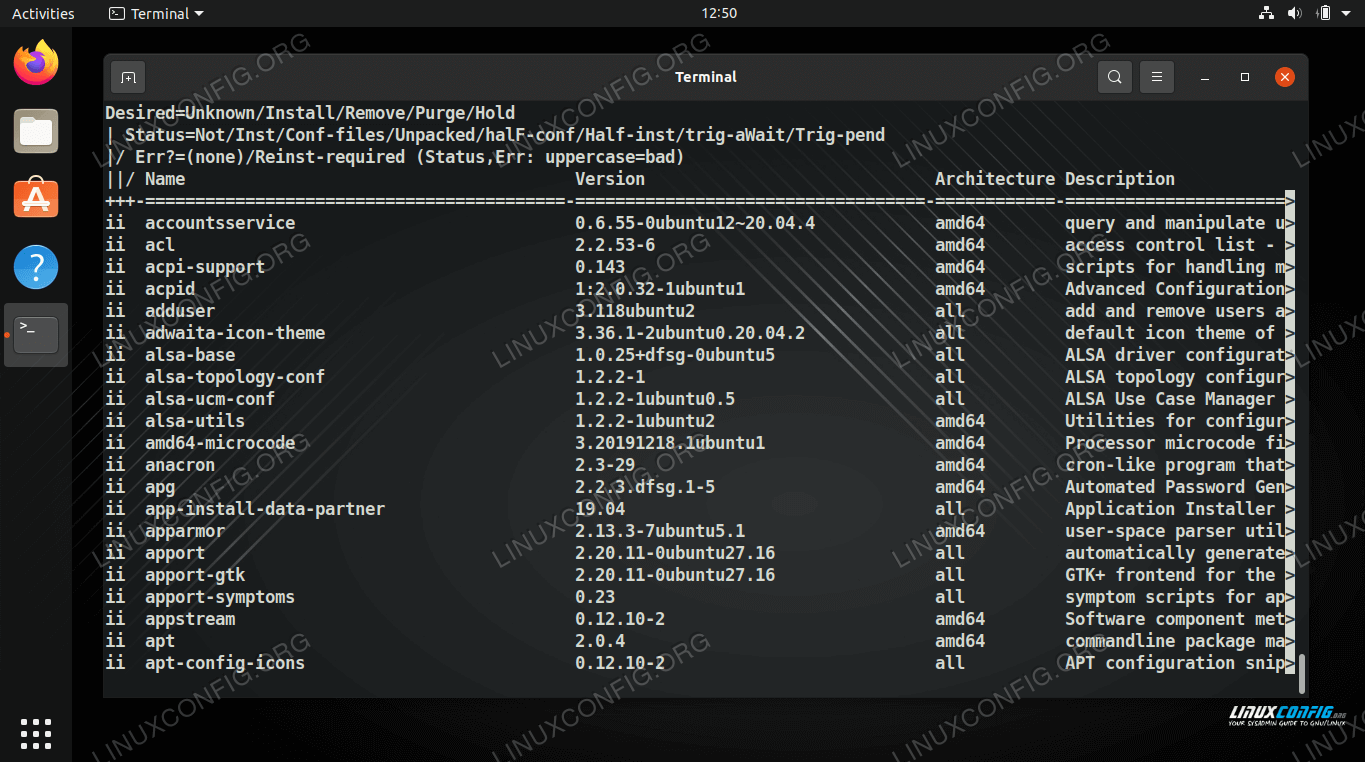
Beginners Guide To Dpkg Linux Command Linux Tutorials Learn Linux

Package Management In Ubuntu Learn Dpkg Command With Examples

Getting Started With Dpkg On Debian Based Linux Distros LaptrinhX

Ubuntu Install deb With All Dependencies Lasopaaim

Install Deb Package On Kali Linux 4 Methods GoLinuxCloud

E Could Not Get Lock Varlibdpkglock frontend It Is Held By Process
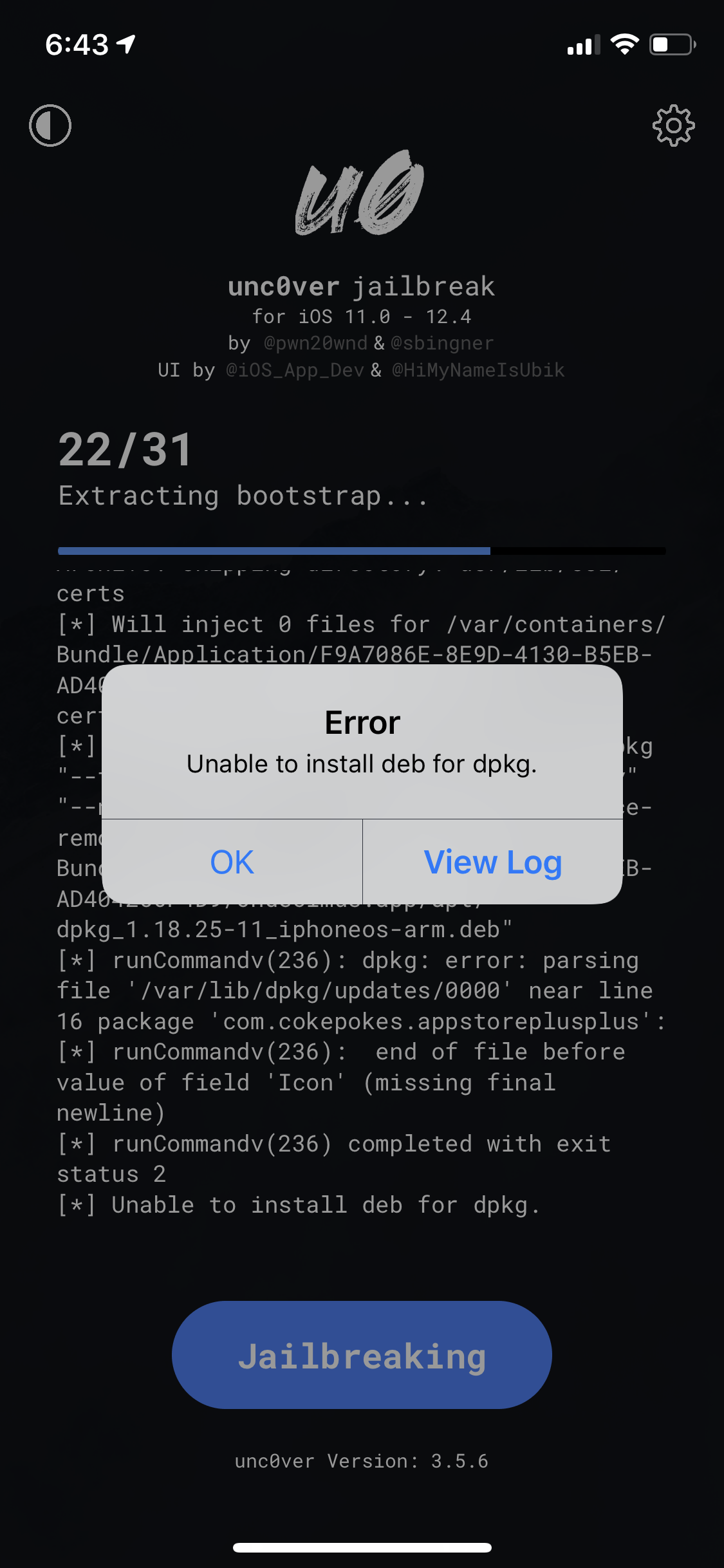
WEB The simplest answer would be to use dpkg by running dpkg i packagename deb You could then uninstall it by running dpkg r packagename deb apt get is a higher level installer based off of dpkg and as such you could apt get install packagename deb
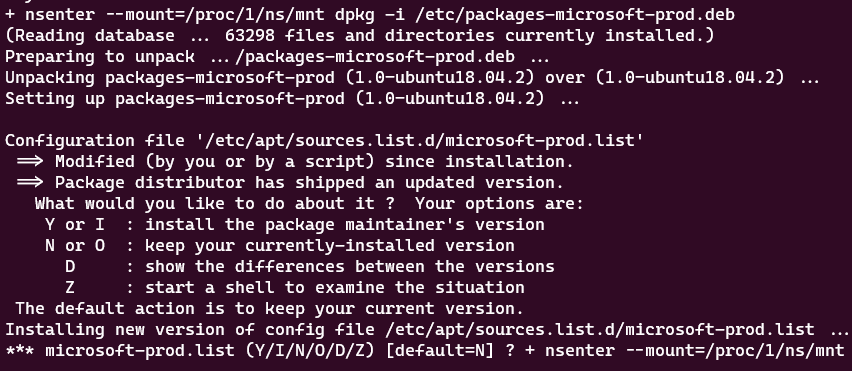
WEB May 6 2011 nbsp 0183 32 Installing deb files can be accomplished using sudo apt install lt file gt deb If you re on an older distribution you will need to run this instead sudo dpkg i lt file gt deb sudo apt get install f Installing missing dependencies

WEB Following works on Ubuntu 14 04 sudo dpkg i package deb sudo apt get f install sudo dpkg i package deb The first dpkg i run marks dependencies apt get f install installs required dependencies and the second dpkg i successfully installs the package

WEB Aug 3 2022 nbsp 0183 32 Install a package using the dpkg command The command will extract all control files for the specified package remove any previously installed older instance of the package and install the new package on our system
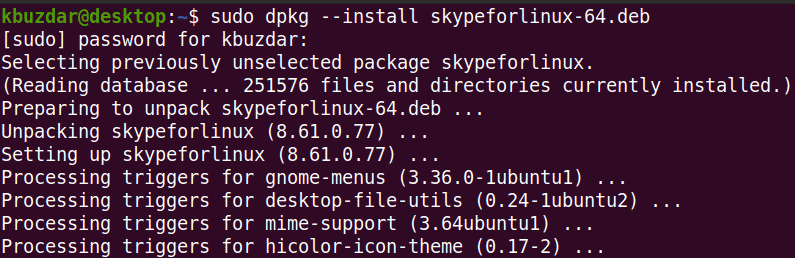
WEB To install a deb file in Ubuntu either we can use the dpkg package manager with its i option or the apt package manager with its install option
WEB Jun 14 2023 nbsp 0183 32 dpkg force confold i package deb to specify that dpkg should prefer the existing old configuration files in the case when there is a conflict More broadly the proper solution depends on how desperate you are to avoid interactive prompts and which prompts precisely you want to avoid WEB Nov 8 2017 nbsp 0183 32 Just give both packages at once when installing dpkg i libidb 0 12 0 0b81d72 0 amd64 deb python idb lt version gt amd64 deb
WEB dpkg is the base command for handling Debian packages on the system If you have deb packages it is dpkg that allows installation or analysis of their contents But this program only has a partial view of the Debian universe it knows what is installed on the system and whatever it is given on the command line but knows nothing of the other