Install Deb File Ubuntu Apt How To Install Apt In Linux Systran Box Deb File Installer Application Consultantszoom How To Install Deb File Ubuntu YouTube How Do You Install A DEB File In Ubuntu Install Deb Files With Dependencies In Ubuntu Command Line All you need to do is pour hot water double click on the file mix it well follow the instructions in the installer wizard and eat it start using the application On the other hand think of a DEB file as the ingredients you need for a recipe You ll need to put and mix everything and cook them to get the final dish ready
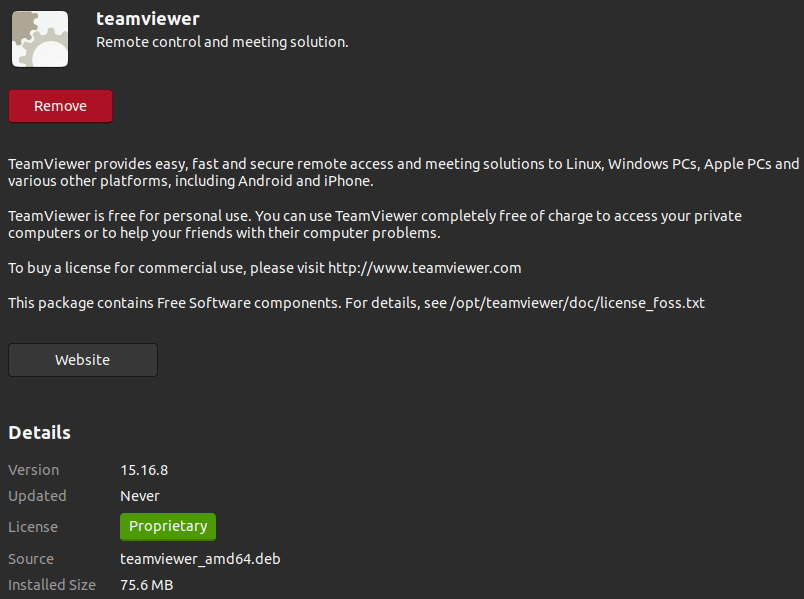
Install Deb Files on Ubuntu Using Software Center 1 First right click on the Deb file and choose Open With Other Application 2 Next choose Software Install and click Select at the top right 3 Now the Software Center will open up on the screen with information on the app you are installing Jul 13 2022 Table of Contents Installing deb files in Ubuntu is not difficult You just have to double click on it and it gets opened in the Software Center That works in most cases if you are running it on a desktop It may not work if you are running an Ubuntu server and there is no GUI
Install Deb Files With Dependencies In Ubuntu Command Line How To Install Apt file Package On Ubuntu GeeksforGeeks How To Install A Deb File In Linux Ubuntu Debian Linux DEB File What Is A deb File And How Do I Open It How To Manually Install A Deb Package Using Command Line In Ubuntu Install DEB File On Ubuntu 20 04 Focal Fossa Linux LinuxConfig C mo Instalar Archivos Deb En Ubuntu CompuHoy Linux Reparar GRUB Con Boot Repair Ubuntu 14 04 Codegeando Debian Install Deb File Guide
Install Deb File Ubuntu Apt
 Install Deb File Ubuntu Apt
https://syscdn.systranbox.com/1661355935183.png
By Bobby Borisov Updated January 22 2023 There are several ways to install deb files in Ubuntu Here I ll show you the two most straightforward ones via the command line or GUI app closely following best practices For Ubuntu users the software can come from many sources There are official repos PPAs Snap store Flathub etc
Pre-crafted templates offer a time-saving service for producing a varied range of documents and files. These pre-designed formats and layouts can be used for various personal and professional projects, consisting of resumes, invitations, leaflets, newsletters, reports, discussions, and more, streamlining the material production process.
Install Deb File Ubuntu Apt
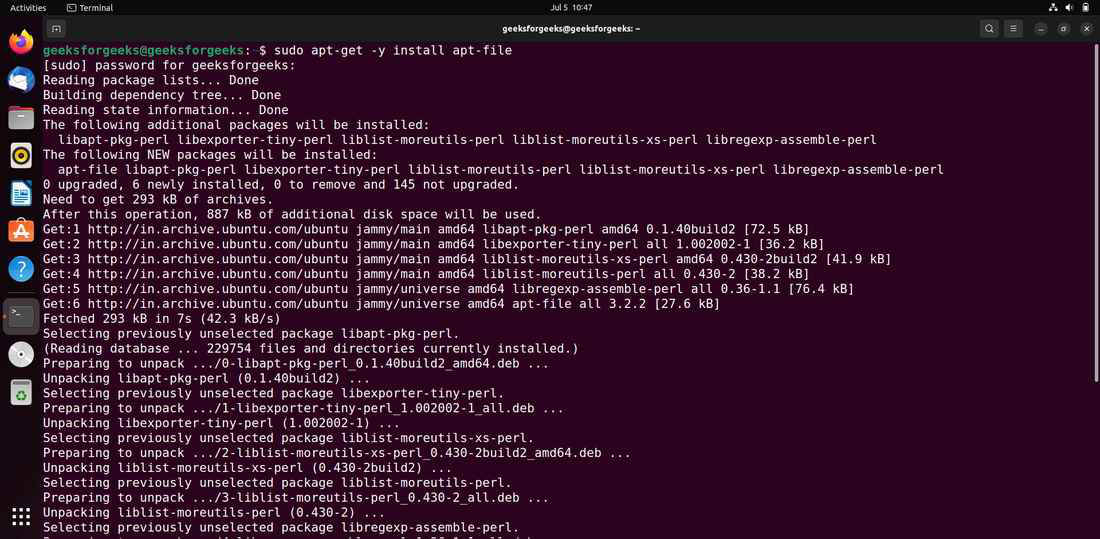
Comment Installer Le Package Apt file Sur Ubuntu StackLima
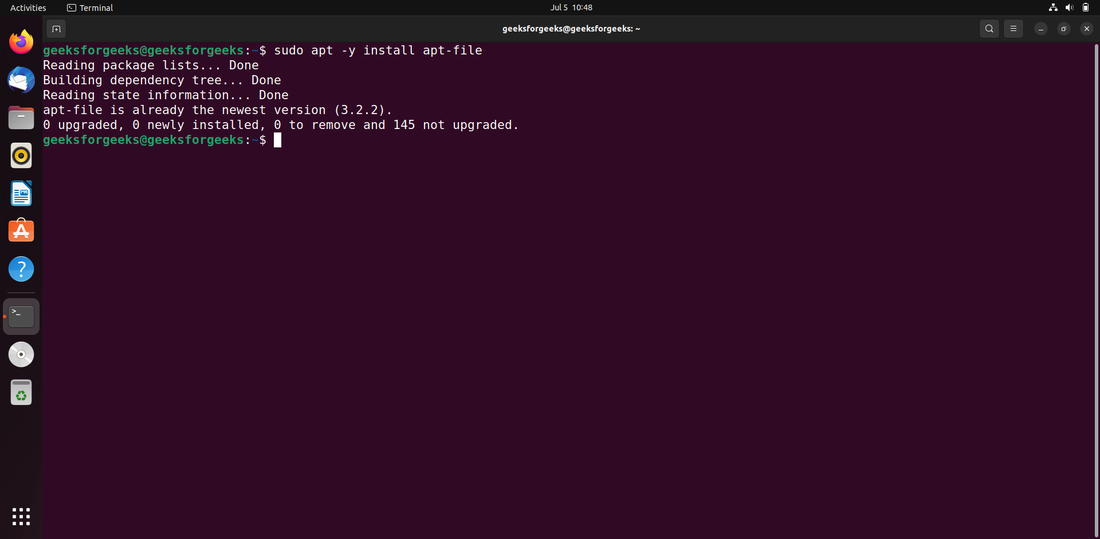
How To Install Apt file Package On Ubuntu GeeksforGeeks

How To Install A Deb File In Linux Ubuntu Debian Linux
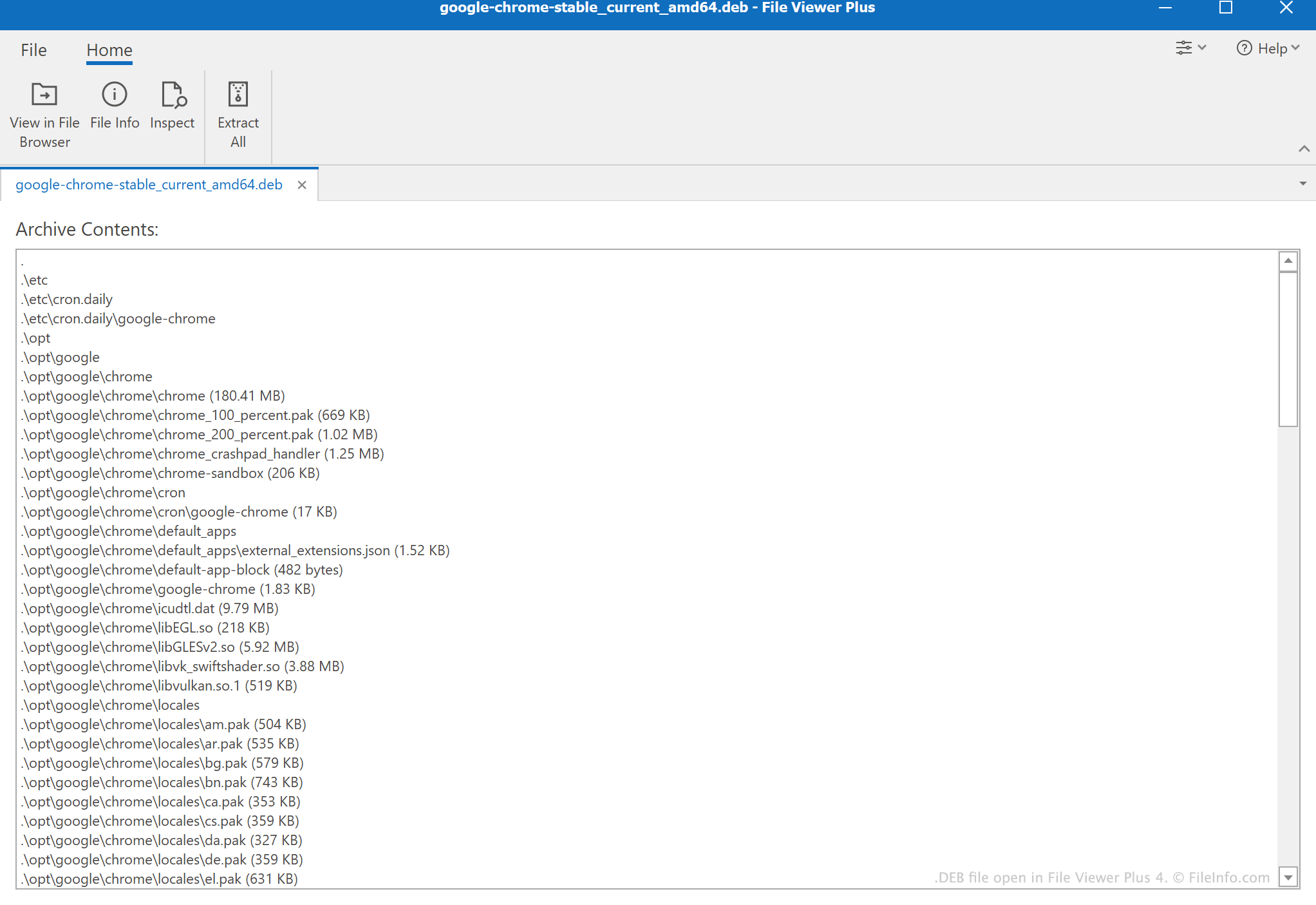
DEB File What Is A deb File And How Do I Open It

Install DEB File On Ubuntu 20 04 Focal Fossa Linux LinuxConfig
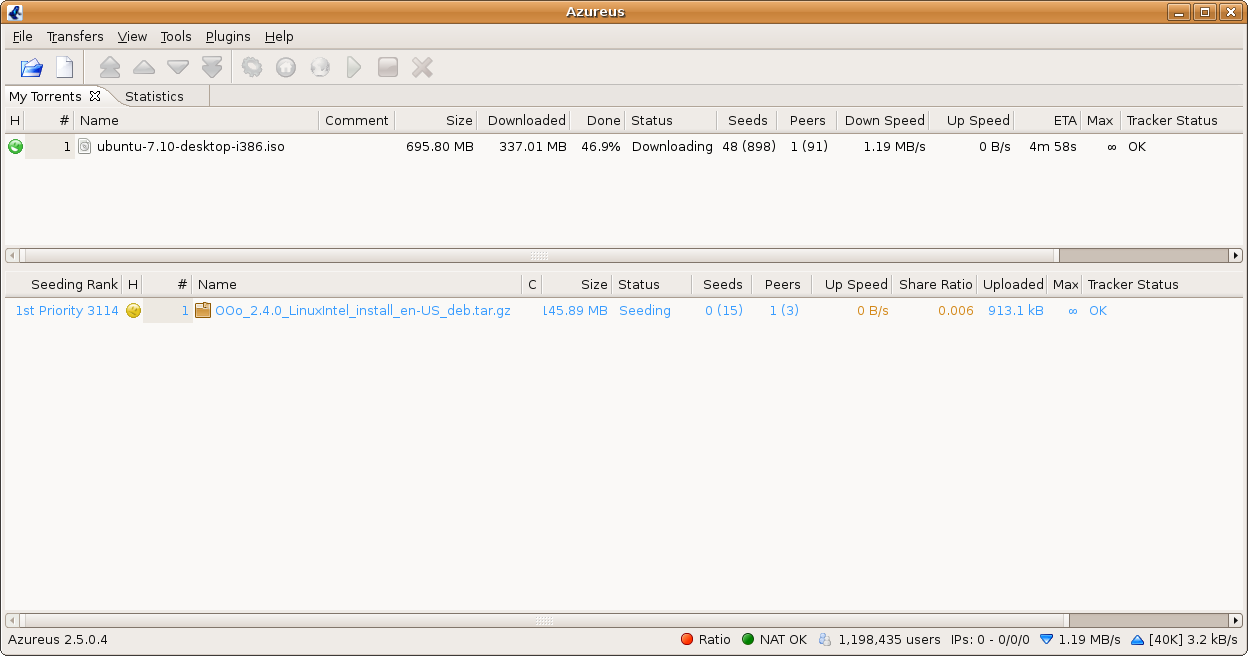
C mo Instalar Archivos Deb En Ubuntu CompuHoy

How do I install a deb file via the command line Ask Question Asked 12 years 7 months ago Modified 2 months ago Viewed 4 2m times 1422 How do I install a deb file via the command line command line software installation Share Improve this question edited Sep 15 2021 at 15 16 Braiam 67 4k 31 178 267 asked May 6 2011 at 17 40 TheXed
How to install local deb packages with apt get Ask Question Asked 13 years 2 months ago Modified 5 months ago Viewed 387k times 194 Is there a way to install packages store on your HD with apt get like apt get install package deb If not how to handle the dependencies in a very very easy way linux debian packages apt aptitude Share

Method 1 Use the default Software Center The simplest method is to use the default software center in Ubuntu Here s how you achieve that Step 1 Go to the folder where you have downloaded the Deb file It is usually the Downloads folder Right click on the deb file and select Open With Step 2
To install a deb package with the Software Center Ubuntu Software follow the simple steps below 1 Locate the downloaded deb package By default the system stores downloaded files in the Downloads directory 2 Right click the deb file and choose Open with Another Application 3 Select Software Install from the program list
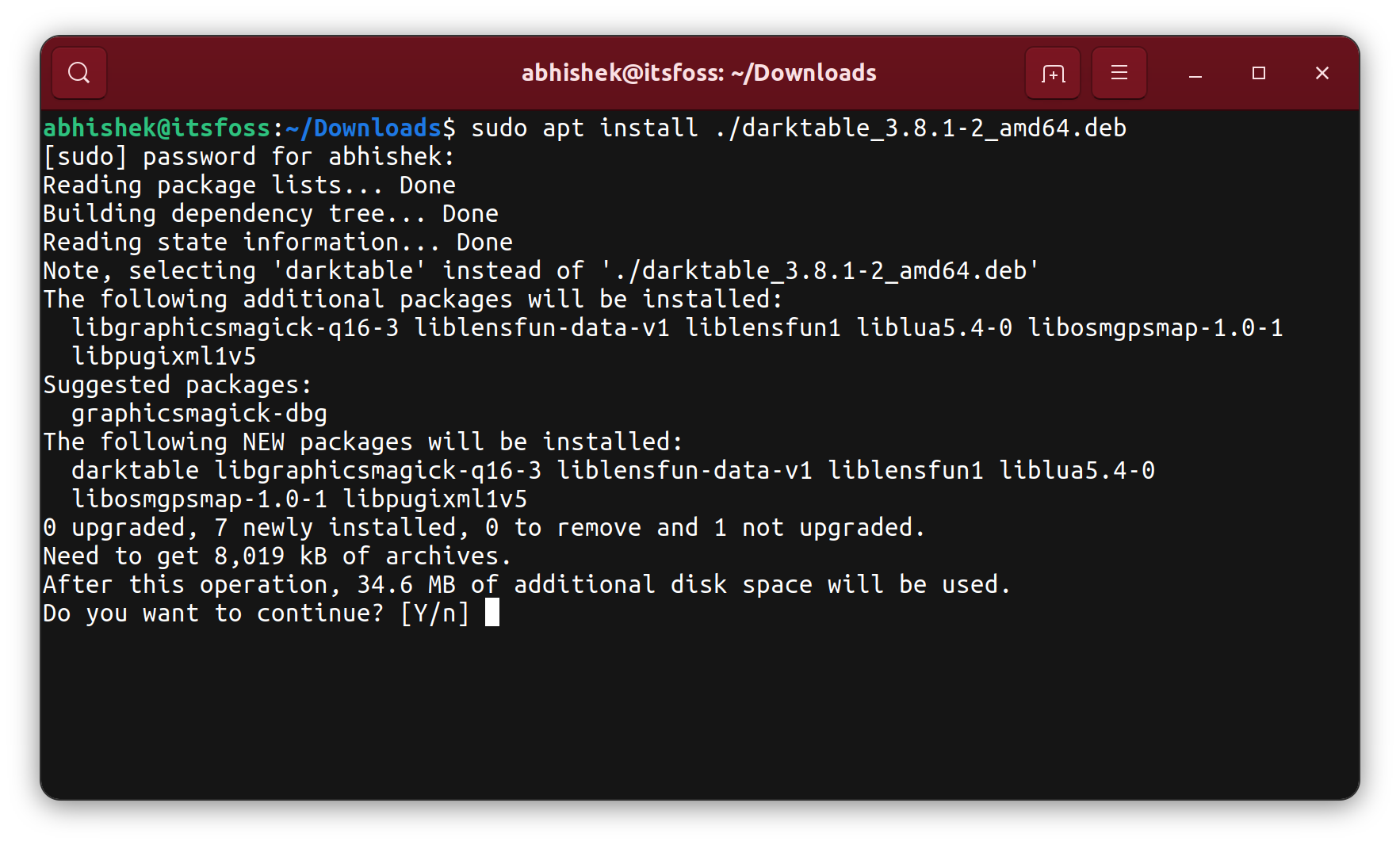
How to install a deb file by dpkg i or by apt Ask Question Asked 9 years 2 months ago Modified 8 months ago Viewed 3 6m times 1174 I have a deb package for installation Shall I install by dpkg i my deb or by apt Will both handle the software dependency problem well If by apt how can I install from the deb by apt software installation deb
What are Deb Packages Debian based operating systems like Ubuntu and Linux Mint use software packages known as deb packages short for Debian packages These packages include all files including executables scripts and configuration files required to install and run software Installing deb files in Ubuntu and Debian is a straightforward process that can be done using the Ubuntu Software Center or Debian Software Center the dpkg command or the apt get command By following the steps outlined in this article you can easily install software packages in Ubuntu and Debian using deb files apt deb dpkg ADVERTISEMENT
Install deb files in Ubuntu and Other Derivatives 4 Methods Terminal Method using GDEBI Package Manager Install deb files using dpkg Package Manager Install deb files using apt GUI Method using Software For old Ubuntu releases until Ubuntu 23 04 How to uninstall the deb file package Closing Notes