Install Conda Mac Install Conda Mac Ksehere Install Conda Mac Ksehere Install Conda Mac Ksehere Conda MacOS Conda Alternatives And Similar Software AlternativeTo Web Jan 1 2021 nbsp 0183 32 Installation is simple run the installer and you have conda up and running This will install an M1 native conda and that conda s default environment will by default install M1 native python versions and M1 native versions of modules if available
Web Aug 18 2023 nbsp 0183 32 Step 1 Download the Anaconda Installer To begin we need to download the Anaconda installer which includes Conda Python and over 100 scientifically tested and optimized packages Visit the Anaconda distribution page and download the Python 3 x graphical installer for macOS Step 2 Run the Installer Web Apr 5 2023 nbsp 0183 32 Installing Anaconda on a Mac macOS is a straightforward process and can be done in just a few steps Here is a step by step guide on how to do it Go to https www anaconda products distribution download section Under Anaconda Distribution you should see a download button will auto detect that you are on macOS
Conda Alternatives And Similar Software AlternativeTo Windows Installation HELICS Documentation Download Macos Mojave Vmware Bestnfiles Mac conda conda pip mac Conda CSDN Can t Install Fbprophet With Conda or Pip In An Apple M1 Install Conda TensorFlow gpu And Keras On Ubuntu 18 04 Conda Install Opencv Mac Os Raillalaf Mac OS Installation With Conda Tutorial Molywood Mac Conda
Install Conda Mac
 Install Conda Mac
https://i1.wp.com/dellwindowsreinstallationguide.com/wp-content/uploads/2020/08/conda49-1024x605.png
Web Feb 4 2020 nbsp 0183 32 4 Answers Sorted by 15 I am not a Mac user but I think you can run anaconda commands directly from the terminal just like in Ubuntu There s no anaconda prompt in Mac Share Improve this answer Follow answered Feb 4 2020 at 5 11 terminatorash2199 255 3 10 1
Pre-crafted templates offer a time-saving solution for developing a varied variety of files and files. These pre-designed formats and layouts can be utilized for numerous individual and professional tasks, including resumes, invitations, flyers, newsletters, reports, discussions, and more, streamlining the material production procedure.
Install Conda Mac
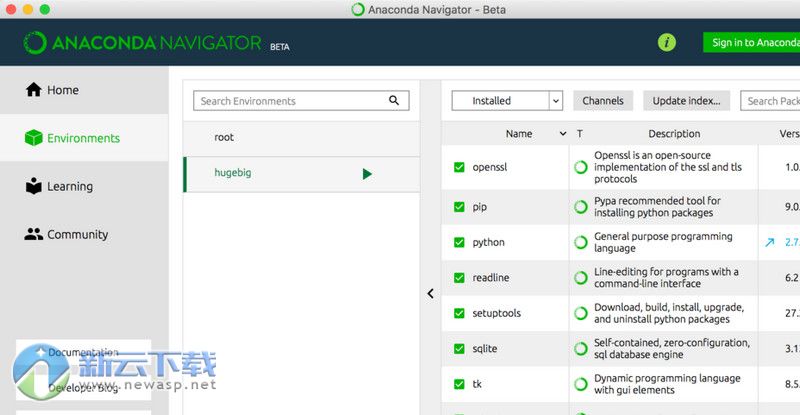
Conda Mac Install Mac Conda 4 3 30 2

Windows Installation HELICS Documentation

Download Macos Mojave Vmware Bestnfiles
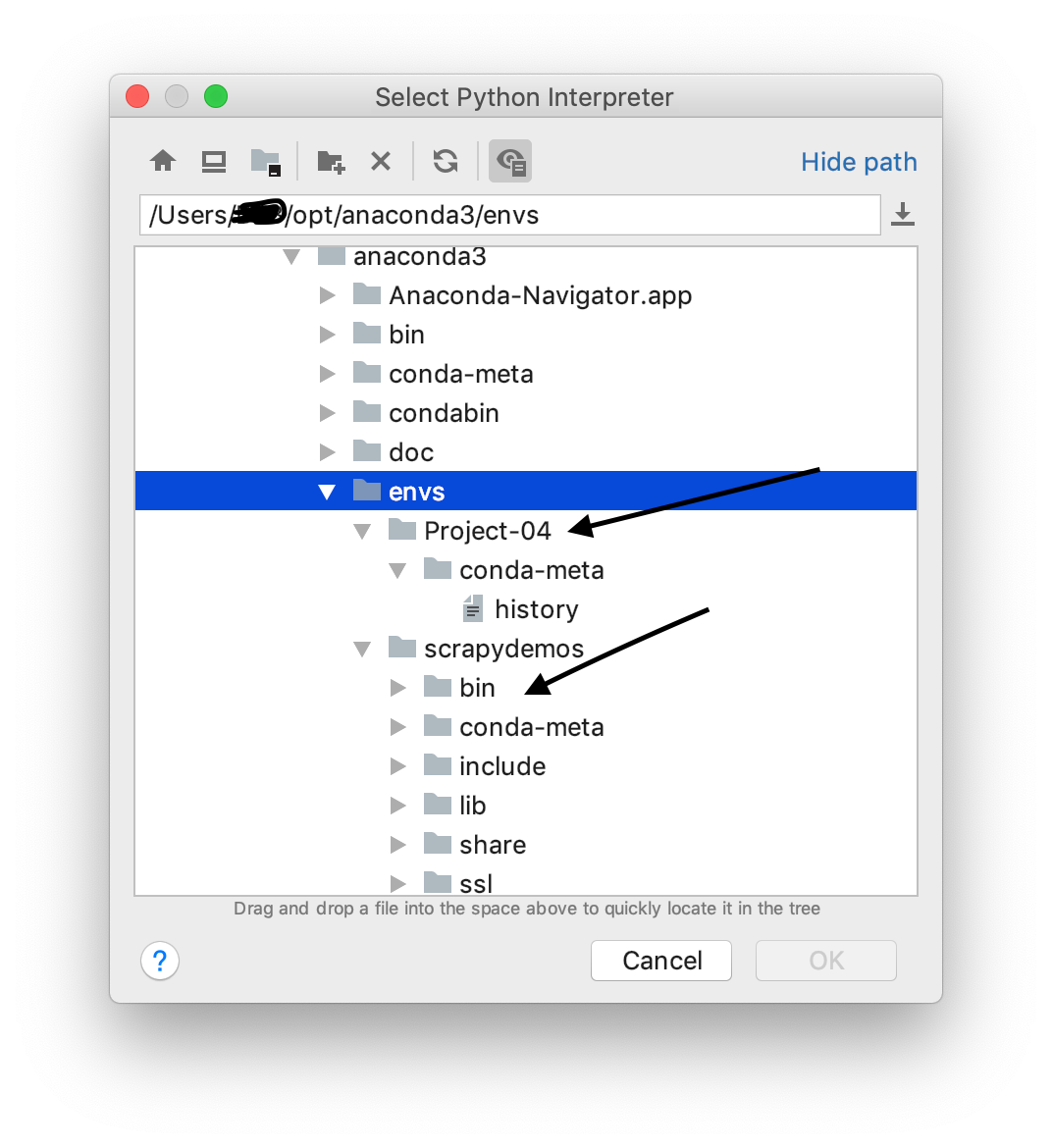
Mac conda conda pip mac Conda CSDN

Install Conda TensorFlow gpu And Keras On Ubuntu 18 04
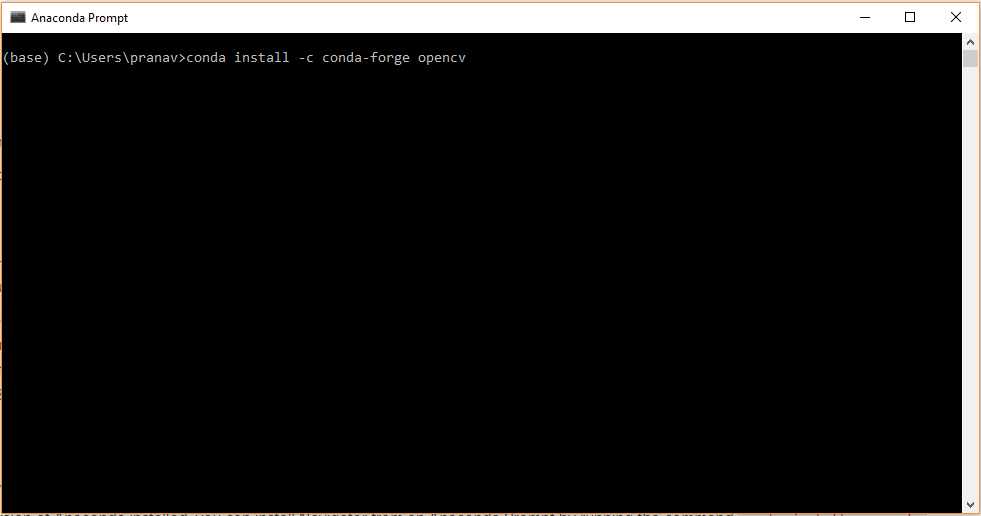
Conda Install Opencv Mac Os Raillalaf

Web Mar 28 2020 nbsp 0183 32 New answer using only the terminal for mac zsh This is how I did it only using the terminal and apple s now default zsh install python install brew bin bash c quot curl fsSL https raw githubusercontent Homebrew install HEAD install sh quot install wget to get miniconda brew install wget get miniconda wget https repo anaconda
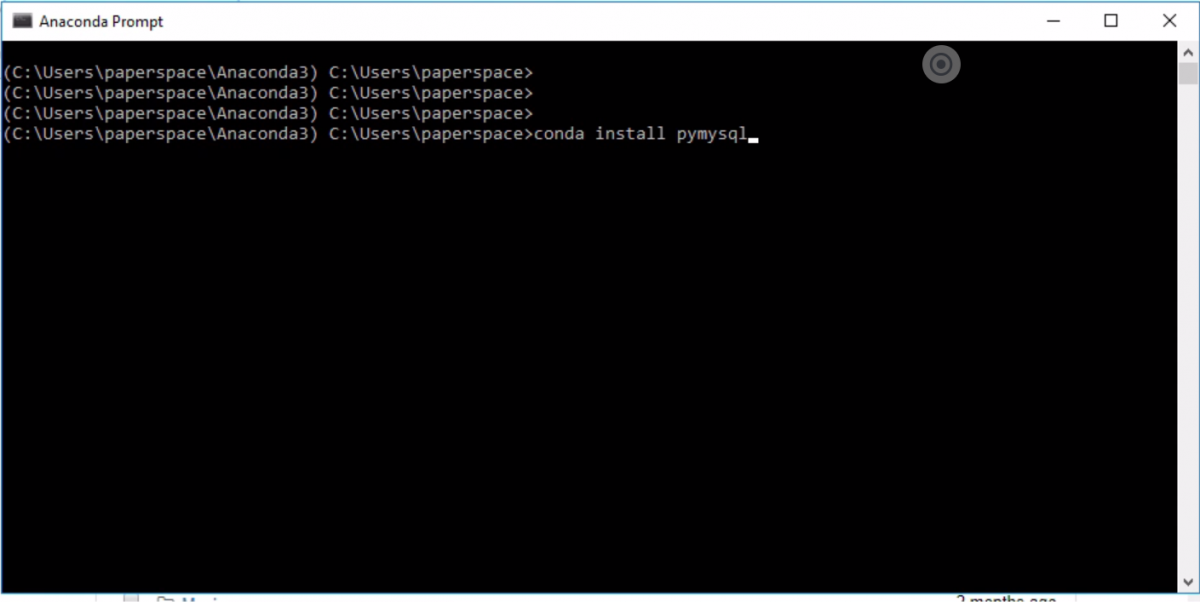
Web Getting started with conda Installation Downloading conda Installing on Windows Installing on macOS Installing on Linux RPM and Debian Repositories for Miniconda Configuration Tasks Cheat sheet Troubleshooting Conda configuration Command reference Glossary Developer guide Release notes

Web Wizard install Download the graphical macOS installer for your version of Python Double click the downloaded file and click Continue to start the installation Answer the prompts on the Introduction Read Me and License screens Anaconda recommends that you choose Install for me only If you do

Web Conda is a powerful package manager and environment manager that you use with command line commands at the Anaconda Prompt for Windows or in a terminal window for macOS or Linux This 20 minute guide to getting started with conda lets you try out the major features of conda

Web Download Anaconda Distribution Version Release Date Download For High Performance Distribution Easily install 1 000 data science packages Package Management Manage packages
[desc-11] [desc-12]
[desc-13]