Install Centos 8 On Virtualbox Using Vagrant Install CentOS 8 Server On Virtualbox Only Command Line Interface CentOS 7 GUI Install On Oracle VM VirtualBox And Putty Access Part 2 CentOS 8 1 Released With New Security Tools For Servers And Containers Install VirtualBox 5 On CentOS 7 RHEL 7 ITzGeek How To Install CentOS 8 Server Linux Hint Mar 22 2025 nbsp 0183 32 download micro soft word 2016 free versionThere is no free version of Office 2016 If you purchased it in the past you can re install from your associated account An alternative
Mar 16 2025 nbsp 0183 32 I have a license for Microsoft Visio 2021 Professional edition Unfortuantely there is no install media I have found Where can we download the installation media It is not attached Select Install for no charge items or the item s price Tips To check that an app is reliable find out what other people say about it Under the app s title check the star ratings and the number
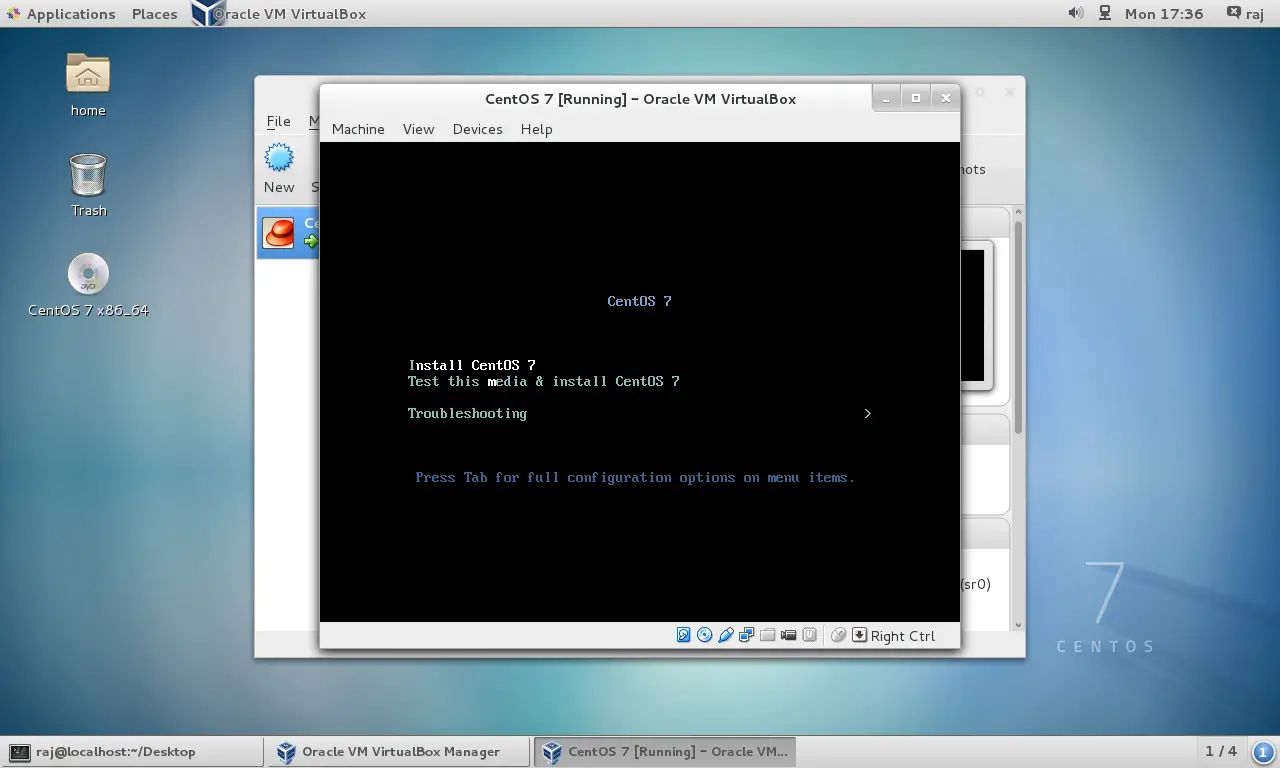
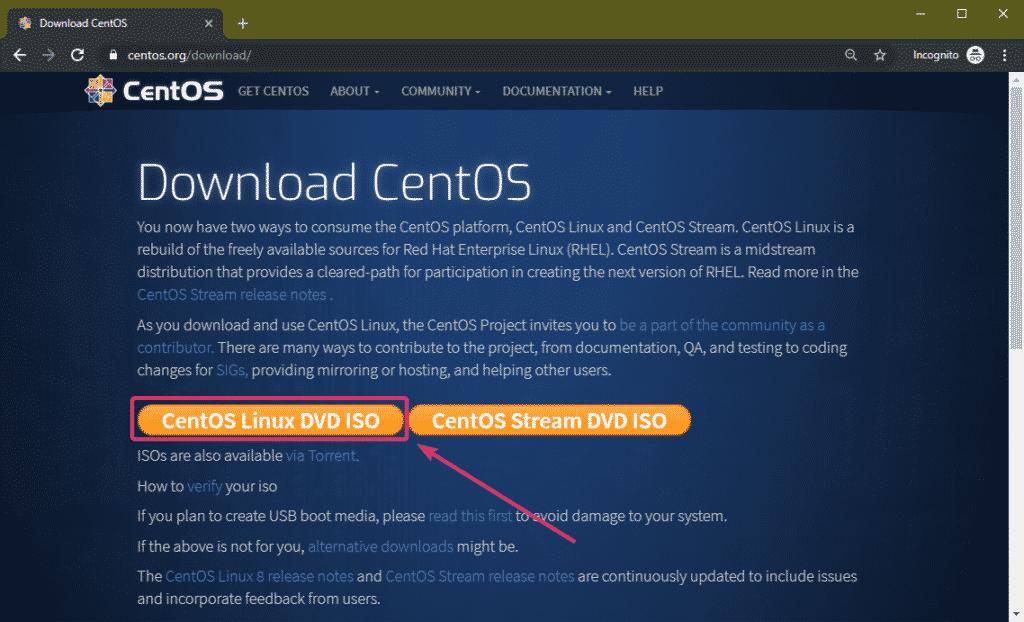
How To Install CentOS 8 Server Linux Hint Bedienung M glich Weise Astronaut Centos Install Dvd Recyceln Maische How To Install Latest VirtualBox And Extension Pack In Arch Linux How To Install CentOS 8 On VirtualBox 100 Full Screen How To Install VirtualBox 6 0 On CentOS 8 RHEL 8 How To Install Centos 8 On Virtualbox Install Centos 7 On Virtualbox How To Install VirtualBox 6 0 On How To Install RedHat RHEL 8 Linux On VirtualBox Hello Sunil How To Install CentOS 8 Linux Step By Step With Screenshots LaptrinhX
Install Centos 8 On Virtualbox Using Vagrant
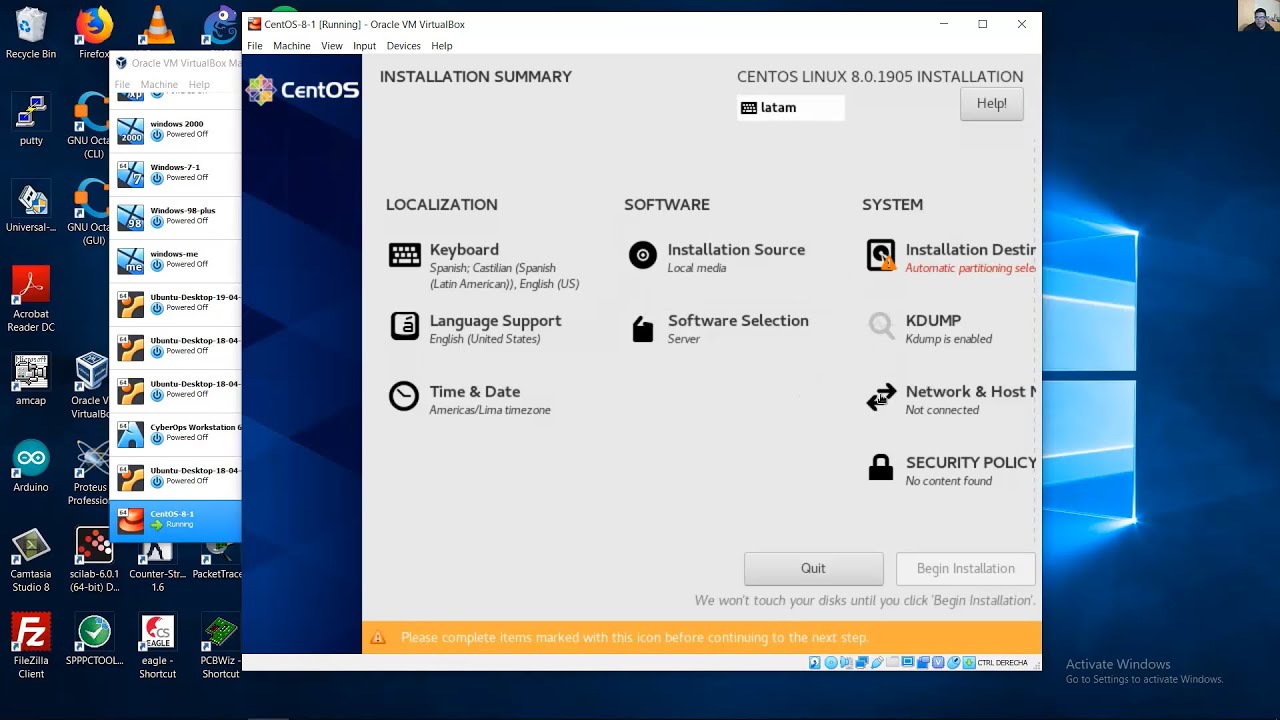 Install Centos 8 On Virtualbox Using Vagrant
https://benisnous.com/wp-content/uploads/2020/09/Install-CentOS-8-Server-on-Virtualbox-Only-Command-Line.jpg
Feb 21 2025 nbsp 0183 32 I purchased Office 2024 off of Amazon SO HOW DO I DOWNLOAD IT Microsoft tells me to go here and there to download Office but they are all dead ends I
Templates are pre-designed documents or files that can be utilized for various purposes. They can conserve time and effort by offering a ready-made format and layout for developing different kinds of material. Templates can be used for personal or professional tasks, such as resumes, invitations, flyers, newsletters, reports, presentations, and more.
Install Centos 8 On Virtualbox Using Vagrant
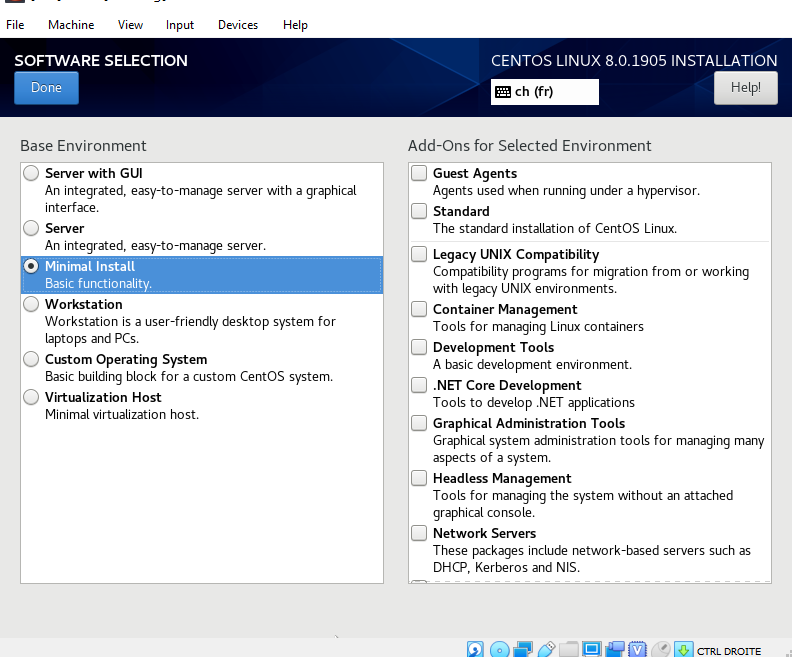
Dbi Blog

Bedienung M glich Weise Astronaut Centos Install Dvd Recyceln Maische

How To Install Latest VirtualBox And Extension Pack In Arch Linux

How To Install CentOS 8 On VirtualBox 100 Full Screen

How To Install Centos 8 On Virtualbox
Install Centos 7 On Virtualbox How To Install VirtualBox 6 0 On

Puedes descargar e instalar el navegador web Chrome sin coste econ 243 mico y usarlo para navegar por la Web
Jan 14 2025 nbsp 0183 32 Split from this thread I just purchased office home 2024 I need help to download and install

Dec 4 2024 nbsp 0183 32 Hi Felix see if this helps Download install or reinstall Microsoft 365 Office 2024 or Office 2021 on a PC or Mac Microsoft Support
Official Google Chrome Help Center where you can find tips and tutorials on using Google Chrome and other answers to frequently asked questions
On your iPhone or iPad open App Store In the search bar enter Chrome Tap Get To install follow the on screen instructions If prompted enter your Apple ID password To start
[desc-11] [desc-12]
[desc-13]