Install Brew On Mac M1 How To Install Homebrew On Mac Qolko Installing Brew On An M1 Based Mac How To Install Homebrew brew On M1 Mac IFixit s Teardown Shows How Similar The New M1 MacBook Is How To Install Homebrew On Mac And Why You Should Do It 2022 Web Feb 26 2022 nbsp 0183 32 HOW TO Install Homebrew on M1 and M2 Macs Running macOS Monterey 1 Open terminal and run bin bash c quot curl fsSL https raw githubusercontent Homebrew install HEAD install 2 Be patient after a minute or so Homebrew will be installed on your Mac 3 However if you run brew you ll
Web Feb 10 2021 nbsp 0183 32 How to install homebrew brew on M1 Mac Last Updated 10 Feb 2021 17 41 GMT User c2cDev Homebrew now provides native support for MacBooks with M1 Silicon installing brew on macOS Big Sur is simple just open terminal and run the below command bin bash c quot curl fsSL Web Dec 1 2020 nbsp 0183 32 macOS Homebrew running natively on M1 Apple Silicon ARM has partial functionality We recommend installing into opt homebrew and forbid installing into usr local to avoid clashing with the macOS Intel install and allow their usage side by side We currently recommend running Homebrew using Intel emulation with Rosetta 2
How To Install Homebrew On Mac And Why You Should Do It 2022 How To Install Homebrew On Mac In 2022 Complete Guide Install Homebrew brew On Mac M2 Code2care Mac M1 brew nvm Apple Mac Mini Teardown Offers A Look At The New M1 Chip On The Smaller How To Install Python2 In A Macbook M1 With Brew DEV Community How To Install Homebrew brew On M1 Mac Code2care MacOS Install Unity On Apple Silicon M1 Brew Mono Visual Studio This M1 MacBook Pro At B H Photo Is The Top Apple Deal To Get Today
Install Brew On Mac M1
 Install Brew On Mac M1
https://qolko.com/wp-content/uploads/2022/03/Homebrew-on-Mac.png
Web Sep 4 2022 nbsp 0183 32 Installing brew on M1 M2 ARM Mac Last Updated 2022 09 04 09 44 07 GMT User c2cDev Topic MacOS If you have an ARM based M1 or M2 Apple Silicon Mac and want to install Brew homebrew follow the below steps Open Terminal App Now run the script Copy
Templates are pre-designed files or files that can be utilized for different purposes. They can save time and effort by supplying a ready-made format and layout for creating different sort of content. Templates can be utilized for personal or expert jobs, such as resumes, invitations, flyers, newsletters, reports, presentations, and more.
Install Brew On Mac M1

Install Brew On M1 Mac Unleash The Noise
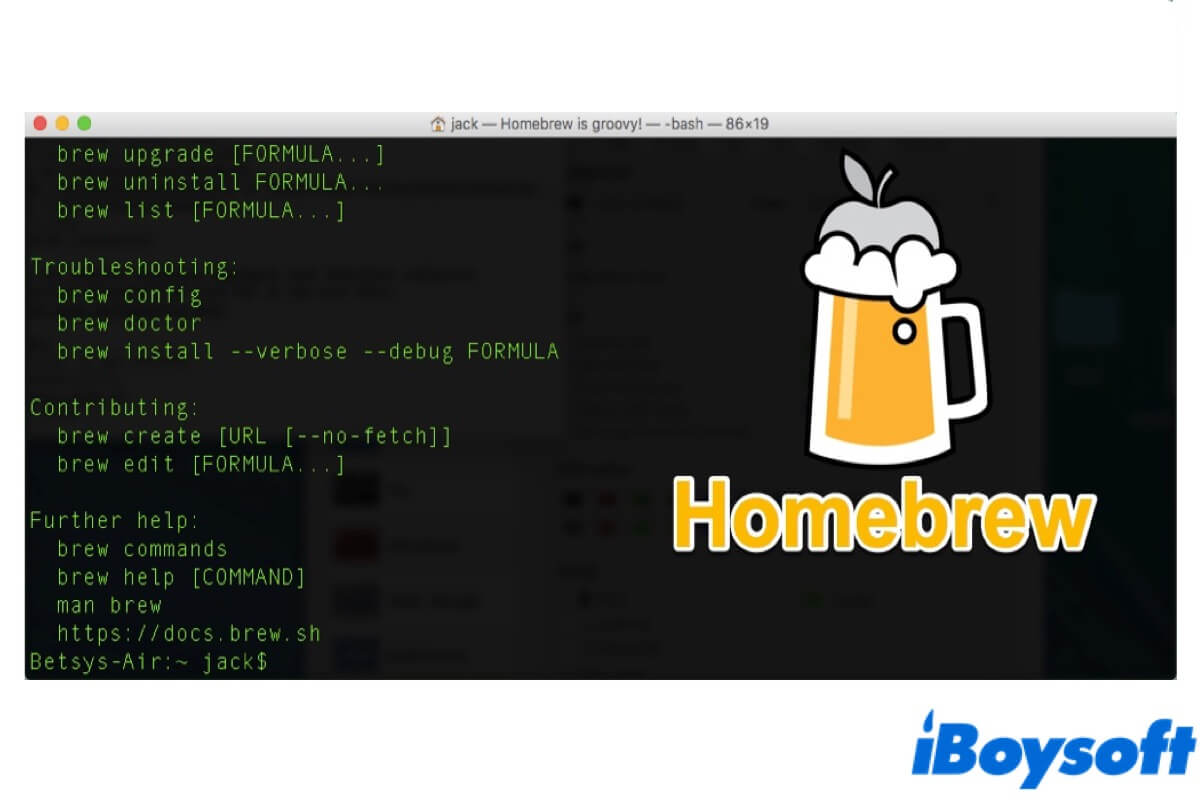
How To Install Homebrew On Mac In 2022 Complete Guide
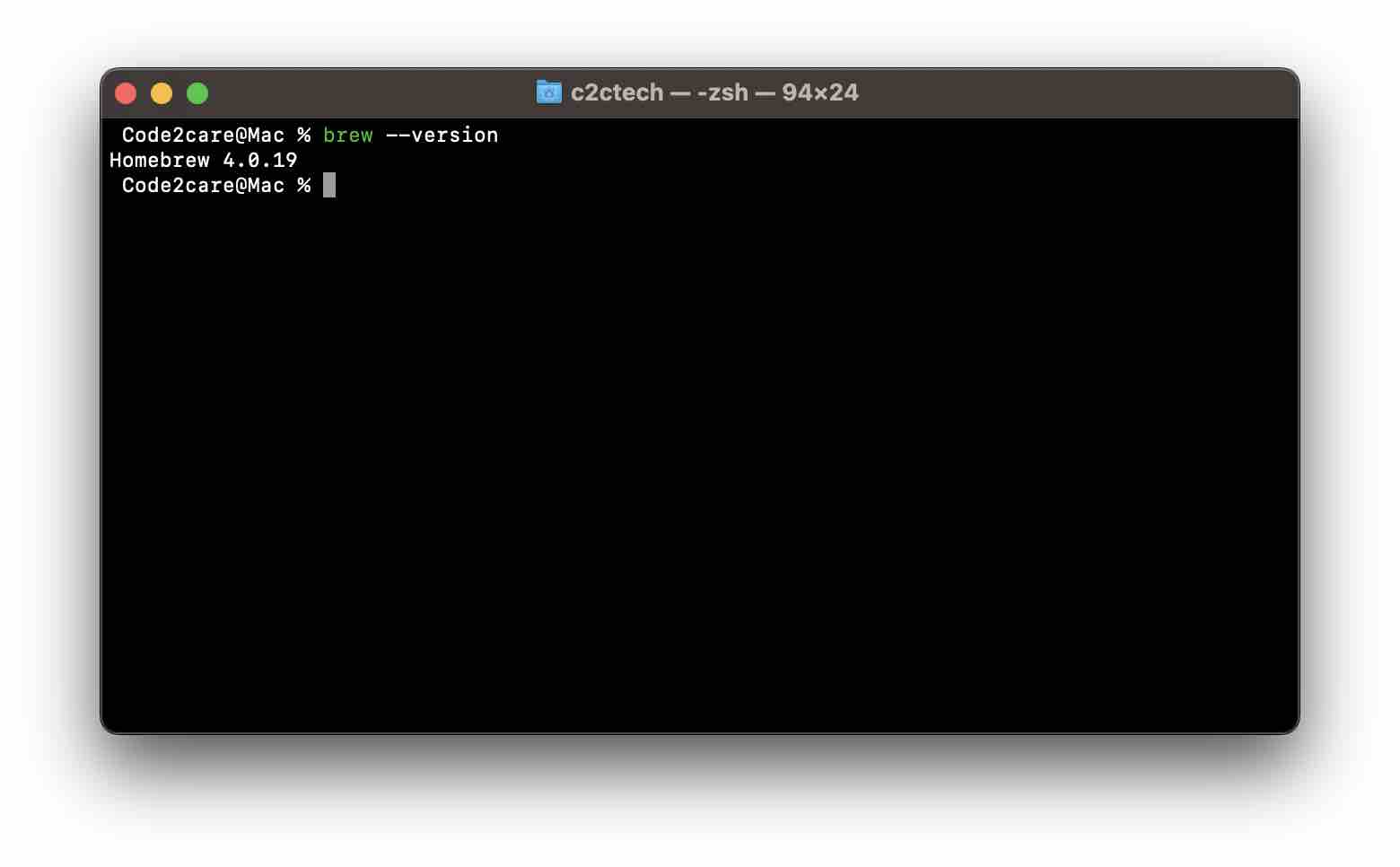
Install Homebrew brew On Mac M2 Code2care
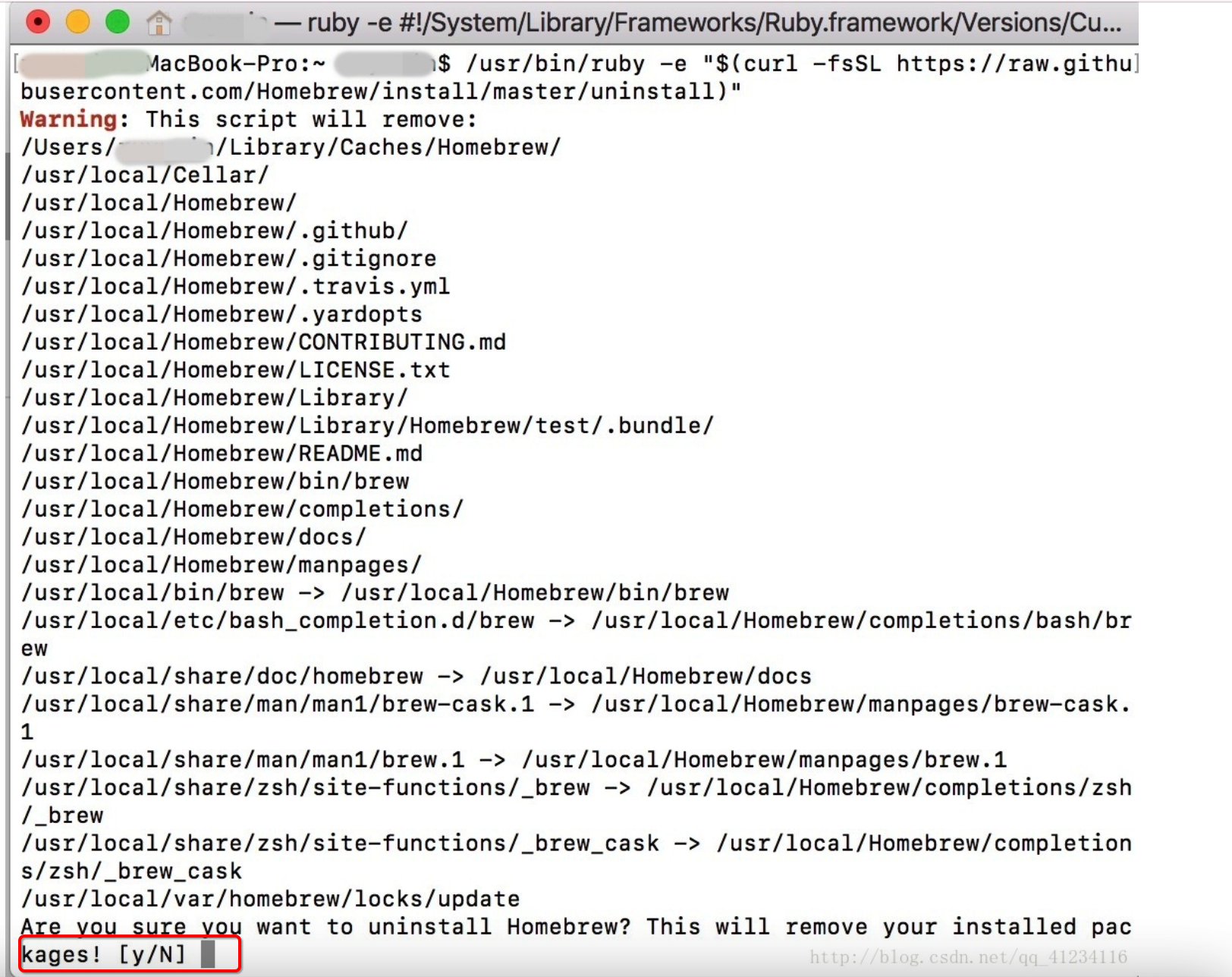
Mac M1 brew nvm
How To Install Python2 In A Macbook M1 With Brew DEV Community
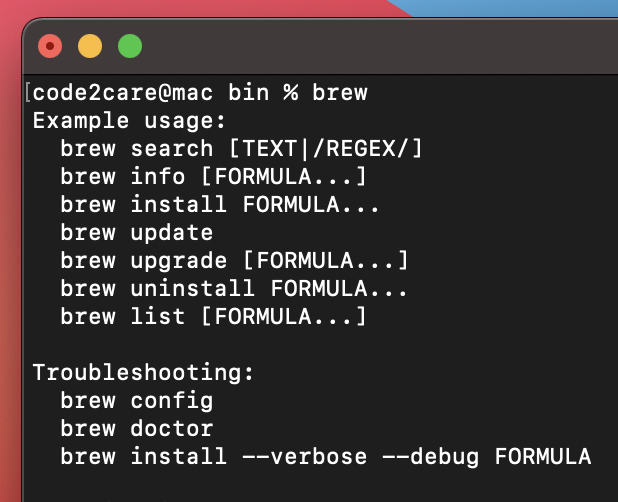
How To Install Homebrew brew On M1 Mac Code2care

Web Nov 1 2021 nbsp 0183 32 Nov 2 2021 2 Photo by Elevate on Unsplash Installing Brew on your Mac is important because it helps you install other things Start by running the command below also found on the brew

Web Jun 29 2023 nbsp 0183 32 Install command line tools for Xcode Open Spotlight Cmd space Bar Search and open Terminal Write the following command xcode select install hit return Select Install Once you ve gone through the License Agreement then choose Agree If your Mac is not connected to a power source

Web Mar 17 2021 nbsp 0183 32 Go to Homebrew and get the install command bin bash c quot curl fsSL https raw githubusercontent When requsted in the Terminal press return to finish installation After installation the Terminal generates the next commands to be executed gt Next steps Run these two commands in

Web Mar 3 2023 nbsp 0183 32 How to Install Brew on a Mac To download Homebrew on a Mac you just need to execute a few commands in a Terminal window Homebrew works on both Apple Silicon M1 M2 and so on Mac models as well as older Intel based machines

Web Oct 8 2020 nbsp 0183 32 Step 1 Using the macOS Terminal To access the command line interface on your Mac you ll use the Terminal application provided by macOS Like any other application you can find it by going into Finder navigating to the Applications folder and then into the Utilities folder From here double click the Terminal application to open it up
Web In this video i have shown how to install homebrew on you MacOS Macbook M1 M1 Pro M1 Max and Macbook Air Using homebrew we can install git node Homebrew is a free and open source software Web Jan 19 2021 nbsp 0183 32 Simple how to tutorial for straight forward installation of homebrew on an Apple M1 Mac Go to https brew sh Copy the command to install Open up the Terminal application Command Spacer then
Web Jan 22 2021 nbsp 0183 32 Prerequisite to install brew command on macOS as package manager Naturally you need a Mac Requirements are as follows to install brew on Mac A 64 bit Intel CPU or Apple Silicon CPU M1 macOS Mojave 10 14 or higher Command Line Tools CLT for Xcode A Bourne compatible shell for installation