Install Apache Spark Python On Windows 10 How To Install Python On Windows MacOS And Linux Kinsta Cara Install Apache Spark Python Di Windows 10 X64bit YouTube Download And Install Python Riset How To Install Python On Windows 10 YouTube Install Apache Spark On Windows 7 Vastpat Web Jan 24 2024 nbsp 0183 32 PySpark is a Spark library written in Python to run Python applications using Apache Spark capabilities hence you can install PySpark with all its features by installing Apache Spark On Apache Spark download page select the link Download Spark point 3 to download
Web Oct 23 2023 nbsp 0183 32 Apache Spark Installation on Windows PySpark is a Spark library written in Python to run Python applications using Apache Spark capabilities so there is no PySpark library to download All you need is Spark Follow the below steps to Install PySpark on Windows Install Python or Anaconda distribution Web Nov 15 2023 nbsp 0183 32 To install Python for Apache Spark on Windows follow these steps 1 Open your favorite web browser visit the official Python download page and download the latest Python Installer At this time of writing the latest version is Python 3 12 0 Downloading Python for Apache Spark on Windows 2
Install Apache Spark On Windows 7 Vastpat Apache Spark Install Fasrip How To Install Python On Windows 10 11 Studyopedia Install Apache Spark Docker Image In Windows Dyholoser How To Install Python On Windows PyCharm IDE How To Install Apache Spark On Windows Cosmicver Introducing Apache Spark 3 4 For Databricks Runtime 13 0 Databricks Blog C MO INSTALAR APACHE SPARK PYSPARK En Windows 10 Big Data En Python Dsaelectro Blog
Install Apache Spark Python On Windows 10
 Install Apache Spark Python On Windows 10
https://kinsta.com/wp-content/uploads/2023/04/install-python.jpg
Web Jul 21 2020 nbsp 0183 32 Installing Pyspark on Windows 10 requires some different steps to follow and sometimes we can forget these steps So with this article I hope to give you a useful guide to install Pyspark with no problems Part I Check your Java version and download Apache Spark I assume that you have on your PC a Python version at least 3 7
Pre-crafted templates use a time-saving solution for producing a varied variety of files and files. These pre-designed formats and designs can be utilized for various personal and professional projects, including resumes, invitations, leaflets, newsletters, reports, discussions, and more, improving the content development process.
Install Apache Spark Python On Windows 10
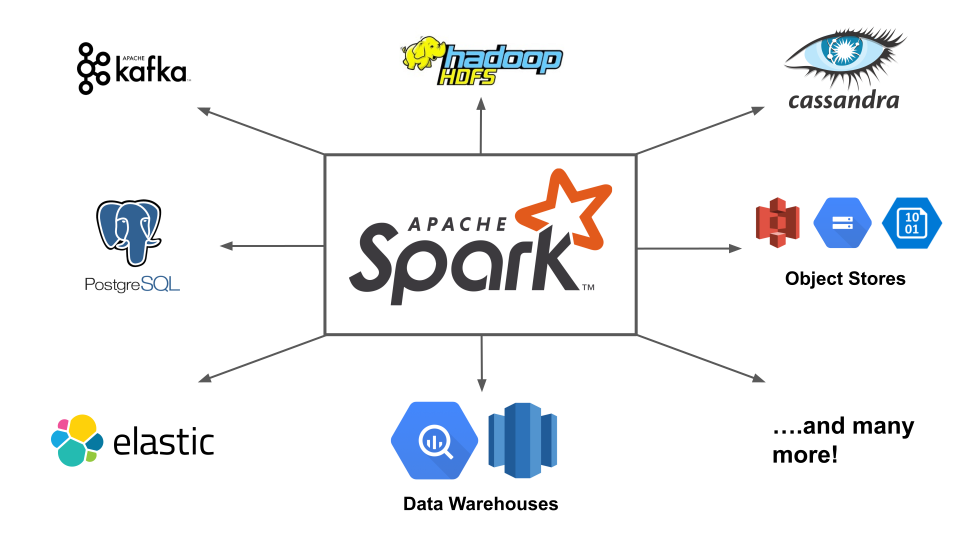
Install Apache Spark Docker Image In Windows Babessenturin

Apache Spark Install Fasrip
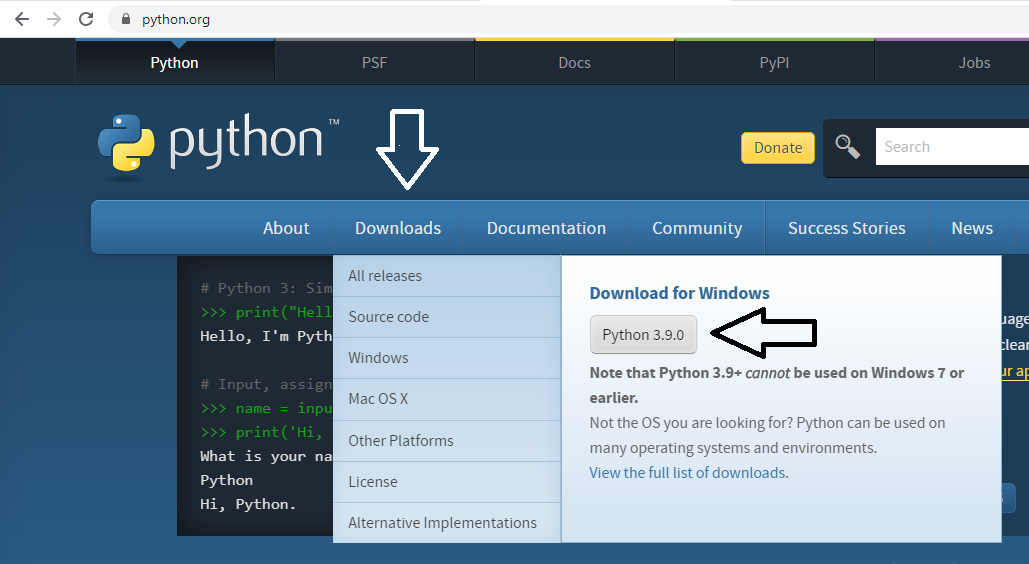
How To Install Python On Windows 10 11 Studyopedia

Install Apache Spark Docker Image In Windows Dyholoser

How To Install Apache Spark On Windows Cosmicver
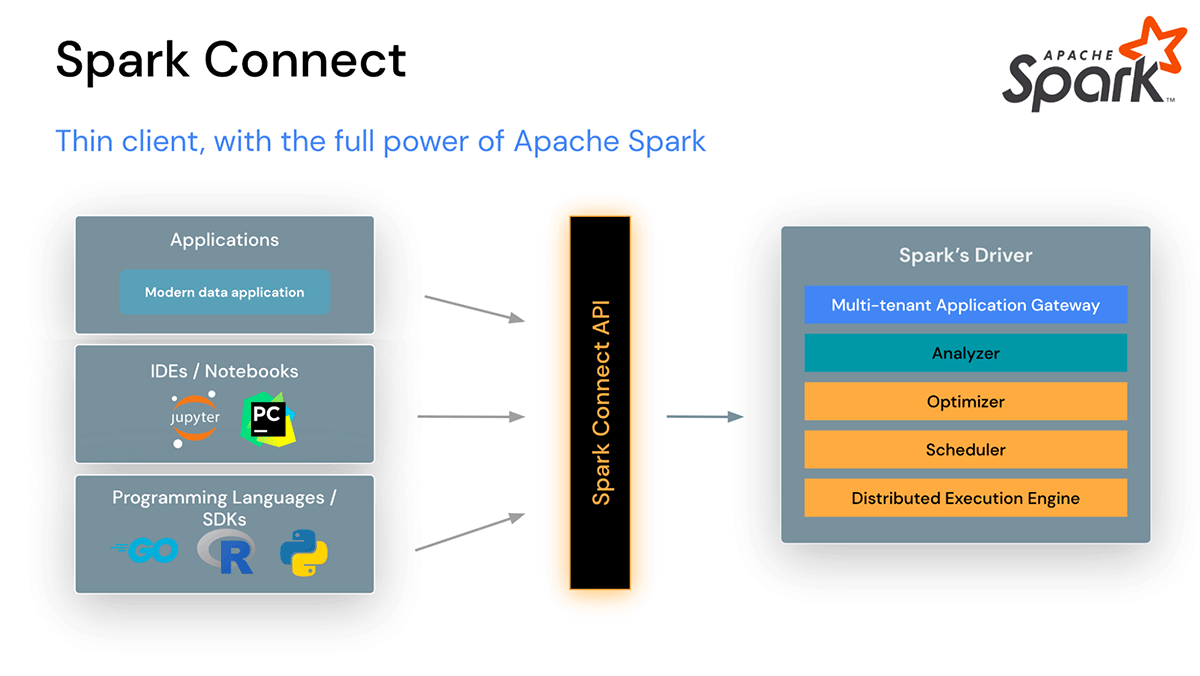
Introducing Apache Spark 3 4 For Databricks Runtime 13 0 Databricks Blog
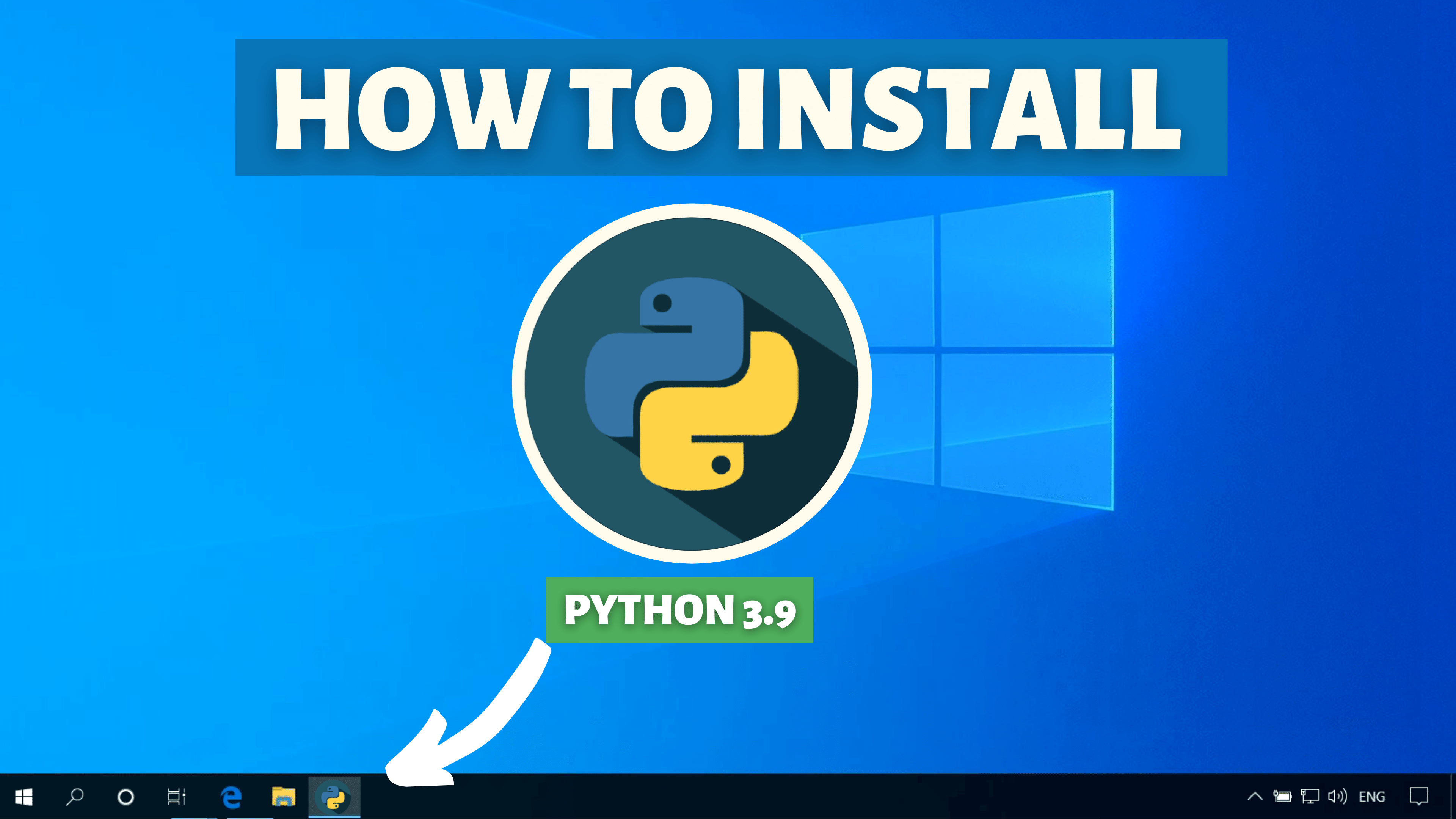
Web May 28 2020 nbsp 0183 32 Install Apache Spark on Windows Step 1 Install Java 8 Step 2 Install Python Step 3 Download Apache Spark Step 4 Verify Spark Software File Step 5 Install Apache Spark Step 6 Add winutils exe File Step 7 Configure Environment Variables Step 8 Launch Spark Test Spark

Web Aug 9 2016 nbsp 0183 32 Here are seven steps to install spark on windows 10 and run it from python Step 1 download the spark 2 2 0 tar tape Archive gz file to any folder F from this link https spark apache downloads html Unzip it and copy the unzipped folder to the desired folder A Rename the spark 2 2 0 bin hadoop2 7 folder to spark
Web Download Apache Spark Choose a Spark release 3 5 0 Sep 13 2023 3 4 2 Nov 30 2023 Choose a package type Pre built for Apache Hadoop 3 3 and later Pre built for Apache Hadoop 3 3 and later Scala 2 13 Pre built with user provided Apache Hadoop Source Code Download Spark spark 3 5 0 bin hadoop3 tgz

Web Aug 9 2020 nbsp 0183 32 This article summarizes the steps to install Spark 3 0 on your Windows 10 environment Tools and Environment GIT Bash Command Prompt Windows 10 Python Java JDK Install Git Bash Download the latest Git Bash tool from this page https git scm downloads Run the installation wizard to complete the installation Install
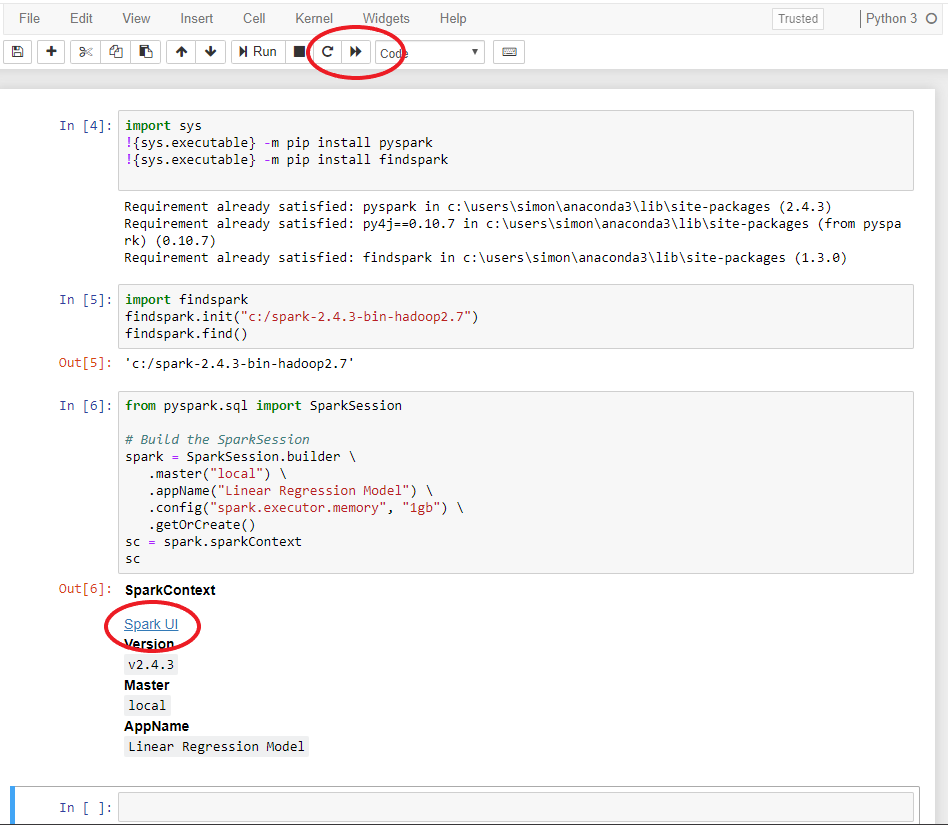
Web Aug 30 2019 nbsp 0183 32 Installing Apache Spark a Go to the Spark download page b Select the latest stable release of Spark c Choose a package type select a version that is pre built for the latest version of Hadoop such as Pre built for Hadoop 2 6 d Choose a download type select Direct Download
Web Installation of PySpark All operating systems This tutorial will demonstrate the installation of PySpark and hot to manage the environment variables in Windows Linux and Mac Operating System Aug 2020 183 8 min read Windows Installation Linux Installation Mac Installation Pyspark Python Apache Spark Web 1 Install Apache Spark Download the latest version of Apache Spark from the official website https spark apache downloads html Select the package type as Pre built for Apache Hadoop Extract the downloaded tgz file to a directory e g C spark Set the SPARK HOME environment variable to the extracted directory path e g C
Web Aug 21 2023 nbsp 0183 32 Step 1 Download JDK The first thing we need to download is the JDK Java Development Kit as Spark requires a Java running environment i Go to the Link ii Select JDK 20 and navigate to the Windows tab iii Then click on the x64 installer iv After that run and install it on your machine