Install Anaconda From Terminal Linux How To Install Anaconda Navigator And JupyterLab In Linux How To Run Anaconda In Command Prompt BEST GAMES WALKTHROUGH How To Open Anaconda Prompt In Cmd BEST GAMES WALKTHROUGH How To Install Anaconda On Ubuntu 20 04 Linuxize Launch Anaconda From Terminal Linux Mac OS YouTube Web To install conda you must first pick the right installer for you The following are the most popular installers currently available Miniconda Miniconda is a minimal installer provided by Anaconda Use this installer if you want to install
Web Anaconda installer for Linux Verify your installer hashes In your terminal window run Miniconda bash Miniconda3 latest Linux x86 64 sh Anaconda bash Anaconda latest Linux x86 64 sh Follow the prompts on the installer screens If you are unsure about any setting accept the defaults Web Oct 6 2023 nbsp 0183 32 To install Anaconda on Linux we will download the installation script from Anaconda and execute it from the terminal In this guide I ll use the Bash terminal which is standard on most Linux distributions 1 Move to the Downloads folder I would like to download the installation script into my Downloads folder
Launch Anaconda From Terminal Linux Mac OS YouTube How To Install The Anaconda Python On Windows 11 Ubuntu 20 04 Linux Jupyter Notebook Doesn t Open In Browser Automatically Notebook Pin On Linux How To Install Anaconda On Linux OSTechNix How To Install Anaconda On Ubuntu Tutorial For Beginners How To Install Anaconda On Mac M1 M2 Mac Code2care Simplified Overview Of Conda And Anaconda Every Bit Cloud How To Install Anaconda Navigator On Ubuntu 20 04 LTS Or CentOS Linux
Install Anaconda From Terminal Linux
 Install Anaconda From Terminal Linux
https://www.ubuntupit.com/wp-content/uploads/2020/04/anaconda-navigator-and-jupyterlab-logo-linux.jpg
Web Jun 1 2022 nbsp 0183 32 To install Anaconda you ll need to download the installer Bash script from the Anaconda website At the time of writing the latest version is Anaconda3 2021 11 Linux x86 64 sh 1 Open your terminal and run the below commands to download and save Anaconda s installer Bash script to your tmp directory cd tmp
Pre-crafted templates offer a time-saving option for producing a diverse range of documents and files. These pre-designed formats and designs can be utilized for numerous personal and expert projects, including resumes, invitations, flyers, newsletters, reports, discussions, and more, enhancing the content creation process.
Install Anaconda From Terminal Linux

Comment Installer Anaconda Et Python Pour Faire Du Machine Learning

How To Install The Anaconda Python On Windows 11 Ubuntu 20 04 Linux
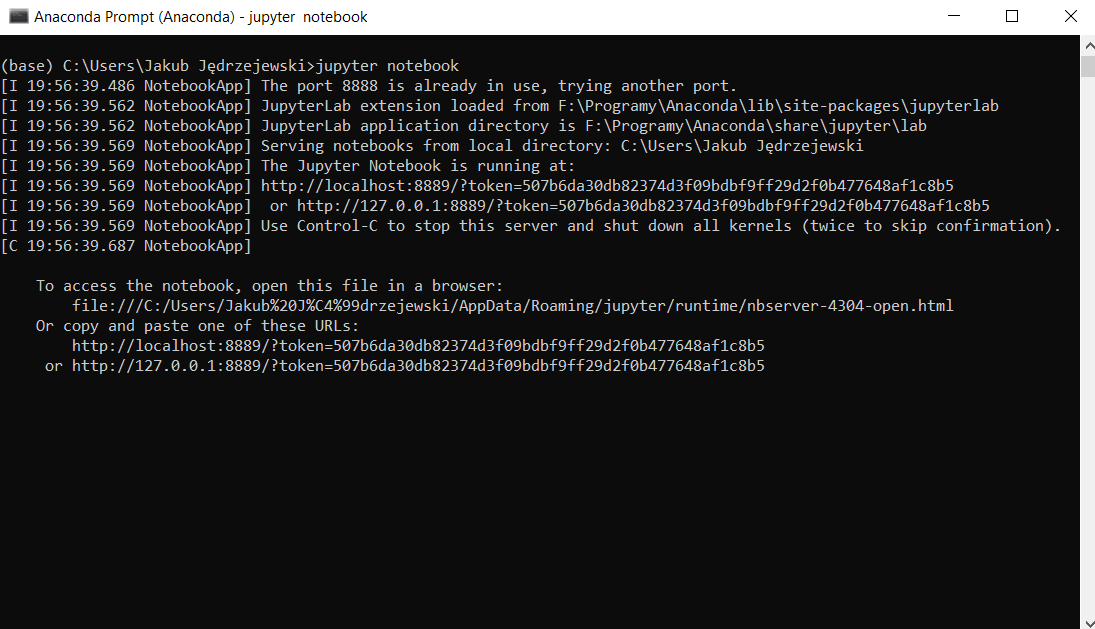
Jupyter Notebook Doesn t Open In Browser Automatically Notebook

Pin On Linux

How To Install Anaconda On Ubuntu Tutorial For Beginners
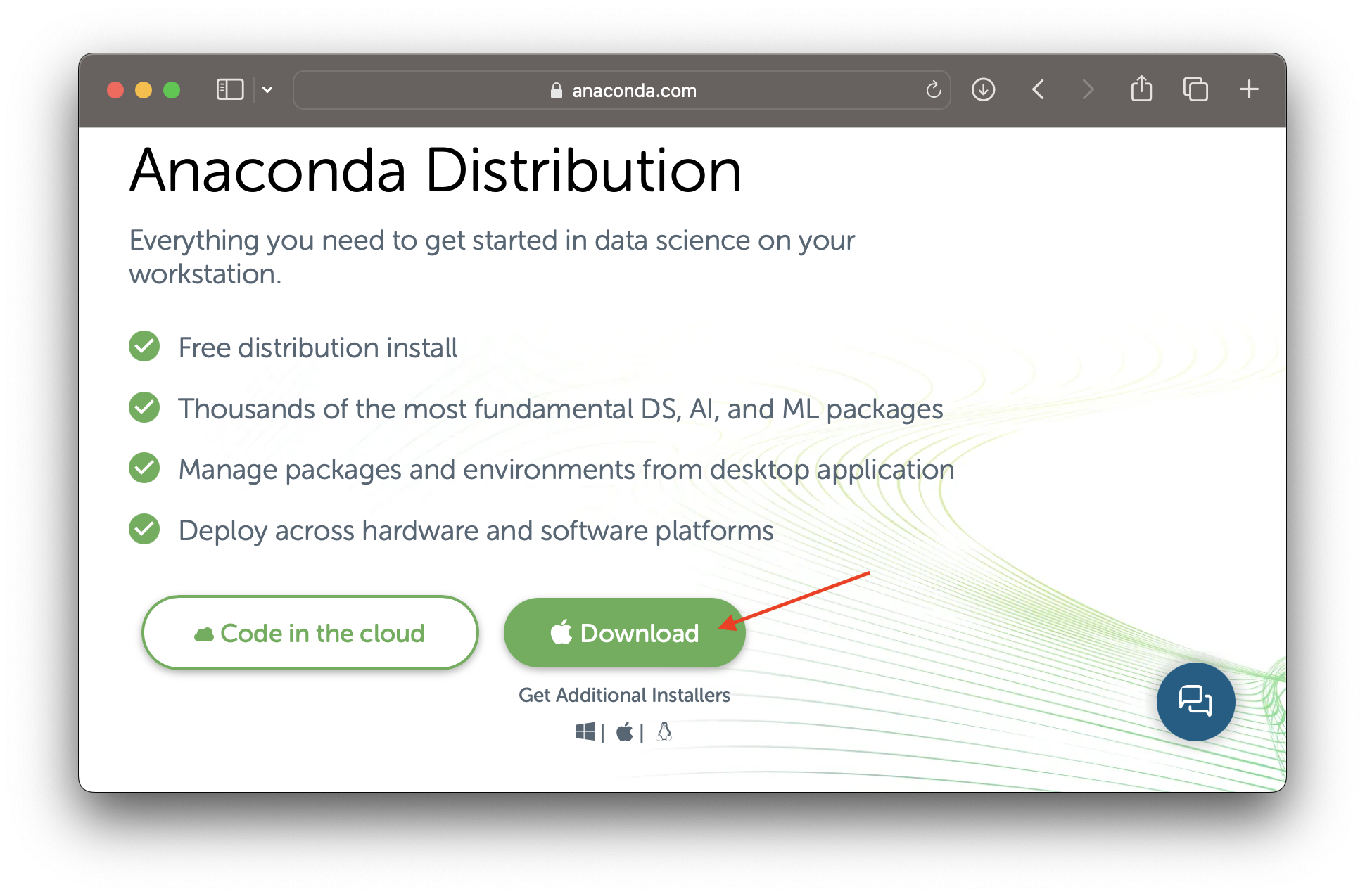
How To Install Anaconda On Mac M1 M2 Mac Code2care
Web Download the installer Miniconda installer for Linux Anaconda Distribution installer for Linux Miniforge installer for Linux Verify your installer hashes In your terminal window run bash lt conda installer name gt latest Linux x86 64 sh conda installer name will be one of quot Miniconda3 quot quot Anaconda quot or quot Miniforge3 quot
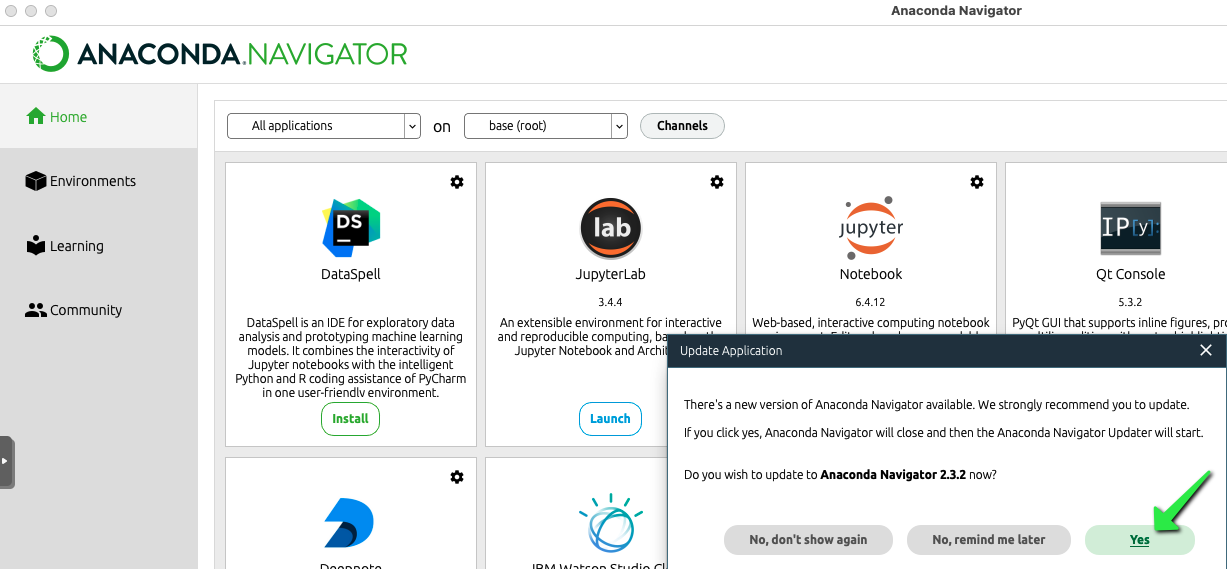
Web Mar 4 2015 nbsp 0183 32 Just download the anaconda installer and execute it as it is a shell script Follow the steps In the terminal type quot wget https repo continuum io archive Anaconda 2 3 0 Linux x86 64 sh quot The file will be downloaded in current directory Now execute the downloaded file by quot bash Anaconda

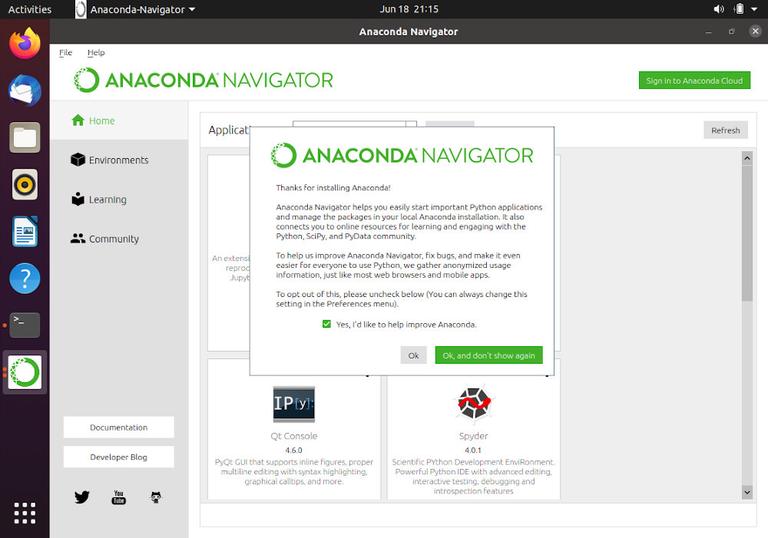
Web Jun 18 2020 nbsp 0183 32 To verify the installation type conda in your terminal That s it You have successfully installed Anaconda on your Ubuntu machine and you can start using it If you installed Anaconda on a Desktop system open the Navigator GUI by entering anaconda navigator in your terminal
Web Jul 12 2022 nbsp 0183 32 Since Ubuntu is a Linux distribution and my CPU architecture is x86 I will download the Anaconda3 2022 05 Linux x86 64 sh script I will download it using the wget command wget https repo anaconda archive Anaconda3 2022 05 Linux x86 64 sh chmod v x Anaconda3 2022 05 Linux x86 64 sh mode of Anaconda3

Web May 6 2020 nbsp 0183 32 The best way to install Anaconda is to download the latest Anaconda installer bash script verify it and then run it Find the latest version of Anaconda for Python 3 at the Anaconda Downloads page At the time of writing the latest version is 2020 02 but you should use a later stable version if it is available
Web Oct 24 2018 nbsp 0183 32 These instructions explain how to install Anaconda on a Linux system After downloading the Anaconda installer run the following command from a terminal bash Anaconda 2 x x Linux x86 64 sh After accepting the license terms you will be asked to specify the install location which defaults to anaconda Web Feb 22 2024 nbsp 0183 32 Access to the terminal How to Install Anaconda on Ubuntu Anaconda simplifies the installation and management of Python and its associated libraries on Ubuntu Installing Anaconda is straightforward and starts with updating the local package manager with this command sudo apt update
Web Sep 30 2021 nbsp 0183 32 Quickstart Ubuntu 18 04 By Lisa Tagliaferri English Introduction Designed for data science and machine learning workflows Anaconda is an open source package manager environment manager and distribution of the Python and R programming languages This tutorial will guide you through installing Anaconda on an Ubuntu 18 04