Install Ad In Windows Server 2019 How To Configure AD In Windows Server 2019 Install SQL Server 2019 Developer Edition On Windows Archives Guide How To Install Active Directory In Windows Server 2019 Server Manager Petri IT How To Configure Ad Active Directory In Windows Server 2022 Step By Vrogue How To Enable Remote Desktop Access In Ad In Windows Server 2008r2 Images And Ph DaftSex HD Web Jan 28 2019 nbsp 0183 32 Step by Step Guide to install Active Directory in Windows Server 2019 In this video tutorial I will show you the step by step guide on how to install and configu more more Installing
Web Mar 5 2019 nbsp 0183 32 This Windows Server 2019 Active Directory Installation beginners guide covered all the requirements for creating a new forest domain controller DHCP server with scope and more below are references to the StigViewer and Microsoft security baselines for AD domains and domain controllers Web Oct 7 2018 nbsp 0183 32 This parameter will specify the active directory forest functional level in above I have used mode 7 which is windows server 2016 Windows server 2016 doesn t have separate forest functional level InstallDns Using this can specify whether DNS role need to install with active directory domain controller
How To Enable Remote Desktop Access In Ad In Windows Server 2008r2 Images And Ph DaftSex HD Install And Configure Active Directory Domain Controller In Windows Server 2019 Step By Step How To Configure Ad Active Directory In Windows Server 2022 Step By Vrogue Top 6 Features In Windows Server 2019 Network World How To Install IIS In Windows Server 2019 RootUsers 7 How To Install And Configure WSUS In Windows Server 2019 BENISNOUS Install And Configure Hyper V In Windows Server 2019 Winder Folks How To Install DNS Server In Windows Server 2019 Windows Server 2019 DNS Configuration Install Ad Tools Windows 10
Install Ad In Windows Server 2019
 Install Ad In Windows Server 2019
https://benisnous.com/wp-content/uploads/2021/03/How-to-Configure-AD-in-windows-server-2019-800x445.jpg
Web May 4 2020 nbsp 0183 32 In this video tutorial I guide you through installing and configuring a Microsoft Windows Server 2019 Active Directory Domain Controller We do this by first using the GUI method then we repeat
Pre-crafted templates use a time-saving option for developing a diverse series of files and files. These pre-designed formats and layouts can be utilized for numerous individual and professional tasks, consisting of resumes, invitations, flyers, newsletters, reports, presentations, and more, improving the material development process.
Install Ad In Windows Server 2019

Windows Server 2019 Tutorial For Beginners How To Install Windows Server 2019 On Vmware

Install And Configure Active Directory Domain Controller In Windows Server 2019 Step By Step

How To Configure Ad Active Directory In Windows Server 2022 Step By Vrogue

Top 6 Features In Windows Server 2019 Network World

7 How To Install And Configure WSUS In Windows Server 2019 BENISNOUS
Install And Configure Hyper V In Windows Server 2019 Winder Folks

Web Jul 1 2021 nbsp 0183 32 Installing Active Directory on Windows Server 2019 AD Windows In this tutorial you will find installation of Active Directory in Windows Server 2019 This will be accomplished by installing the appropriate role and upgrading the server to a master domain controller DC

Web Oct 9 2019 nbsp 0183 32 Install Active Directory Domain Services in Windows Server 2019 Step 1 Open Server Manager Hit Windows key on your keyboard and type Server Manager to search for the application Once it is open as Step 2 Add Roles and Features Step 3 Installation Type Step 4 Server Selection
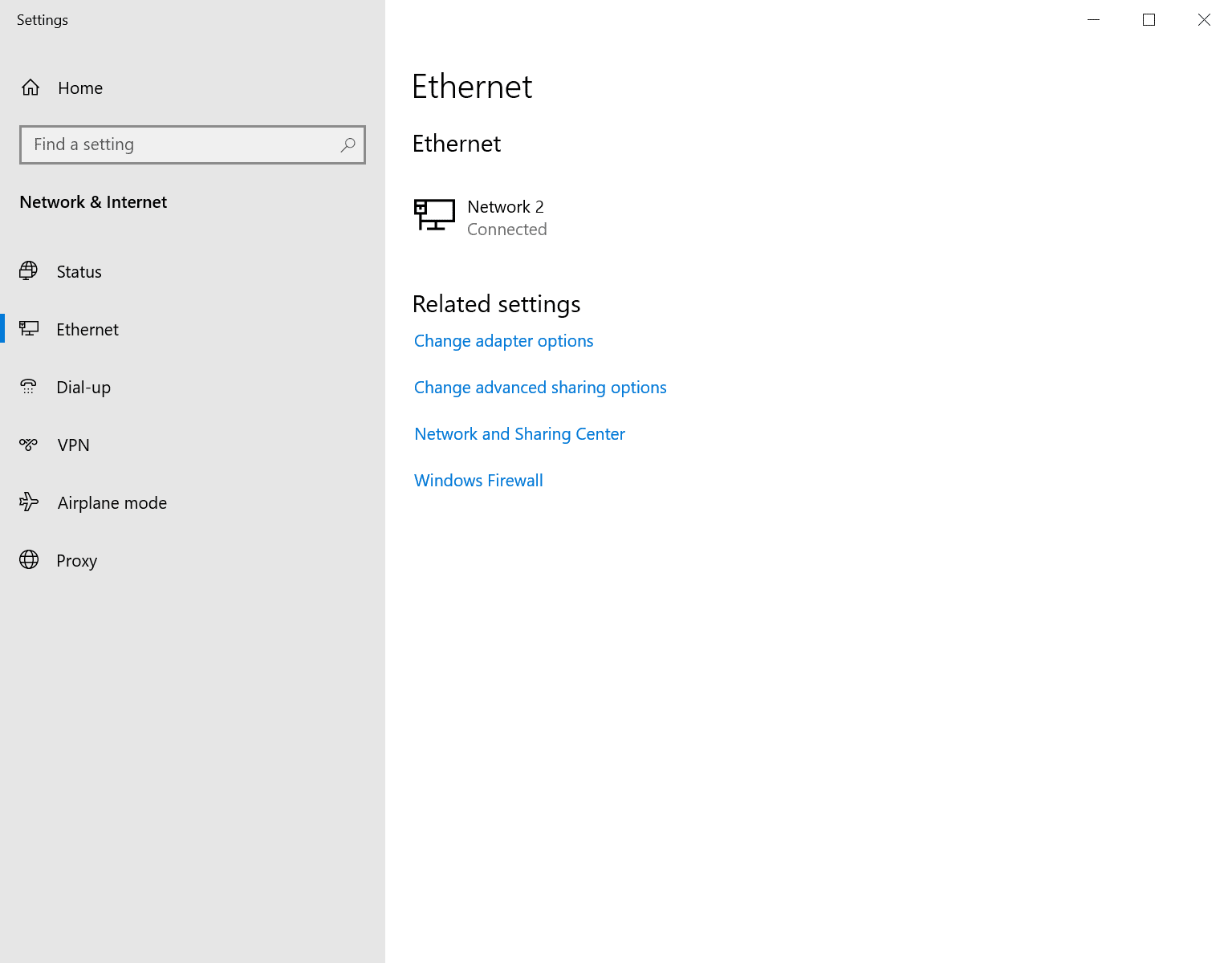
Web This article helps to Install setup the active directory environment using windows server 2019 using PowerShell PowerShell config file In my sample environment example will be the forest root domain The first domain controller
Web Feb 13 2020 nbsp 0183 32 Under Installation Type choose Role based installation option and click Next Under server selection option choose MBG DC01 and click Next Since this is first Domain Controller server in the network it will only show itself One you setup multiple server and join those servers to domain you will see them in this list

Web May 18 2021 nbsp 0183 32 There are two steps to installing AD in Windows Server 2019 The first is to install the Active Directory Domain Services AD DS server role The second step is to configure your server as a
Web Jan 20 2021 nbsp 0183 32 Finishing with PowerShell Oddly enough Windows Admin Center does not give you the prompts in the GUI to continue finishing out the installation of Active Directory Domain Services ADDS after the installation of the role is complete In Server Manager we see the notice that the configuration is not complete and needs to be finalized Part of Web May 22 2019 nbsp 0183 32 That completes the task of completing the prerequisites of how to set up Active Directory on your Windows Server Step 4 Install AD DS Roles Before you can set up your Active Directory you need to assign the roles for AD DS You can use the following command from the PowerShell
Web Nov 29 2018 nbsp 0183 32 This course shows how to install and configure Active Directory Domain Services AD DS in Windows Server 2019 Learn how to deploy AD DS install additional controllers configure permissions