Insert Qr Code In Excel How To Create QR Code In Excel YouTube How To Create QR Code In Excel QR Code Generator YouTube How To Generate QR Code In Excel Using VBA Create QR Code In Excel How To Create Insert QR Code In Microsoft Office Excel Word Generate QR Code In Excel Microsoft Excel qr code excel YouTube When you use insert into table select from table1 since you get to create a table before hand you can also create indexes keys or constraints inline with the table definition and take
I m trying to insert some mock payment info into a dev database with this query INSERT INTO Payments Amount VALUES 12 33 WHERE Payments CustomerID 145300 How can I have a very complex CTE and I would like to insert the result into a physical table Is the following valid INSERT INTO dbo prf BatchItemAdditionalAPartyNos BatchID AccountNo
Generate QR Code In Excel Microsoft Excel qr code excel YouTube Two Methods YouTube How To Create QR Code For Excel Excel QR Code Font YouTube How To Make QR Codes Form Worksheet Data In Excel With StrokeScribe How To Create Qr Code In Microsoft Excel In 30 Seconds YouTube 15 Best Teal Color Palettes Colors That Go With Teal 48 OFF Ways To Generate A QR Code In Microsoft Excel How To Excel 59 OFF Ways To Generate A QR Code In Microsoft Excel How To Excel 49 OFF How To Upload Qr Code Crossing Timeline In Excel Vba Code Infoupdate
Insert Qr Code In Excel
 Insert Qr Code In Excel
https://i.ytimg.com/vi/CflSfLP1ktg/maxresdefault.jpg
The problem here is with your INSERT INTO statement which is looking for VALUES or SELECT syntax INSERT INTO statement can be used in 2 ways by providing VALUES explicitly or by
Templates are pre-designed documents or files that can be used for various purposes. They can save time and effort by supplying a ready-made format and design for developing different kinds of content. Templates can be utilized for individual or expert jobs, such as resumes, invites, flyers, newsletters, reports, presentations, and more.
Insert Qr Code In Excel

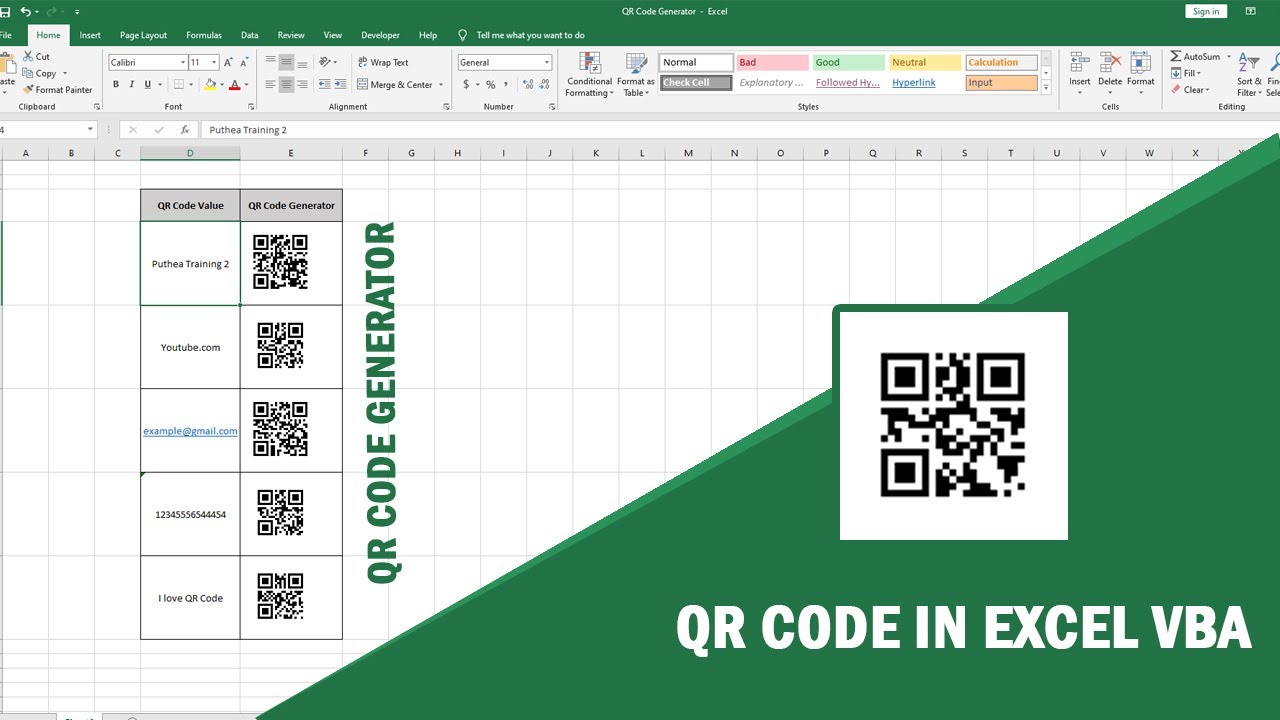
How To Create A QR Code In Excel Free And Simple YouTube

Two Methods YouTube

How To Create QR Code For Excel Excel QR Code Font YouTube

How To Make QR Codes Form Worksheet Data In Excel With StrokeScribe

15 Best Teal Color Palettes Colors That Go With Teal 48 OFF
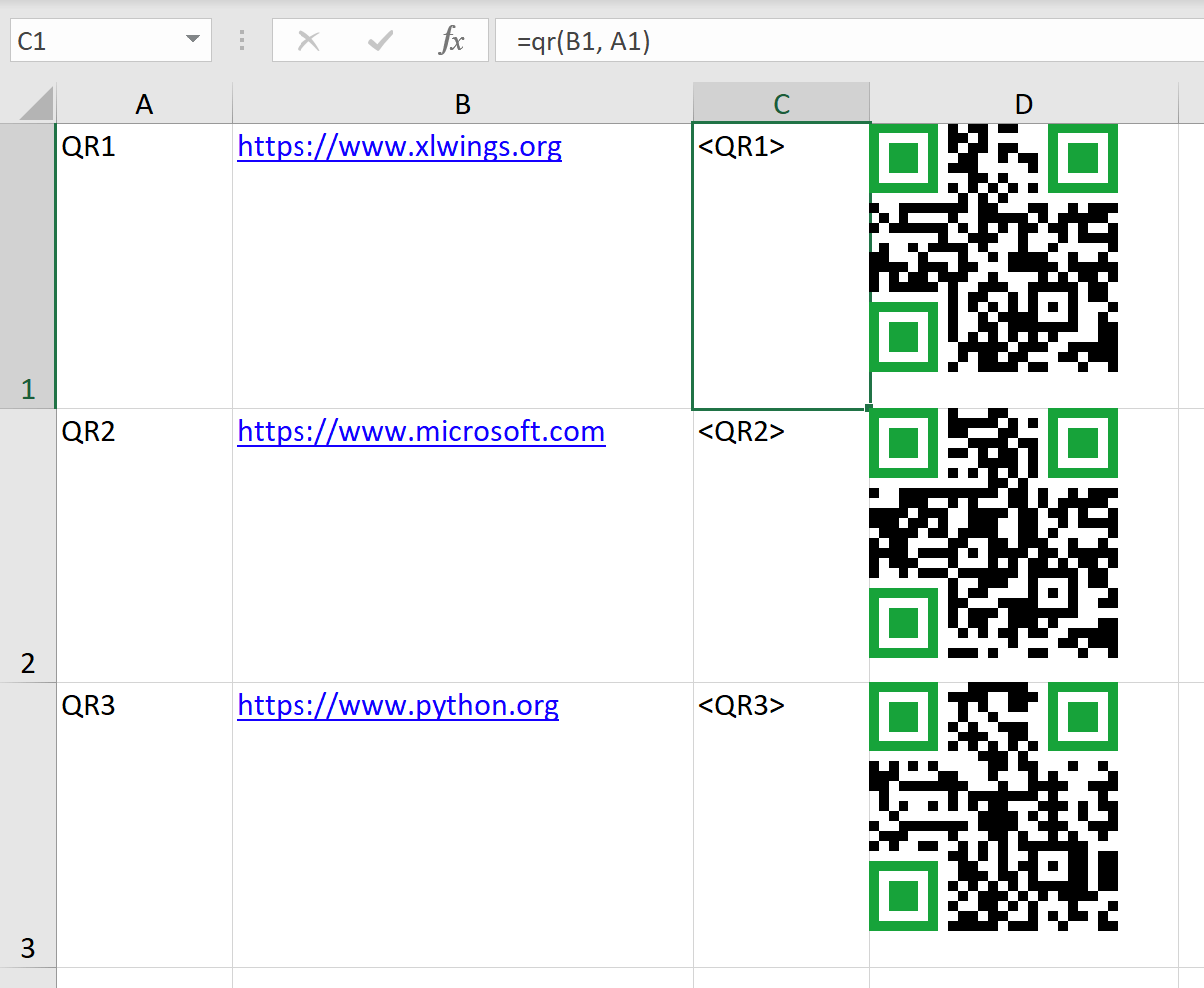
Ways To Generate A QR Code In Microsoft Excel How To Excel 59 OFF

insert insert

Apr 25 2019 nbsp 0183 32 insert Page Down insert
Aug 25 2008 nbsp 0183 32 I am trying to INSERT INTO a table using the input from another table Although this is entirely feasible for many database engines I always seem to struggle to remember the

Insert Insert key INS 14 Insert Delete

Jan 17 2009 nbsp 0183 32 2787 In SQL Server 2008 you can insert multiple rows using a single INSERT statement INSERT INTO MyTable Column1 Column2 VALUES Value1 Value2
[desc-11] [desc-12]
[desc-13]