Insert Drop Down List In Word From Excel How To Insert A Drop Down List In Word YouTube How To Insert Drop Down List In Google Sheets Daxmilliondollar Steps To Create Word Drop Down List In 2020 Steps To Create Word Drop Down List In 2020 Hong Kong Sopprimere Dizionario Drop Down List Content Control Word Schiudere Celebrazione Risorsa Web Result Jun 15 2022 nbsp 0183 32 To add a drop down list to your Microsoft Word document click the Developer tab at the top and then select Drop Down List Content Control This drop down list will be empty by default and you ll have to customize it to add useful options to the text box To customize the drop down box click once inside the box
Web Result Use a Combo box control instead On the Developer tab it s the next button to the left of Drop Down box The combo box allows other text to be typed into the control box area in addition to selecting one of the drop down options Add different symbols for each bullet in Word or PowerPoint list Web Result May 28 2022 nbsp 0183 32 Step 1 Open Microsoft Word and go to the File menu and click on Options Step 2 Click on the Customize Ribbon option and then from the Customize the Ribbon panel tick on the Developer
Hong Kong Sopprimere Dizionario Drop Down List Content Control Word Schiudere Celebrazione Risorsa 0 Result Images Of Edit Drop Down List In Word PNG Image Collection How To Insert A Drop down List In Word MS Word Know How Insert Drop Down Calendar In Excel Signpag Create Dependent Drop Down List In Word Fillable Forms Microsoft Word YouTube How To Insert A Drop Down Lists In Excel Cells With Just A Few Clicks How To Insert A Drop Down List In Word How To Create A Drop Down List In Word YouTube Drop Down List In Word 2007 YouTube
Insert Drop Down List In Word From Excel
 Insert Drop Down List In Word From Excel
https://i.ytimg.com/vi/_4UjMlPSopU/maxresdefault.jpg
Web Result Nov 27 2023 nbsp 0183 32 Place your cursor in the document where you want to add the drop down list Go to the Developer tab and click the Drop Down List Content Control button You ll see the control pop into your
Pre-crafted templates provide a time-saving service for producing a diverse range of files and files. These pre-designed formats and layouts can be utilized for various individual and professional tasks, including resumes, invites, flyers, newsletters, reports, discussions, and more, enhancing the material production process.
Insert Drop Down List In Word From Excel

Drop Down List In Word How To Insert YouTube
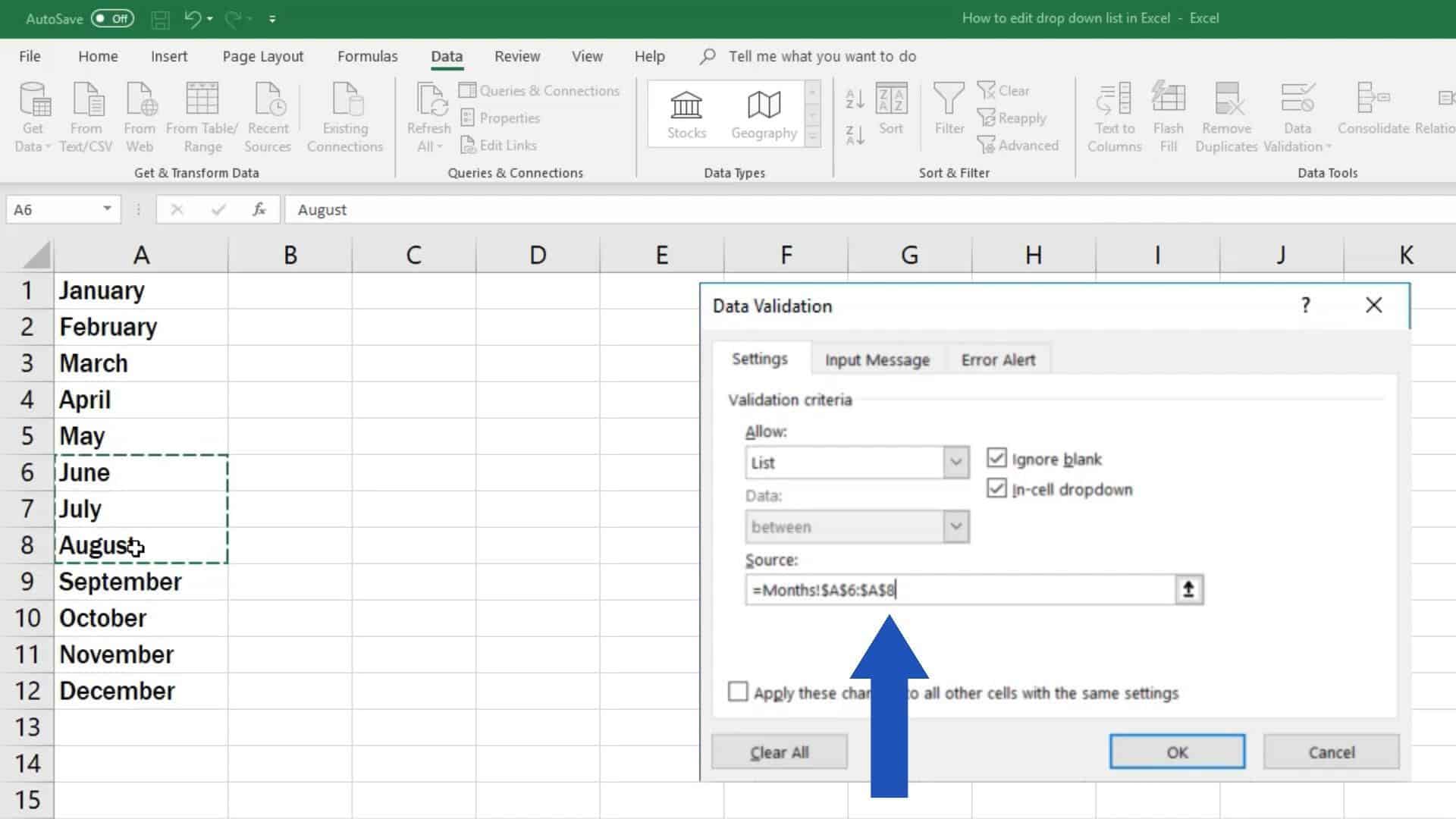
0 Result Images Of Edit Drop Down List In Word PNG Image Collection

How To Insert A Drop down List In Word MS Word Know How
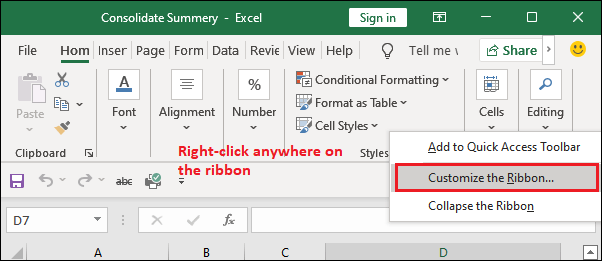
Insert Drop Down Calendar In Excel Signpag
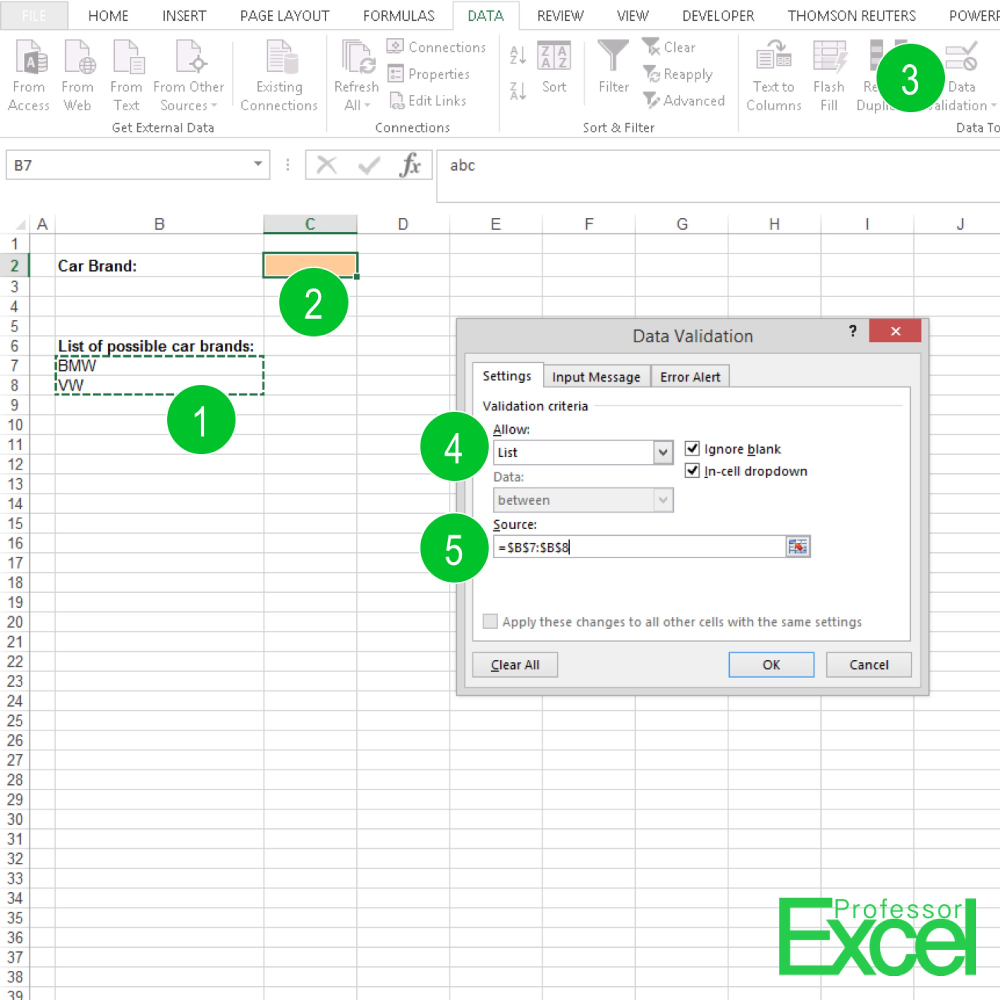
How To Insert A Drop Down Lists In Excel Cells With Just A Few Clicks

How To Insert A Drop Down List In Word

Web Result Mar 9 2021 nbsp 0183 32 1 Since an ActiveX Listbox is not presented in a quot Dropdown quot format it is mentioned for completeness only 2 To make an ActiveX ComboBox function as a dropdown list set the MatchRequired property True and the Style property frmStyleDropdownList 3 Useform lists and comboboxes are also available for use
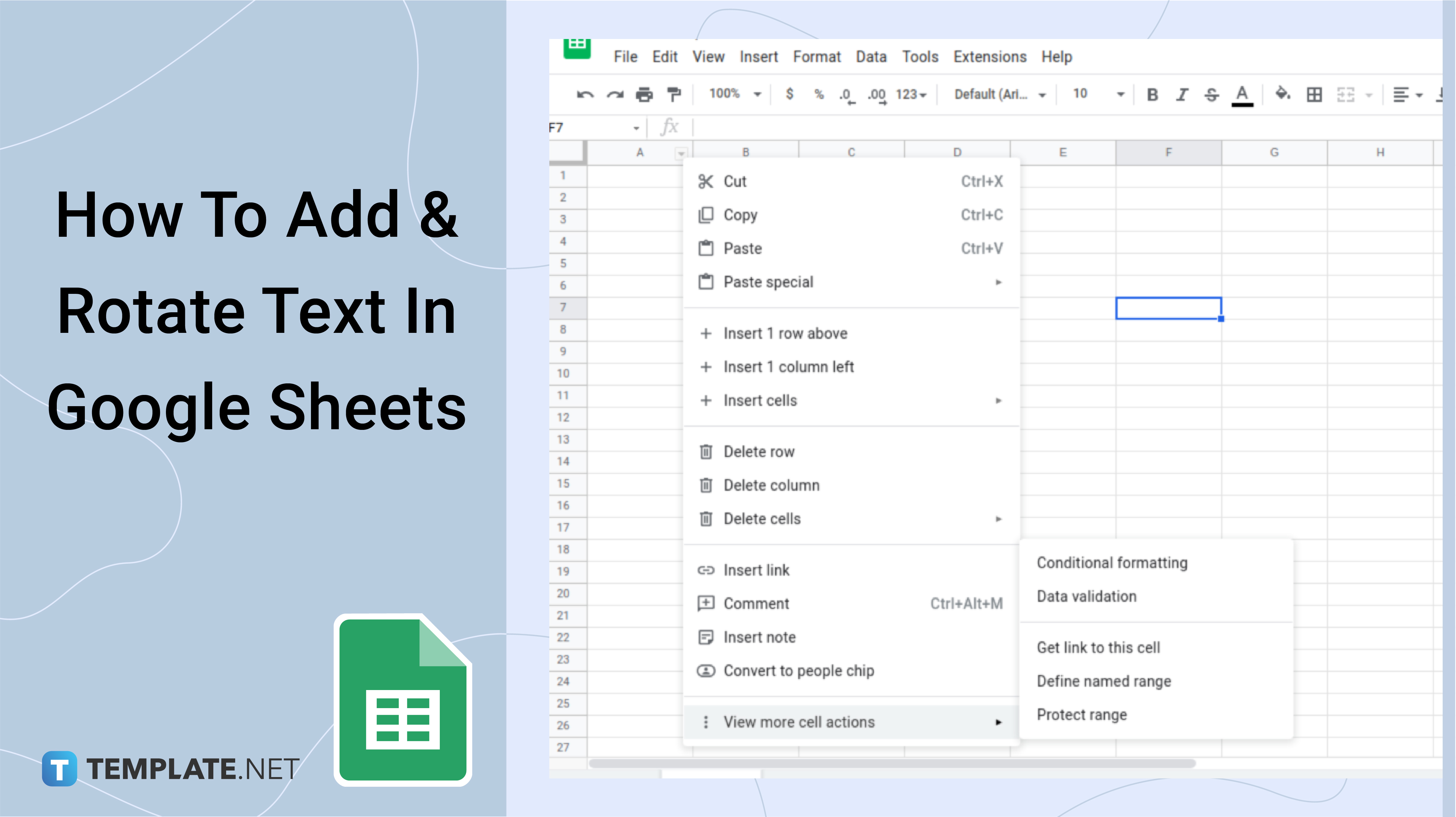
Web Result Jul 5 2021 nbsp 0183 32 To add a drop down list to a Word document go to Options gt Customize Ribbon and enable the Developer tab Open the Developer tab and click the quot Drop Down List Content Control quot button to insert a drop down button You can customize the drop down box by clicking quot Properties quot
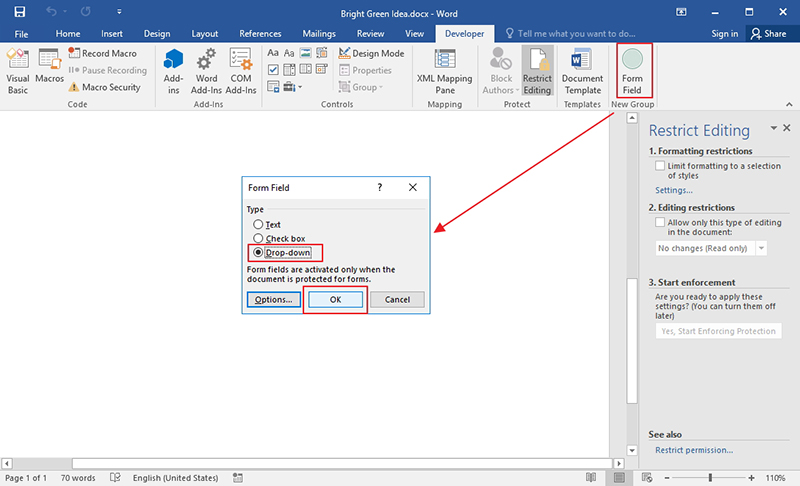
Web Result Nov 28 2023 nbsp 0183 32 Word create a combo box drop down content control in Word from the Developer tab select the combo box drop down content control by clicking on the 3 dots on the top left VBE Window Word VBA Reference to the Excel Object Model is required via Tools References Microsoft Excel
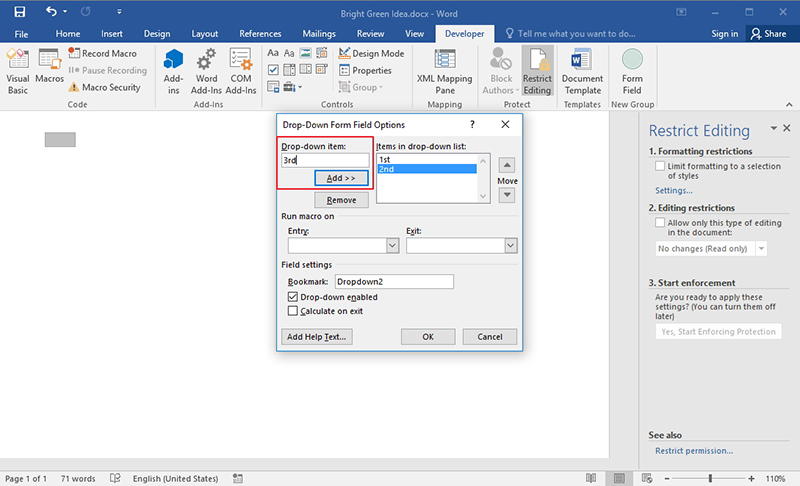
Web Result Sep 18 2023 nbsp 0183 32 Step 1 Prepare Your Data Organize your data e g countries and cities in a table format in Word or Excel Step 2 Insert Combo Box Open your Word document go to the quot Developer quot tab and click quot Combo Box Content Control quot where you want the first drop down

Web Result You can insert a drop down list of valid entries also called a drop down menu or drop down box in Excel to make data entry easier or to limit entries to certain items that you define
Web Result The data below quot Client Name quot would be the drop down data and depending on where I selected the data to be used in excel I ll add another row for the next person s name the drop down would add it to the list either automatically or on command Like in this https www extendoffice documents excel 2668 copy Web Result Jul 4 2019 nbsp 0183 32 1 First have a check that if you can find Developer tab in your Word If not click File gt Options and switch to Customize Ribbon pane in Word Options 2 Check Developer in the list of Main Tabs under Customize the Ribbon to enable it and click OK to confirm the change 3 Place your cursor at where you want to add
Web Result Like a multiple selection list box a list box displays all of the items in the list by default Drop down list box Like any other list a drop down list box offers users a list of choices However with drop down list boxes the list entries are hidden until the user clicks the control