Increase Text Area Size In Html Div Font Size Html Interface web jp Html Font Size Kate j How To Increase Rich Text Area Field Size In Salesforce Lightning InfallibleTechie How To Increase Text Size In HTML ConTEXT Editor Html Font Size Familyconcierge jp OPTION 1 STATIC size depending on rows cols Currently only rows affects the Material textarea height cols doesn t change its width Therefore for
Use CSS to define a style for the textarea element For example textarea font size 20pt font family Arial Note that there are three ways to add CSS to your Auto Growing Inputs Textareas CSS Tricks CSS Tricks By default and elements don t change size based on the content they contain
Html Font Size Familyconcierge jp Increase Your HTML Font Size Dreamweaver YouTube Html Font Size Kate j Font Size In HTML In QGIS Print Composer Only Starts To Change At 6 Geographic Information Html Textbox Size Grandamore jp Html Font Size Funny school jp Cu Laser Viceversa Recupera Html Form Text Box Size Custom shed Html Input Text Width Flower road jp 40
Increase Text Area Size In Html
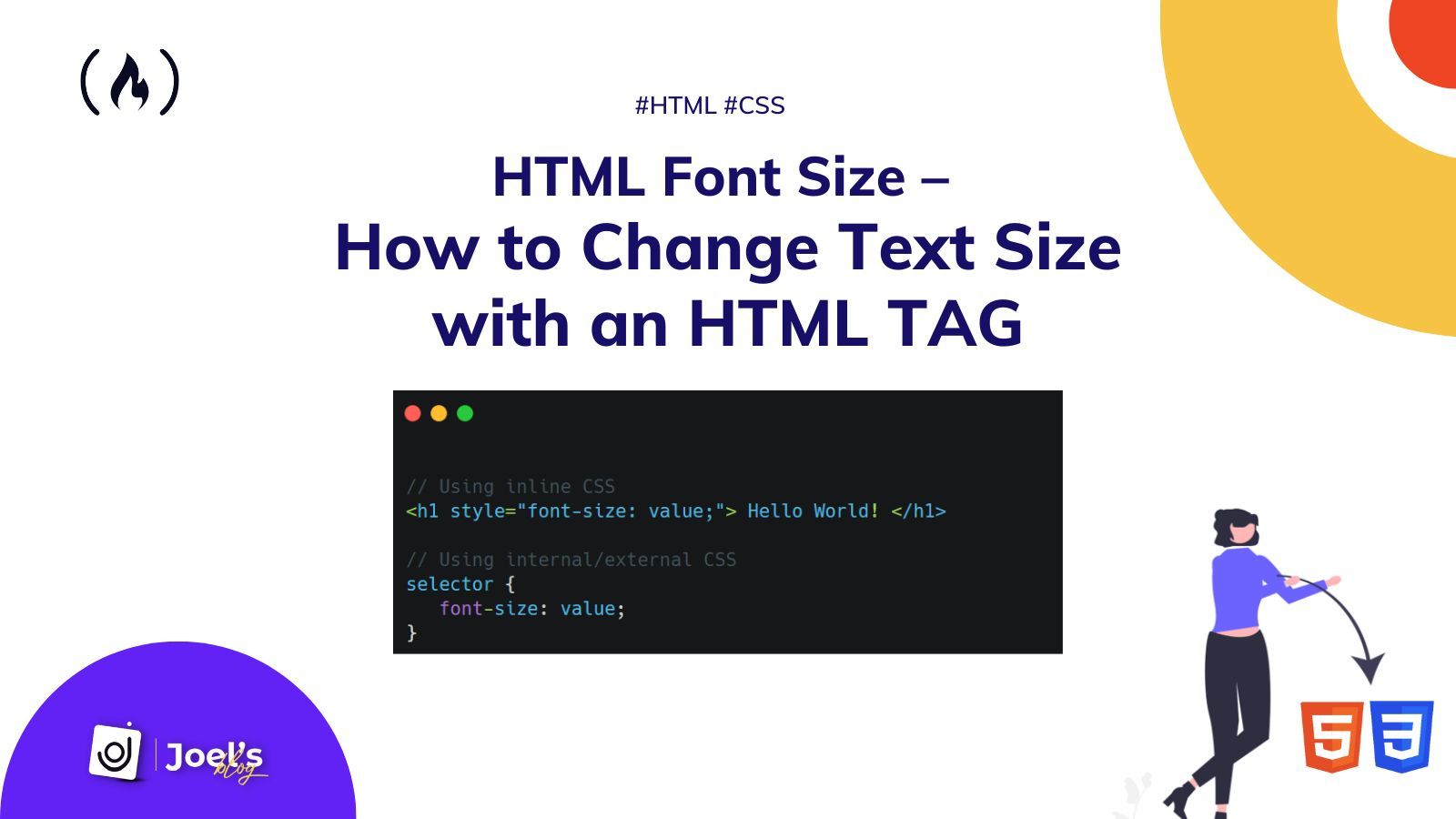 Increase Text Area Size In Html
https://www.freecodecamp.org/news/content/images/2022/08/cover-template--6-.jpg
CSS Example text here Example text here Conclusion In this post we ve seen the two best
Templates are pre-designed documents or files that can be used for numerous functions. They can save time and effort by offering a ready-made format and layout for creating various kinds of content. Templates can be used for individual or expert projects, such as resumes, invitations, flyers, newsletters, reports, discussions, and more.
Increase Text Area Size In Html
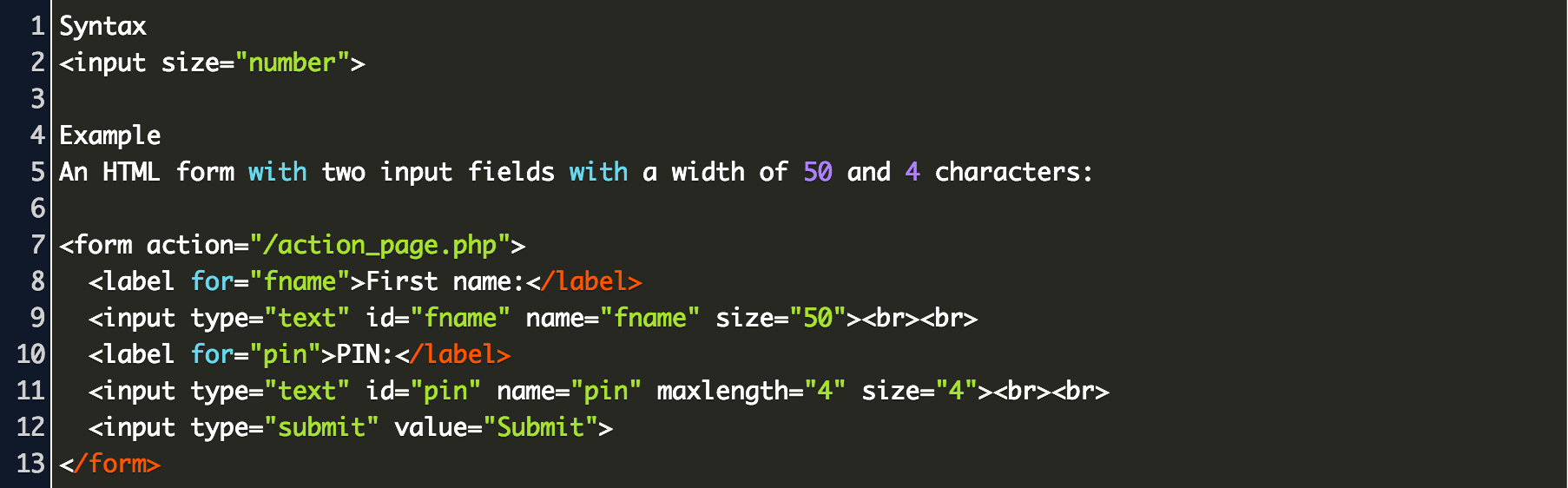
Html Input Type Size Hanatsubomi jp
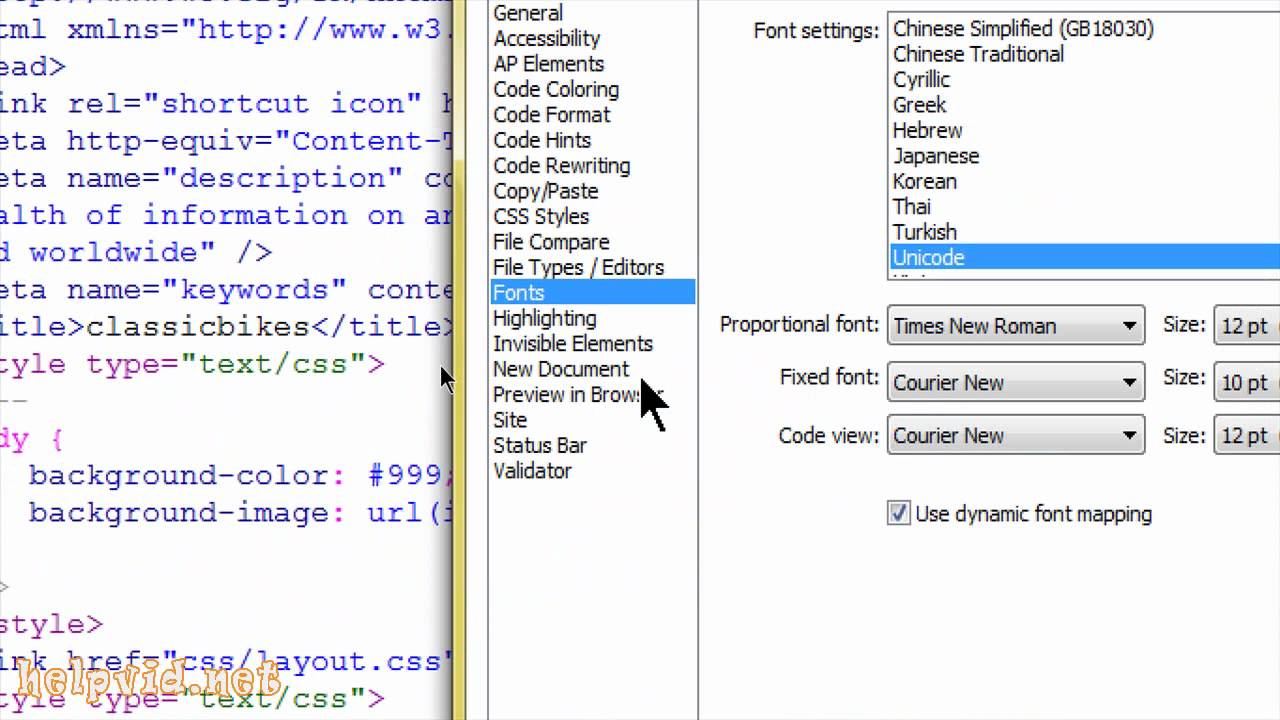
Increase Your HTML Font Size Dreamweaver YouTube
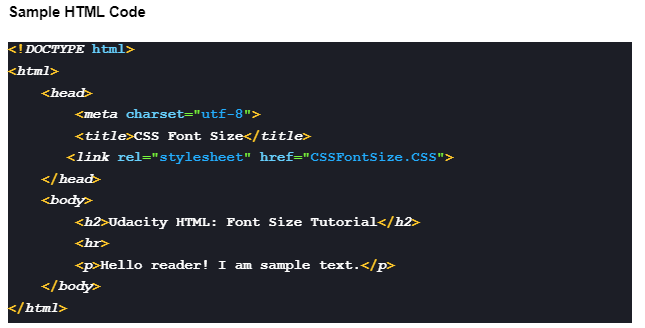
Html Font Size Kate j

Font Size In HTML In QGIS Print Composer Only Starts To Change At 6 Geographic Information

Html Font Size Funny school jp
Cu Laser Viceversa Recupera Html Form Text Box Size Custom shed

We can set the size for the text area by using rows and columns rows columns will be the size of the text area For columns we have to use the cols
You could use the CSS height and width attributes e g something like just use the sizes you want

English US The Textarea element The HTML element represents a multi line plain text editing control useful when you want to

Are you sure that two lines each up to 200 characters are the right approach Instead of a two liner textarea two input elements might be better And setting height to a value
1 First of all the textarea shall be used by textarea html tag And to give height and width to textarea rows and cols property will be used Please refer below
On the input event you change the height of the textarea to the value auto and later change it to textarea scrollHeight px Remember to put the following You could try to get the text up by using the padding bottom attribute input padding 3px width 320px height 20px padding bottom 100px But what you probably want to use
How to Auto Resize Textarea using HTML CSS JavaScript Watch on In the video you have seen the demo of an Auto Resizable Textarea and knew how I created it