Increase Table Height In Word Reactjs Dynamically Increase React table Height To Fill Screen Size Adjust Row Height And Column Width In Word Tables Layout Design Increase Font Size Methods MS Word 2016 YouTube How To Increase Table Height Hunker Table Height Hunker Height Coffee Table Height Design Images Photos Pictures Let s learn a few fool proof ways to adjust a table in Word How to adjust the width of all columns in a table How to adjust the height of a table cell ma
To adjust table row and column size in Word Click anywhere in the table In Table Tools click the Layout tab locate the Cell Size group and choose from of the following options To fit the columns to the text or page margins if cells are empty click AutoFit select AutoFit Contents How to autofit table s row height in MS Word Ask Question Asked 9 years 10 months ago Modified 7 years 6 months ago Viewed 21k times 1 I want a table to fill a page entirely firstly I can find an AutoFit Window option to fit the table s column width where can I auto fit the table s height to do the same microsoft word 2013 Share
Coffee Table Height Design Images Photos Pictures How Do You Center Vertically In Word Table Hopdesimply Ergo Table Height Adjustable Table Tilting Top Wheelchair Acces How To Increase Table Height Hunker Dynamically Increase Table Height In Adobe Forms SAP Blogs How To Increase Or Decrease Row And Column Height And Width In MS Word Coffee Table Height Design Images Photos Pictures How To Adjust Table Cell Width And Height In Microsoft Word Otosection How To Adjust The Cell Height In Word Online WordOnlineTips
Increase Table Height In Word
 Increase Table Height In Word
https://i.stack.imgur.com/FiC5C.png
1 I m afraid there is no good solution for that Your second table has not a fixed position there It s position depends on the first table And you want row height in your first table to depend on that second table That s called circular reference in Excel and although it seems easy it s very difficult to resolve this common dependency
Templates are pre-designed documents or files that can be used for numerous functions. They can save effort and time by providing a ready-made format and design for producing different kinds of material. Templates can be used for individual or expert tasks, such as resumes, invitations, leaflets, newsletters, reports, presentations, and more.
Increase Table Height In Word
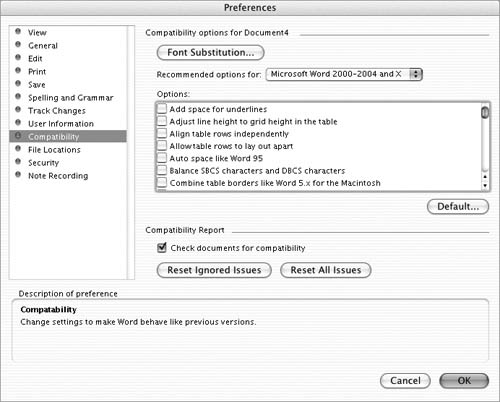
How To Adjust Line Height In Word 2000 Avegarry

How Do You Center Vertically In Word Table Hopdesimply
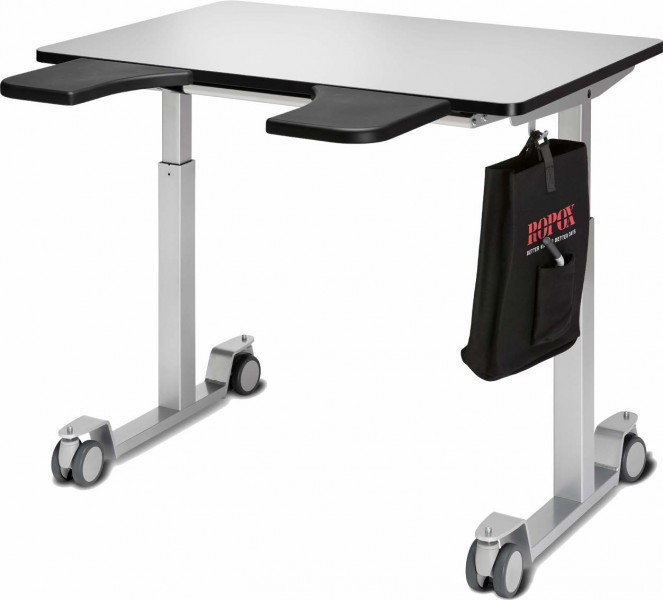
Ergo Table Height Adjustable Table Tilting Top Wheelchair Acces

How To Increase Table Height Hunker
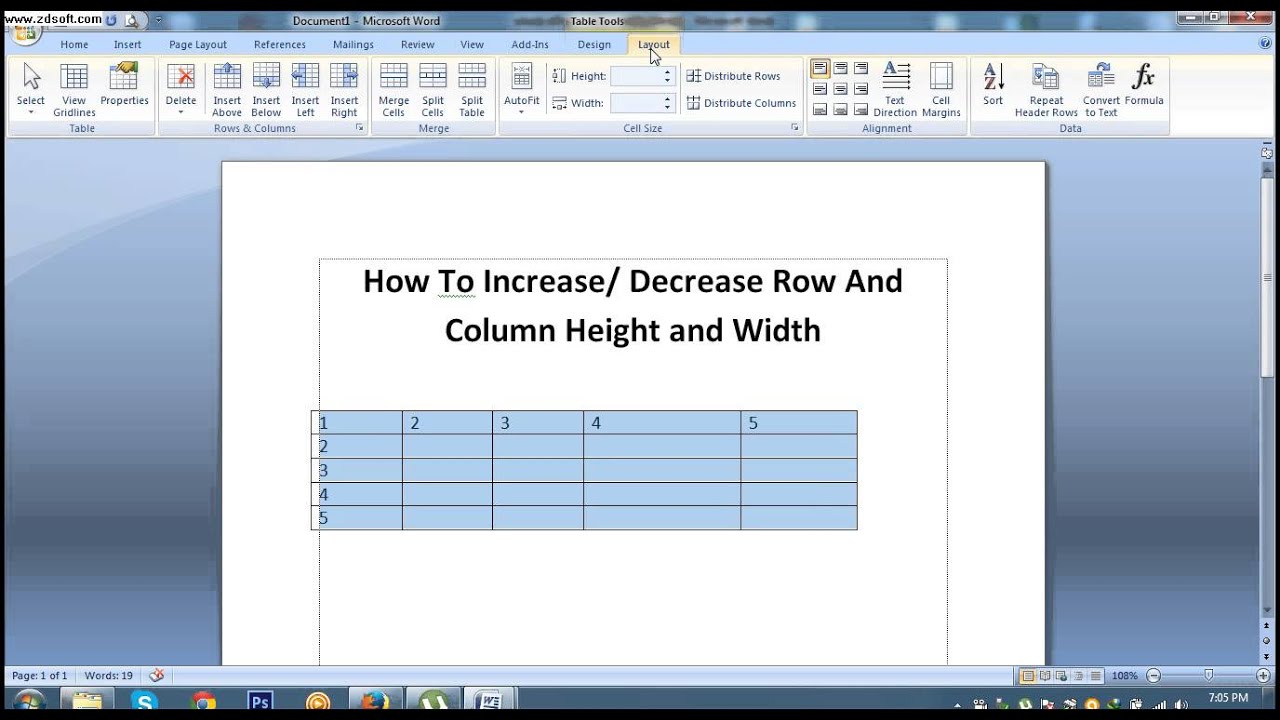
How To Increase Or Decrease Row And Column Height And Width In MS Word

Coffee Table Height Design Images Photos Pictures

But with the AutoFit feature Word sizes your table for you eliminating some manual work How to Automatically Resize a Table in Word You can automatically resize your table to fit the page or the contents in the table And you can use the AutoFit feature before or after you add the data to the table Select the table in your document You

To adjust row height and column width in Word tables by using the mouse place the mouse pointer over the border of the column or row to adjust until the mouse pointer turns into a double line with an intersecting arrow Then click and drag to adjust the column width or row height

Get Microsoft Word https amzn to 33GMhoq How to change the table size in Word That s easy In this tutorial I ll show you h

Select the table The contextual tabs Table Design and Layout appear in the ribbon On the Layout tab you can specify the custom height and width To resize specific rows or column click on a cell and then adjust the row column

Resize table columns and rows Word for iPad Word for iPhone Word for Android tablets More On mobile devices Word lets you take advantage of your touch screen for changing column width row height and the size of tables On your Android device or Windows tablet
There are four tables of different sizes and we need to adjust them to the same size quickly Go to the Developer tab and choose Visual Basic Insert a module first then type this code in the box You can just copy and paste Sub Selectallthetables Dim tempTable As Table Application ScreenUpdating False To access the properties for the table Microsoft says you can right click anywhere within a cell of the table and then click Table Properties The Table Properties window appears with the
Choose the Cell Height and Width option from the Table menu You will see the Cell Height and Width dialog box The Row tab should be selected In the Height of Row box select the way you want row height to be determined You can use Auto row height At Least row height or Exactly row height