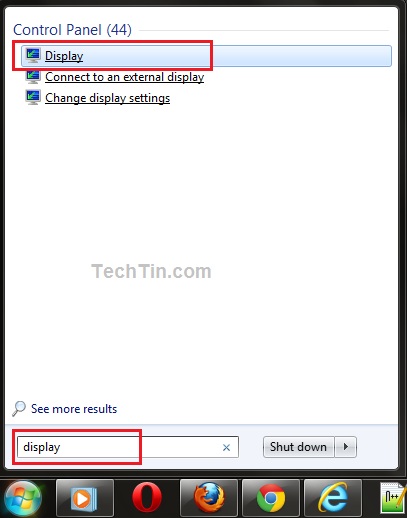
Increase Screen Size On Laptop Tutorial On Changing Font Size On Windows 10 Inforisticblog How To Increase Screen Size In Windows 7 TechTin How To Enlarge Mouse Pointer Size On Laptop YouTube Increase Screen Size Duplicate Tabs Open Multiple Browsers 1013 How To Find Out Your Laptop Screen Size Without Measuring Own The Cart Open your Display Settings menu This might be under Properties depending on your version of Windows Find the Resolution heading or slider
Click the Display Adapter Properties link Select List All Modes Choose your resolution color depth and refresh rate from the list and click Use your mouse cursor to hold down the cursor Now repeatedly press the plus key on your keyboard to increase the size Use the minus key to
How To Find Out Your Laptop Screen Size Without Measuring Own The Cart How To Increase Screen Size In Kali Linux Screen Size In Virtual Box How To Increase Screen Resolution In Windows 7 YouTube How To Enlarge Screen Size On A Laptop Technize How To Change Font Size On Laptop In Windows 7 And 8 TechByteX How To Reduce Screen Size On HP Laptop Hp Laptop Screen Size Screen How To Measure Laptop For Bag with Conversion Chart How To Increase Screen Size In QuickBooks Techwalla How To Increase Screen Size On Drifta For Windows PC YouTube
Increase Screen Size On Laptop
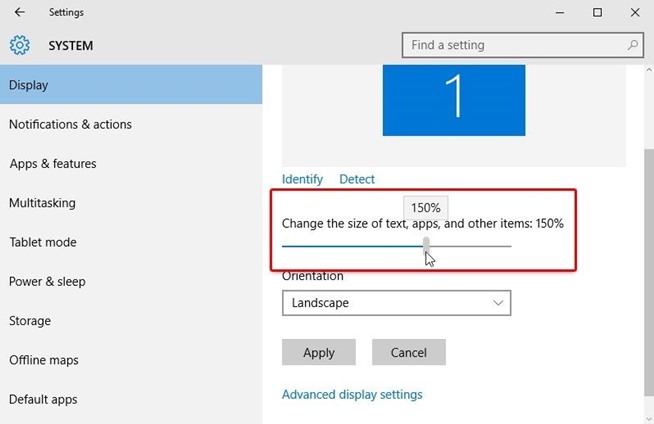 Increase Screen Size On Laptop
https://2.bp.blogspot.com/-Xd2oEN2GPfI/V18C6lV_JrI/AAAAAAAACEo/otVqIEebnvEDzUWxepqnffl6ycZrNdnIQCLcB/s1600/change-font-size-windows-10.jpg
Right click an empty area of the desktop and select Screen Resolution Alternatively click Start Control Panel Appearance and Personalization Adjust
Templates are pre-designed files or files that can be utilized for numerous purposes. They can conserve time and effort by offering a ready-made format and layout for producing different sort of content. Templates can be utilized for individual or professional projects, such as resumes, invitations, leaflets, newsletters, reports, presentations, and more.
Increase Screen Size On Laptop

How To Increase Screen Size In Windows 7 TechTin

How To Increase Screen Size In Kali Linux Screen Size In Virtual Box
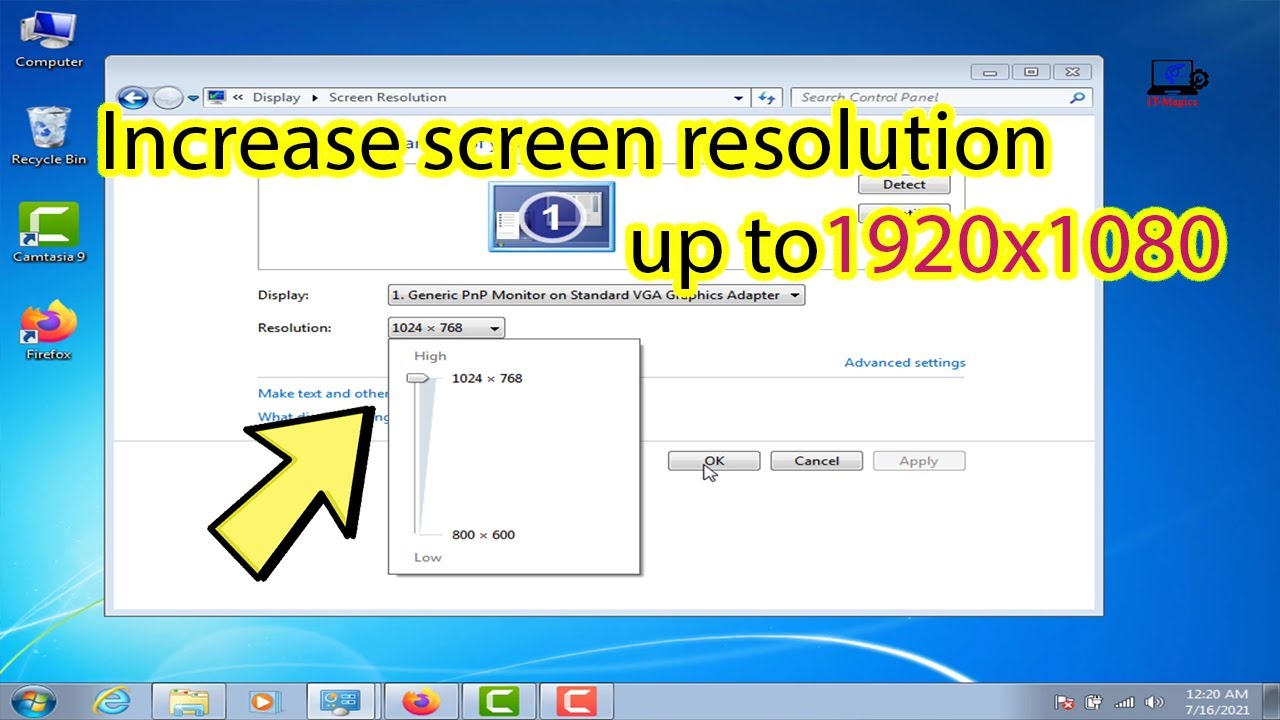
How To Increase Screen Resolution In Windows 7 YouTube
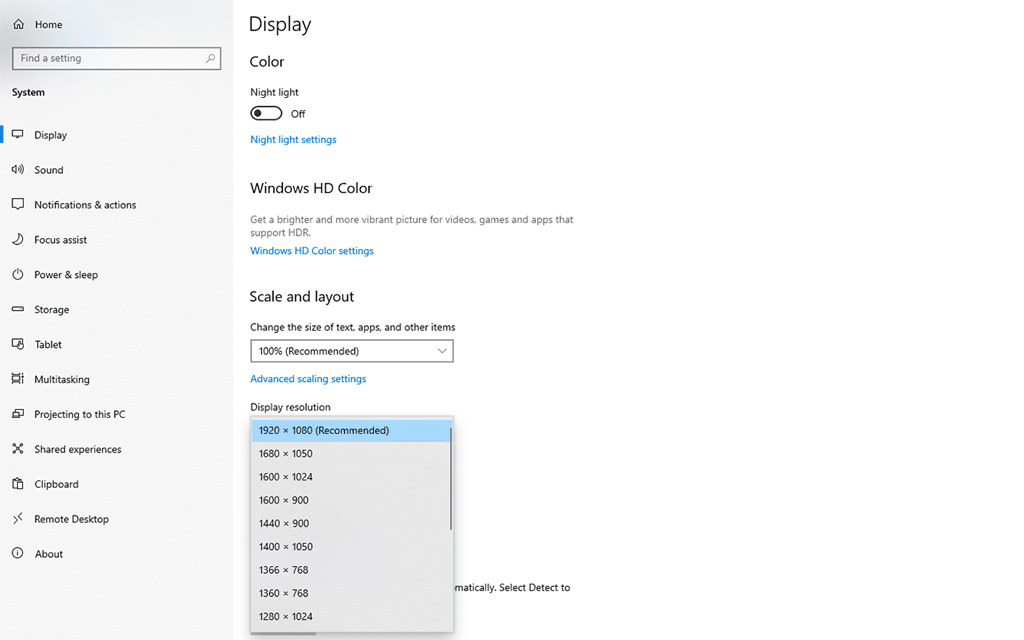
How To Enlarge Screen Size On A Laptop Technize

How To Reduce Screen Size On HP Laptop Hp Laptop Screen Size Screen

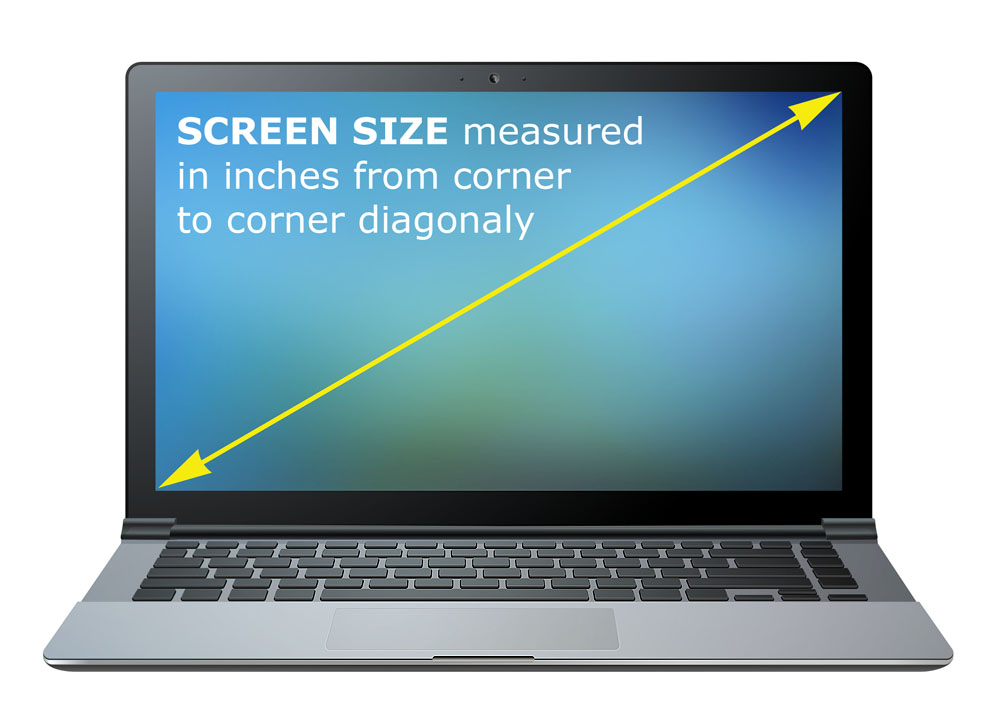
How To Measure Laptop For Bag with Conversion Chart
Learn how to make the change the scale and layout settings to adjust your screen size and
In this tutorial I show you how to change the screen resolution and size on your Windows 10 PC

Open the Start menu and select Settings Go to System In Display check the Scale and Resolution options and adjust them to make your screen look proper

How to fix computer screen size on Windows 10 1 Right click on your desktop and choose Display Settings 2 Click on Advanced display settings
Answer Open Start select Settings System Display Under Scale and layout check the setting under Change the size of text apps and other items We
Go to the Desktop right click the desktop and go to Display settings Here you can adjust the size of text apps and other items and also change the To quickly adjust the size of all icons at once click an open area of the desktop and then press and hold the ctrl key and use the scroll wheel on the mouse
Method 1 Modify Screen Resolution Method 2 Change the Size of Icon Method 3 Utilize Keyboard Shortcuts Method 4 Enable Small Taskbar