Increase Image Size Without Losing Quality Mac How To Increase Image Size Without Losing Quality DW Photoshop How To Reduce Image Size Without Losing Quality In Windows 10 8 7 No TECHGRIDLE How To Compress Image Size Without Losing Quality How To Compress Image Size Without Losing Quality In PHP Errorsea Reduce Image File Size Without Losing Quality YouTube 4 Click the button Apply when you get the desired size of your images 5 Click the Save option at the top right corner to save your new image as a high quality JPG or PNG BMP TIFF format Here comes the question how to resize image without losing quality Here you can use Fotor s AI enlarger Let s see how to do it 1
Free and secure ResizePixel is a free online photo resizer where simplicity is an essential feature It s easy to use mobile friendly and secure service to resize your photos without compromising privacy We neither collect nor distribute uploaded photos to third parties 1 Resize Images Using Preview You can change the image dimensions using the Preview app It s simple since all you need to do is to double click the image you re trying to resize By default it will open in Preview but if it doesn t right click and select Preview after choosing the Open With option
Reduce Image File Size Without Losing Quality YouTube How To Compress Image Size Without Losing Quality YouTube How To Reduce Image Size Without Losing Image Quality In KB YouTube How To Decrease Image Size Without Losing Quality YouTube Compress Large Images Without Losing Quality Reduce Image File Size How To Reduce Image Size Without Losing Its Quality YouTube Compress Image Size Without Losing Quality Without Any Software 2020 How To Reduce Image Size How To Reduce Image Size Without Losing How To Reduce Image Size Without Crop Image Without Losing Image
Increase Image Size Without Losing Quality Mac
 Increase Image Size Without Losing Quality Mac
https://photoss.dwphotoshop.com/1665124048408.jpg
Firstly go to Fotor and upload the image you want to enlarge Select the AI Enlarger tool in the Adjust menu and Fotor will automatically make image bigger for you in an instant Once finished Click Download to export your enlarged image in high resolution JPG PNG or PDF file format Enlarge Image Now
Pre-crafted templates offer a time-saving solution for developing a varied variety of documents and files. These pre-designed formats and designs can be used for various individual and professional projects, including resumes, invitations, leaflets, newsletters, reports, discussions, and more, streamlining the material development procedure.
Increase Image Size Without Losing Quality Mac
How To Reduce Image Size Without Losing Quality Best Free Method 2017
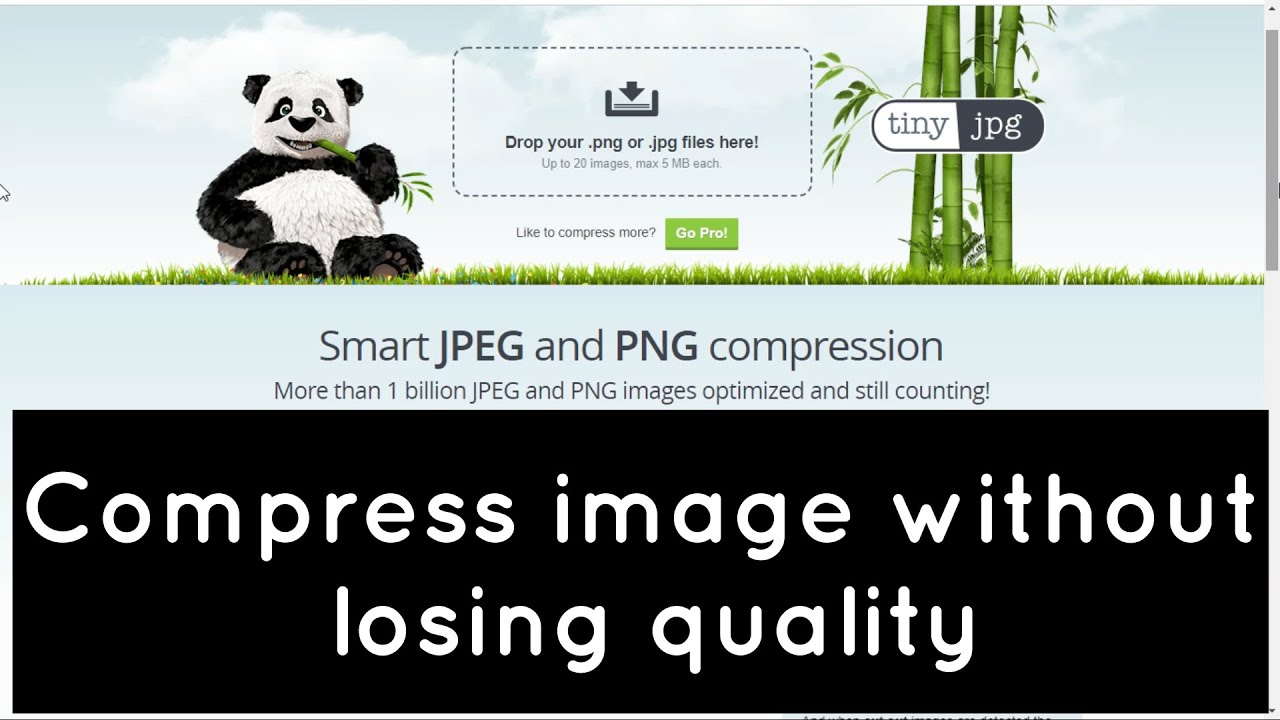
How To Compress Image Size Without Losing Quality YouTube
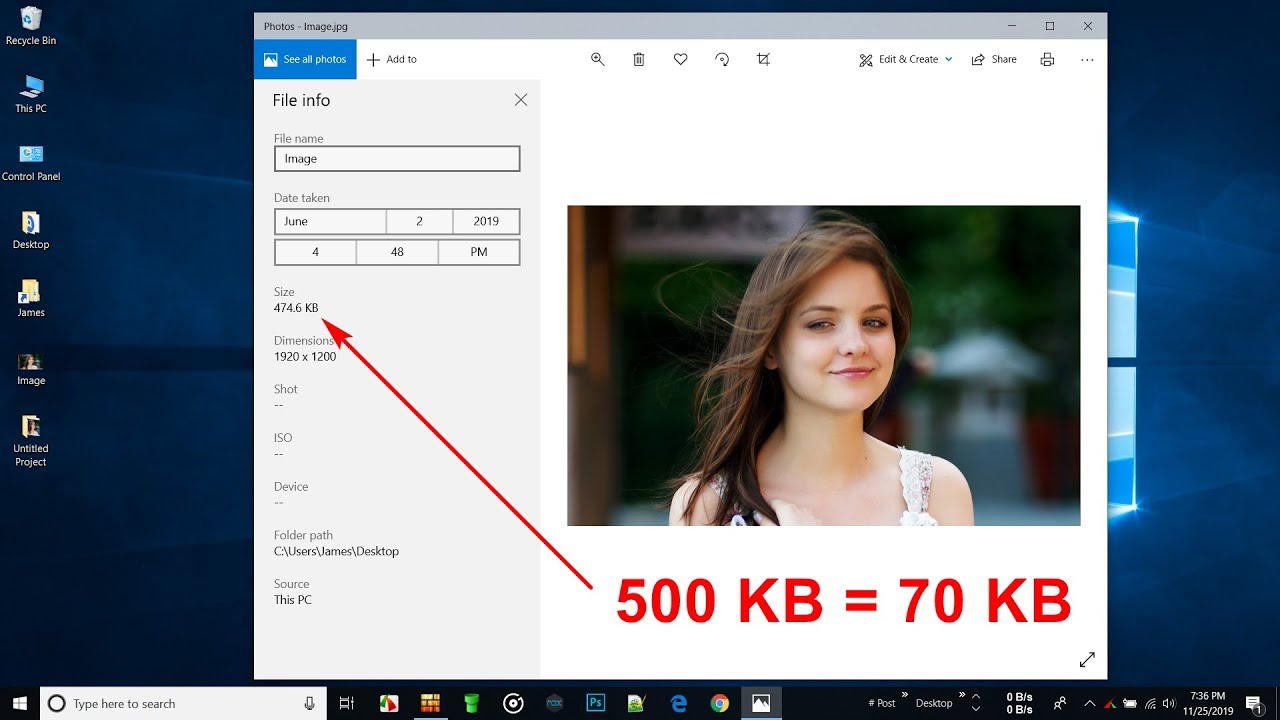
How To Reduce Image Size Without Losing Image Quality In KB YouTube

How To Decrease Image Size Without Losing Quality YouTube

How To Reduce Image Size Without Losing Its Quality YouTube
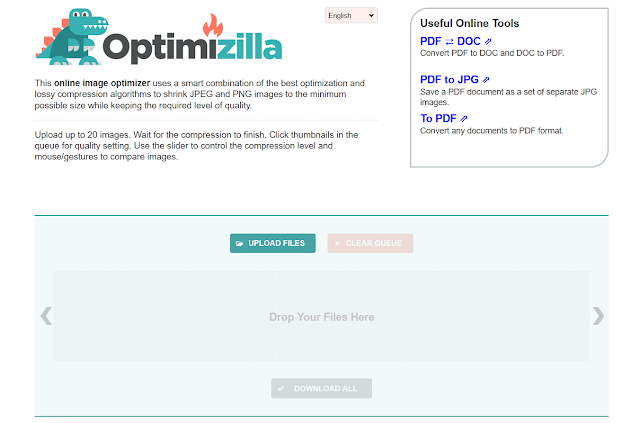
Compress Image Size Without Losing Quality Without Any Software 2020

Choose File Duplicate or hold down Option and choose File Save As to work on a copy of the image Choose Tools Adjust Size Uncheck Resample Image which changes the data of the file

Open Automator and select Quick Action when prompted At the top of the workflow make sure image files and Finder are selected in the respective drop down box You can also customize the icon and color if you want Under the Finder group in the actions library drag Copy Finder Items to the main workflow area

Click on Tools Choose Adjust Size you can also open this menu by clicking on the square with arrows icon in the menu bar Now assuming want your image to look the same after rather than

Part 1 Free Online Image Resizer to Bulk Resize Photos on Mac If you want to bulk resize images for free and in a hassle free manner Online UniConverter is the program that we recommend The tool works seamlessly from your Mac browser without any need for software download or installation 5 files of 5MB each can be added and processed at a time using the program

1 How to resize images on Macbook using Preview 2 How to resize images on a Mac with Pages 3 How to resize an image on the Photos app on Mac 4 Resize Images Using ColorSync Utility 5 How to change the size of an image using the Mail App 6 How to resize an image on Mac for wallpaper 7 How to resize images using Quick Actions on Mac 8
Photo enlarger programs let you resize photos without losing quality Instead of merely increasing the size of the file and making the images look pixelated in the process these programs use advanced algorithms to maintain image quality even when you increase an image to 200 400 or even 800 of its original size This allows the images to be enlarged without losing quality See demo images Does bigjpg support API Yes You can find it after logging in How does bigjpg compare to other tools With other software and tools such as PS an enlarged image can still look fuzzy and have visible blur as well as noise
How to Resize an Image Using Photoshop To resize this image in Photoshop click on the top menu in the app and click Image Image Size Then adjust the height and width in the Image Size dialog box Also make sure to have Resampling turned on with Bicubic Smoother as your preset As you can see Photoshop does an amazing job smoothing out this image from 670 pixels to 2000 pixels