Increase Image Quality And Size How To Increase Photo Resolution In 3 Useful Ways Fotor The Best Image Quality And Size For Canvas Printing Enlarge And Improve Image Quality Using AI Technology Deep Learning How To Improve Picture Quality 3 Ways 121Clicks Price Increase Clipart 20 Free Cliparts Download Images On Clipground How to Upscale an image Upload your image photo or picture Choose the image format you want your result to have Enter new size of the image Click on Start and wait while we resize your image Free Online Image AI Upscaling Tool Examples
1 Upload Use the Upload button below to select up to three photos to upscale 2 Adjust If you want to upscale your image to a specific size set up your target height and width at the top Or use the 2x and 4x button to quickly double and quadruple the resolution 3 Customize Enhance the color light quality and resolution of your images with our AI photo enhancer Start with 10 free images Set 2x the upscaling factor to get higher resolution output or 1x to retain the original size With a free plan you can increase image resolution up to 64 megapixels Paid plans and bundles have a cap of 256
Price Increase Clipart 20 Free Cliparts Download Images On Clipground Tips To Increase Image Quality 222 High Quality And Size flv YouTube Arrow Clipart Growing In Size 10 Free Cliparts Download Images On How To Increase Image Resolution Online Offline How To Change Pixel Size In Illustrator Gaiping 20 Tips To Increase Productivity And Get More Things Done 1 Marginal Effects Of Quality And Size On Score Changes Mathematics 3 Ways To Streamline Your Day And Increase Productivity Stopie
Increase Image Quality And Size
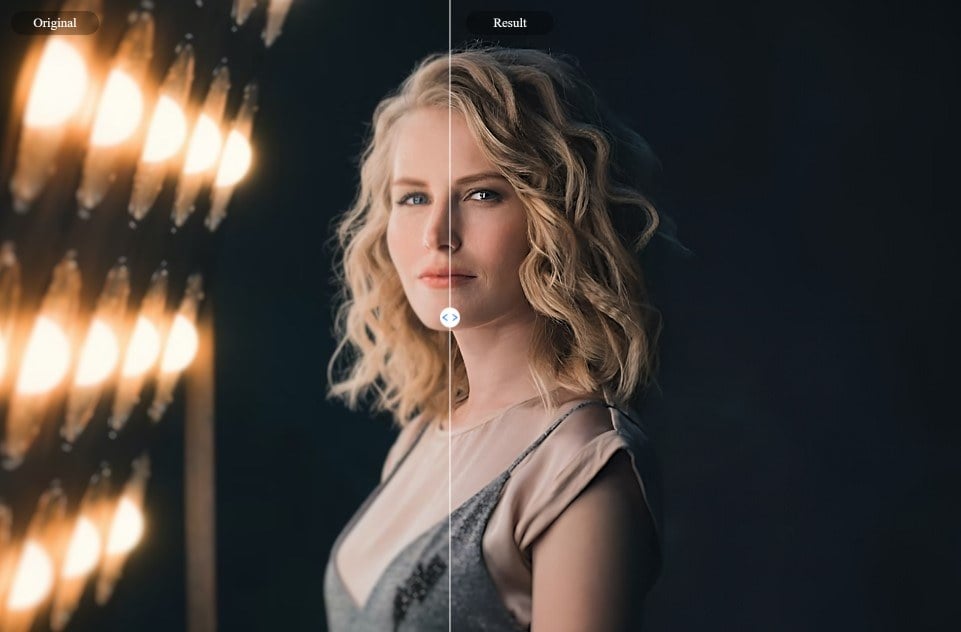 Increase Image Quality And Size
https://imgv3.fotor.com/images/blog-cover-image/increase-female-photo-resolution-in-Fotor.jpg
Increase Image Resolution and Quality in One Go Fotor does more than just make image bigger it increases image resolution while also improving the image quality With state of the art technology Fotor s AI image upscaler can help you sharpen and unblur images reduce noise and improve colors to make your pictures more detailed and vivid
Pre-crafted templates provide a time-saving solution for creating a diverse range of files and files. These pre-designed formats and designs can be utilized for various personal and expert jobs, including resumes, invitations, flyers, newsletters, reports, discussions, and more, enhancing the material creation process.
Increase Image Quality And Size
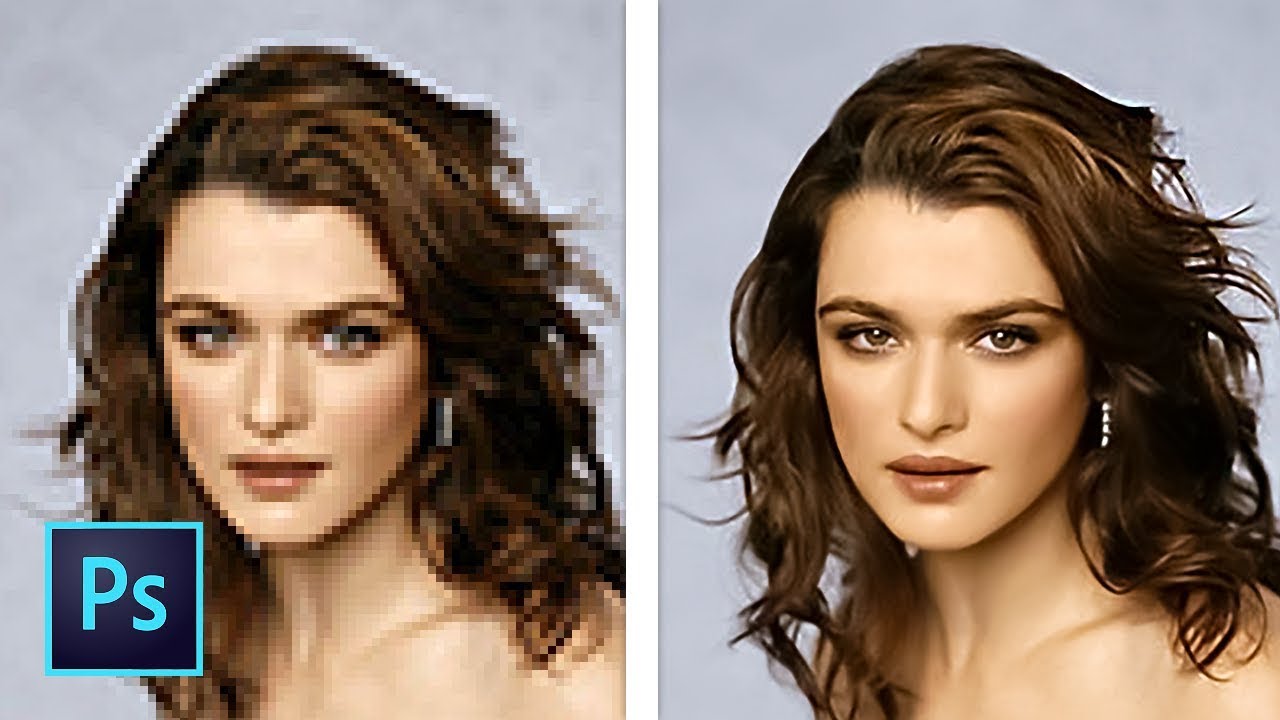
Increase Resolution Of Image Photoshop Archives

Tips To Increase Image Quality

222 High Quality And Size flv YouTube

Arrow Clipart Growing In Size 10 Free Cliparts Download Images On
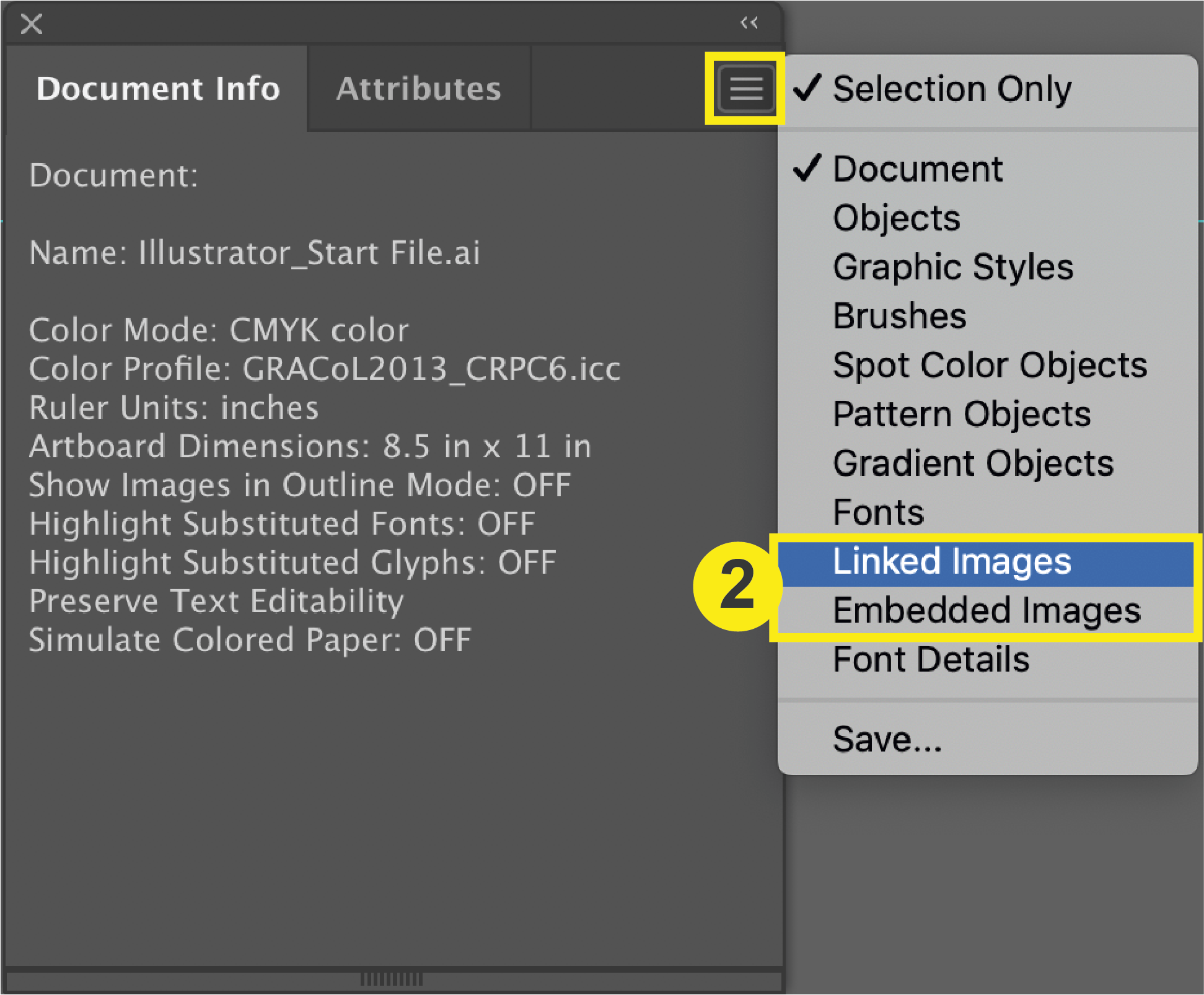
How To Change Pixel Size In Illustrator Gaiping
20 Tips To Increase Productivity And Get More Things Done
Learning Guide to Upscale Your Images Upscale HEIC Images Upscaling WebP Image Upscale BMP Image How to turn your JPEG images into high quality photos PNG Image Enlarger And Enhancer Upscale images to 2x or 4x without losing textures or details with our AI tool The Best AI Image Upscaler for stunning visuals Try Upscale media now
How to resize an image To resize an image online upload it from your device to ResizePixel s website Afterward enter a new width and height in pixels to resize the image to Apply the new size and download the final image on the download page Free and secure ResizePixel is a free online photo resizer where simplicity is an essential feature

Free Enhancer APP Best Image Enhancer See Everything In Detail Enlarge and enhance your photos to improve image quality Make them sharper crisper and cleaner AI Super Enlargement Increase image size enhance actual image resolution and real detail upscale by 200 AI Image Sharpener Unblur image with advanced AI technology
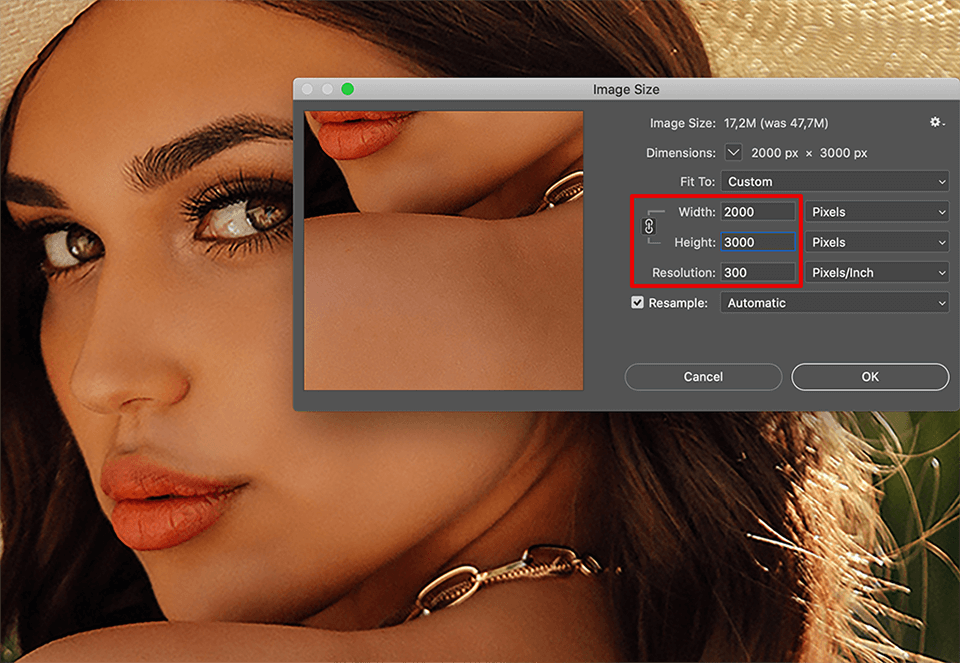
Image enhancer upscaler Increase image resolution improve quality and add clarity Make your photos look their best in one click Generate captivating AI art in high quality Start free Request API Drag and drop anywhere to upload Upscale pics with AI Fix pixelation and blur Correct colors and lighting Remove JPEG artifacts For product photos

How to resize an image 1 Select Upload your JPG or PNG to our image resize tool 2 Resize Choose a size template based on the social platform or add your own 3 Continue editing Instantly download your resized image or keep editing Resize images online for free Want to know how to make a picture smaller vertical or horizontal
1 Click on the Select Image button to select an image 2 Enter a new target size for your image 3 Click the Resize Image button to resize the image Image Converters PDF to JPG HEIC to JPG SVG Converter PDF to PNG PNG to SVG WebP to JPG PNG to JPG JPG to PNG PDF Tools PDF Merge Compress PDF Resize PDF Use the free AI image enhancer to dramatically improve your pictures From logos to product images to Instagram posts upscale any image by up to 1000 in just one click Upload your image on Canva then let the AI image quality enhancer create sharper clearer photos No more pixelation or blur just stunning visual content
See if you can increase image quality for print by adjusting only the dimension or resolution without changing pixel count Photoshop will automatically change the other value for you keeping the aspect ratio and amount of pixels the same Follow these steps Open your image in Photoshop Choose Image Image Size