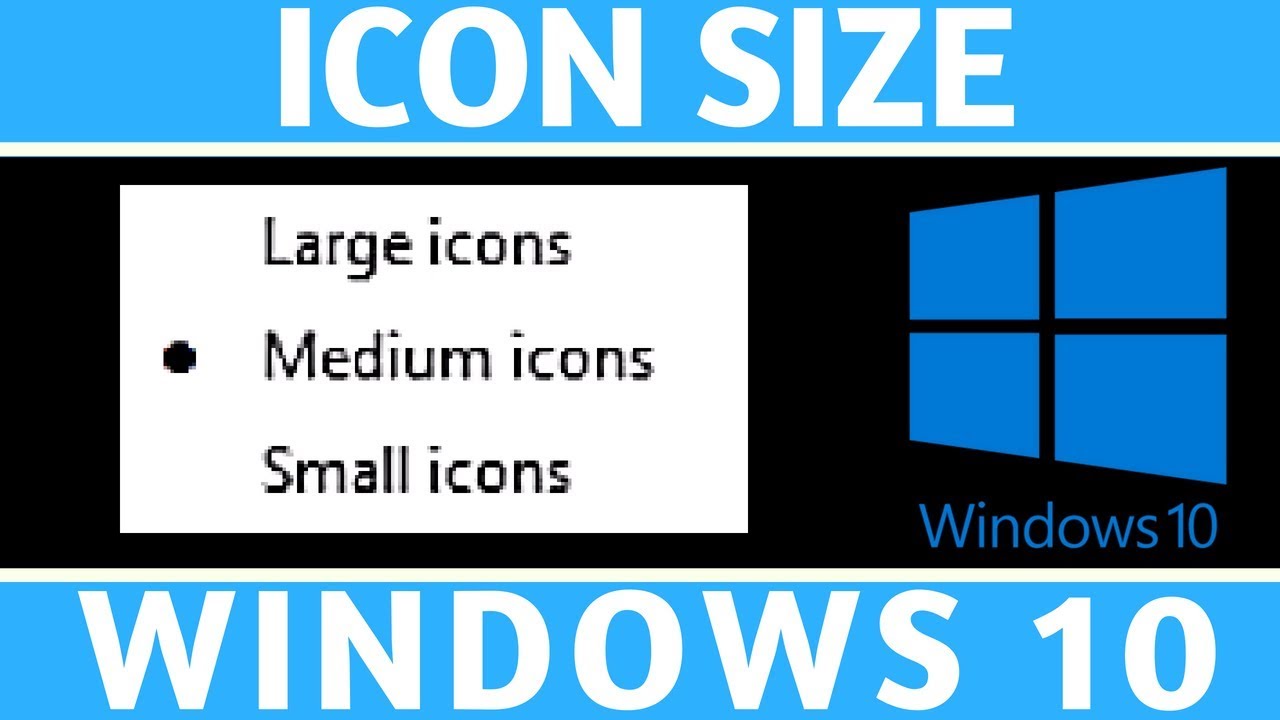
Increase Icon Size In Oneplus How To Change Icon Size Windows 10 Tutorial YouTube Increase Icon Size In Any Mi Redmi Phones How To Increase Icon Size Decrease Text Size Scaling Windows 10 How To Change Windows 11 Taskbar And Icon Size Zohal Images And How To Increase Android Icon Size One Click Root Well with OxygenOS 13 you can customize the app icon size share and color company offer around four styles for app design Including Anamorphic Material Style Pebble Custom In the custom option you can change the app share in five different ways Also you can change the app name text size according to your convenience and can show and
Check more info about OnePlus 11 https www hardreset info devices oneplus oneplus 11 pro tutorials If you want to switch icon size on OnePlus 11 this vid 1 Long press on your home screen 2 Go to home settings 3 Home screen layout 4 Icon size diegocers 3 yr ago Thanks I already had the smallest one but somehow they don t look so small I don t know if having the flight icon pack made me change my perception on how small they are Plane Interaction 68 1 yr ago
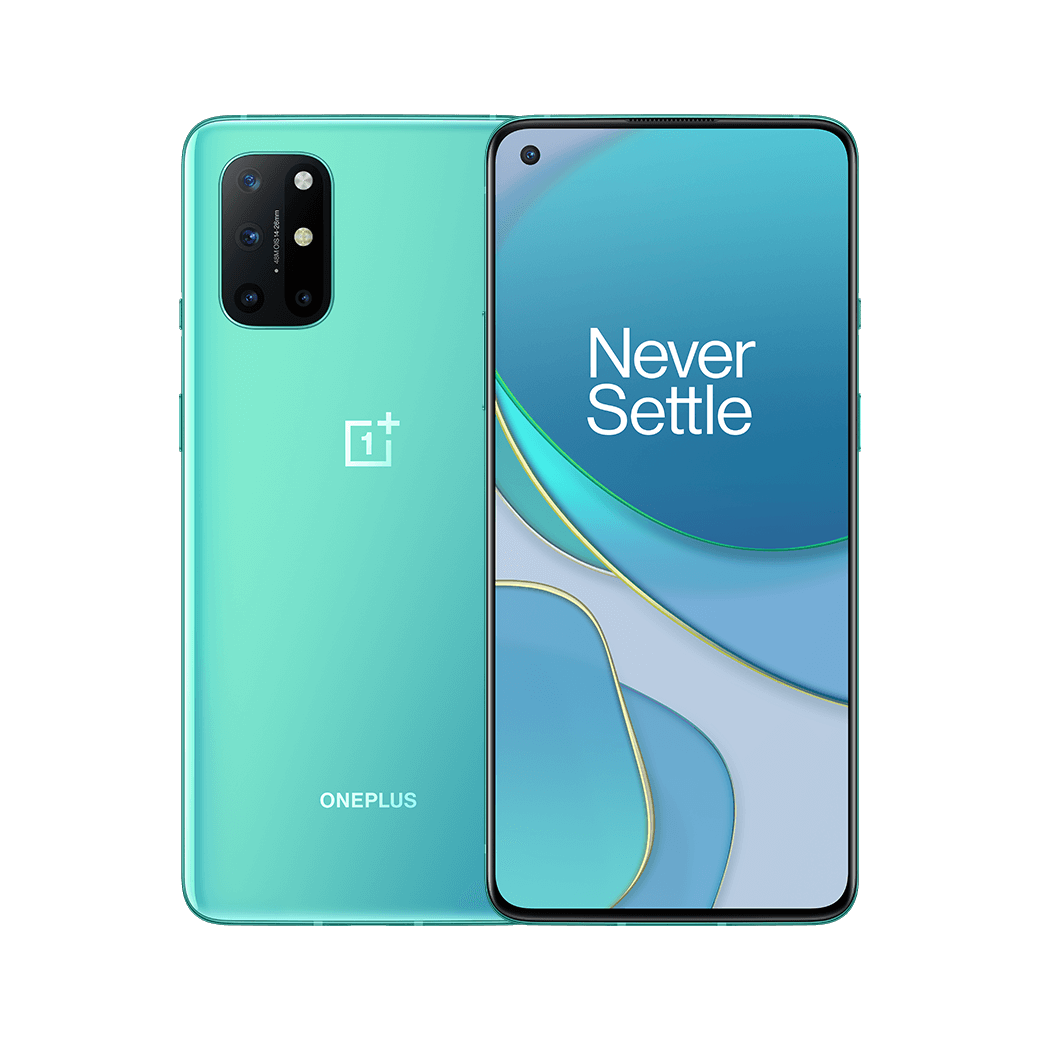
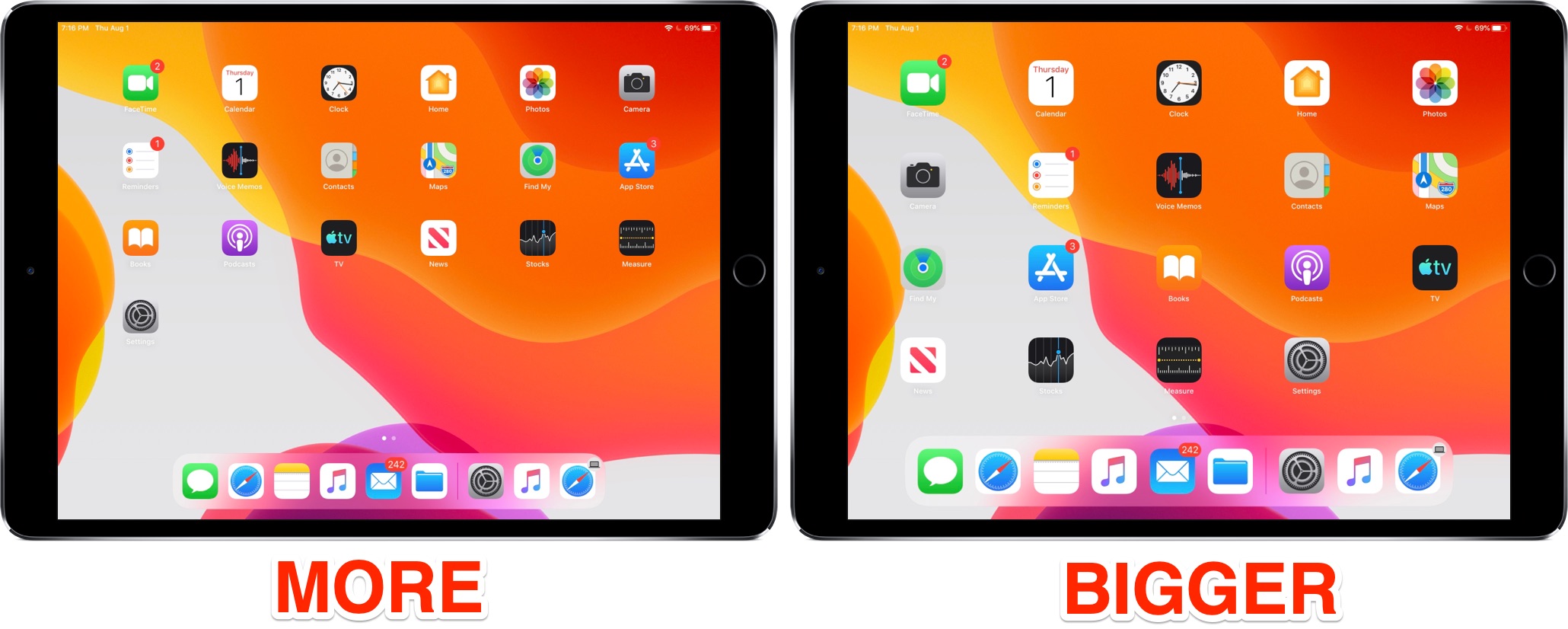
How To Increase Android Icon Size One Click Root DirectD Online Store ONEPLUS 8T 5G 12GB RAM 256GB ROM 120Hz C mo Restaurar Los Iconos De Escritorio Que Faltan En Windows 11 How To Adjust IPad App Icons Size On The Home Screen How To Change Size Of Desktop Icons In Windows 10 YouTube Png Increase Size 10 Free Cliparts Download Images On Clipground 2021 How Can We Increase Icon Size On Computer Window 7 YouTube Increase Icon 264215 Free Icons Library Flutter How To Increase Icon Size Without Getting An Overflow Error
Increase Icon Size In Oneplus
 Increase Icon Size In Oneplus
https://i.ytimg.com/vi/2CZ4PhTD6Ok/maxresdefault.jpg
5 You ll see a slider that allows you to increase or decrease the size of the icons Slide it to the left to reduce the size or to the right to increase it 6 As you adjust the slider you ll see the icon size changing in real time providing you with a preview of how it will appear on your home screen 7
Pre-crafted templates offer a time-saving solution for developing a varied series of documents and files. These pre-designed formats and layouts can be used for various personal and professional tasks, consisting of resumes, invitations, flyers, newsletters, reports, presentations, and more, streamlining the material development process.
Increase Icon Size In Oneplus

Line Increase Svg Png Icon Free Download 548887 OnlineWebFonts COM
DirectD Online Store ONEPLUS 8T 5G 12GB RAM 256GB ROM 120Hz

C mo Restaurar Los Iconos De Escritorio Que Faltan En Windows 11
How To Adjust IPad App Icons Size On The Home Screen

Png Increase Size 10 Free Cliparts Download Images On Clipground 2021

How Can We Increase Icon Size On Computer Window 7 YouTube
In addition to the font size we can also define the display size of the individual elements or symbols on the OnePlus smartphone To do this we have the following five possible sizes which are set using sliders Larger Largest Note By resizing the display app icons on the home screen may lose their current position but can be

1 Increase Font Size If you want to make the text bigger on your Android phone increase the font size from the settings Open Settings on your Android phone Go to the Display tab Here click on Font Size Use the slider to increase the font size based on your liking Close once you re done

About Press Copyright Contact us Creators Advertise Developers Terms Privacy Policy Safety How YouTube works Test new features NFL Sunday Ticket Press Copyright

Open the Settings app Tap on Customization Tap on Accent color Select a color If you don t see one you like tap on Customization Adjust the color sliders to your preference Tap on the
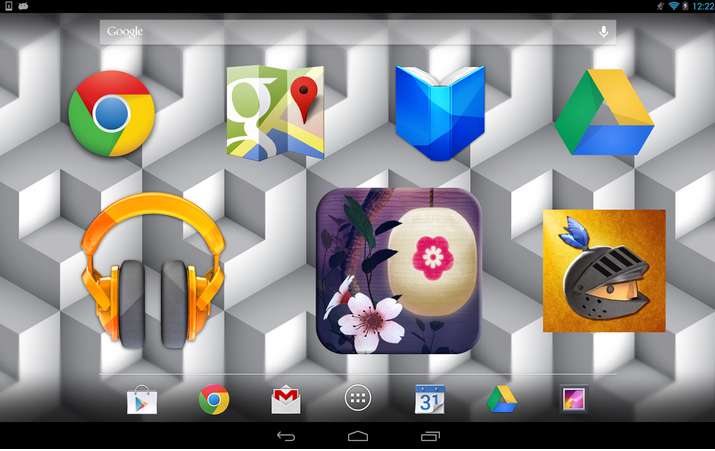
In developers option you can change the dpi to change the icon size The icon size changes but it will never show more than 5 columns Tried up to 1000 but then the font is hardly readable I ll probably use MultIcon until this is available in stock Oxygen it will fit 4 icons in each square Jul 05 2017 07 17 1 Like Reply
Open the Settings app Go into Home screen Select the Home screen grid or the Apps screen grid You can change the grid size App icons will change in size as they adapt to different grid options Amazon Link https amzn to 3Ff0DAsHow to Change the Icon Size for OnePlus Nord How to Increase or Decrease Icon Size on Home ScreenHow to make the Icons B
I am only able to change the icon size of icons outside the folders on the home screen This update really made the phone homescreen unusable for my elderly family member because they have so many apps and I made them put them in folders to make it easier to find apps