Increase Font In Visual Studio Code How To Increase Font Size In Visual Studio 2019 How To Change Font Increase Font Size In VSCODE Editor How To Make Text Bold In VS Code Tips For Changing The Default Font In Visual Studio Code When You re Visual studio code show all characters Panham How To Increase Font Size In Visual Studio Code Increase Font Size In VERKKO 19 syysk 2019 nbsp 0183 32 Open your Settings and look for User gt Text Editor gt Font and change it to your desired Font After changing your font reopen Visual Studio Code References Cascadia Code Change
VERKKO To change the font size in Visual Studio Code follow these steps 1 Open the Settings or Preferences menu 2 Click on the Text Editor category 3 Under the VERKKO Q How do I change the font in VS Code A To change the font in VS Code you can use the following steps 1 Open the Settings menu 2 Click on Text Editor 3
How To Increase Font Size In Visual Studio Code Increase Font Size In Linux How To Change The Font Of Visual Studio Code s UI Stack Overflow Solved Change Default Font In Visual Studio 9to5Answer C Visual Studio 2022 Text Editor Faded Out For Code Stack Overflow How To Use Installed Font In Visual Studio Code Editor Mac Tapnax How To Change Only Font In Visual Studio Code Vrogue How To Change Font Size In Visual Studio YouTube How To Change Only Font In Visual Studio Code Vrogue How To Add Cursive Font In Visual Studio Code VSCode YouTube
Increase Font In Visual Studio Code
 Increase Font In Visual Studio Code
https://i.ytimg.com/vi/_buDF8QSuZM/maxresdefault.jpg
VERKKO 19 syysk 2022 nbsp 0183 32 Windows PC 1 Downloading Font We will start by downloading the font for our code editor You can download any of your favorite fonts but make sure
Templates are pre-designed documents or files that can be used for various functions. They can save effort and time by supplying a ready-made format and design for developing various kinds of content. Templates can be utilized for personal or professional jobs, such as resumes, invites, flyers, newsletters, reports, discussions, and more.
Increase Font In Visual Studio Code
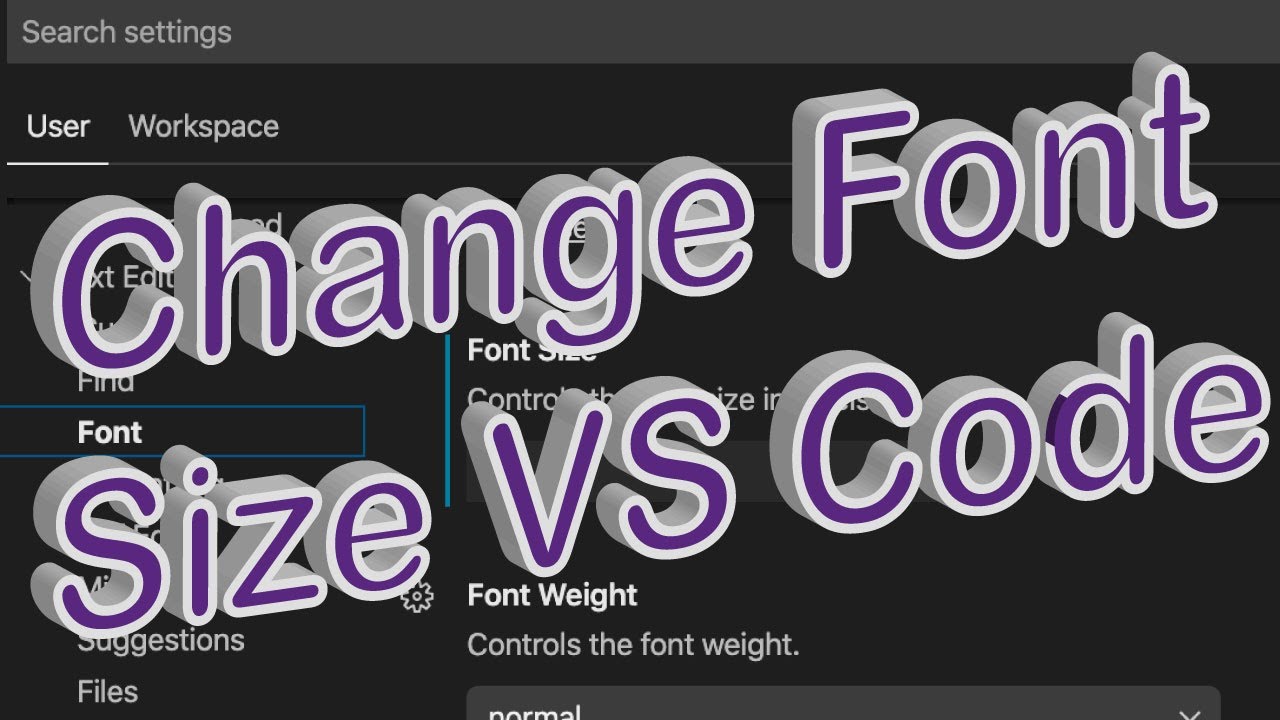
How To Change Font Size In Visual Studio Code Increase Decrease Or

Linux How To Change The Font Of Visual Studio Code s UI Stack Overflow

Solved Change Default Font In Visual Studio 9to5Answer

C Visual Studio 2022 Text Editor Faded Out For Code Stack Overflow
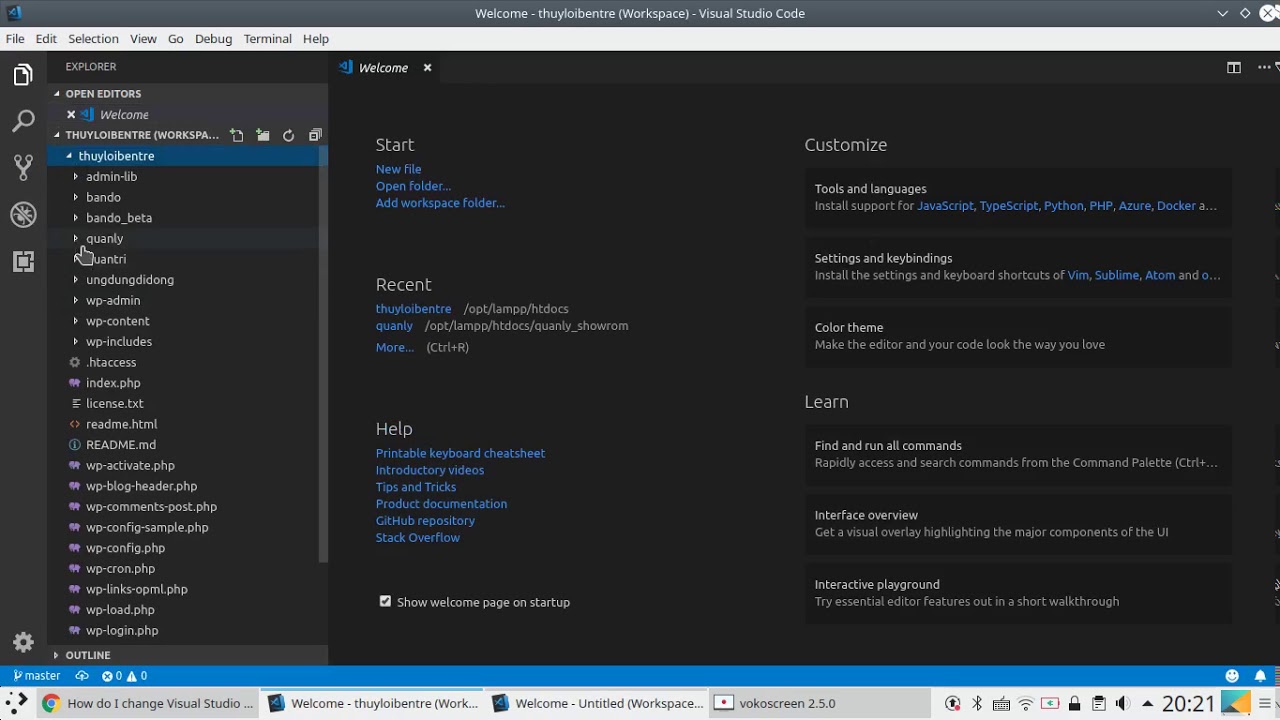
How To Change Only Font In Visual Studio Code Vrogue
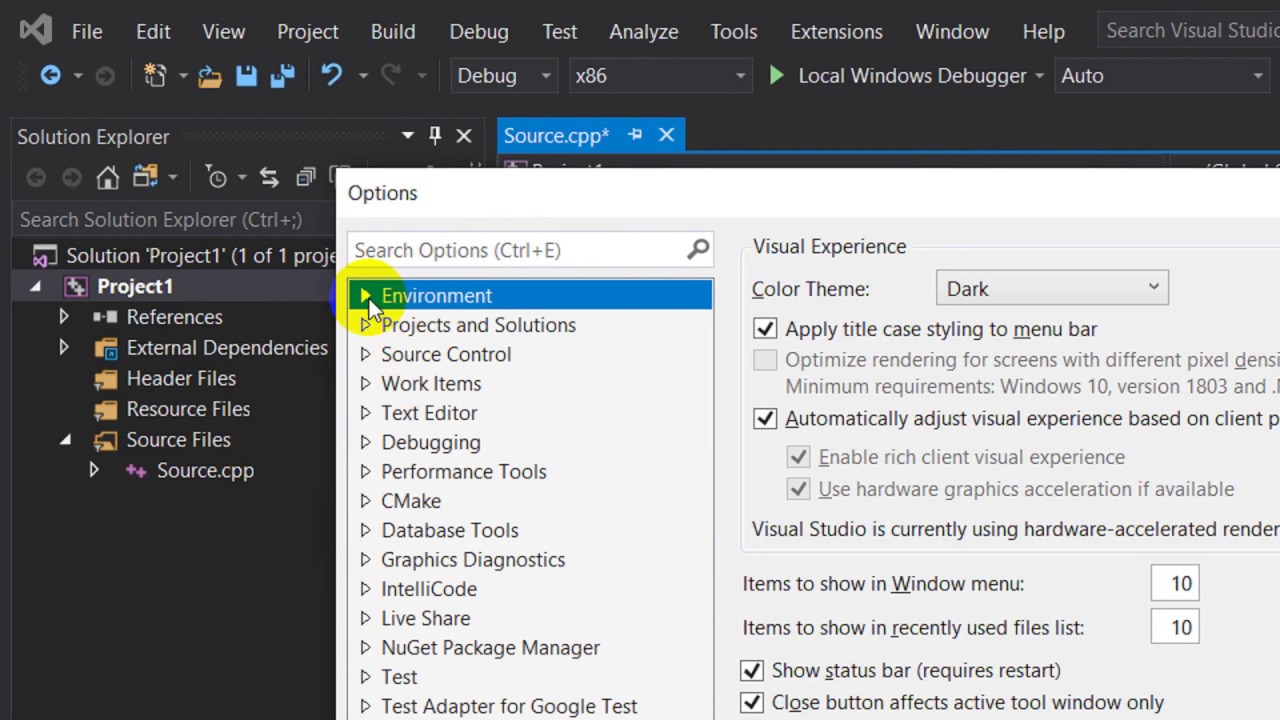
How To Change Font Size In Visual Studio YouTube

VERKKO 1 syysk 2023 nbsp 0183 32 This concise article shows you 2 different ways to increase or decrease the font size in VS Code Visual Studio Code Table Of Contents 1
VERKKO 24 maalisk 2017 nbsp 0183 32 There are many options to change the font size in the Visual studio code version 1 36 1 Editor Option 1 Go To File gt Preferences gt Settings

VERKKO 24 jouluk 2023 nbsp 0183 32 So try different font sizes and find the perfect one that fits your coding needs Here s how to change the font size in VS Code Navigate to the File gt Preferences gt Settings

VERKKO 30 hein 228 k 2022 nbsp 0183 32 Open VSCode and click on the File menu Select Preferences gt Settings On the left sidebar select User Preferences On the right side locate the
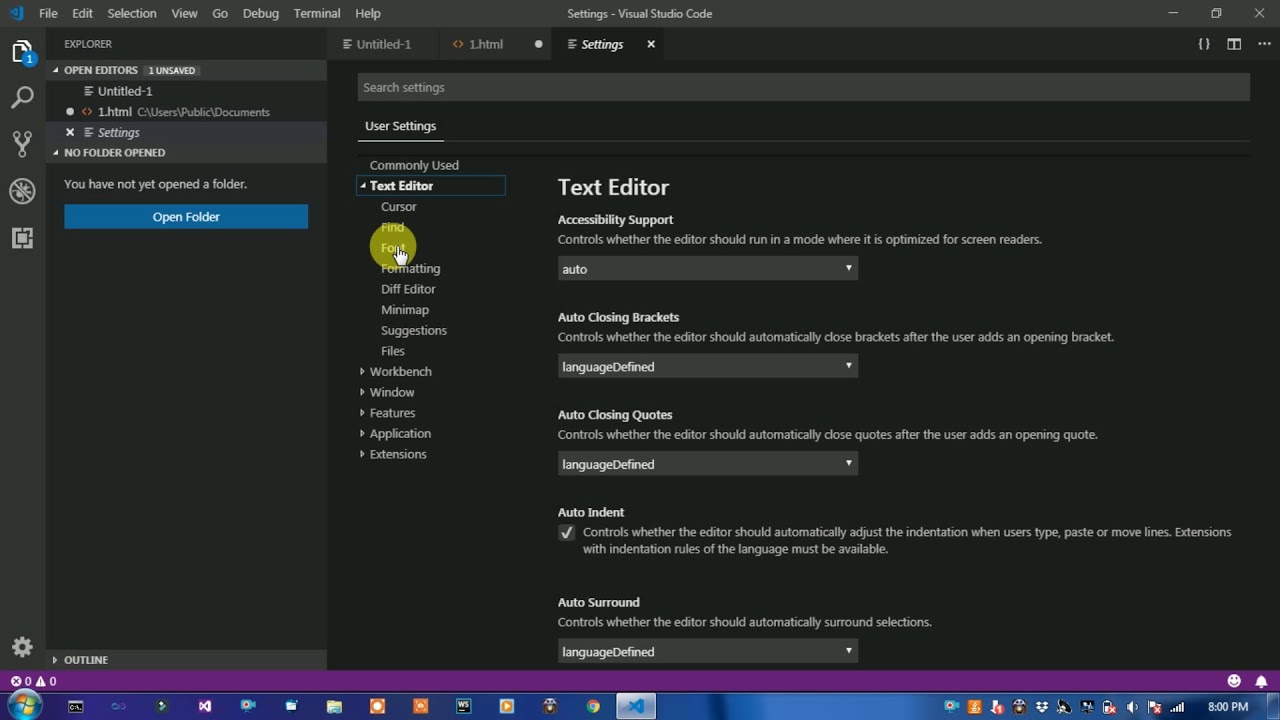
VERKKO 15 kes 228 k 2022 nbsp 0183 32 Improve Your Visual Studio Code s Look with Custom Fonts vscode Are you tired of the default Windows OS font Segoe UI making your Visual Studio Code look not so great
VERKKO 29 jouluk 2023 nbsp 0183 32 Changing the font family in VSCode allows you to code in a style that suits your visual preferences and enhances your coding experience In this article VERKKO 20 tammik 2024 nbsp 0183 32 Go to File gt Preferences gt Settings Search for font size Under Editor Font Size replace the default size with your desired size in pixels
VERKKO VS Code s terminal renders some of the Powerline symbols without needing to configure a font but if more glyphs are desired configure a Powerline font with the