Import No Module Named Pandas Modulenotfounderror No Module Named pandas How To Install Pandas How To Fix ModuleNotFoundError No Module Named Error In Python Show Variable In Data Viewer Shows Install Pandas Popup Even Though The Package Manager Can See Pandas But Import Pandas Will Prompt ModuleNotFoundError No Module Named Pandas Simple Fix The easiest way to do so is by using pip which is a package manager for Python You can run the following pip command to install pandas pip install pandas In most cases this will fix the error Step 2 Install pip If you re still getting an error you may need to install pip Use these steps to do so
As a data scientist or software engineer you may have encountered the error message ModuleNotFoundError No module named pandas when trying to import the Pandas library in Jupyter Notebook This error can be frustrating especially when you need to work with data in Python using Pandas What is ModuleNotFoundError The ModuleNotFoundError occurs when the module you want to use is not present in your Python environment There are several causes of the modulenotfounderror The module s name is incorrect in which case you have to check the name of the module you tried to import
ModuleNotFoundError No Module Named Pandas Simple Fix Modulenotfounderror No Module Named pandas datareader SOLVED Pandas AttributeError Module os Has No Attribute add dll Jupyter Notebook Import ModuleNotFoundError No Module Named pandas In Python Its Linux FOSS ImportError No Module Named Pandas ItsMyCode Jupyter Import Pandas datareader Python Skill Path Projects No Module Named pandas Modulenotfounderror No Module Named pandas datareader Python Clear
Import No Module Named Pandas
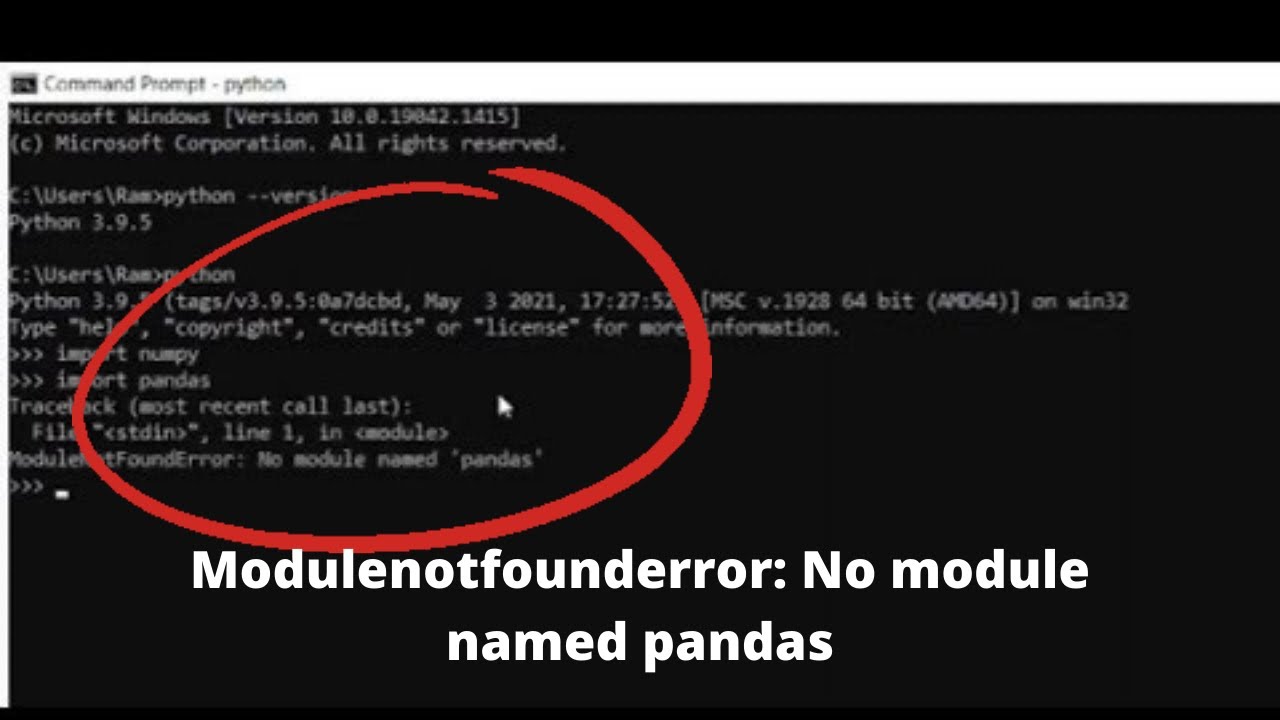 Import No Module Named Pandas
https://i.ytimg.com/vi/VVLl3LFVWh0/maxresdefault.jpg
Quick Fix Python raises the ImportError No module named pandas when it cannot find the Pandas installation The most frequent source of this error is that you haven t installed Pandas explicitly with pip install pandas
Pre-crafted templates use a time-saving service for creating a diverse series of files and files. These pre-designed formats and layouts can be made use of for numerous personal and expert projects, consisting of resumes, invites, flyers, newsletters, reports, discussions, and more, enhancing the material creation procedure.
Import No Module Named Pandas

Modulenotfounderror No Module Named Pandas Debugged Position Is
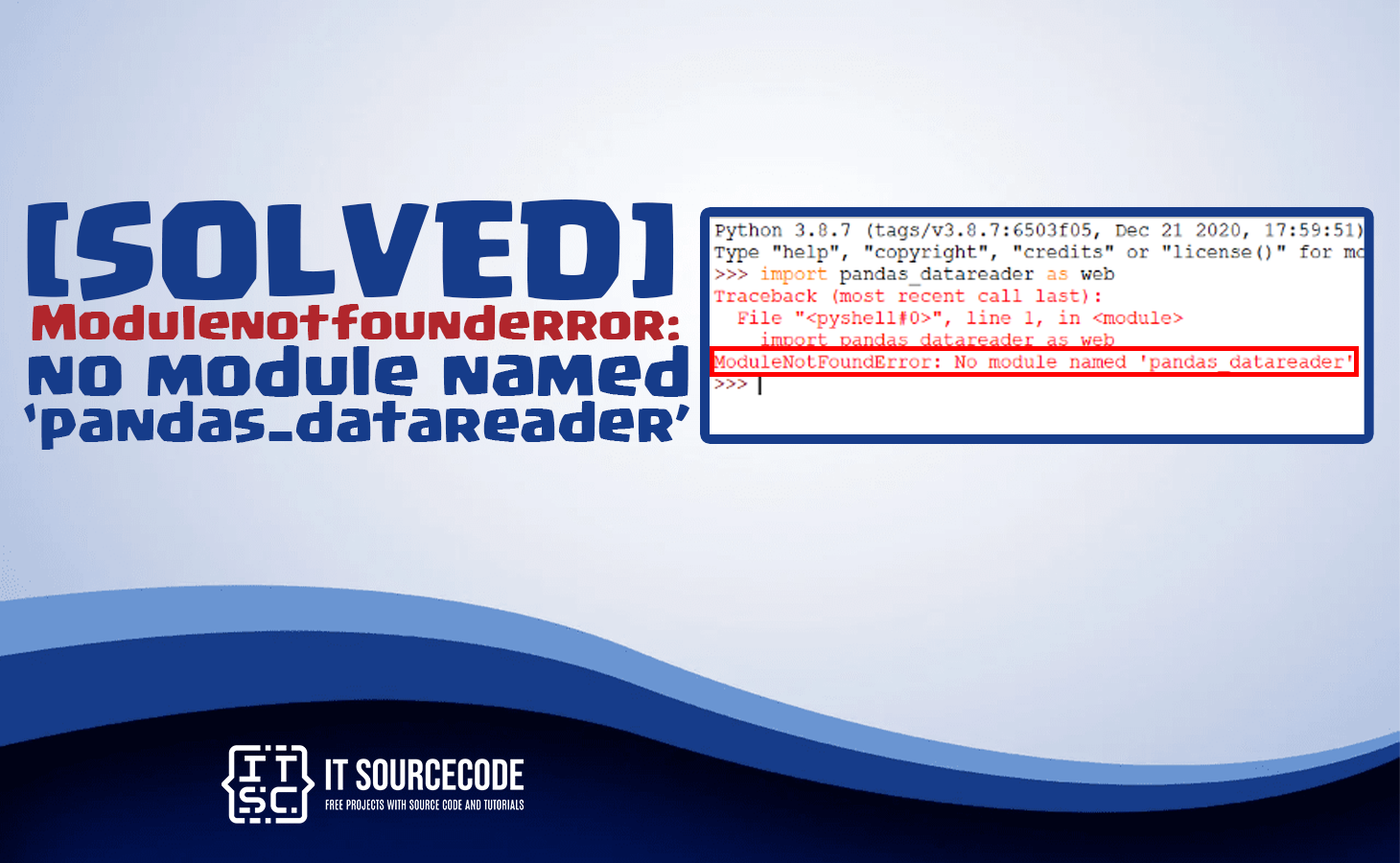
Modulenotfounderror No Module Named pandas datareader SOLVED

Pandas AttributeError Module os Has No Attribute add dll
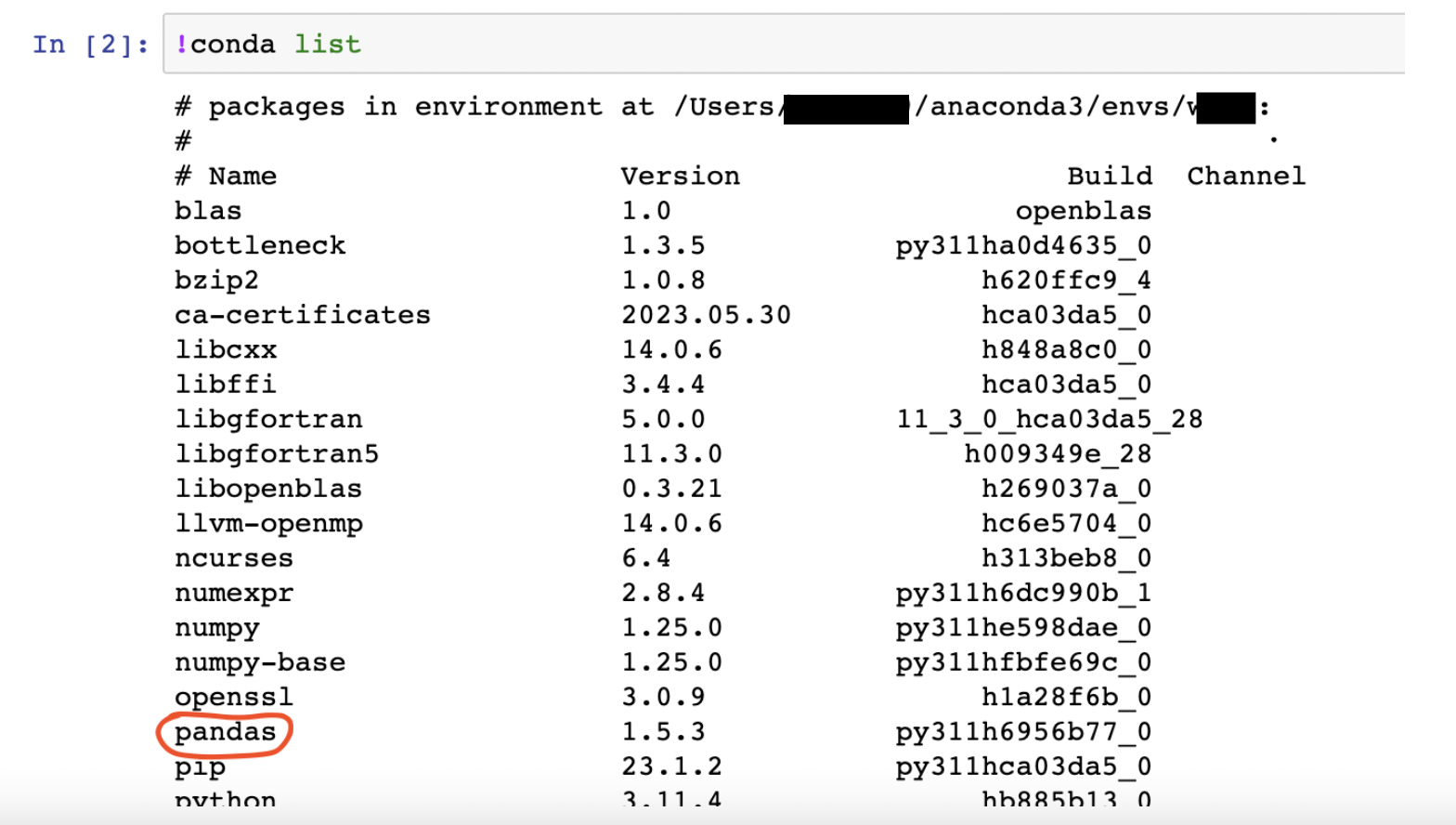
Jupyter Notebook Import

ImportError No Module Named Pandas ItsMyCode

Jupyter Import Pandas datareader Python Skill Path Projects

165 This question does not show any research effort it is unclear or not useful Save this question Show activity on this post I am trying to write code in Python to fetch Twitter data and I am not getting an error for twython But I am getting an error for Pandas I have installed Pandas using pip install pandas

The error No module named pandas will occur when there is no pandas library in your environment IE the pandas module is either not installed or there is an issue while downloading the module right Let s see the error by creating an pandas dataframe Example Produce the error Python3 import pandas pandas DataFrame a 1 2 Output

The ModuleNotFoundError No Module Named Pandas error occurs because the Python interpreter can t locate your installation of the Pandas library The easiest solution is to make sure Pandas is installed which you can do with the following shell commands depending on your Python installation either Pip or Anaconda Pip Run pip install pandas

The Python ModuleNotFoundError No module named pandas occurs when we forget to install the pandas module before importing it or install it in an incorrect environment To solve the error install the module by running the pip install pandas command Open your terminal in your project s root directory and install the pandas module shell

1 I have Python2 and Python3 both installed in my laptop I am trying to run pandas in Jupyter Notebook but it shows an error message saying No module named pandas I have tried to install pandas in both python2 and python3 using pip3 install pandas and conda install pandas
Then hit the Windows key or the magnifying glass in your taskbar and type cmd Hit Enter The command prompt will open Go ahead and type pip install pandas Hit Enter Python will download the pandas library from the online repository Once done type exit followed by Enter to close your command prompt The ModuleNotFoundError No module named pandas error happens because you have not installed the pandas module to use or you installed the wrong environment I will do the installation in a virtual environment How to solve this error Install library pandas Install the pandas module You can use Python pip
Open the settings file by typing and clicking on Preferences Open User Settings JSON in the Command Palette Ctrl Shift P Then add the following line to the settings file python autoComplete extraPaths path to pandas Replace path to pandas with the path to the Pandas package on your computer