Imagemagick Annotate Font Size Imagemagick Annotate With Unicode Characters Stack Overflow Solved Using Different Font Styles In Annotate 9to5Answer Imagemagick How Can You Use annotate With montage Or Pipe A For Afbeeldingen Watermerken Pimaxplus IT Consultancy Linux Imagemagick Annotate A Spot Truthpaas In ImageMagick the draw option allows us to paint all sorts of things onto an image pixels shapes and text magick size 1000x200 canvas none
Description public Imagick annotateImage ImagickDraw draw settings float x float y float angle string text bool Annotates an image with text Parameters Basic Caption Best Fit Captions Captions with Paragraphs Text Attributes and Settings Pointsize and Density Label Image Bounds Unicode labels Symbol Fonts Inter
Linux Imagemagick Annotate A Spot Truthpaas Linux Imagemagick Annotate A Spot Truthpaas ImageMagick Put Curved Text Over Image Stack Overflow Left Align Text In Ggplot Plot In R Example Annotate Function Hjust Add New Font For ImageMagick On Mac OS X And Ubuntu BigBing Positioning Element text image Legacy ImageMagick Discussions Archive ImageMagick Adding Text To An Image R Annotate Font Is Different From The Other Texts In The Figure With Python 31 matplotlib text annotate qq 21478261
Imagemagick Annotate Font Size
 Imagemagick Annotate Font Size
https://i.stack.imgur.com/6KvMB.png
Convert logo font Times New Roman pointsize 24 gravity southwest annotate 10 10 Anthony logo sig jpg
Templates are pre-designed documents or files that can be used for different functions. They can save time and effort by offering a ready-made format and design for creating various type of material. Templates can be used for personal or expert tasks, such as resumes, invites, leaflets, newsletters, reports, discussions, and more.
Imagemagick Annotate Font Size
ImageMagick
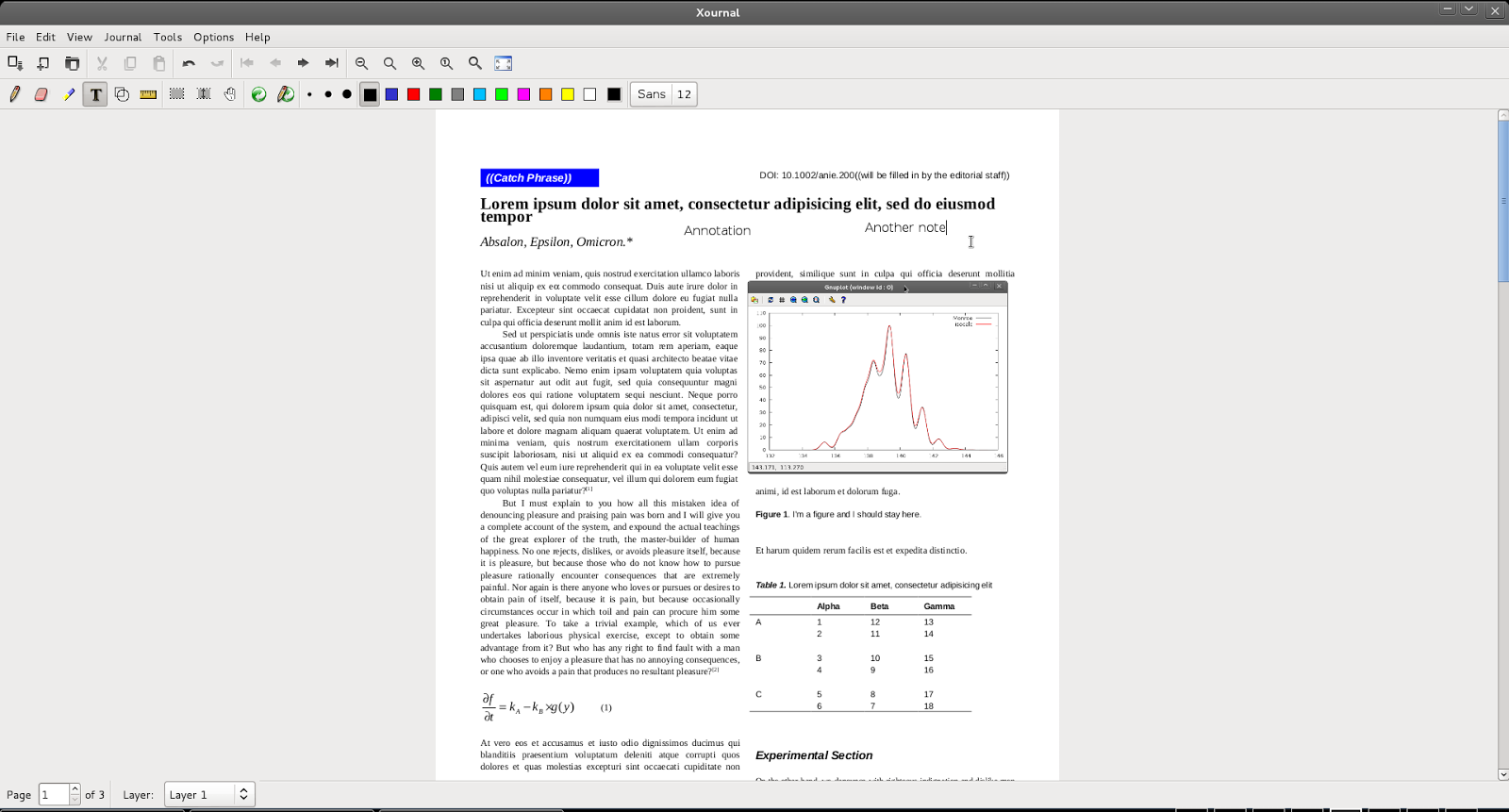
Linux Imagemagick Annotate A Spot Truthpaas

ImageMagick Put Curved Text Over Image Stack Overflow
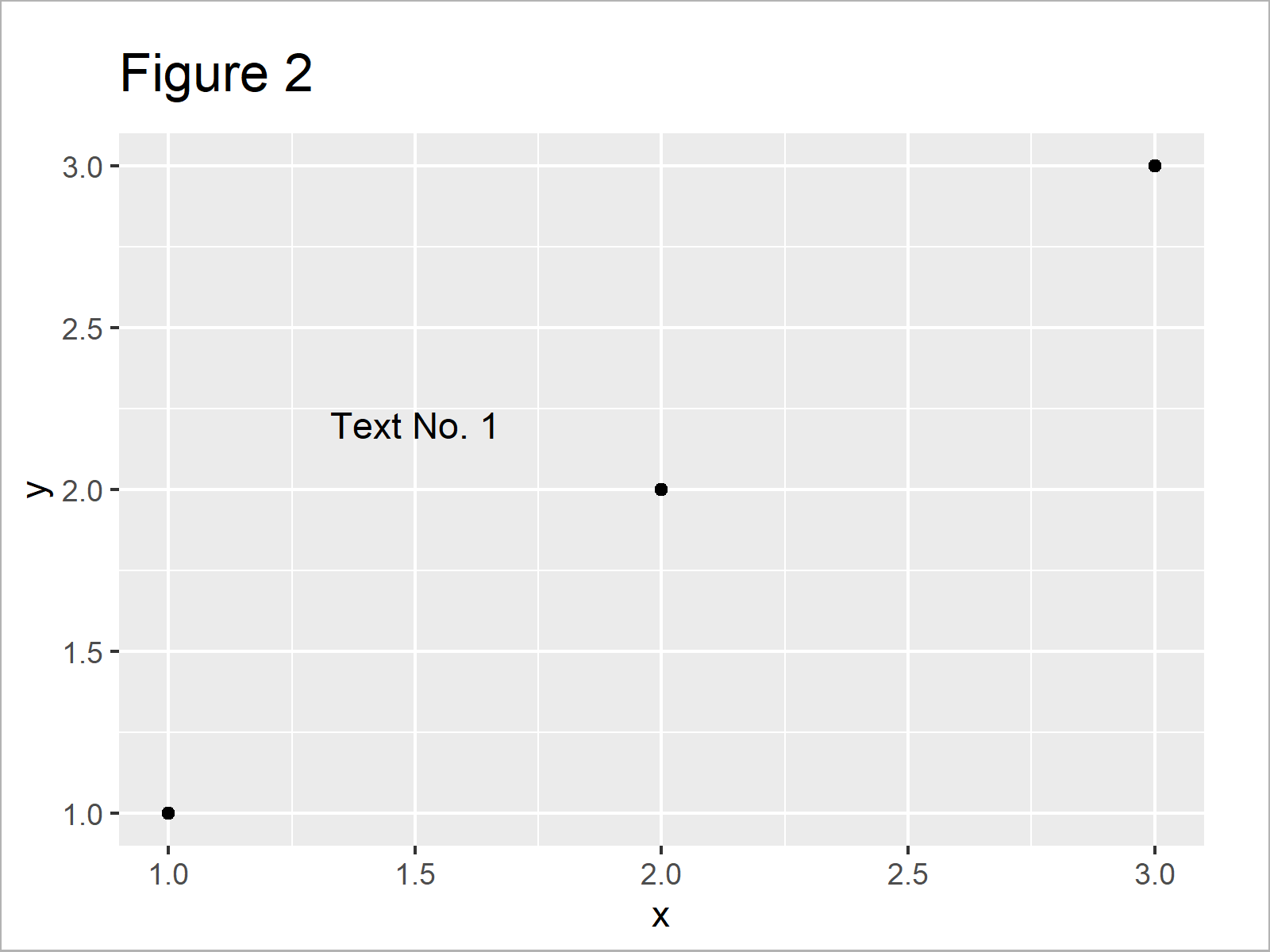
Left Align Text In Ggplot Plot In R Example Annotate Function Hjust

Positioning Element text image Legacy ImageMagick Discussions Archive
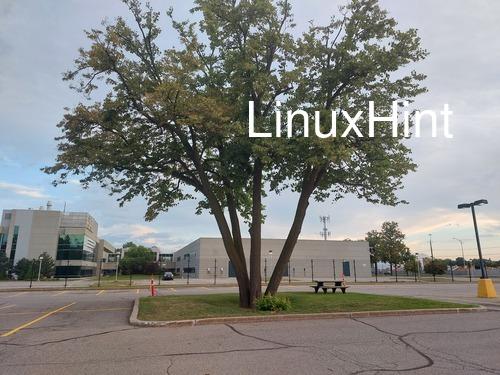
ImageMagick Adding Text To An Image

You can set the primitive color font and font bounding box color with fill font and box respectively Options are processed in

To define the font size add the function pointsize before annotation convert pointsize points annotate startx starty annotation SrcImage ext DstImage ext where the

To make the label size relative to the height instead of the width use something like size x fx h 0 05 Adjust the size of the border around the label to suit your need even

Magick size 320x40 xc lightblue font Candice pointsize 72 fill RoyalBlue annotate 0x125 20 0 Anthony size 320x45 gradient black append compose Blur set option compose args 20x5 45 composite size
Convert a jpg font Arial Black pointsize 75 fill white gravity northwest annotate 1135 1060 3 Tastenice Tastenice Tastenice font Arial Black pointsize 75 fill
1 2 Next vadimiron Image size for font size Postby vadimiron 2008 08 21T22 34 23 01 00 I hove some text a font and size of the font Now i need to put this Using ImageMagick version 6 or 7 you can make a label sized to fit any input image with a semi transparent background and composite it at the bottom of the input
CVE 2023 45139 is a high severity bug 7 5 10 that describes an issue Canva found in FontTools a library for manipulating fonts written in Python The