If Else Condition In Excel Formula Excel Help NESTED IF Condition In Excel NESTED IF Condition In Excel How To Write If Condition In Excel Thesistemplate Web Fc2 Com Riset How To SUM With IF Condition In Excel 6 Suitable Examples If Else If Statement In C Language Nested If In Excel Nested If In Excel With Multiple Condition Hindi The Excel IF function statement allows you to make a logical comparison between a value and what you expect by testing for a condition and returning a result if True or False true Excel Excel Excel for Mac Excel for Mac Excel for Windows Phone Excel Online Excel Starter Excel Web App ZXL160 MXL160 MXL140 EWP160 WAE150 EXE140 WAE140
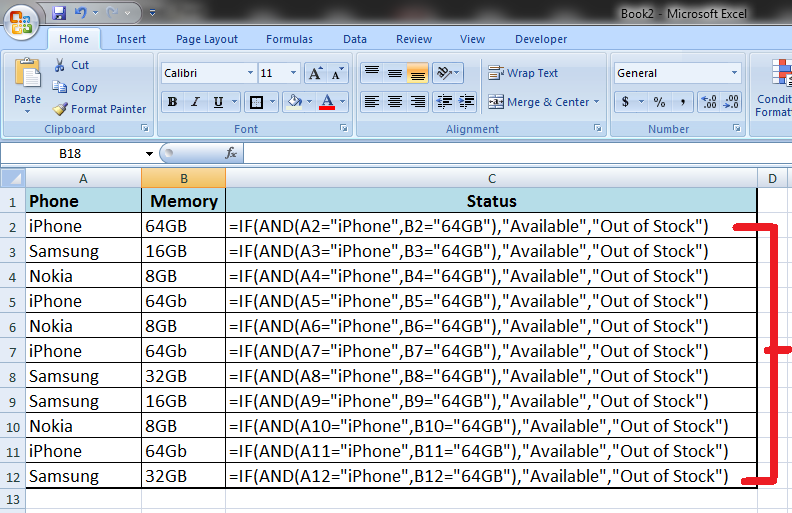
Easy isn t it The screenshot below proves that our Excel IF AND formula works right In a similar manner you can use the Excel IF function with multiple text conditions For instance to output Good if both B2 and C2 are greater than 50 Bad otherwise the formula is IF AND B2 pass C2 pass Good Bad The IF ELSE function is used to test a condition One value is returned if the condition is TRUE and another if the condition is FALSE This function is most commonly used to automate decision making processes in spreadsheets We will explore the 2 ways to use this formula Single IF Multiple IFs Let s look at these methods thoroughly
Nested If In Excel Nested If In Excel With Multiple Condition Hindi How To Use IF Conditions Nested IF And IFS Condition In Excel 2016 Excel If Else Formula Examples Gambaran 45 How To Write If Statements In Excel Trending Hutomo Exception Formula In Conditional Formatting Excel Riset How To Use Basic Conditional Formatting With An IF Statement In Excel If Else Formula Examples Gambaran Excel IF Statement Explained Learn How To Use Excel s IF YouTube If Formula Excel How To Apply If Formula In Excel If Formula With
If Else Condition In Excel Formula
 If Else Condition In Excel Formula
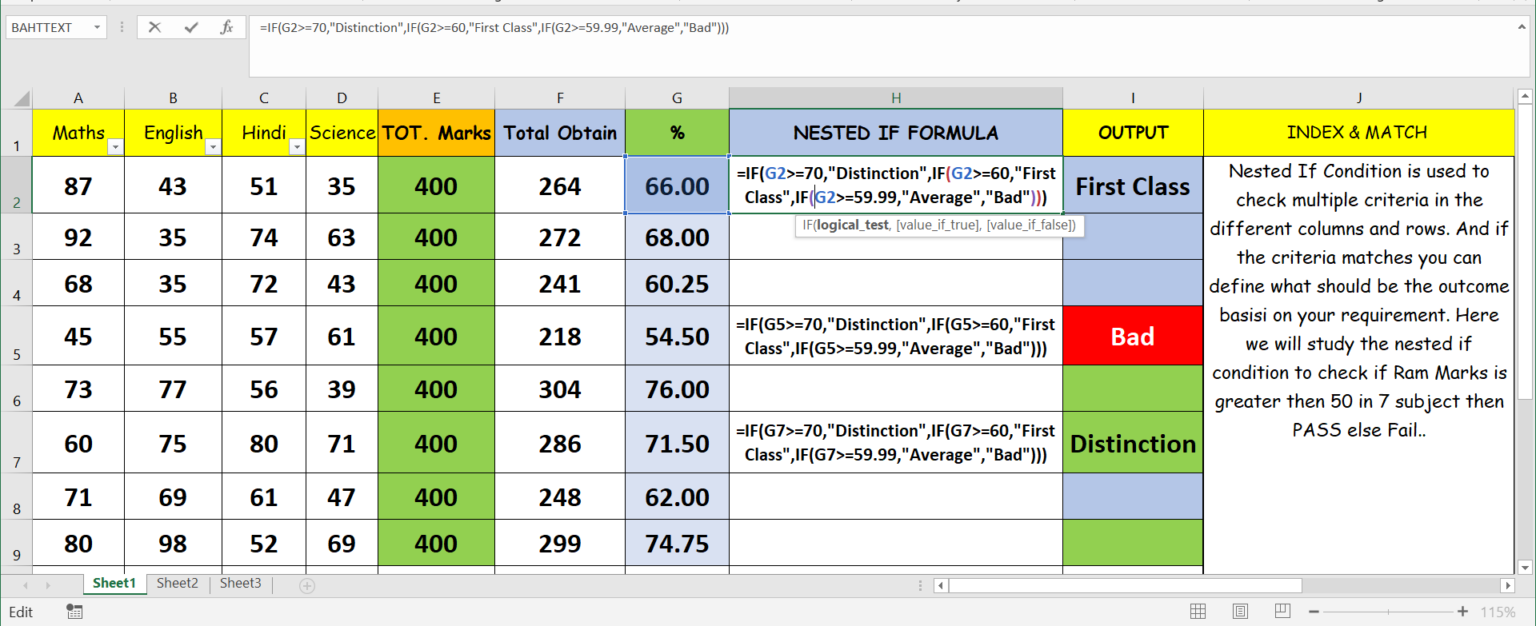
https://excelhelp.in/wp-content/uploads/2020/03/NESTED-IF-1536x626.png
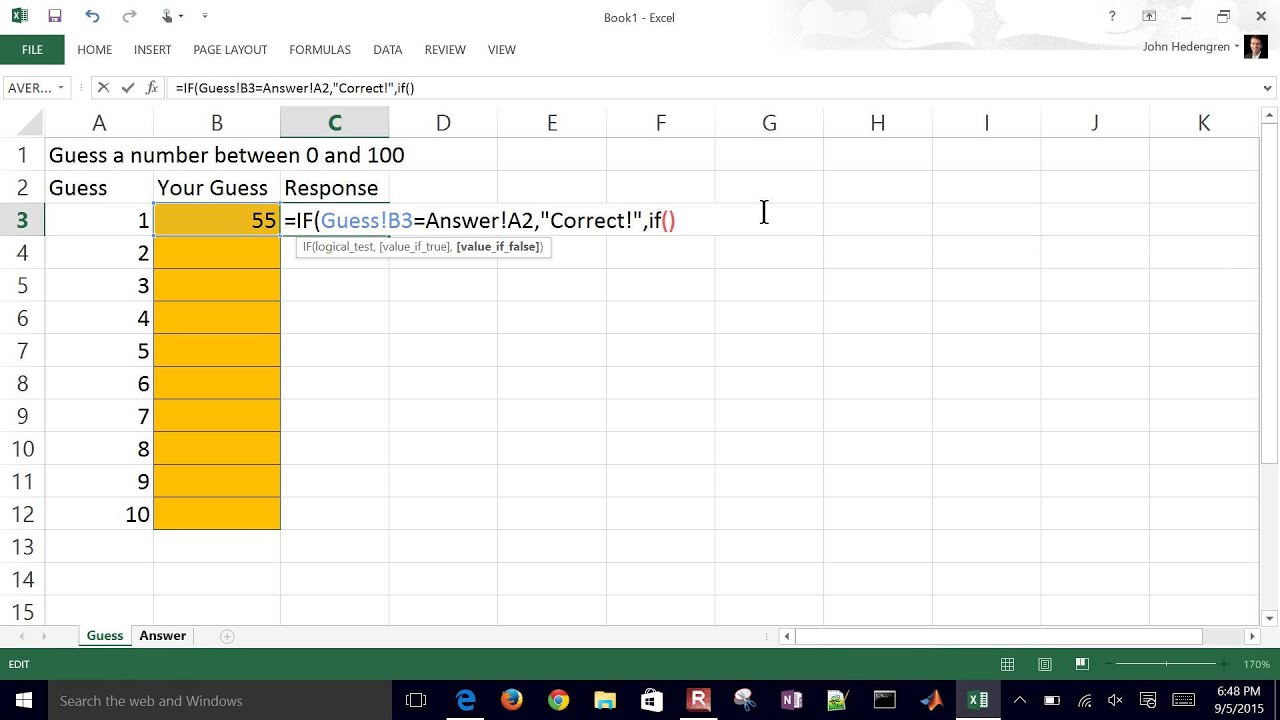
The Excel IF function runs a logical test and returns one value for a TRUE result and another for a FALSE result For example to pass scores above 70 IF A1 70 Pass Fail More than one condition can be tested by nesting IF functions The IF function can be combined with logical functions like AND and OR to extend the logical test
Templates are pre-designed files or files that can be used for various purposes. They can conserve time and effort by supplying a ready-made format and layout for producing different sort of content. Templates can be used for individual or professional tasks, such as resumes, invitations, flyers, newsletters, reports, discussions, and more.
If Else Condition In Excel Formula
Conditional IF Statement In Excel YouTube
How To Use IF Conditions Nested IF And IFS Condition In Excel 2016
Excel If Else Formula Examples Gambaran

45 How To Write If Statements In Excel Trending Hutomo
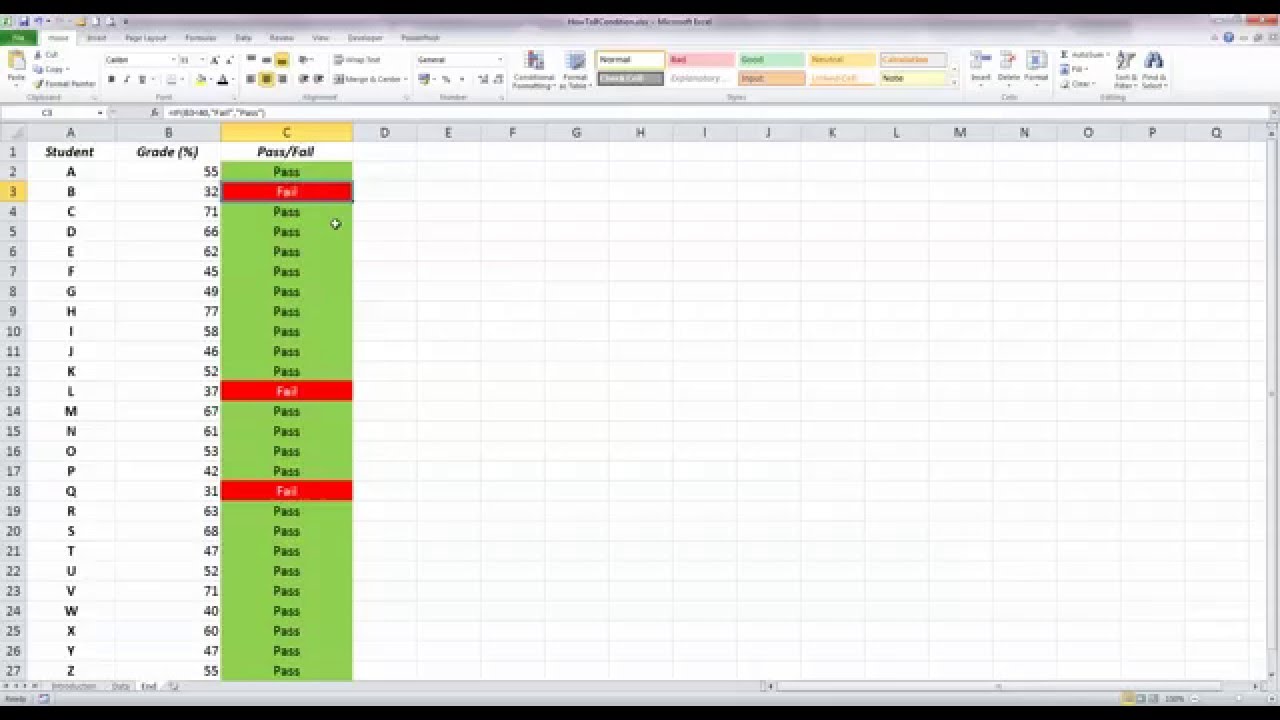
How To Use Basic Conditional Formatting With An IF Statement In
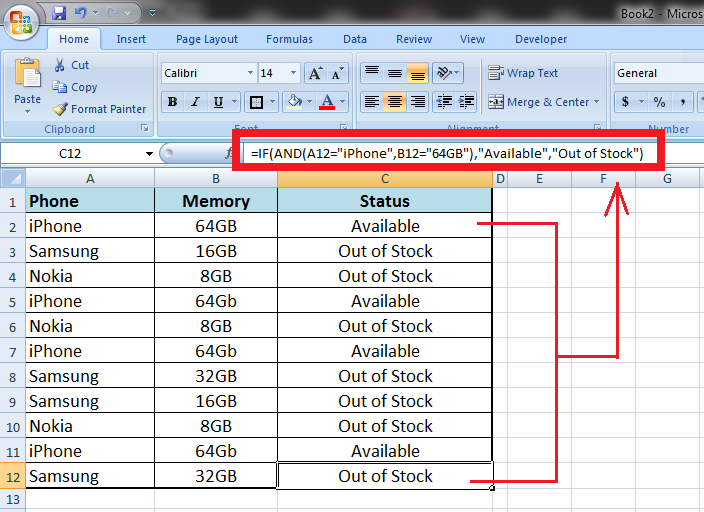
Excel If Else Formula Examples Gambaran
If else statements indicate that one value should appear if a condition is met else show a different value if the condition isn t met The IF function allows you to evaluate a condition and output a different value for when the condition is true or false You can add in AND OR and NOT functions to create more complex logical conditions

Syntax Simple IF examples IF C2 Yes 1 2 In the above example cell D2 says IF C2 Yes then return a 1 otherwise return a 2 IF C2 1 Yes No In this example the formula in cell D2 says IF C2 1 then return Yes otherwise return No As you see the IF function can be used to evaluate both text and values

The IF function allows you to make a logical comparison between a value and what you expect by testing for a condition and returning a result if that condition is True or False IF Something is True then do something otherwise do something else

1 For example take a look at the IF function in cell D2 below Explanation the AND function returns TRUE if the first score is greater than or equal to 60 and the second score is greater than or equal to 90 else it returns FALSE If TRUE the IF function returns Pass if FALSE the IF function returns Fail 2

Formula that uses the IF function logical test The condition that you want to check value if true The value to return if the condition is True value if false The value to return if the condition is False For more information about how to create formulas see Create or delete a formula What do you want to do
IF is one of logical functions that evaluates a certain condition and returns one value if the condition is TRUE and another value if the condition is FALSE The syntax of the IF function is as follows IF logical test value if true value if false Excel allows a user to use a logical expression in order to check if a condition is true This is possible by using the IF function which returns Boolean TRUE or FALSE as a result This step by step tutorial will assist all levels of Excel users in using the IF else function Figure 1 The result of the IF function Syntax of the IF Formula
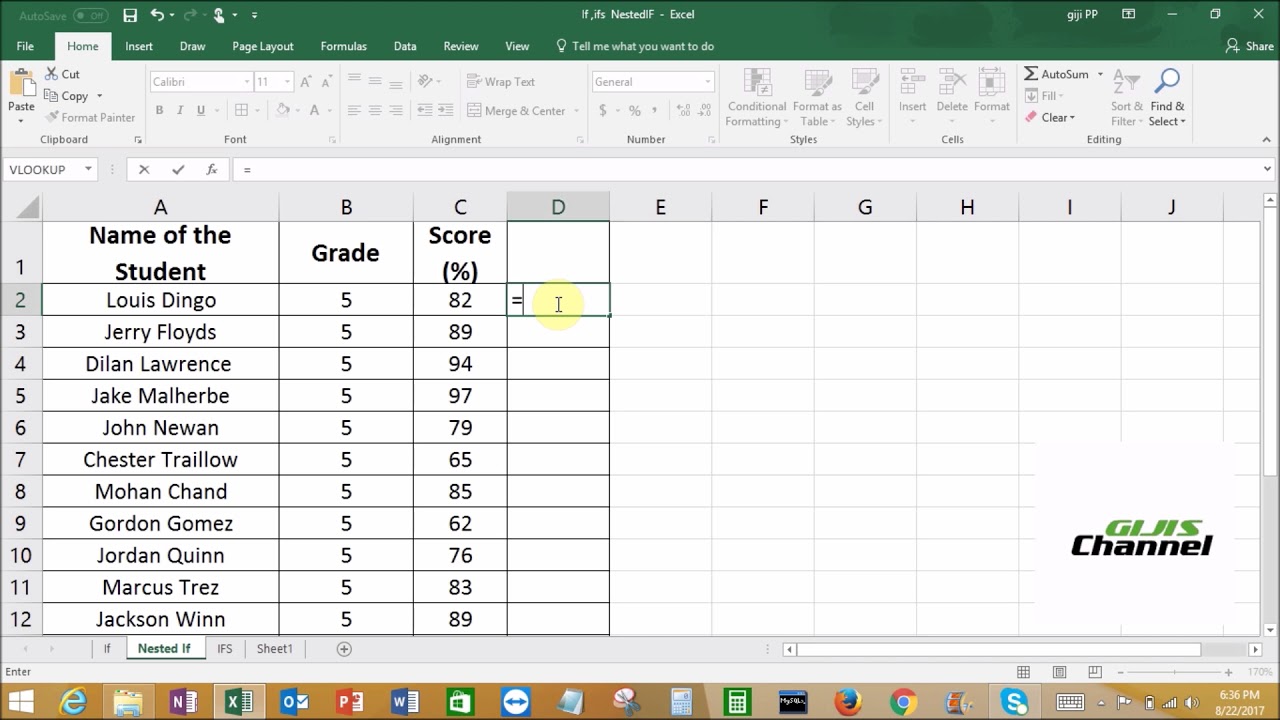
Type IF Insert the condition that you want to check followed by a comma The first argument of the IF function is the logical test This is the condition that you want to validate For example C6 70 Insert the value to display when the condition is TRUE followed by a comma