Hp Raid Configuration Utility Windows How To Configure RAID In HP ProLiant Server YouTube RAID Adaptec Komivlad Raid Dcreaty Configure RAID Using The Avago MegaRAID Configuration Utilities HP Microserver N40L Raid Utility And Driver Thomas Maurer Web Select the Advanced tab and then click System Options Under System Options select Configure Storage Controller for RAID and POST Prompt for RAID Configuration Select the Main tab and then click Save Changes and Exit When asked if you want to save changes click Yes
Web Dwight Pavlovic March 7 2020 Reading time 6 minutes When it comes to storage for your PC there s no longer a one size fits all solution However if you want to improve redundancy or increase efficiency then the need for a stable and secure RAID redundant array of independent disks setup still frequently comes up Web hard drive Small form factor hard drive Configuring SATA RAID devices This section describes how to use the Intel Matrix Storage Manager option ROM Configuration utility to set up and manage SATA RAID volumes The following SATA RAID configurations are supported on this workstation
HP Microserver N40L Raid Utility And Driver Thomas Maurer RAID Configuration In Linux HP Lights Out Online Configuration Utility HP Microserver N40L Raid Utility And Driver Thomas Maurer RAID 1 RAID5 P410i HP Dl380 G7 ORCA HP RAID Configuration Windows Administrators Blog Accessing The RAID Setup On An HP Proliant DL380 G7 BlackMORE Ops HP Proliant Microserver RAID Chipset Disk Array Failure Dom s I T RAID Configuration Via KVM On A DELL Server iDRAC H200 Documentation
Hp Raid Configuration Utility Windows
 Hp Raid Configuration Utility Windows
https://i.ytimg.com/vi/UvSBKgQPSWw/maxresdefault.jpg
Web The HP Embedded SATA RAID Controller enables you to create arrays with RAID levels 0 and 1 on SATA hard drives in specified HP ProLiant server models For a complete list of the controller attributes and information about the compatibility of particular operating
Templates are pre-designed documents or files that can be utilized for various functions. They can conserve time and effort by offering a ready-made format and layout for producing different kinds of material. Templates can be used for personal or expert jobs, such as resumes, invites, flyers, newsletters, reports, presentations, and more.
Hp Raid Configuration Utility Windows
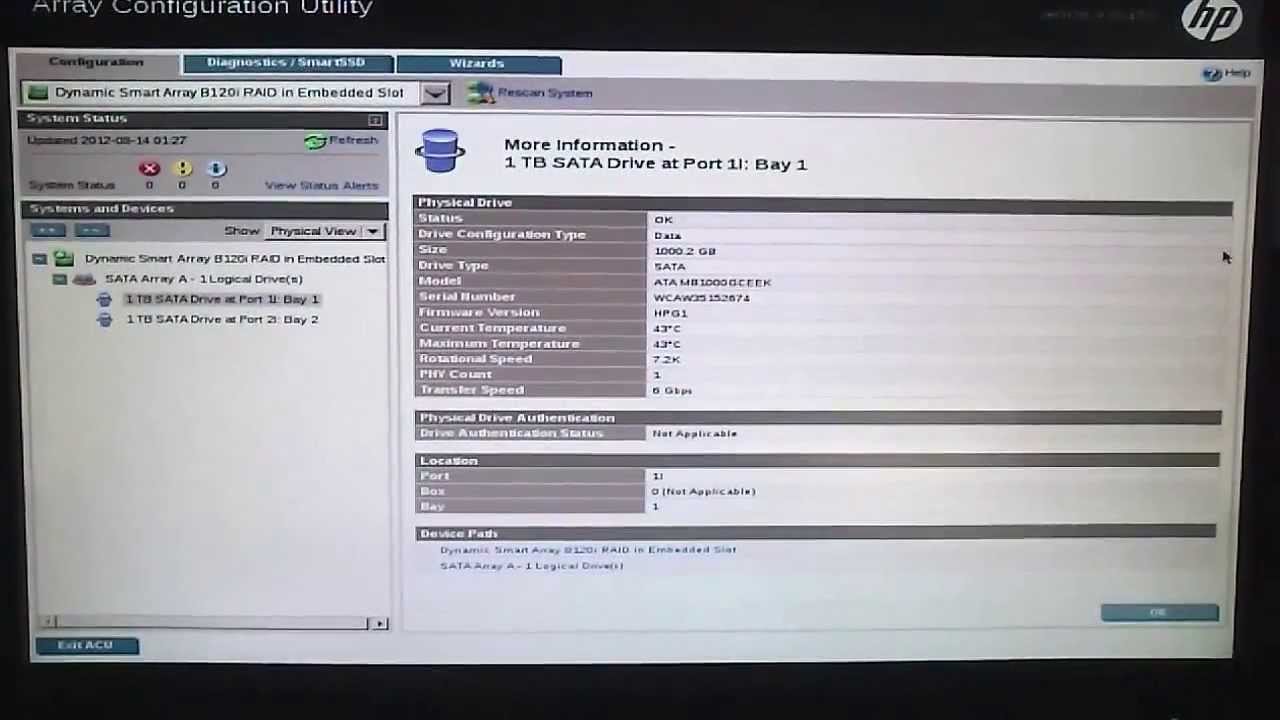
HP Array Configuration Utility ACU How To Setup RAID1 On ML310e

RAID Configuration In Linux

HP Lights Out Online Configuration Utility

HP Microserver N40L Raid Utility And Driver Thomas Maurer

HP RAID Configuration Windows Administrators Blog
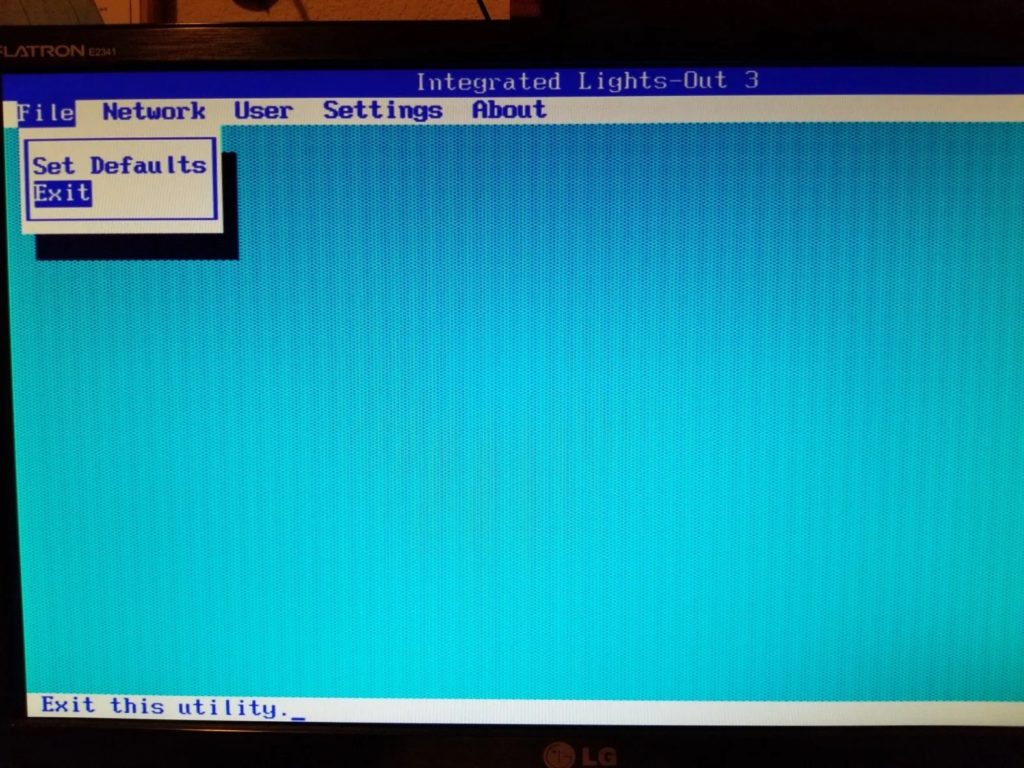
Accessing The RAID Setup On An HP Proliant DL380 G7 BlackMORE Ops

Web Jul 23 2001 nbsp 0183 32 The HP Array Configuration Utility is a web based application that helps you configure HP ProLiant SMART 2 Array Controllers HP ProLiant Smart Array Controllers HP ProLiant Integrated Smart Array Controllers
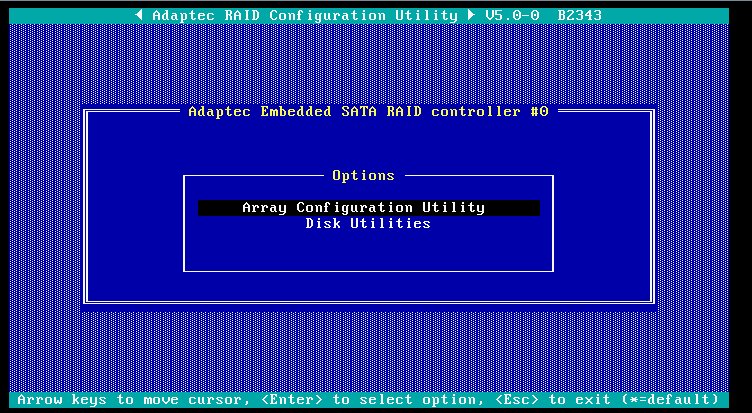
Web Mar 27 2012 nbsp 0183 32 HP ProLiant Array Configuration Utility CLI for Windows 64 bit The Array Configuration Utility CLI is a commandline based disk configuration program for Smart Array Controllers and RAID Array Controllers

Web Jun 29 2018 nbsp 0183 32 Usually Ctrl I Prompt Enables the Ctrl I Prompt which allows the user to enter the RAID Configuration Utility Please go through this and see if that helps http h20195 www2 hp V2 GetPDF aspx 4AA5 9949ENW http h10032 www1 hp ctg Manual c04685655
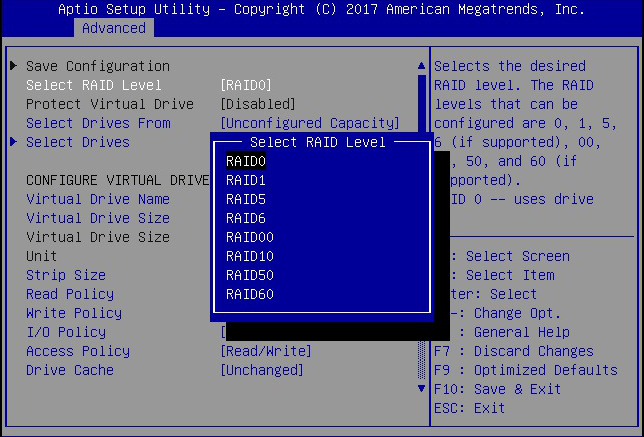
Web Aug 19 2004 nbsp 0183 32 HP ProLiant Array Configuration Utility CLI for Windows The Array Configuration Utility CLI is a commandline based disk configuration program for Smart Array Controllers and RAID Array Controllers

Web Create a RAID 1 volume using steps for Windows 10 or Windows 7 depending on your operating system Creating a RAID 1 volume using Intel Rapid Storage Technology Windows 10 In Windows 10 set up RAID 1 using Intel Rapid Storage Technology
Web Mar 7 2020 nbsp 0183 32 Right click one of the drive pairs you want in your array and select New Striped Volume In the new window select the other mirrored pairs you want in your array and click Next To wrap up click through any prompts and wait for Windows to format the new volume Your RAID 10 array should now be running Web Oct 24 2018 nbsp 0183 32 Hi I d like to configure RAID 1 on my HP Z420 computer which is running windows 10 OS installed on SSD and I d like to add 2 more SATA HDDs and set them mirroing RAID 1 1 Do I need to install quot Intel 174 Rapid Storage Technology Intel 174 RST quot instead of quot Intel 174 Matrix Storage Manager quot
Web Jan 4 2018 nbsp 0183 32 For the RAID controller you just have to use the HP Smart Storage Administrator tool to configure the new drives This is a GUI utility so it should be self explanatory Create a new Array comprised of the four new disks Create a new Logical Drive on the new Array using the RAID level you desire