Hp Bios Reset Button How To Remove Reset Change ROM BIOS Password Of A HP NC6400 YouTube How To Reset Remove Bypass A BIOS Or CMOS Password A Complete Guide Anyone Know How To Reset A Bios On A Laptop With No CMOS Battery How To Reset BIOS Password HP Pavilion P6 2005 YouTube How To Clear Your Computer s CMOS To Reset BIOS Settings United News Post WEB Press f10 to enter BIOS Setup Utility Use the BIOS Setup Utility menus and settings Use the top menu bar to access computer information security settings and system configuration options Available settings vary by computer model CAUTION Information stored by the BIOS Setup Utility is essential Use caution when making changes in the
WEB Feb 8 2023 nbsp 0183 32 How to reset BIOS settings on Windows PCs 1 RESET INTERNALLY FROM YOUR DEVICE S BIOS OR UEFI MENU By far the most simple and non technical method resetting internally from your PC s BIOS menu during bootup is also the safest and most consistent with the manufacturer s intentions WEB May 28 2024 nbsp 0183 32 Learn how to enter BIOS Setup on Windows 10 PCs and earlier to change BIOS settings or update software on HP 174 Tech Takes
How To Clear Your Computer s CMOS To Reset BIOS Settings United News Post Dieta Tanto Paciencia Hp Elitebook 840 G5 Reset Bios Password How To Reset PC BIOS CMOS How To Reset BIOS On A PC Or Clear NVRAM On A Mac Need To Reset BIOS Password HP Support Community 6856597 How To Perform BIOS Reset On HP Computer Replace CMOS Battery Ways To Reset BIOS HYSTOU Mini PC Tech Support Blog Reset BIOS Settings HP Pro 3420 AIO PC Laptop CMOS Battery Laptop Remove BIOS Password For HP ProBook 4530s Reset BIOS
Hp Bios Reset Button
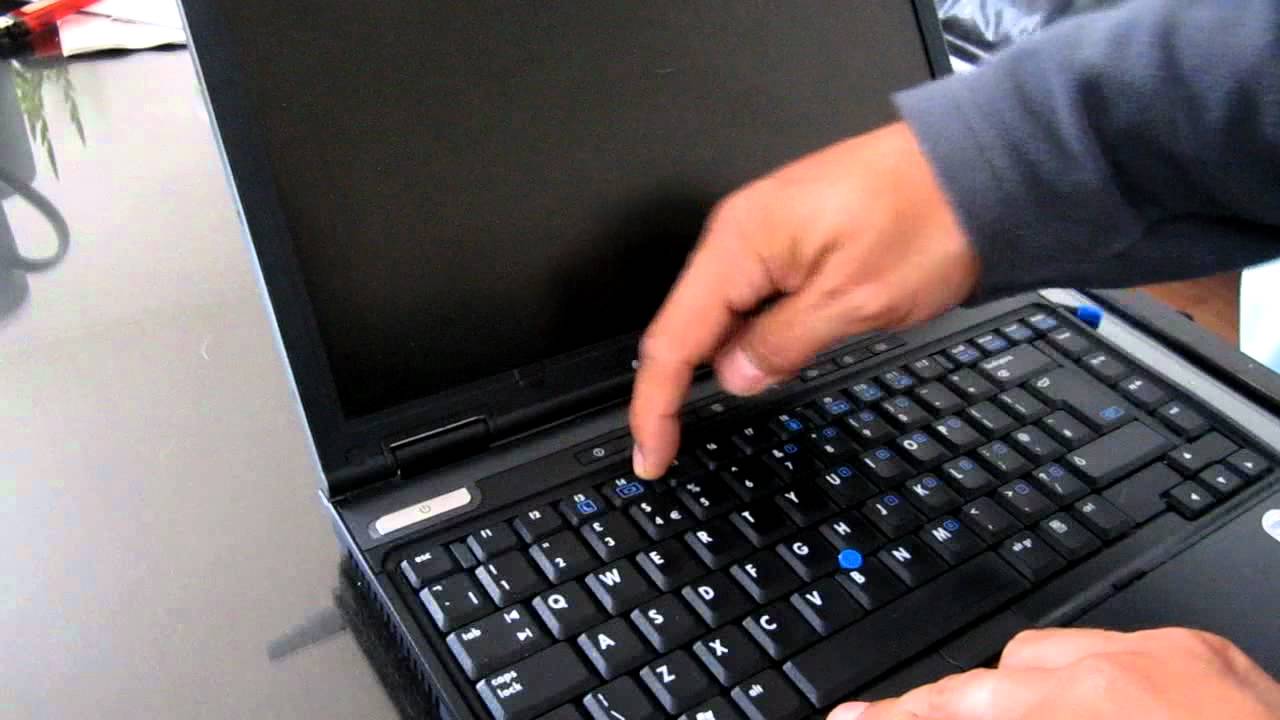 Hp Bios Reset Button
https://i.ytimg.com/vi/h1oIYy8KqDY/maxresdefault.jpg
WEB May 12 2022 nbsp 0183 32 Reseat the CMOS Battery Key Takeaways To clear your CMOS first boot into the BIOS or UEFI Select the quot Reset to Default quot quot Load Setup Defaults quot or something similar If you can t access the BIOS press the CMOS clear button instead
Pre-crafted templates use a time-saving solution for creating a diverse series of documents and files. These pre-designed formats and layouts can be utilized for various personal and professional projects, including resumes, invites, leaflets, newsletters, reports, presentations, and more, improving the content creation procedure.
Hp Bios Reset Button

BIOS Reset HP Hardware
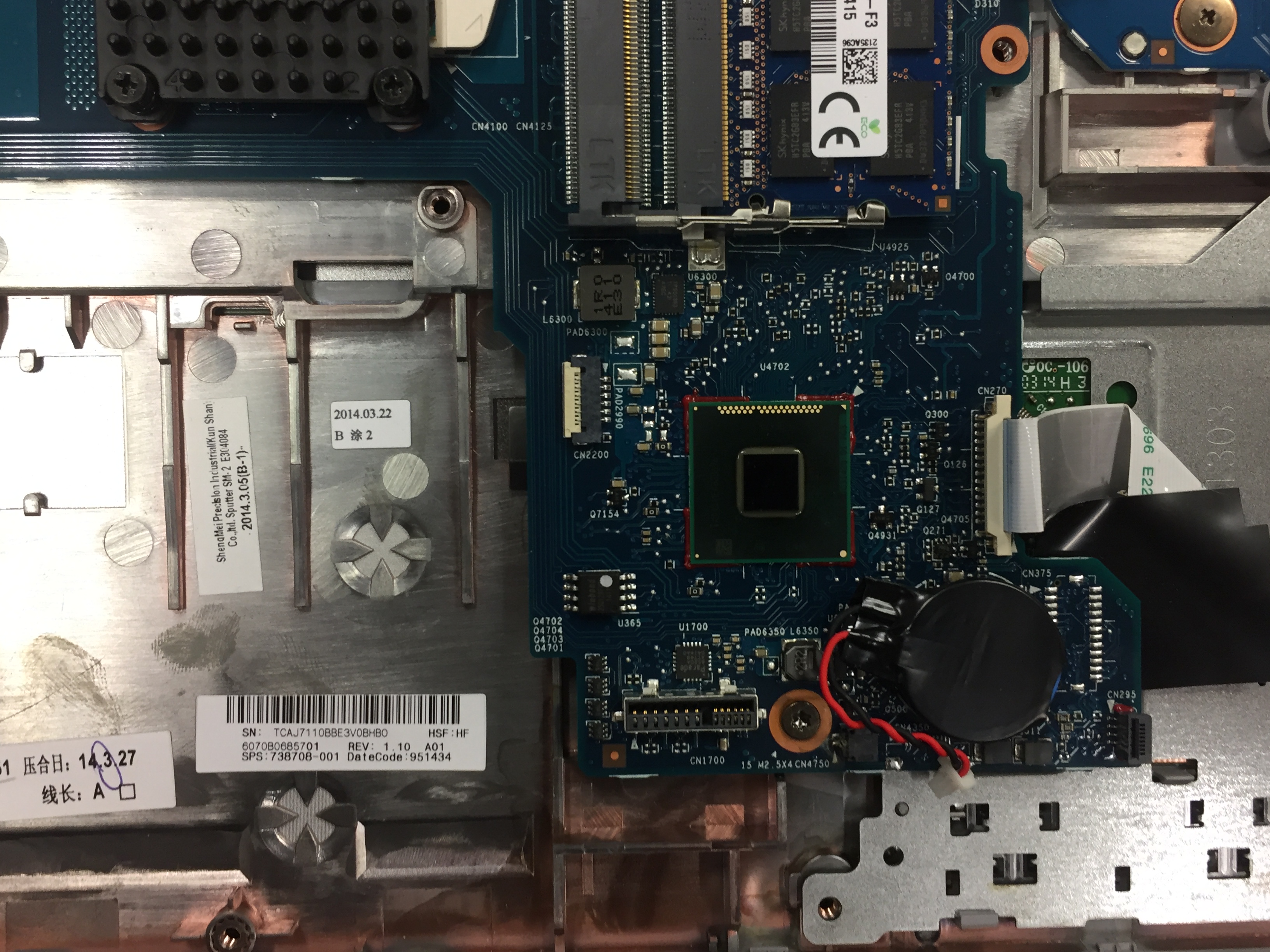
Dieta Tanto Paciencia Hp Elitebook 840 G5 Reset Bios Password

How To Reset PC BIOS CMOS

How To Reset BIOS On A PC Or Clear NVRAM On A Mac

How To Perform BIOS Reset On HP Computer Replace CMOS Battery

Ways To Reset BIOS HYSTOU Mini PC Tech Support Blog

WEB If your computer BIOS still does not reset you can try to recover the BIOS using a key press combination or a USB recovery drive

WEB Oct 10 2019 nbsp 0183 32 Reset internally from your device s BIOS or UEFI menu Reset by removing or replacing the CMOS battery Clear and reset BIOS settings by clearing your motherboard jumper

WEB May 27 2016 nbsp 0183 32 In this video you will see how to restore the BIOS on your HP computer Many HP computers allow you to recover the last known working version of the BIOS fr

WEB Access the BIOS Setup Utility using a series of key presses during the boot process Turn off the computer and wait five seconds Turn on the computer and then immediately press the esc key repeatedly until the Startup Menu opens Press f10 to

WEB To restore BIOS defaults on HP Workstations HP Elite HP Pro and HP ZHAN series notebook PCs use the following procedure Note BIOS interface might vary depending on the notebook series
WEB Apr 26 2023 nbsp 0183 32 Method 1 Use a BIOS Key When you first power on a computer it goes through a very quick POST power on self test If you can hit the correct key before the POST is completed or hold it WEB Resetting your computer to factory settings might be necessary if the operating system is damaged the hard drive is corrupted the computer is infected by a virus or you are transferring ownership of the computer HP System Recovery removes all hard drive data and reinstalls the original operating system Note
WEB Oct 10 2019 nbsp 0183 32 Reset internally from your device s BIOS or UEFI menu Reset by removing or replacing the CMOS battery Clear and reset BIOS settings by clearing your motherboard jumper