How To Write Text In Canva How To Write Text In A Circle In Photoshop YouTube How To Write Text On Image Using HTML CSS How To Write Text On Arrow In Word Microsoft YouTube How To Write Text In Matlab Plot Insert Text In Matlab Plot Insert Text In Plotting Axes How To Write Text In Shapes In Word Microsoft YouTube Verkko 11 elok 2022 nbsp 0183 32 Want the written instructions Keep reading How To Add Text In Canva Here s how to add text in a design using Canva on a computer On the editor side panel click on the Text tab Click on the option to add a heading subheading or body text You can also choose from our font combinations
Verkko 9 lokak 2023 nbsp 0183 32 Simply highlight the text select the Magic Write button then choose to rewrite summarize or even add a sprinkle of magic perfect for turning a paragraph into a list or paraphrasing Business owners and teams of every kind are able to Verkko Canva s online Curved Text tool lets you jazz up portraits and create profile photo overlays for Facebook Instagram X formerly Twitter or other social networking sites With the curved text effect you can easily showcase your personality and style by adding text quotes shapes emojis and hashtags following curved bent spiral or
How To Write Text In Shapes In Word Microsoft YouTube How To Write Text In Video Free YouTube How To Do Gradient Text In Canva Update Achievetampabay How To Write Text To A Text File In Pycharm How To Write Text To A Text File In Python YouTube How To Write Text Over An Image In HTML With CSS StackHowTo How To Write Text In Python Turtle Graphics Text In Python Graphics Programming Learn Python Seekernoob blogg se How To Add Border To Text On Canva How To Write Text On A Picture In Microsoft Word Dascasino How To Wrap Text Around A Circle In MS Word Write Text In A Curve In Microsoft Word YouTube
How To Write Text In Canva
 How To Write Text In Canva
https://i.ytimg.com/vi/M0heqIPu7V0/maxresdefault.jpg
Verkko 22 jouluk 2021 nbsp 0183 32 To insert a Text box in Canva click on the Text tab in the side panel Then choose from the available heading type to add a text box to your design Alternatively you can also explore various Font Combinations in Canva to use them directly After adding the text box edit the text inside it
Templates are pre-designed files or files that can be used for different functions. They can save effort and time by providing a ready-made format and layout for developing different sort of content. Templates can be utilized for individual or professional projects, such as resumes, invites, flyers, newsletters, reports, discussions, and more.
How To Write Text In Canva
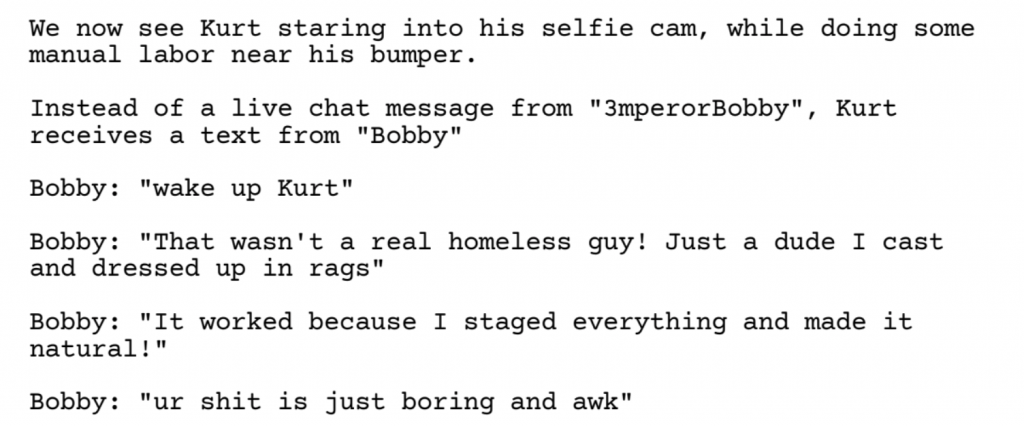
How To Write Text Mesages In A Screenplay Format Texts In A Script

How To Write Text In Video Free YouTube
How To Do Gradient Text In Canva Update Achievetampabay
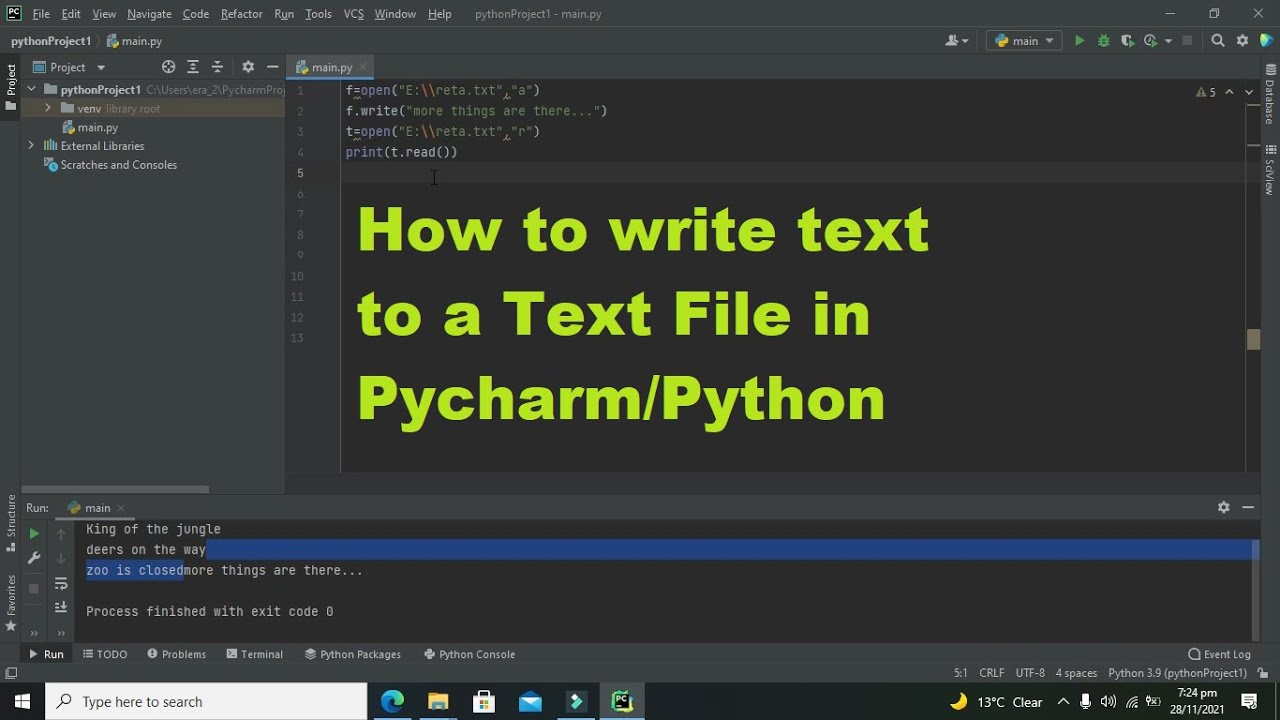
How To Write Text To A Text File In Pycharm How To Write Text To A Text File In Python YouTube

How To Write Text In Python Turtle Graphics Text In Python Graphics Programming Learn Python
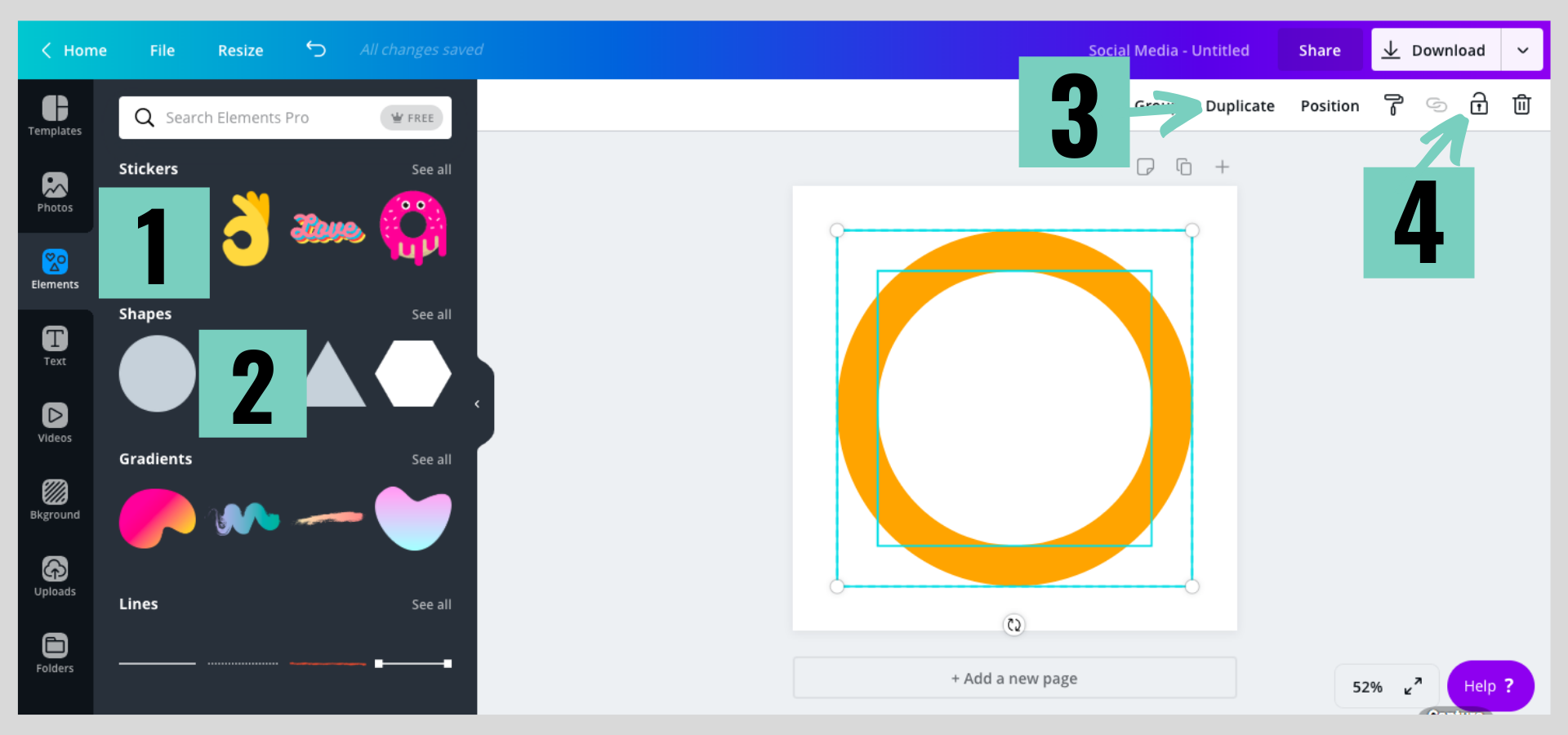
Seekernoob blogg se How To Add Border To Text On Canva

Verkko Create and collaborate visually in the classroom Students Designs and documents to boost your learning Teaching resources Free lessons worksheets and templates just for educators LMS integrations Integrate Canva with your learning management system Case studies Hear how others deliver creative and collaborative learning
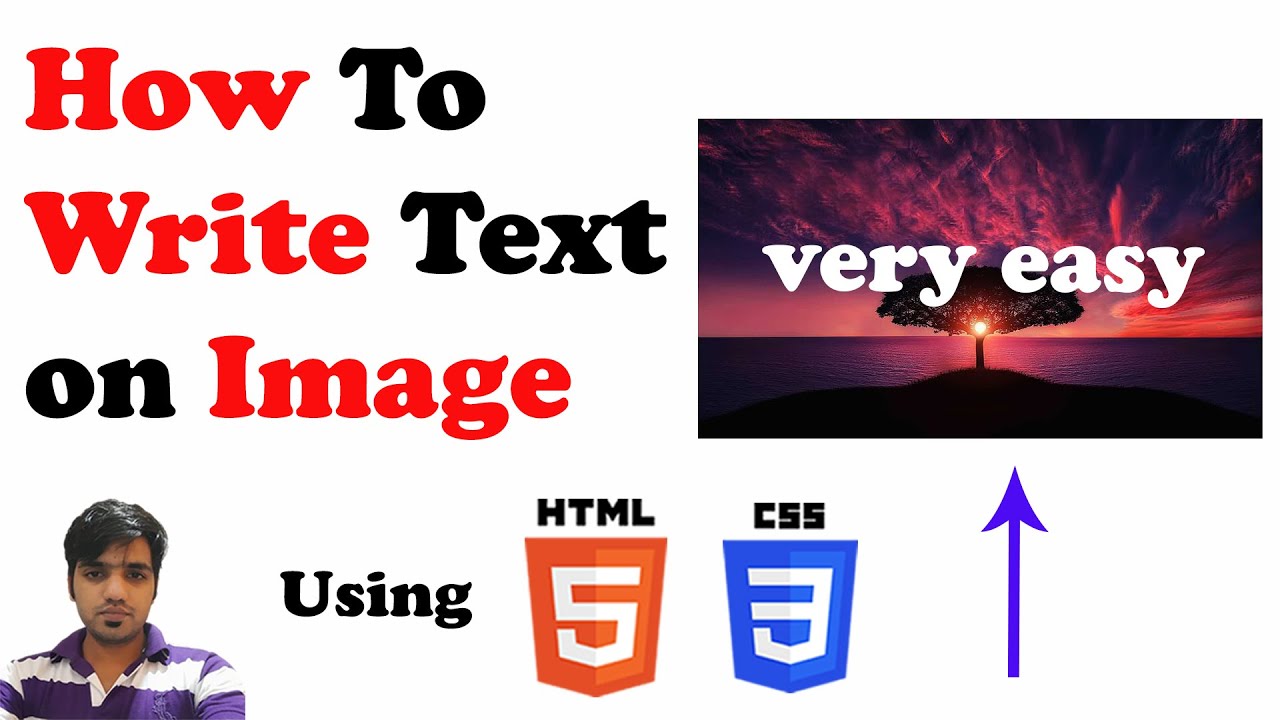
Verkko 1 syysk 2019 nbsp 0183 32 In this Canva tutorial for beginners you will learn how to write text on an image in Canva or do a quot text overly quot onto pictures using Canva

Verkko Add text to photo On the left side of the photo editor select Text to add a text box or choose from different font combinations and formatting styles to add to your photo
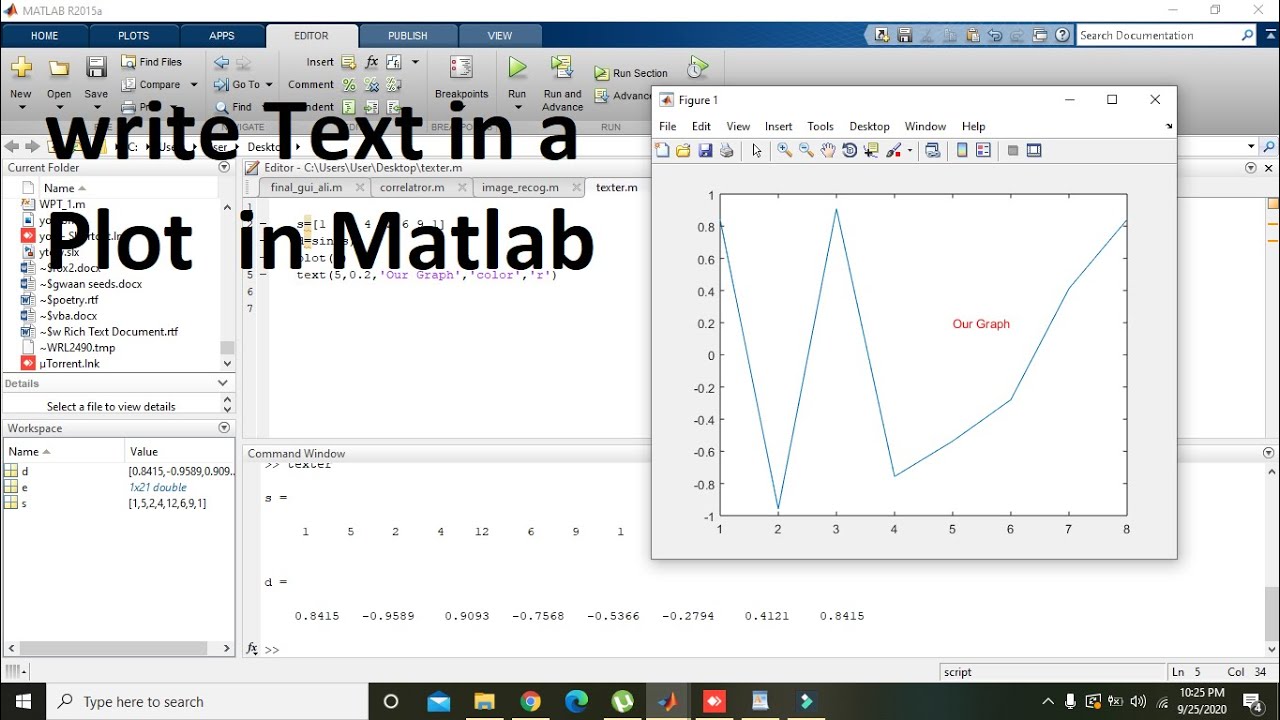
Verkko more Create Better Content on Canva by learning everything in this Canva Text Tutorial The Ultimate Secrets And Hacks Learn How to Group Text in Canva and New
Verkko Formatting text Change text size font color spacing and more by using the options on the editor toolbar You can also do this to existing text on templates For more formatting options like curving text and adding effects like text backgrounds and shadows select Effects from the editor toolbar Learn more about adding text effects
Verkko How to Curve Text on Canva on web Go to the Canva website and open the design you want to edit and add curved text to Now add the text you want to have on your design You can add text using a text template From the left panel of options click Text and then choose either Add a heading Add a subheading and Add a little bit Verkko Step 1 Add Your Text To The Canvas To create vertical text with this method we first need some text to work with Click on the Text Tab in the Side Menu and then click on Add A Little Bit Of Body Text You can also quickly add some text by pressing T A text box will appear on your canvas
Verkko 4 lokak 2023 nbsp 0183 32 Click on the Add a heading or Add a subheading button to open the text editor Click on the Magic button located on the left hand side of the text editor Select Magic Write from the list of options Once Magic Write is accessed users can enter or describe the text they want to generate and press enter