How To View Website In Visual Studio Code Gaigenerator Blog Tutorial Membuat Website Dengan Visual Studio Code YouTube Install Visual Studio Code For Web Development YouTube Css Best Visual Studio Code Extensions For Web SexiezPicz Web Porn Visual Studio Code Editor Now Available As A Web App VERKKO We will need to install the Live Preview extension to use this feature The Live Preview extension supports JavaScript HTML and CSS languages This guide will show how to preview your code in Visual
VERKKO Open your development folder Click on the Explorer icon on the left hand menu and click on the button Open Folder and choose your development folder This will VERKKO 22 jouluk 2022 nbsp 0183 32 Running Visual Studio Code in the browser the easy way Image credit Windows Central Microsoft has now launched an official browser version of Visual Studio Code that can be found at
Visual Studio Code Editor Now Available As A Web App Visual Studio Code T l charger Top 10 Best C Ides For Mac Vrogue Developing In Visual Studio Code Vs Visual Studio Rainbowkop Visual Studio Code Teemain Configure Visual Studio Code For Go Development Go On Azure Using Console log Debugging In Visual Studio Code Christian Heilmann How To Set Up Visual Studio Code In 2023 The Easy Way Creating A Simple Website Using Html Css Step By Step Vrogue How To Link HTML And CSS In Visual Studio Code 5 Steps
How To View Website In Visual Studio Code
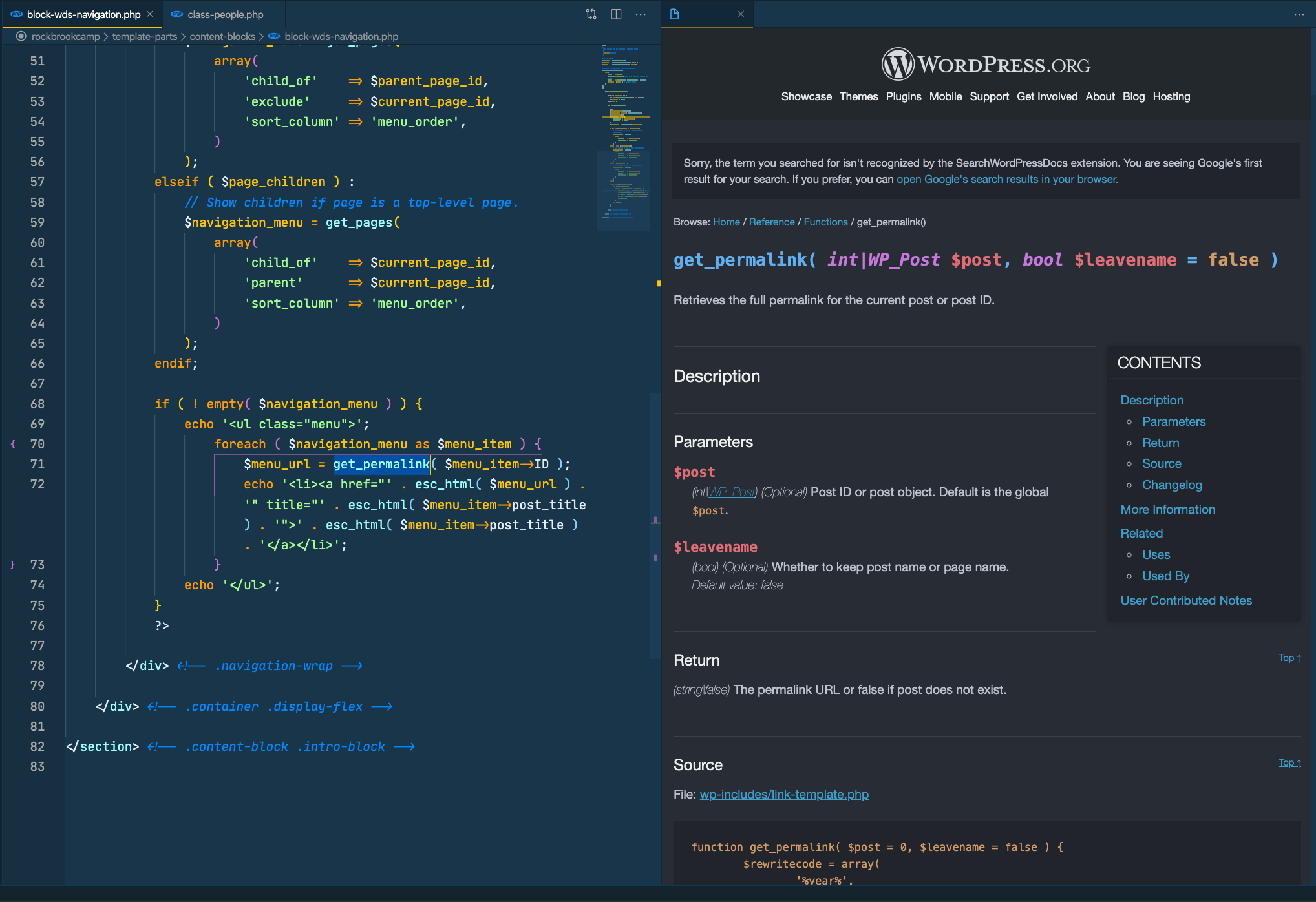 How To View Website In Visual Studio Code
https://webdevstudios.com/wp-content/uploads/2020/01/Screen-Shot-2020-01-22-at-3.03.59-PM.png
VERKKO Visual Studio Code Practice the beginning steps of web development by creating a simple web project in Visual Studio Code that contains a web page a CSS file
Pre-crafted templates use a time-saving service for developing a diverse series of documents and files. These pre-designed formats and layouts can be made use of for various personal and professional tasks, including resumes, invites, flyers, newsletters, reports, discussions, and more, simplifying the material production process.
How To View Website In Visual Studio Code
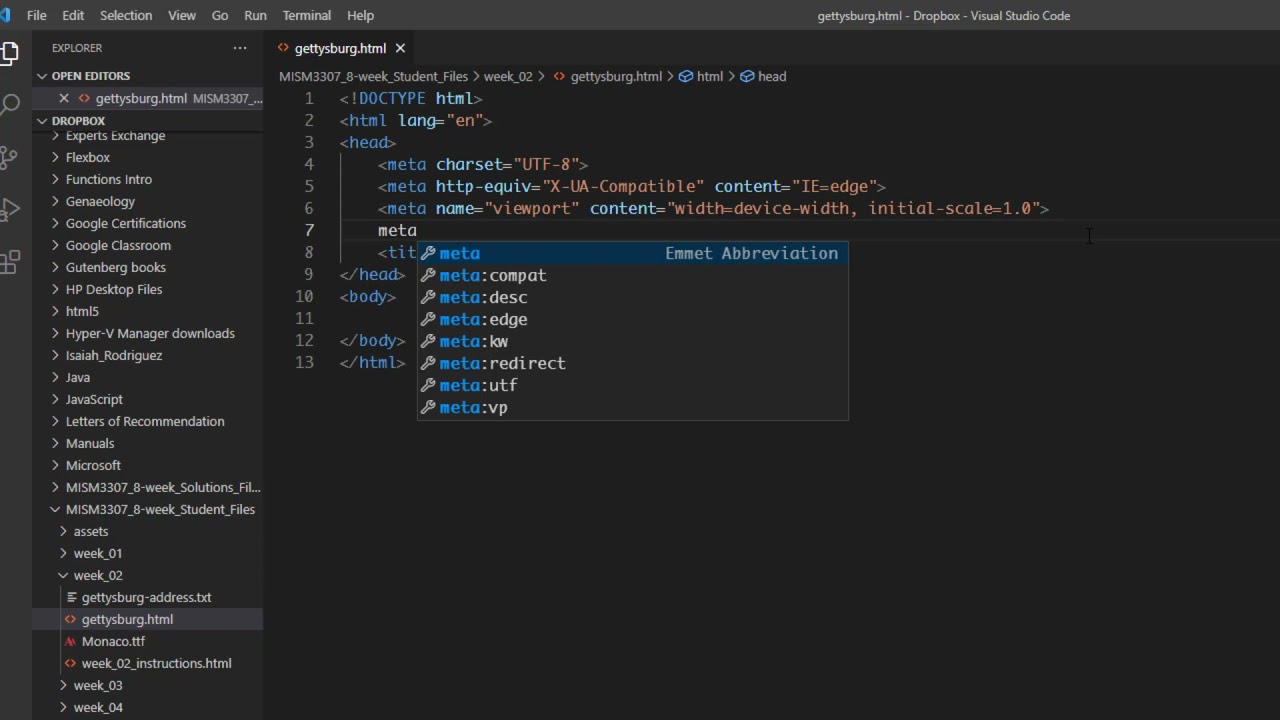
How To Format File In Visual Studio Code For Mac Bingerkr

Visual Studio Code T l charger Top 10 Best C Ides For Mac Vrogue
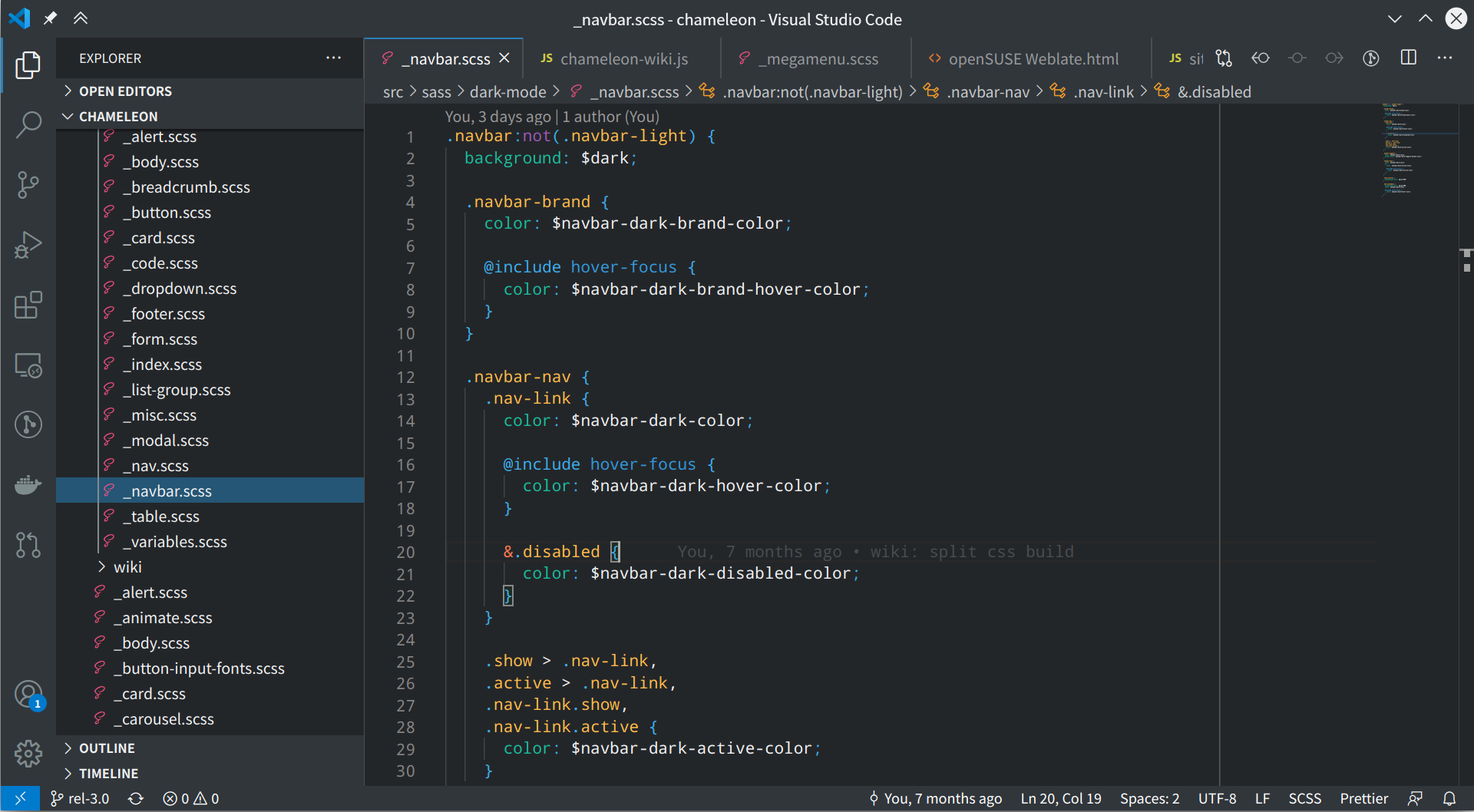
Developing In Visual Studio Code Vs Visual Studio Rainbowkop

Visual Studio Code Teemain
Using Console log Debugging In Visual Studio Code Christian Heilmann
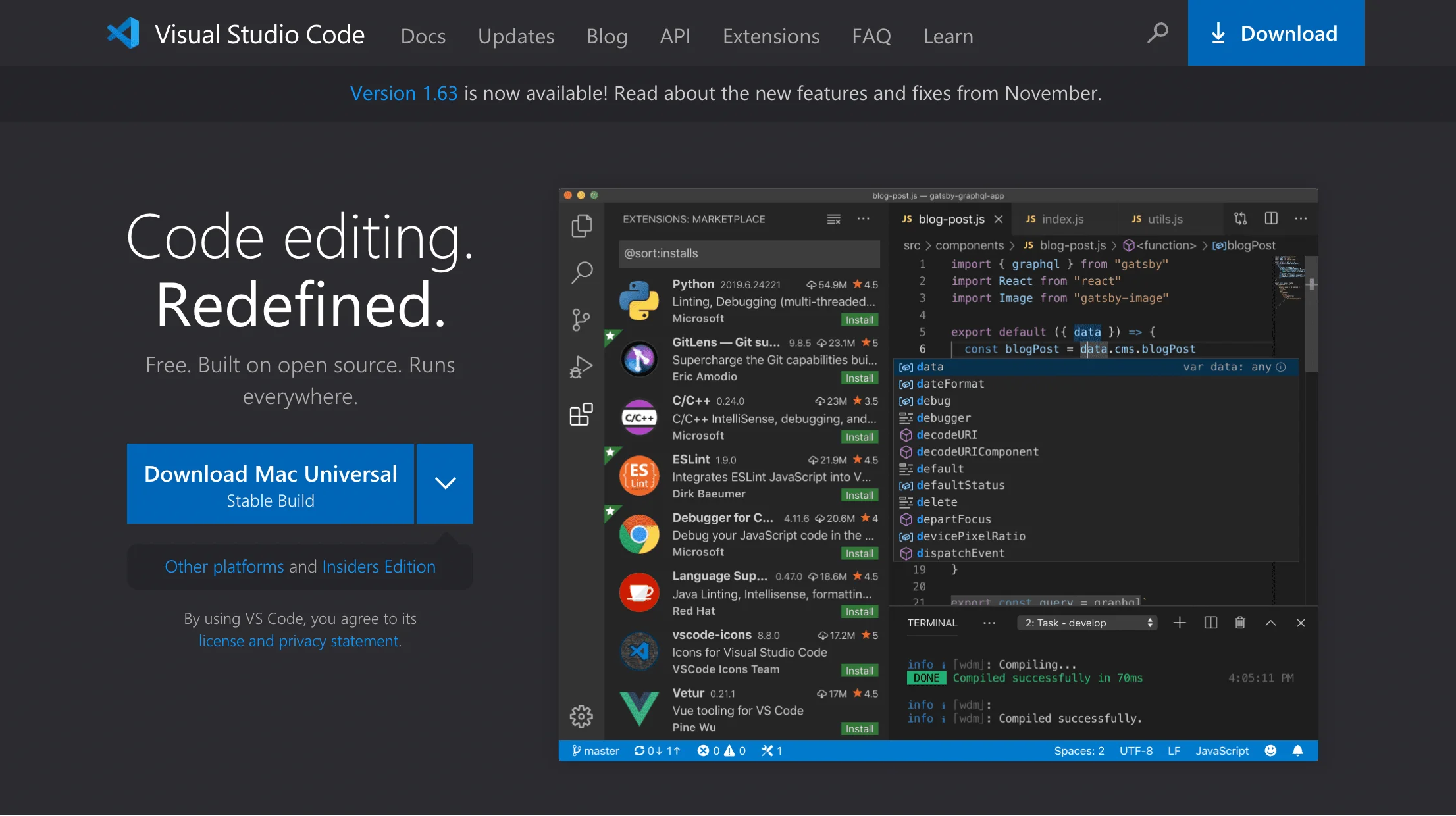
How To Set Up Visual Studio Code In 2023 The Easy Way
VERKKO 3 maalisk 2017 nbsp 0183 32 30 Answers Sorted by 262 For Windows Open your Default Browser Tested on VS Code v 1 1 0 Answer to both

VERKKO Download the live server extension from the extensions tab After downloading right click on any space on your code and click Open with Live Server from the pop up

VERKKO Formatting To improve the formatting of your HTML source code you can use the Format Document command F Windows
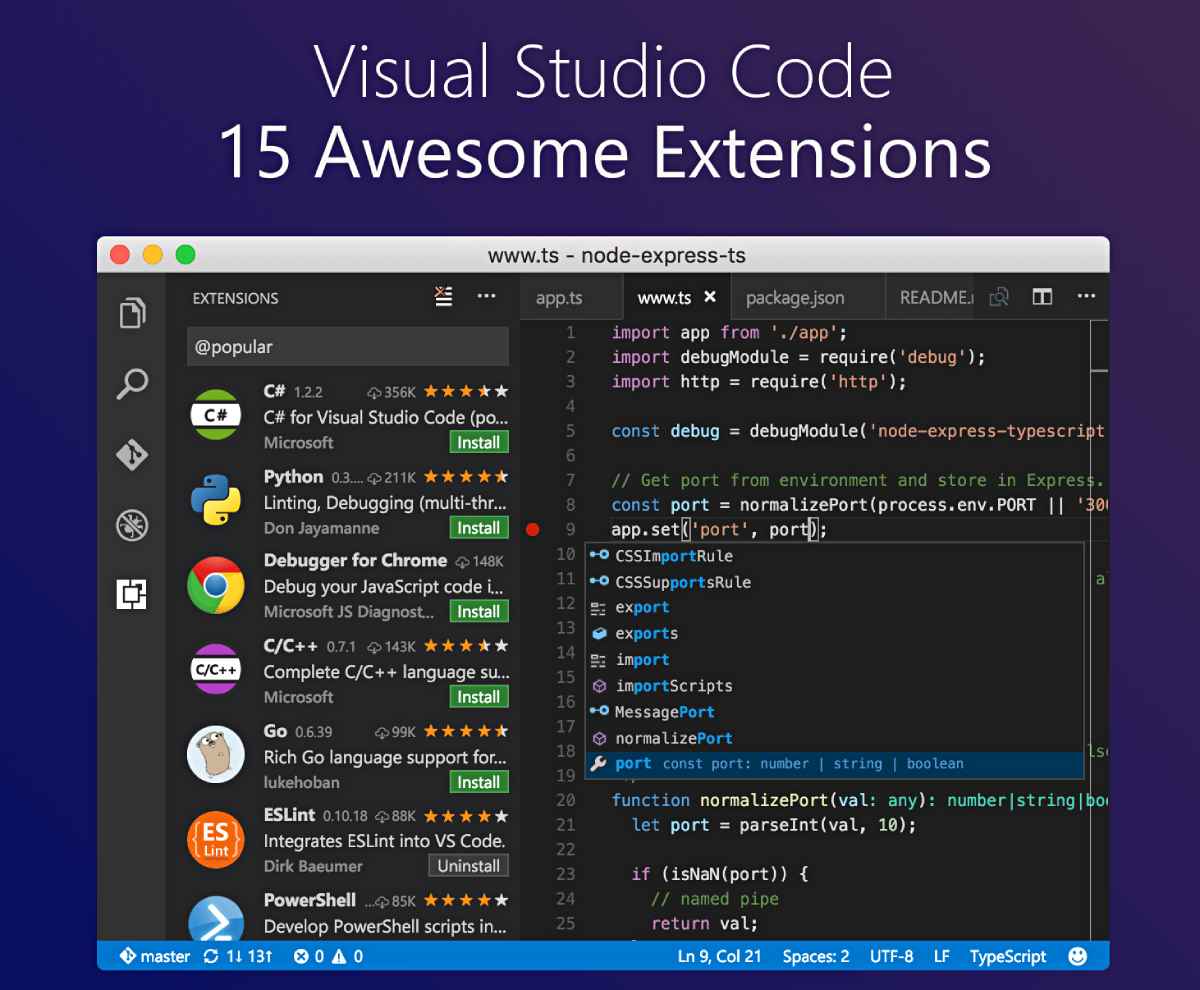
VERKKO October 11 2021 by David Dossett david dossett and Hawk Ticehurst hawkticehurst We re so excited to announce the public preview of the Webview
VERKKO Run VS Code s Run and Debug View displays variables call stacks and breakpoints Extensions Install and manage your extensions within VS Code Custom views Views contributed by extensions
VERKKO 10 kes 228 k 2022 nbsp 0183 32 Using the Visual Studio Code Editor open the desired file Go to the toolbar on the left and select Extensions Click on the search bar in the VERKKO VS Code for the Web has many of the features of VS Code Desktop that you love including search and syntax highlighting while browsing and editing along with
VERKKO Your web application should now be accessible at the entrypoint that the course team has provided in their instructions Type the application s entrypoint provided by the