How To View Sqlite Database In Android Mobile Android Gridview Binding From Sqlite Database Parallelcodes Xamarin Forms Performing Crud How To Create Sqlite Database In Android Step By Step Gzstashok How To View And Locate Sqlite Database In Android Studio Geeksforgeeks Use A With Studio Vrogue How To View And Locate Sqlite Database In Android Studio Geeksforgeeks Use A With Studio Vrogue How To Save Data Sqlite Database And Show In Listview Android Gridview Binding From Create an SQLite local database on the Android device configure new tables with the onCreate method setup the columns and data types extend the SQLiteHelper class create CRUD methods in a DAO Data Access Object class display results on a listview and more Watch the full course on the freeCodeCamp YouTube channel 2 hour watch
Extend by device Build apps that give your users seamless experiences from phones to tablets watches and more How to view data from SQLite Database in Android Studio 2021 ComputerBerry 1 76K subscribers Join Subscribe 46 Share 6 6K views 1 year ago How to view data from SQLite Database
How To Save Data Sqlite Database And Show In Listview Android Gridview Binding From Stillcup blogg se How To View Sqlite Database In Android Studio Android Inserting Data To SQLite Free Source Code Projects And Tutorials Simple Sqlite Database Example In Android Lanetide How To Create Sqlite Database In Android Maincalendar How To View Sqlite Database Tables In Android Studio YouTube GitHub Prahladyeri sqlite gui Simple App To Browse And Edit Tables In A SQLITE Database File How To Create Sqlite Database In Android Step By Step Goldstashok React Native SQLite How To Create An Sqlite Database In React Native
How To View Sqlite Database In Android Mobile
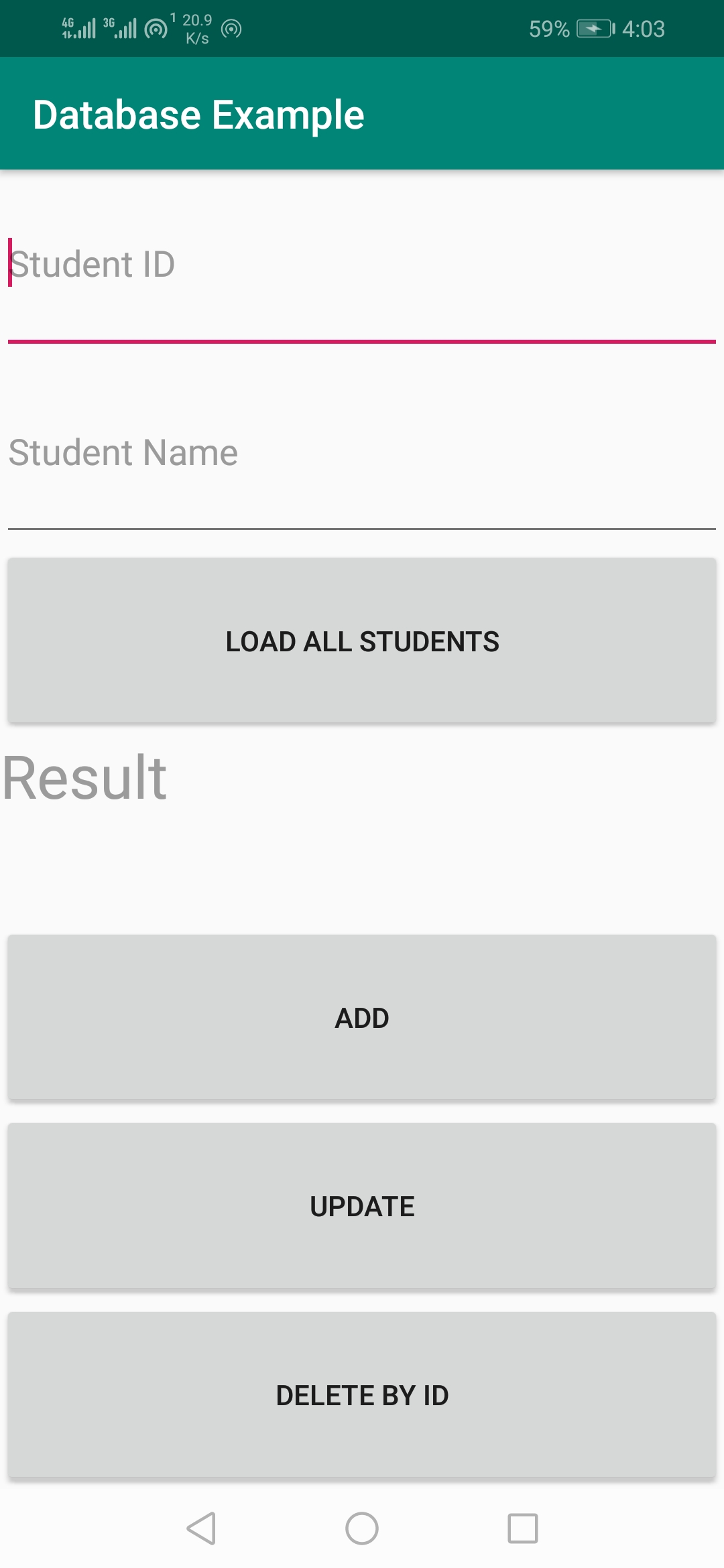 How To View Sqlite Database In Android Mobile
https://programtown.com/wp-content/uploads/2020/06/db1.jpg
Android tutorial to locate where your SQLite Database gets stored in Android Studio Find location and check all the tables and its fields using DB Browser
Templates are pre-designed files or files that can be used for numerous functions. They can save effort and time by providing a ready-made format and design for creating various sort of content. Templates can be used for personal or professional tasks, such as resumes, invites, leaflets, newsletters, reports, presentations, and more.
How To View Sqlite Database In Android Mobile

How To View And Locate Sqlite Database In Android Studio Geeksforgeeks Use A With Studio Vrogue
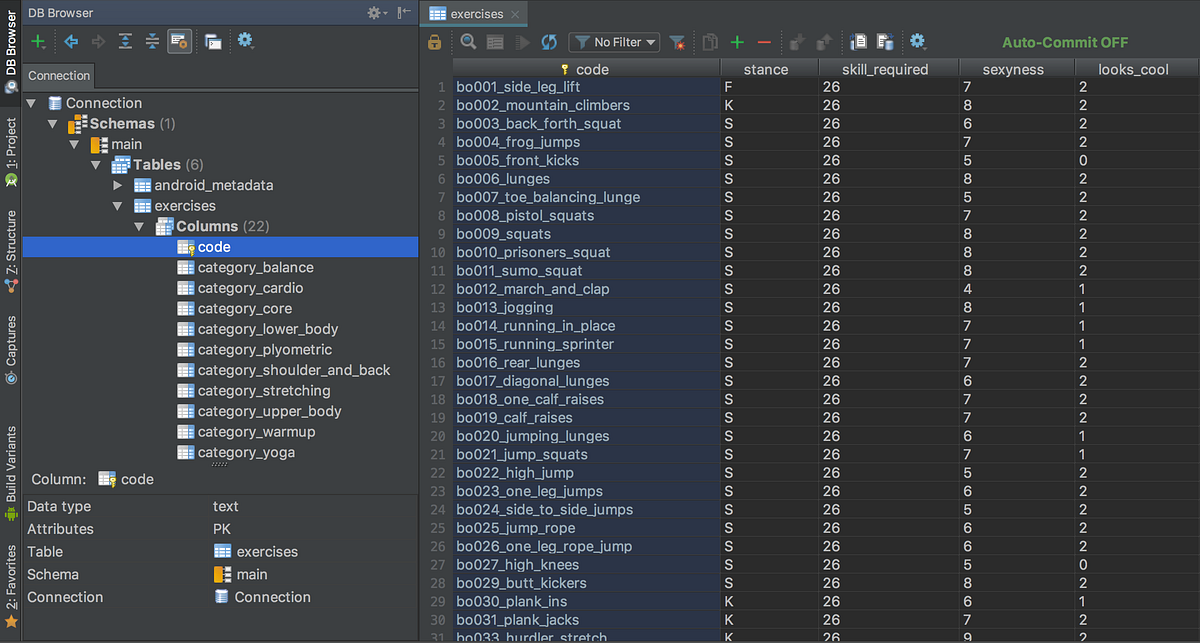
Stillcup blogg se How To View Sqlite Database In Android Studio
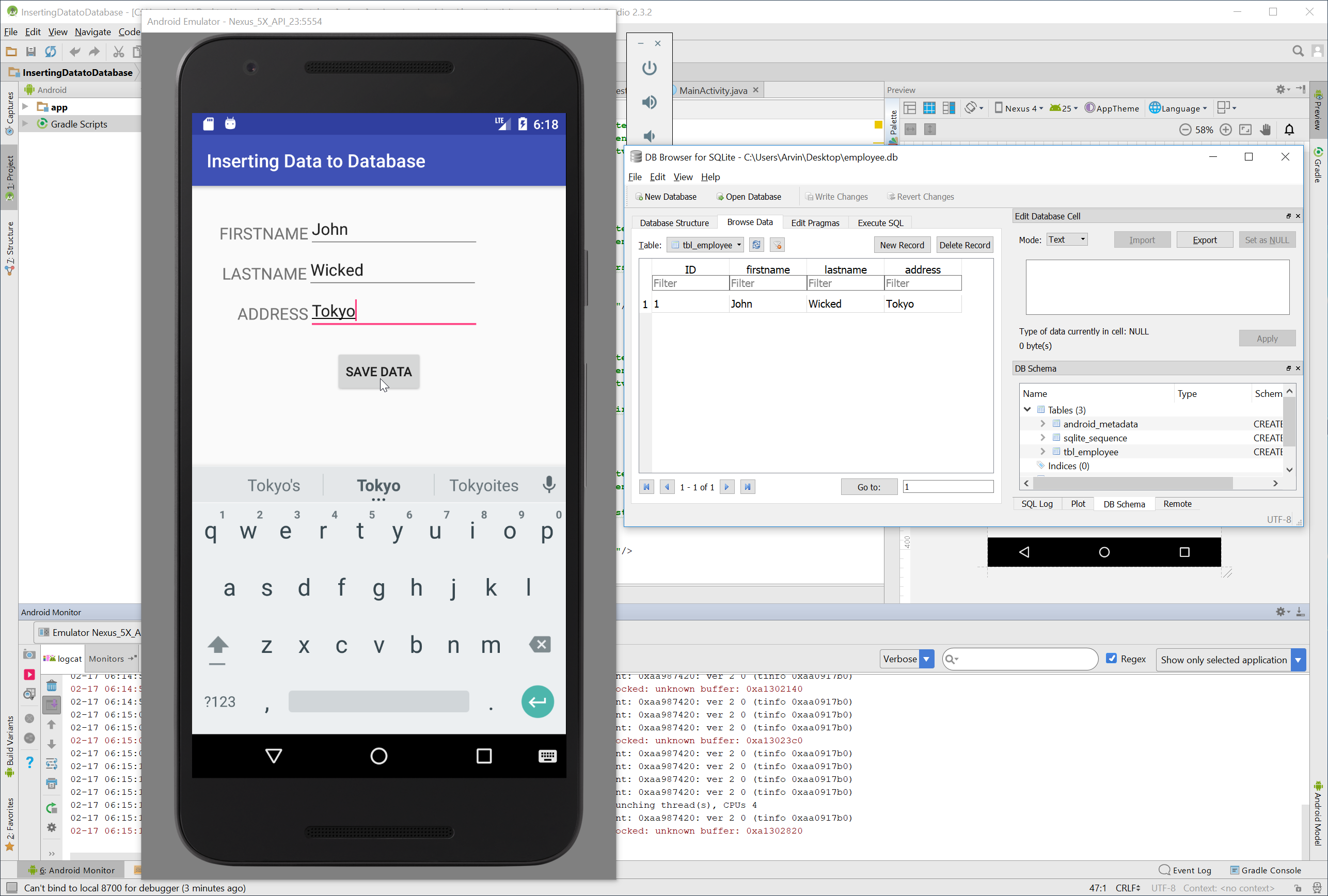
Android Inserting Data To SQLite Free Source Code Projects And Tutorials
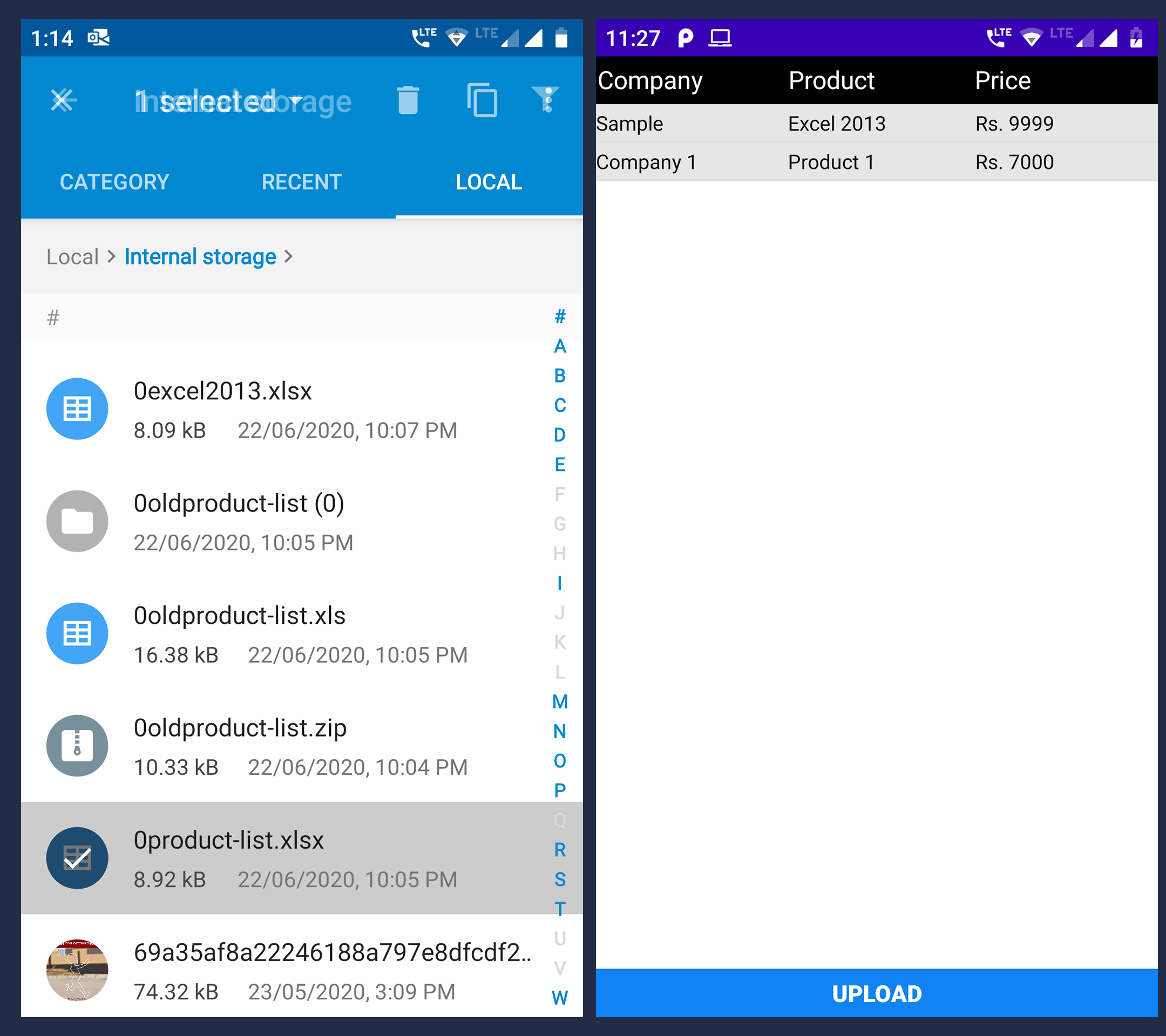
Simple Sqlite Database Example In Android Lanetide
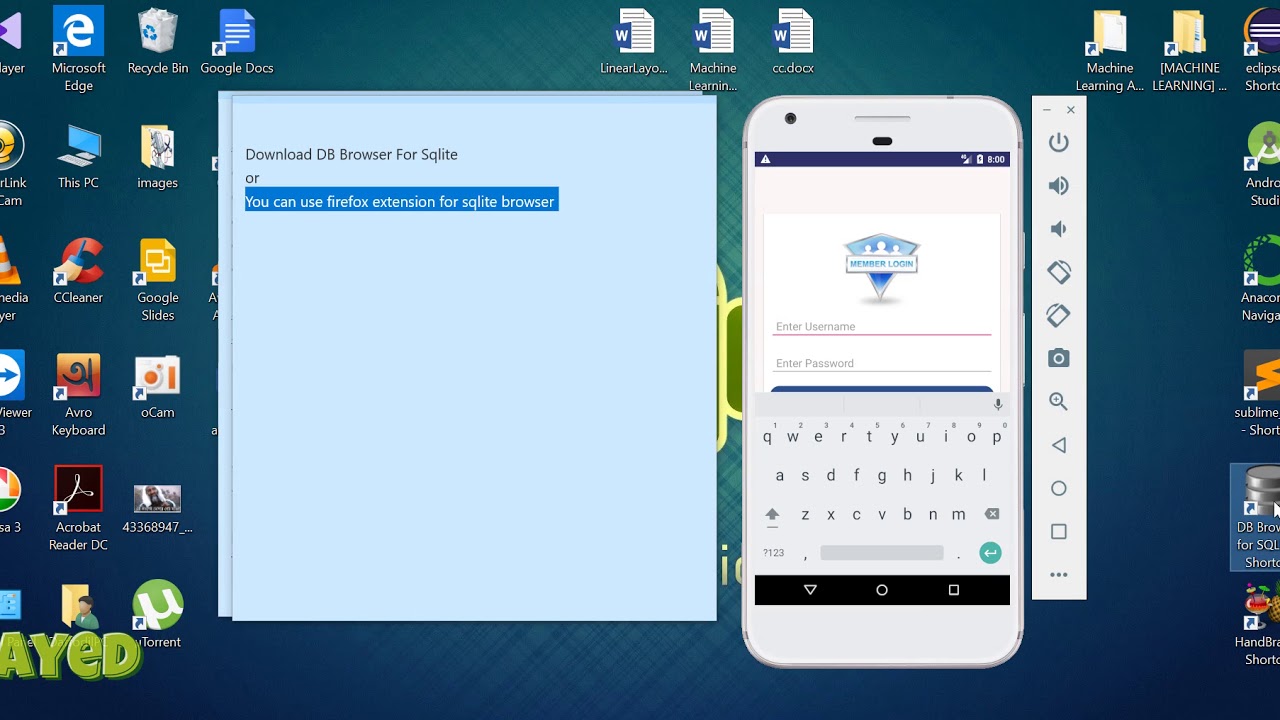
How To View Sqlite Database Tables In Android Studio YouTube
GitHub Prahladyeri sqlite gui Simple App To Browse And Edit Tables In A SQLITE Database File

Step 1 Open android studio project which has SQLite database connection Open existing android studio project which has connected to SQLite database and already having some saved records Step 2 Connect a device Connect external device or emulator with android studio make sure the name of the device must be shown on android studio screen
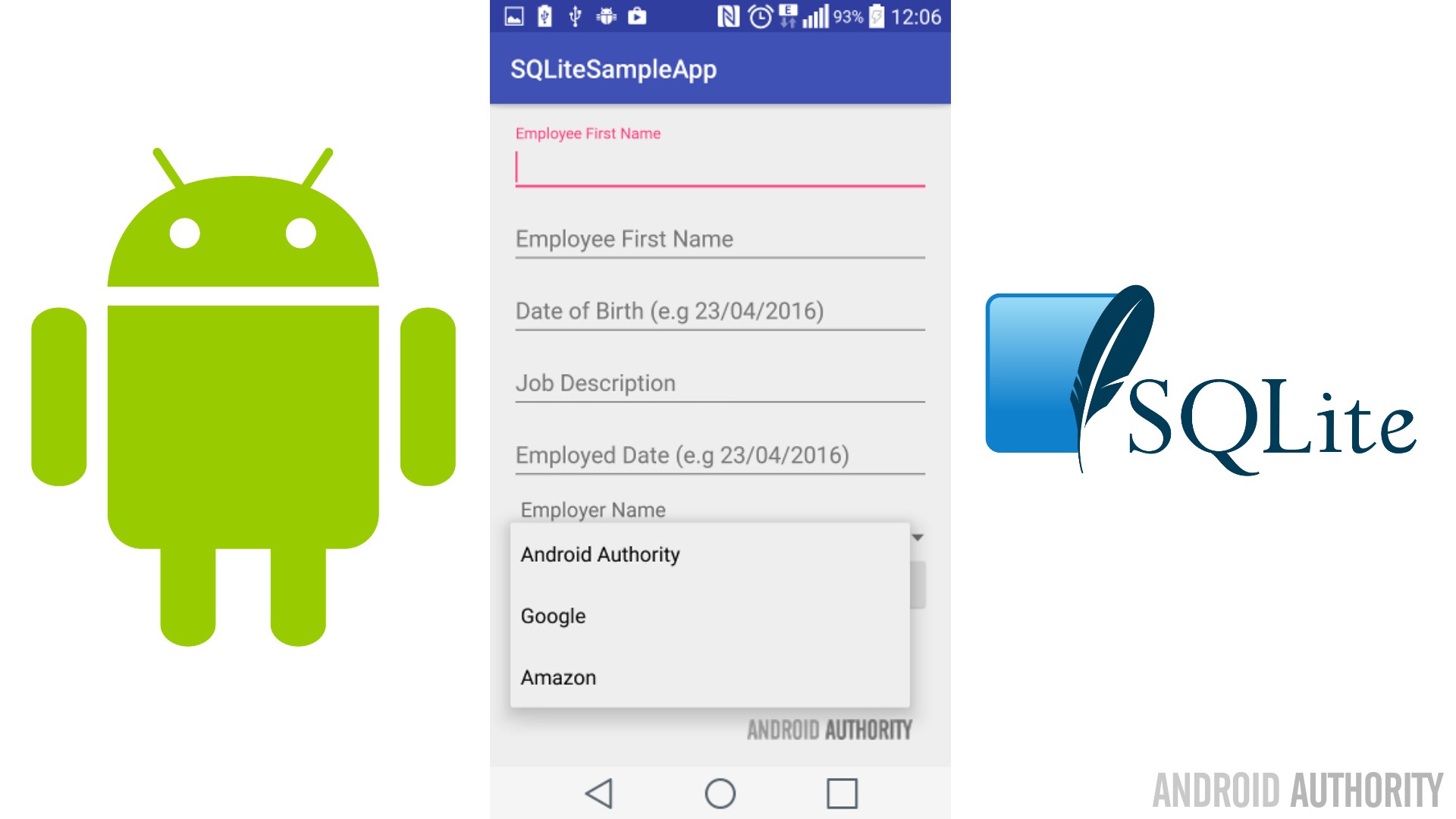
Put information into a database Read information from a database Delete information from a database Saving data to a database is ideal for repeating or structured data such as contact information This page assumes that you are familiar with SQL databases in general and helps you get started with SQLite databases on Android

From a remote shell to your device or from your host machine use the sqlite3 command line program to manage SQLite databases created by Android applications The sqlite3 tool includes many useful commands such as dump to print out the contents of a table and schema to print the SQL CREATE statement for an existing table The tool also gives you the ability to execute SQLite commands on the
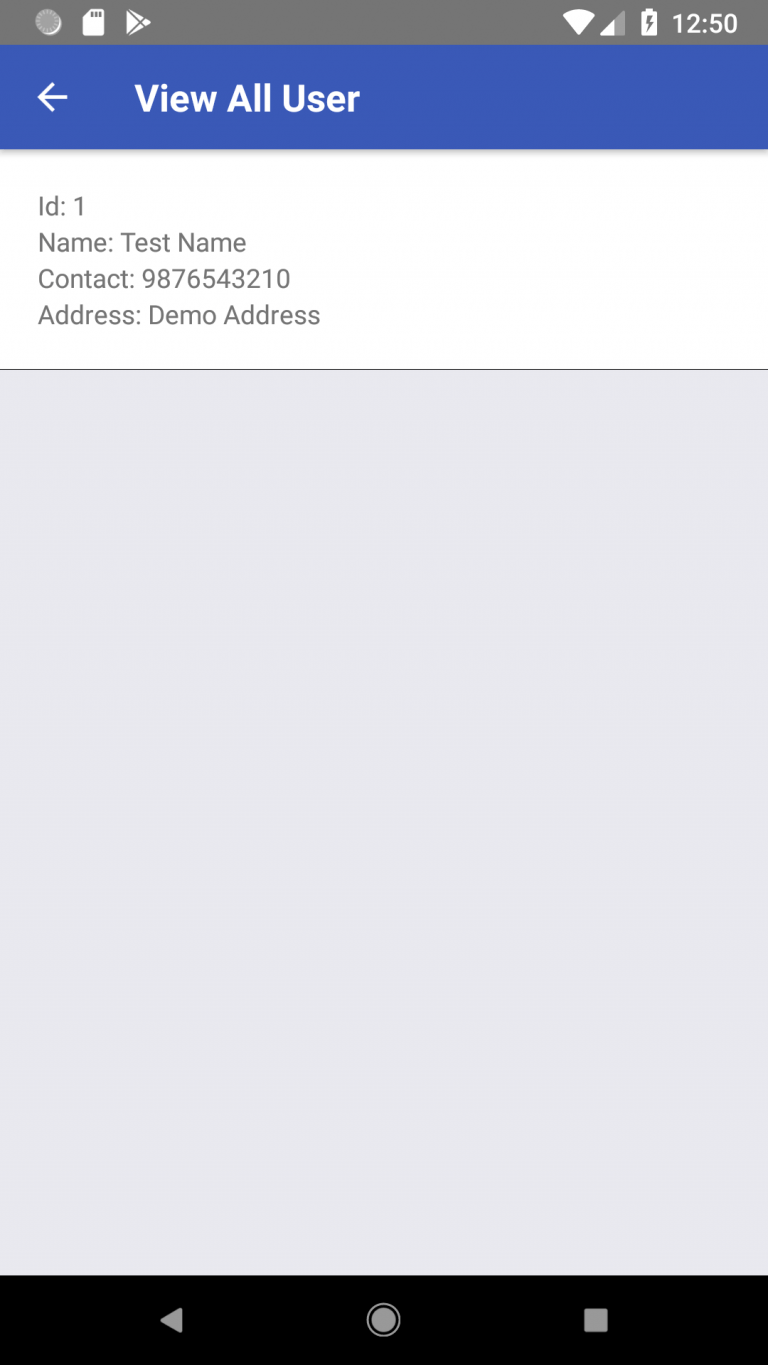
Before performing any database operations like insert update delete records in a table first open the database connection by calling getWritableDatabase method as shown below public DBManager open throws SQLException dbHelper new DatabaseHelper context database dbHelper getWritableDatabase return this
View sqlite database on android Ask Question Asked 8 years 9 months ago Modified 8 years 9 months ago Viewed 165 times Part of Mobile Development Collective 0 I am using android studio to develop my first android app I am plugging in my phone and testing my app on there to test changes as I go I am using a sqlite database
1 In real device is not Possible to see your DB but you can export your DB in your SDCard and then open in SQLite Browser M D Jun 17 2014 at 8 36 Add a comment 4 Answers Sorted by 2 You have to follow below step to achieve your task Connect your device and launch the application in debug mode How to Read Data from SQLite Database in Android Read Discuss Practice In the 1st part of our SQLite database we have seen How to Create and Add Data to SQLite Database in Android In that article we have added data to our SQLite Database In this article we will read all this data from the SQLite database and display this data in RecyclerView
1 In the old eclipse IDE there was an option to install sqlite browser and view the database in the ide itself without downloading and saving it to our system In the new android studio there is an option call device explorer where you can go to data data databases yourdb db