How To Use Width Tool In Illustrator How To Use The Width Tool In Illustrator Tutorial YouTube Adobe Illustrator Can I Change The Pressure Amount Of A Brush Line How To Use The Adobe Illustrator Width Tool 99designs How To Use The Adobe Illustrator Width Tool 99designs How To Use Width Tool In Illustrator Stroke Panel Tutorial In Urdu Web May 12 2016 nbsp 0183 32 The Width Tool can be found within the main left panel or by using the Shift W shortcut Select the tool and then hover over the path that you want to adjust The Width Point allows you to adjust the thickness of the path by clicking it and dragging it towards the inside or outside in order to create a thinner or thicker stroke
Web Jan 16 2022 nbsp 0183 32 Select the Width tool in the toolbar or type Shift W to activate it Hover over your path and notice the symbol alongside the cursor Click and drag in a perpendicular direction outward away from the path or inward toward it Web How to use the Width Tool in Adobe Illustrator Baily Biederman 407 subscribers Subscribe 566 Share Save 11K views 5 months ago A beginner s tutorial on how and when to use the Width
How To Use Width Tool In Illustrator Stroke Panel Tutorial In Urdu How To Use Width Tool In Illustrator YouTube How To Use Width Tool In Illustrator By Mygraphics Illustrator How To Use The Width Tool In Illustrator Design Bundles Adobe Illustrator Training Class 5 How To Use Width TOOl Wrap Tool Telugu Tutorial How to Use Width Tool In Illustrator Telugu Tutorial Graphic Design School Illustrator In 60 Seconds How To Use The Width Tool Using The Width Tool In Illustrator CS5 YouTube
How To Use Width Tool In Illustrator
 How To Use Width Tool In Illustrator
https://i.ytimg.com/vi/ASIhf_WvrZk/maxresdefault.jpg
Web Jul 12 2021 nbsp 0183 32 The width tool in Illustrator allows you to create varied widths on one single line This is usually drawn with the Pen Tool The option allows you to add depth to your designs quickly and easily We will show you how to use the Width tool in Illustrator
Templates are pre-designed files or files that can be used for various functions. They can conserve time and effort by providing a ready-made format and design for creating different type of material. Templates can be used for personal or expert projects, such as resumes, invites, flyers, newsletters, reports, discussions, and more.
How To Use Width Tool In Illustrator

How To Use The Width Tool Adobe Illustrator YouTube
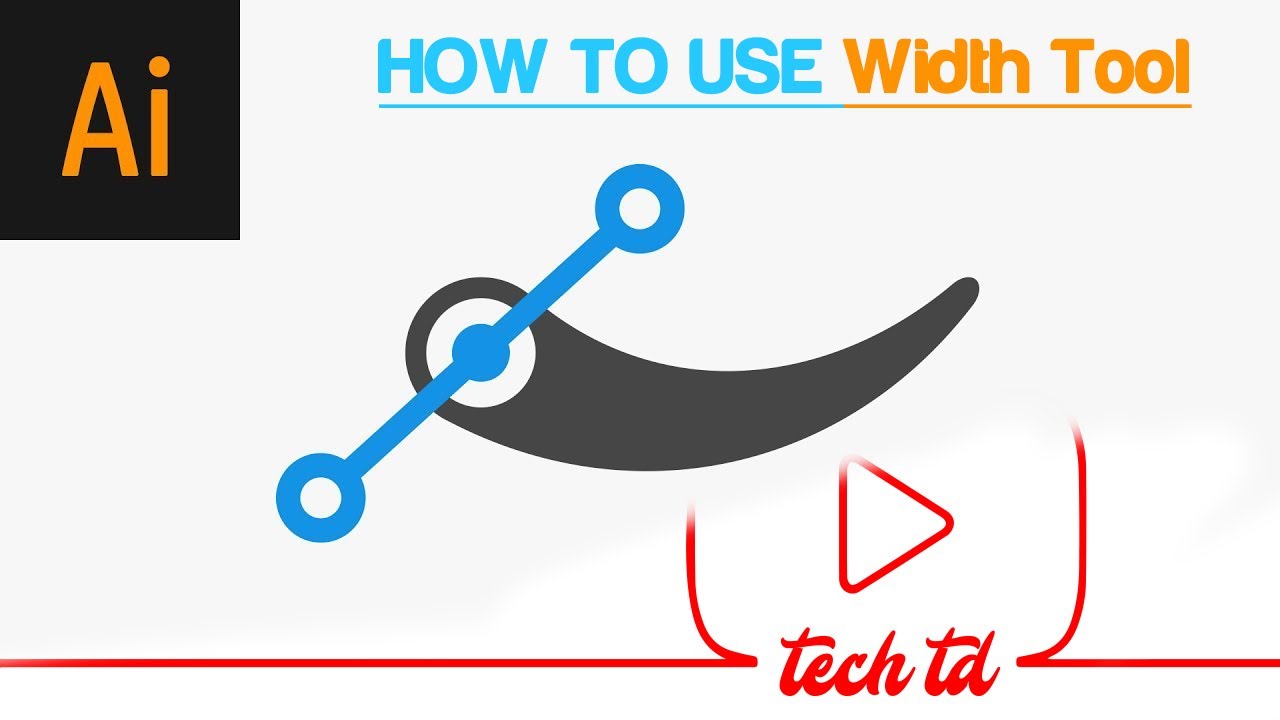
How To Use Width Tool In Illustrator YouTube

How To Use Width Tool In Illustrator By Mygraphics Illustrator

How To Use The Width Tool In Illustrator Design Bundles
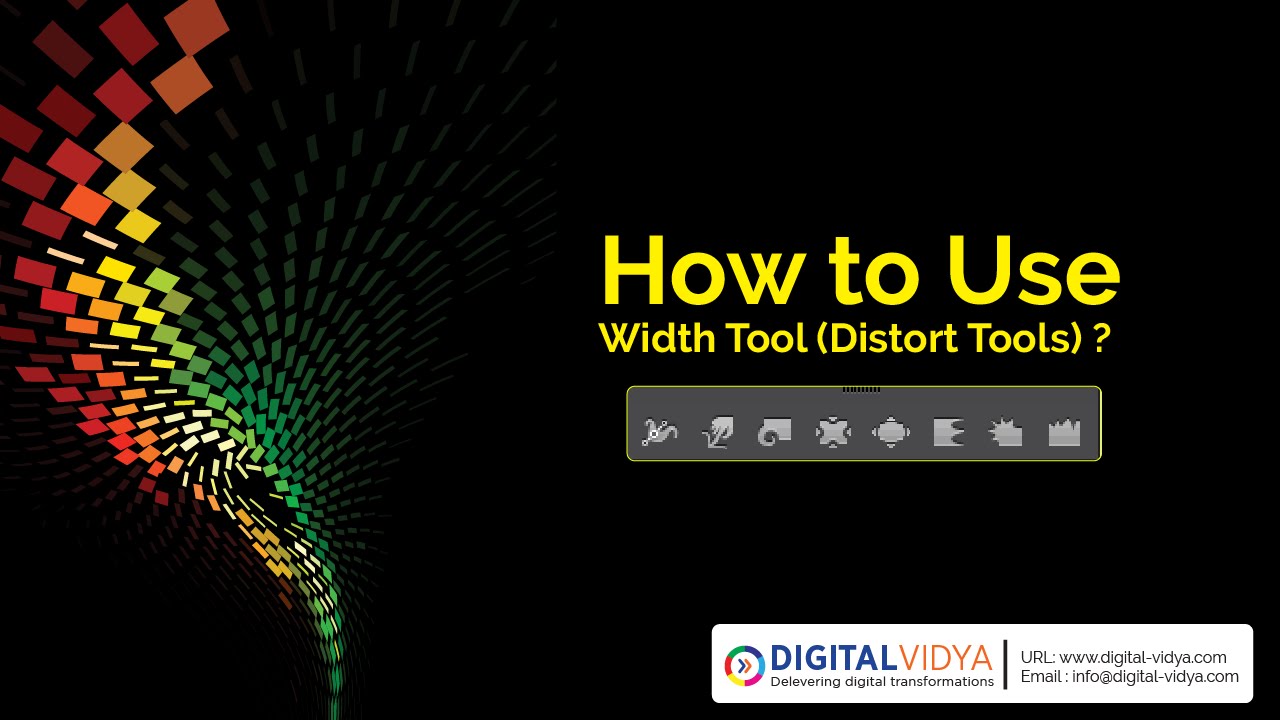
Telugu Tutorial How to Use Width Tool In Illustrator Telugu Tutorial

Graphic Design School

Web Jul 26 2017 nbsp 0183 32 In this tutorial we re going to learn how to manually adjust stroke widths using the Width Tool in Adobe Illustrator Get ahead as a successful designer with The Adobe Illustrator

Web Apr 27 2023 nbsp 0183 32 Step 1 Choose the Width tool from the toolbar or activate it using the keyboard shortcut Shift W Now when you hover over a path you should see the path highlighted which means you ll be able to work on that path

Web Jan 31 2019 nbsp 0183 32 The width tool in Illustrator can be a little hard to control One trick to get a consistent width option drag a point In this video I cover all the ins

Web Basic functions To use the Illustrator width tool select the button in the toolbar or hold Shift W To adjust the width of a stroke click and hold any point along the stroke path This will create a width point Pull up or down on these points to

Web Aug 15 2014 nbsp 0183 32 In the easy to follow Illustrator tutorial above we introduce you to the Width tool and give you a demonstration of how it works Creative Cloud
[desc-11] [desc-12]
[desc-13]