How To Use Node Js In Html Learn How To Use Node JS REPL YouTube When To Use Node js For Back end Guide For Business Owners How To Insert Data Into MongoDB Using Mongoose And Node Js Tuts Make How To Use Node Js For Backend Web Development Simplilearn Node js TypeScript The way you retrieve it is using the process object built into Node js It exposes an argv property which is an array that contains all the command line invocation arguments The first argument is the full path of the node command The second element is the full path of the file being executed
Use an identifier markup for node in the HTML file like node code node Load Parse HTML file in Node Grab node markup from the HTML file and run it But I m not sure if this is the best way or even if it works Please note I want to learn node js so express and other libraries and modules are not answers for me because I want to know I know this is an old question but as no one has mentioned it I thought it was worth adding If you literally want to serve static content say an about page image css etc you can use one of the static content serving modules for example node static
Node js TypeScript Node js TypeScript Node Js Backend Aigner Software How To Generate PDF Certificates From HTML In Node js PSPDFKit How To Run A Node js Application On Windows Webucator Top Reasons To Use Node js Framework Perdiscoo Blog Develop Node js With Visual Studio Code JavaScript On Azure Microsoft Learn How To Generate PDF Reports From HTML In Node js PSPDFKit How To Use Node js Modules In Deno Reflect
How To Use Node Js In Html
 How To Use Node Js In Html
https://i.ytimg.com/vi/fEEGgY8OM30/maxresdefault.jpg
In the root route we are sending a JSON response status server running Code language JSON JSON with Comments json Now to send an HTML response instead of a JSON response rather than using the res json function we will use the res send Inside the res send function we can provide a simple text string or an HTML string
Templates are pre-designed documents or files that can be utilized for numerous functions. They can save effort and time by providing a ready-made format and design for creating different kinds of content. Templates can be used for individual or professional projects, such as resumes, invites, flyers, newsletters, reports, discussions, and more.
How To Use Node Js In Html

Node js TypeScript

Node js TypeScript
Node Js Backend Aigner Software
How To Generate PDF Certificates From HTML In Node js PSPDFKit
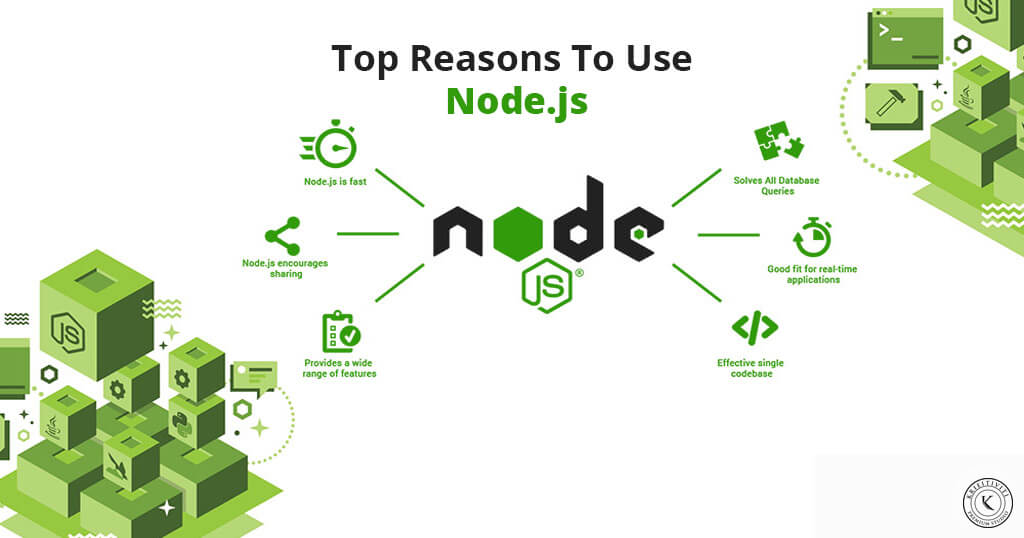
Top Reasons To Use Node js Framework Perdiscoo Blog
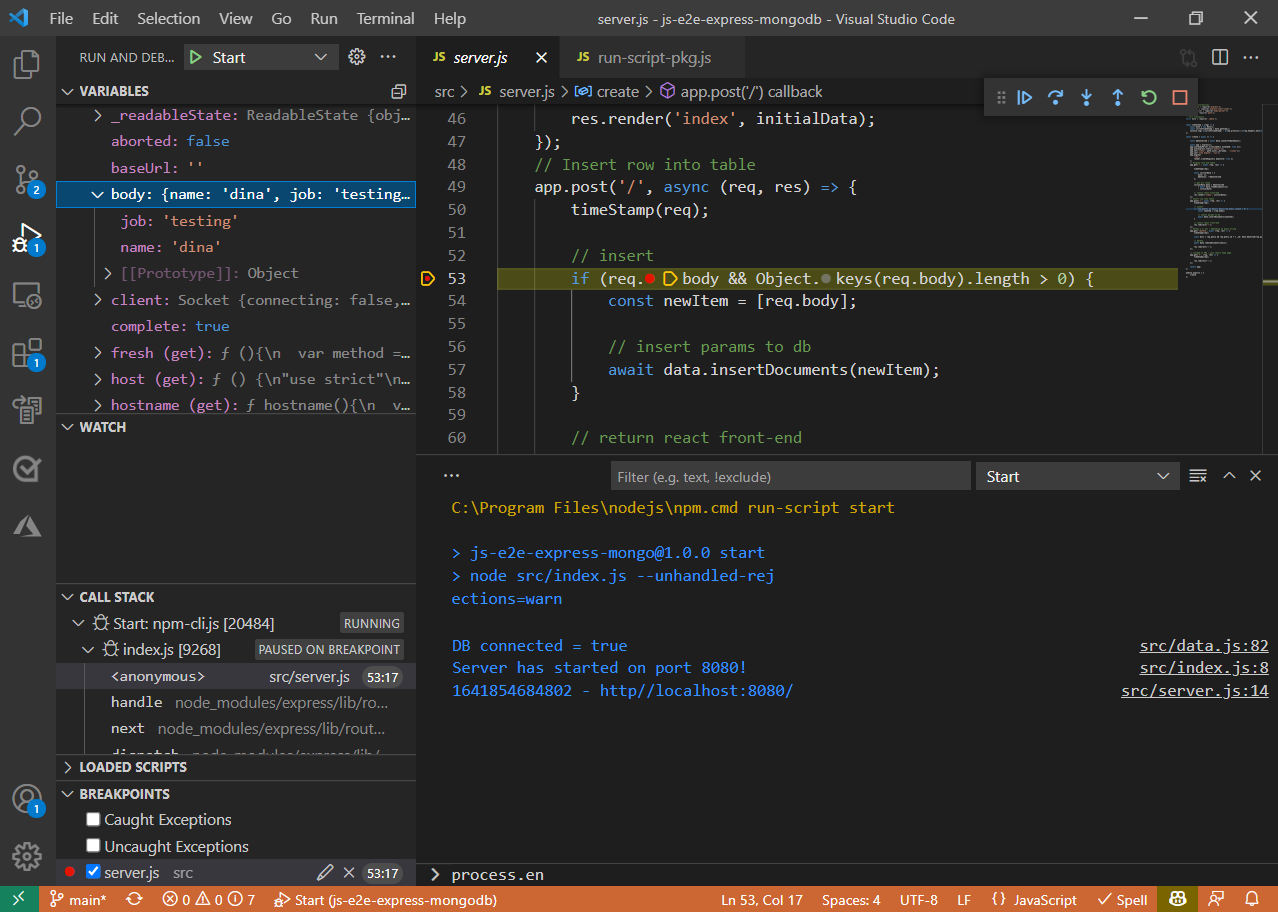
Develop Node js With Visual Studio Code JavaScript On Azure Microsoft Learn

The HTML page is running on the client The node js server is on your server different computers If you want to communicate with the node js server from the web page then you use Javascript in the HTML page to make an Ajax call from the Javascript in the web page to the node js server An Ajax call is an http request
Initiate the Node js File The file you have just created must be initiated by Node js before any action can take place Start your command line interface write node myfirst js and hit enter Initiate myfirst js C Users Your Name node myfirst js Now your computer works as a server

t j crowder If you have a module that you want to use on the backend via node js and also on the front end with script in html you don t want to maintain two versions you just want to have a single js file for both cases The problem is that the node version has a exports requires which trigger errors on client code See this question

A Node js app runs in a single process without creating a new thread for every request Node js provides a set of asynchronous I O primitives in its standard library that prevent JavaScript code from blocking and generally libraries in Node js are written using non blocking paradigms making blocking behavior the exception rather than the norm

Step 1 Outputting to the Console To write a Hello World program open up a command line text editor such as nano and create a new file The console object in Node js provides simple methods to write to stdout stderr or to any other Node js stream which in most cases is the command line
Node js is a JavaScript runtime built on Chrome s V8 JavaScript engine Node js uses an event driven asynchronous non blocking I O model Node js operates on a single thread event loop and were left wondering what all this meant Hopefully by the end of this article you ll have a better understanding about these terms as well as about The other way to run Node is by providing it a JavaScript file to execute This is almost always how you ll be using it hello js console log Hello World javascript node hello js Hello World In this example I moved the console log message into a file then passed that file to the node command as an argument
How to Write Your First Node js Program Hello World Create a file called hello world js in your project folder Then open the file in your code editor like VS Code Type the code console log Hello World in your editor Open the terminal and navigate to the file location Now type node hello world js