How To Use Html In Notepad How To Create A Web Page Design Using Notepad What Is Mark Down How To Make Form In HTML Notepad YouTube How To Use Notepad For Javascript Vsekings HTML NOTEPAD Reviews 2023 How To Create Tables In HTML By Using Notepad YouTube 1 Open a text editor You can use any text editor that came pre installed on your system to write HTML On Windows you can open Notepad On Mac open TextEdit Use the following steps to open a text editor Windows Click the Windows Start icon Type Notepad Click Notepad Mac Click the magnifying glass in the upper right corner
There are only a few steps to creating a web page with Notepad Open Notepad Notepad is nearly always found in your Accessories menu Start writing your HTML Remember that you need to be more careful than in an HTML editor You won t have elements like tag completion or validation In this HTML for Beginners Full Course you will learn the basics of HTML different HTML Tags and how to create a basic html page in Notepad
How To Create Tables In HTML By Using Notepad YouTube How To Add Hyperlink In Html Document Using By Notepad YouTube How To Write HTML Code And Execute The Program GitHub Hh lohmann Notepad JS HTML Beautifier Plugin Notepad JS HTML Beautifuller Plugin For How To Enable Dark And Distraction Free Modes For Notepad Vincent Pools Inc Notepad Tutorial Costaricahotelsallinclusiveq1 How To Link CSS To HTML In Notepad What Is Mark Down Html Notepad Download Falasink How To Create Table In Html By Notepad YouTube
How To Use Html In Notepad
 How To Use Html In Notepad
https://cdn.whatismarkdown.com/1664147710156.jpg
Learn how to create and style web pages with HTML the standard markup language for the web W3Schools HTML Tutorial offers easy and interactive examples exercises quizzes and references to help you master HTML Whether you are a beginner or a professional you will find something useful in this tutorial
Pre-crafted templates use a time-saving service for developing a varied range of documents and files. These pre-designed formats and layouts can be utilized for various individual and professional jobs, including resumes, invitations, leaflets, newsletters, reports, discussions, and more, enhancing the content development process.
How To Use Html In Notepad

How To Make Customized Notepads Free Spring Printable ProductionsWay
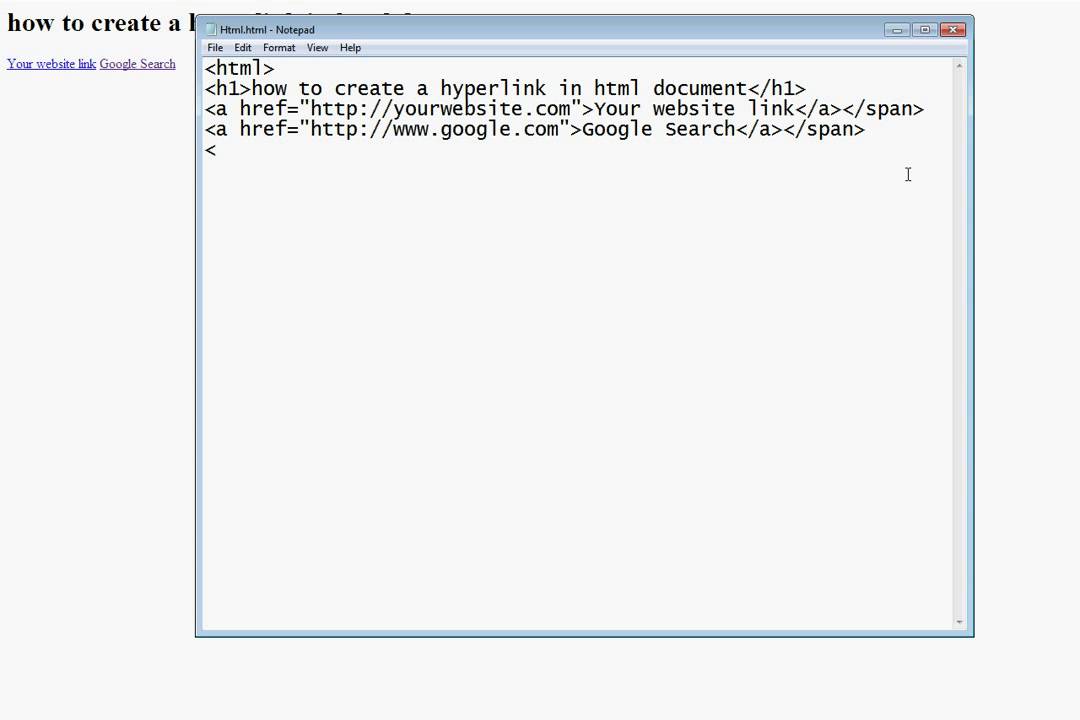
How To Add Hyperlink In Html Document Using By Notepad YouTube
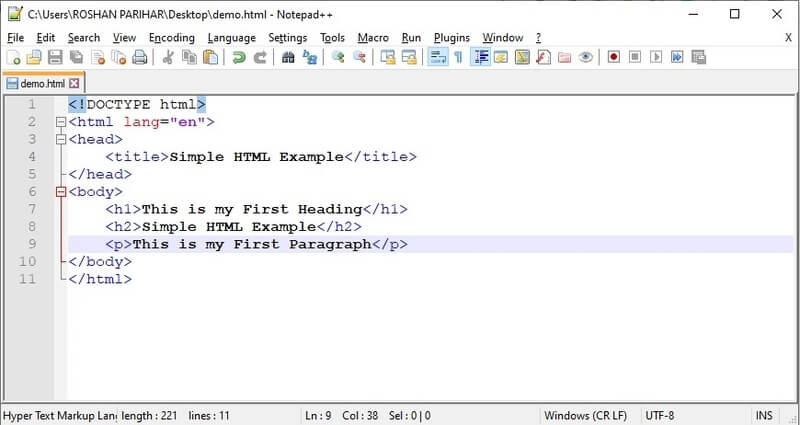
How To Write HTML Code And Execute The Program
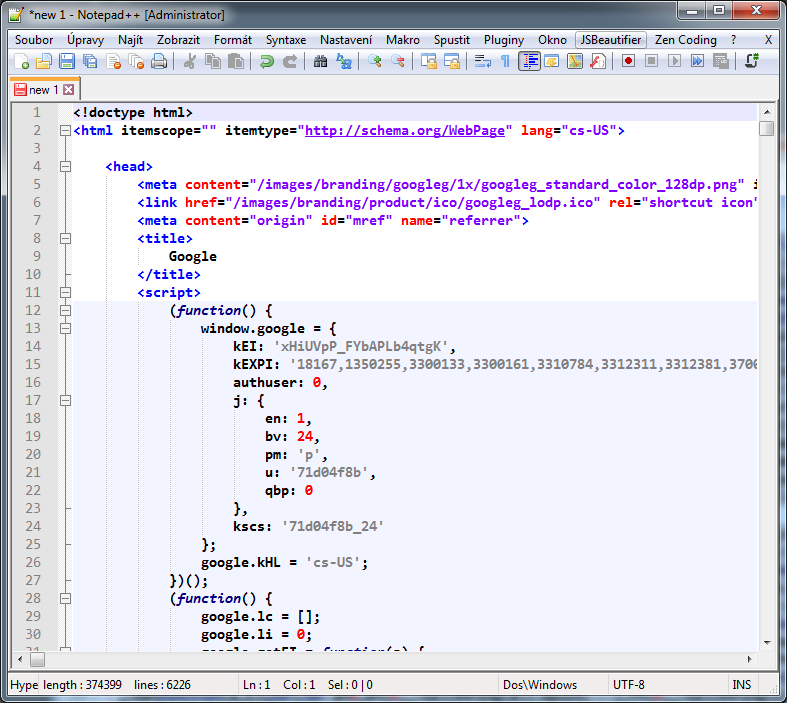
GitHub Hh lohmann Notepad JS HTML Beautifier Plugin Notepad JS HTML Beautifuller Plugin For
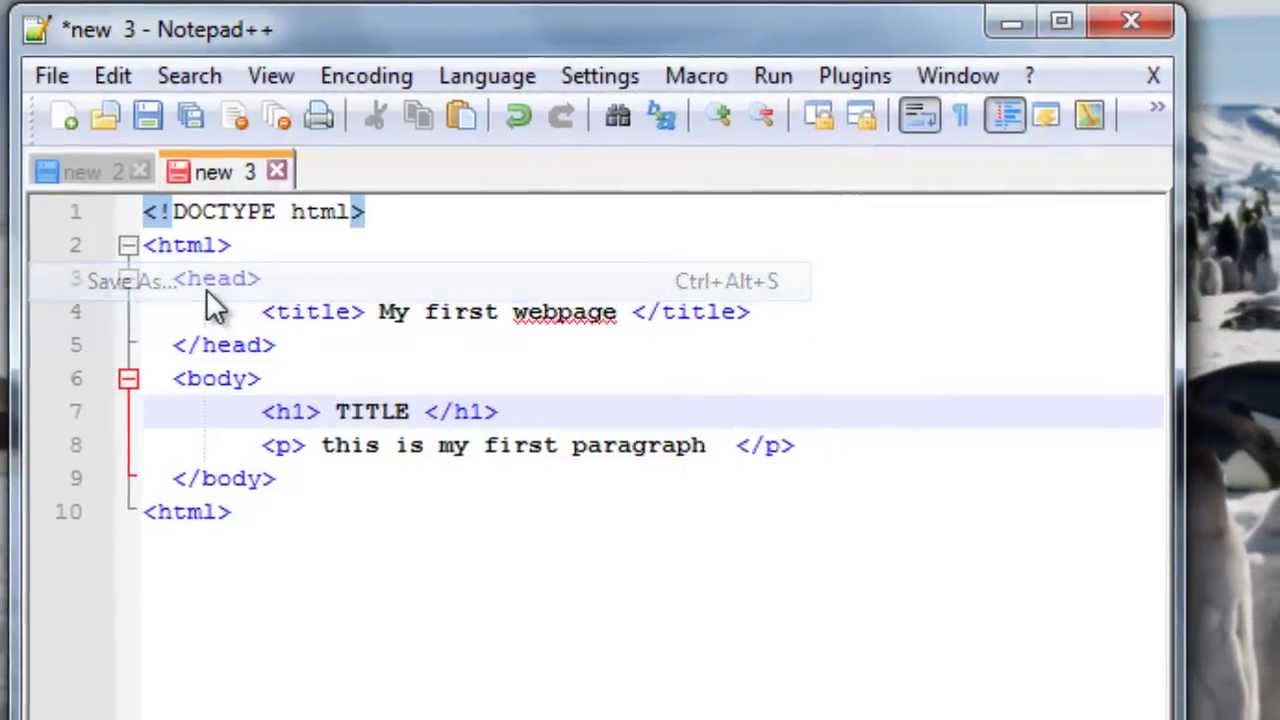
Notepad Tutorial Costaricahotelsallinclusiveq1

How To Link CSS To HTML In Notepad What Is Mark Down

Learn HTML Using Notepad or TextEdit Web pages can be created and modified by using professional HTML editors However for learning HTML we recommend a simple text editor like Notepad PC or TextEdit Mac We believe that using a simple text editor is a good way to learn HTML
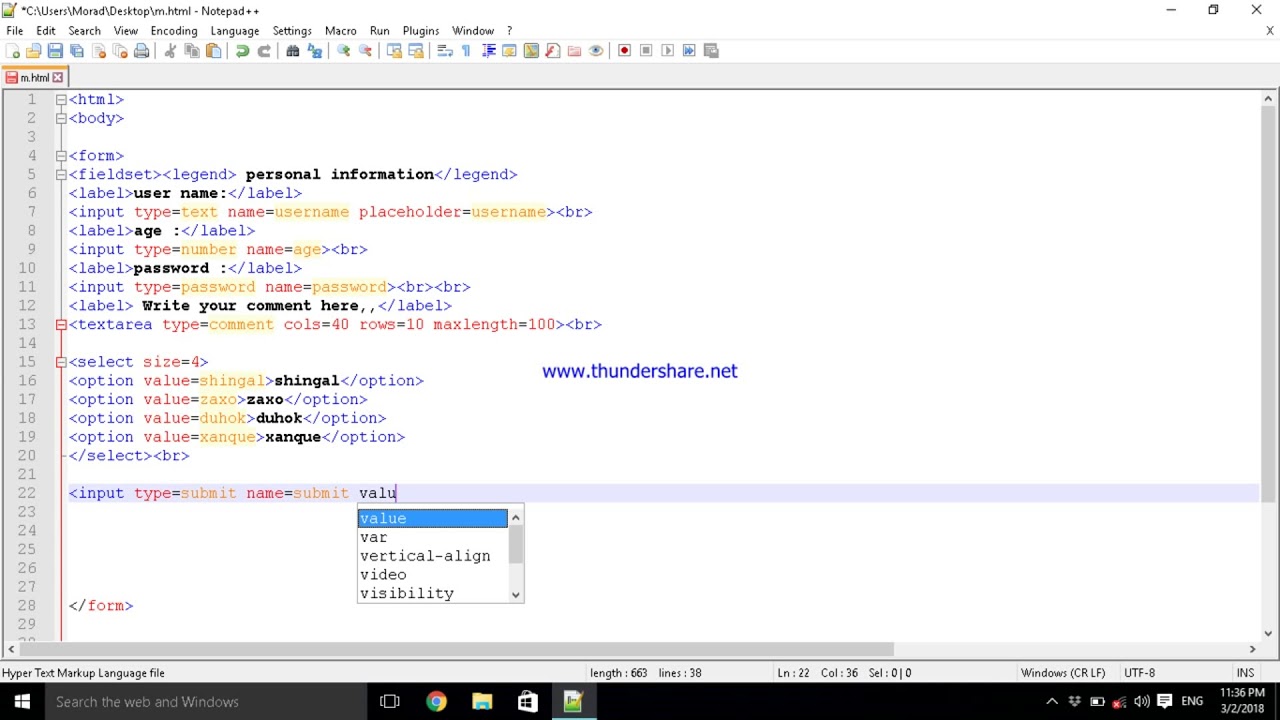
Write an HTML code in Notepad Save HTML code Run the HTML file Edit the HTML code via Notepad 1 Write an HTML code in Notepad To begin this process you must write your code
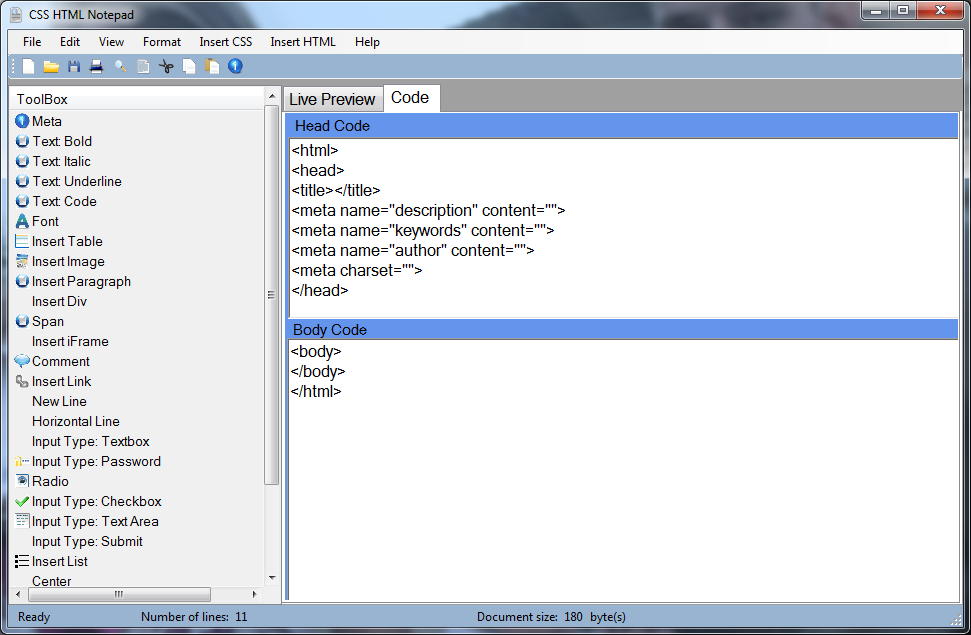
How to easily use Notepad to create an HTML file Make sure you save according to these instructions More HTML on my other channel https www youtube
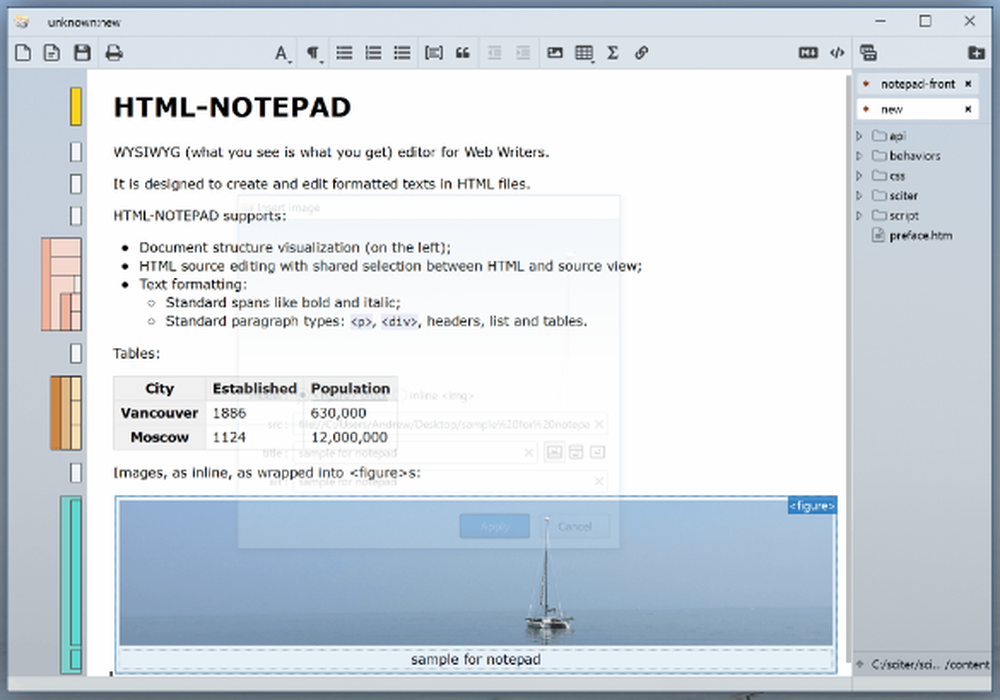
You can use Notepad to code in two ways launch Notepad directly from your Windows machine and start coding and then save the code later or create the file and open it with Notepad In this tutorial I will focus on the second method so I m going to create the files first then open them with Notepad

How to use Notepad for HTML Notepad is Just like Other HTML Editors You can Open Edit Save all the Process you can do with other HTML Editors But Notepad Text Editor doesn t support Many Features that Other HTML Editor Supports Like Syntax highlighter Code Prediction Auto Code Generator And Starting and Closing Tag Identifier
[desc-11] [desc-12]
[desc-13]