How To Use Google Maps Api In Android Studio Using Google Maps API In Appery io App App Development Blog Appery io API Calling In Android Java How To Call API In Android Studio Using API Calling In Android Java How To Call API In Android Studio Using Agrega Un Mapa A Tu App Para Android Kotlin Google Developers API Calling In Android Koltin How To Call API In Android Studio Using Web Oct 26 2023 nbsp 0183 32 To use Google Maps Platform you must enable the APIs or SDKs you plan to use with your project Note that some integrations require you to enable multiple
Web Aug 3 2022 nbsp 0183 32 Android Google Maps API Overview In this tutorial we ll implement a few interesting features provided by the Android Google Maps API Features include map markers map types camera animations and Web Oct 26 2023 nbsp 0183 32 Import the tutorial project In Android Studio select File gt New gt Import Project Go to the location where you saved the Google Maps Android API v2 Samples
API Calling In Android Koltin How To Call API In Android Studio Using How To Create Wallpaper App Using Pexel API In Android Studio Part 1 Using Google Maps API In React Native For IOS Android GFxtra Google Maps API MarsquaiBlog How To Include Api In Android Studio Youtube Otosection How To Include Api In Android Studio Youtube Change The Sdk Level How To Build REST API In Android Studio Using Kotlin By Prasanna Android Test Station API Android Open Source Project Speech To Text Using Google API In Android Studio To Do App Firebase
How To Use Google Maps Api In Android Studio
 How To Use Google Maps Api In Android Studio
https://blog.appery.io/wp-content/uploads/2014/04/google_maps_api2.jpg
Web Oct 26 2023 nbsp 0183 32 Step 1 Install the Maps SDK for Android utility library Step 2 Optional Install the Maps SDK for Android utility KTX library Step 3 View the Maps SDK for
Pre-crafted templates offer a time-saving service for creating a varied range of files and files. These pre-designed formats and designs can be made use of for different personal and professional projects, including resumes, invites, flyers, newsletters, reports, discussions, and more, enhancing the content creation process.
How To Use Google Maps Api In Android Studio

How To Use Google API On Android Studio Free Libraries

How To Create Wallpaper App Using Pexel API In Android Studio Part 1
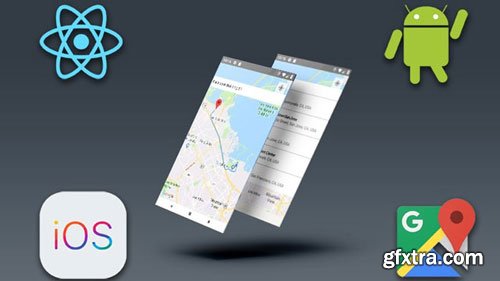
Using Google Maps API In React Native For IOS Android GFxtra

Google Maps API MarsquaiBlog

How To Include Api In Android Studio Youtube Change The Sdk Level
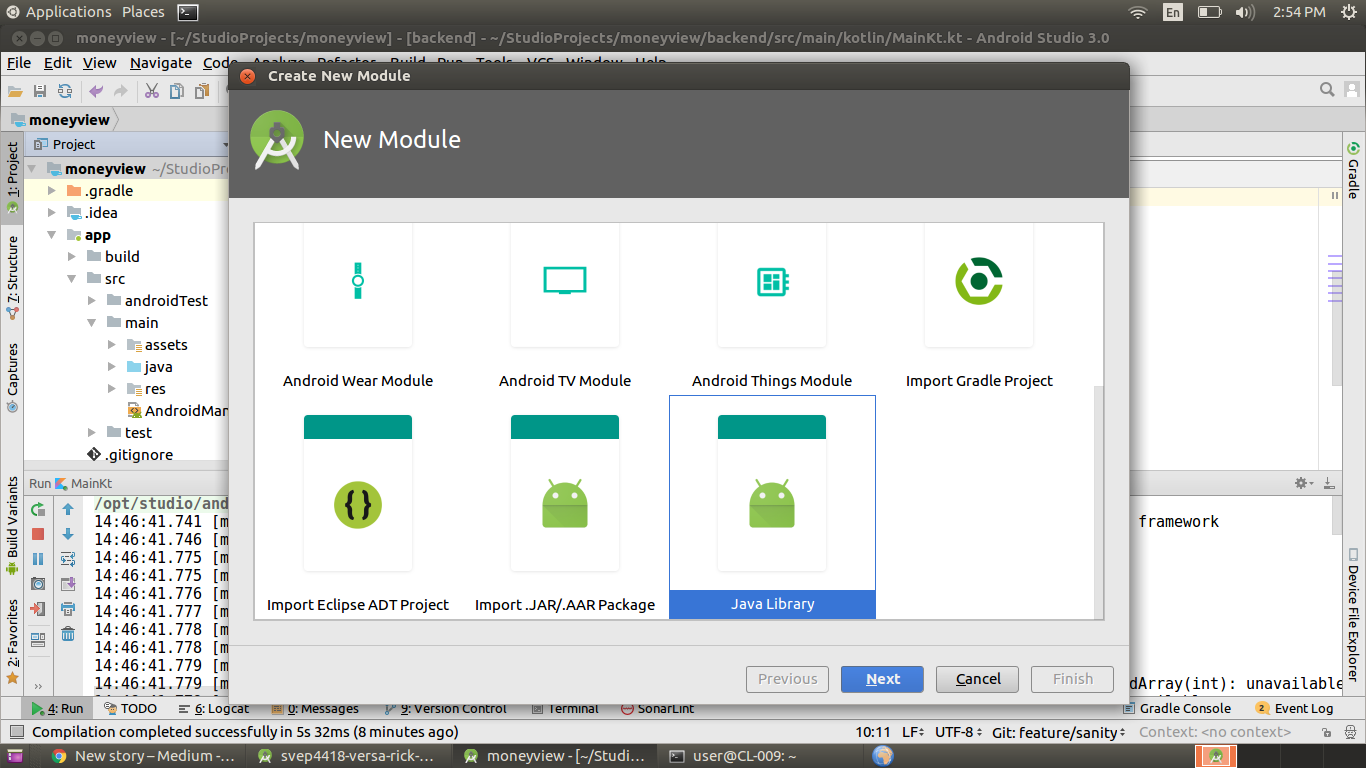
How To Build REST API In Android Studio Using Kotlin By Prasanna

Web Oct 26 2023 nbsp 0183 32 Step 1 Set up Android Studio Step 2 Set up the SDK Step 3 Add your API key to the project Step 4 Update the app manifest Google Play services version

Web Mar 1 2023 nbsp 0183 32 Get Started Start building with commonly used features of the Maps SDK for Android explore Get started with Google Maps Platform Create an account generate an API key and start

Web Oct 26 2023 nbsp 0183 32 Set Up in the Google Cloud Console Use an API key Set up an Android Studio project Add a SupportMapFragment object to the activity that will handle the map You can add the fragment
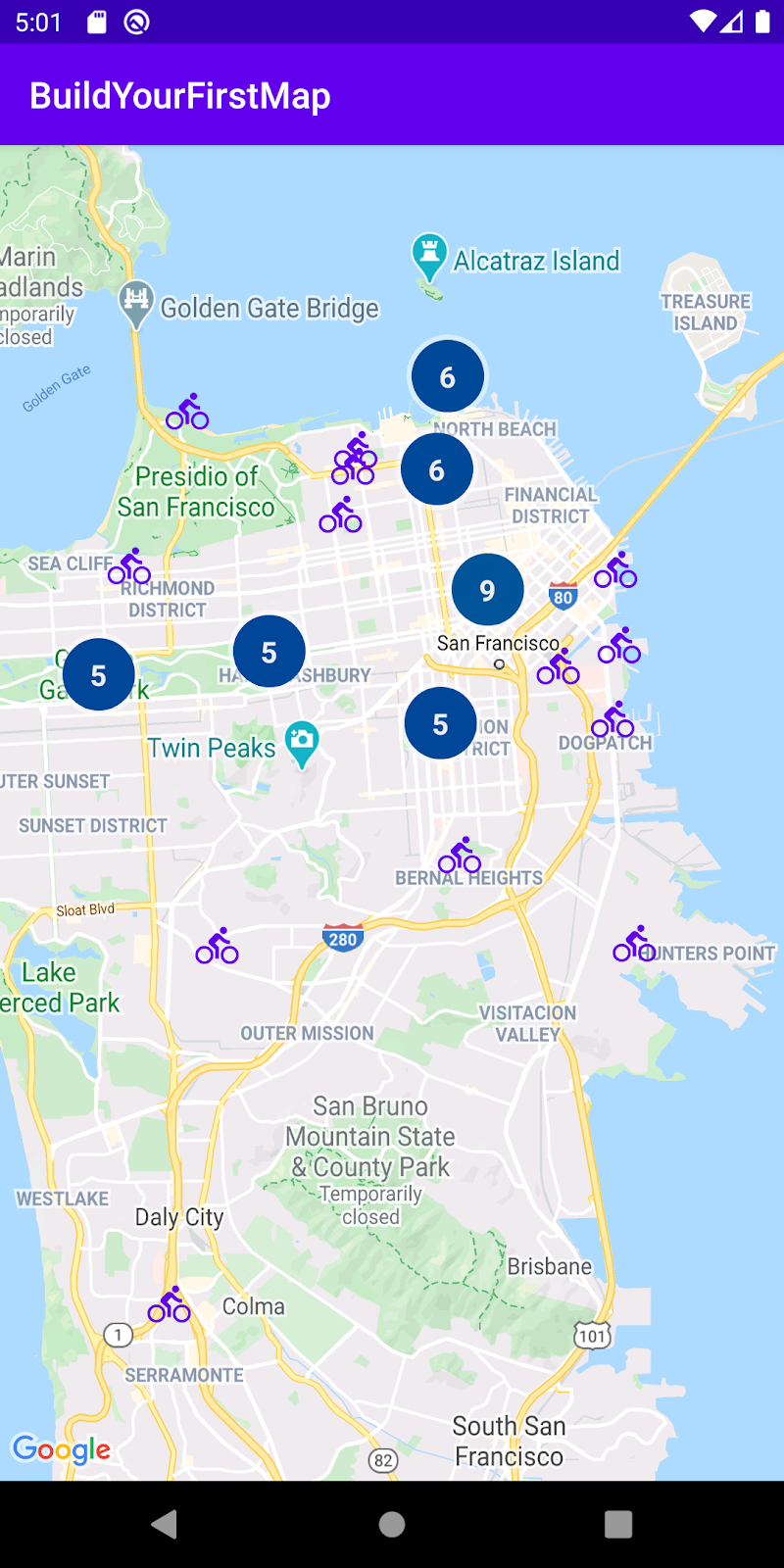
Web Oct 26 2023 nbsp 0183 32 The API key is a unique identifier that authenticates requests associated with your project for usage and billing purposes You must have at least one API key

Web Jul 7 2023 nbsp 0183 32 Maps SDK Places API Allow your users to explore the world with rich maps provided by Google Identify locations with custom markers augment the map data with image overlays embed one or more maps
Web Jan 23 2023 nbsp 0183 32 Select a project in which you want to enable Google Map API and click on Next A new key will be generated for the chosen project Skip the Billing Process For Web APIs and SDKs are available for Maps Routes and Places across web and mobile platforms Learn how to add a Place Autocomplete input field to a React app In this
Web There click APIs gt Google Maps Android API gt Enable API Once added go back to the left sidebar and click Credentials gt Create new Key gt Android key There copy paste