How To Use Environment Variables In Batch Script How To Set And Use Environment Variables In Bash Script How To Use Environment Variables On Windows Environment Variables How To Use Environment Variables In Nuxt js Web Applications Complete List Of All Environment Variables Used As Command Line In Environment Variables In React Native The Right Way Variables are formatted as follows KEY value KEY Some other value KEY value1 value2 When naming the variables the case matters By convention environment variables names must be in UPPER CASE When assigning values to the variable the colon the character must be used to separate the values There is no white space around the equals sign
In this lesson you will be learning about enviroment variables in batch file scripting List of Enviroment Variables http vlaurie computers2 Articles First you need to launch Command Prompt or CMD as an administrator Click Start type cmd into the search box and then click Run as Administrator Any user environment variable can be set or modified in a regular Command Prompt window but changing system wide environment variables requires an elevated Command Prompt There are two
Environment Variables In React Native The Right Way How To Use Environment Variables In React Native YouTube How To Use Environment Variables YouTube How To Use Environment Variables In NextJS Applications Upmostly How To Echo Environment Variable On Linux Linux Tutorials Learn How To Create Use Environment Variables In Craft CMS Declare Variables In Batch Script Delft Stack 25 Categorical Variable Examples 2024 How To Use Environment Variables In Vite
How To Use Environment Variables In Batch Script
 How To Use Environment Variables In Batch Script
https://ioflood.com/blog/wp-content/uploads/2023/11/Illustration-of-Bash-script-using-environment-variables-featuring-system-configuration-elements.jpg
Hypertips 001 Setting Project Variables With Batch Scripts Here s a quick tutorial on how to set set project environment variables I tend to do this at the beginning of the project and use the bat as a launcher whenever I need to open a file for that certain project Here is a link to some variables There are many more undocumented variables
Templates are pre-designed files or files that can be utilized for different functions. They can save effort and time by providing a ready-made format and layout for creating different type of content. Templates can be utilized for individual or professional projects, such as resumes, invitations, flyers, newsletters, reports, presentations, and more.
How To Use Environment Variables In Batch Script
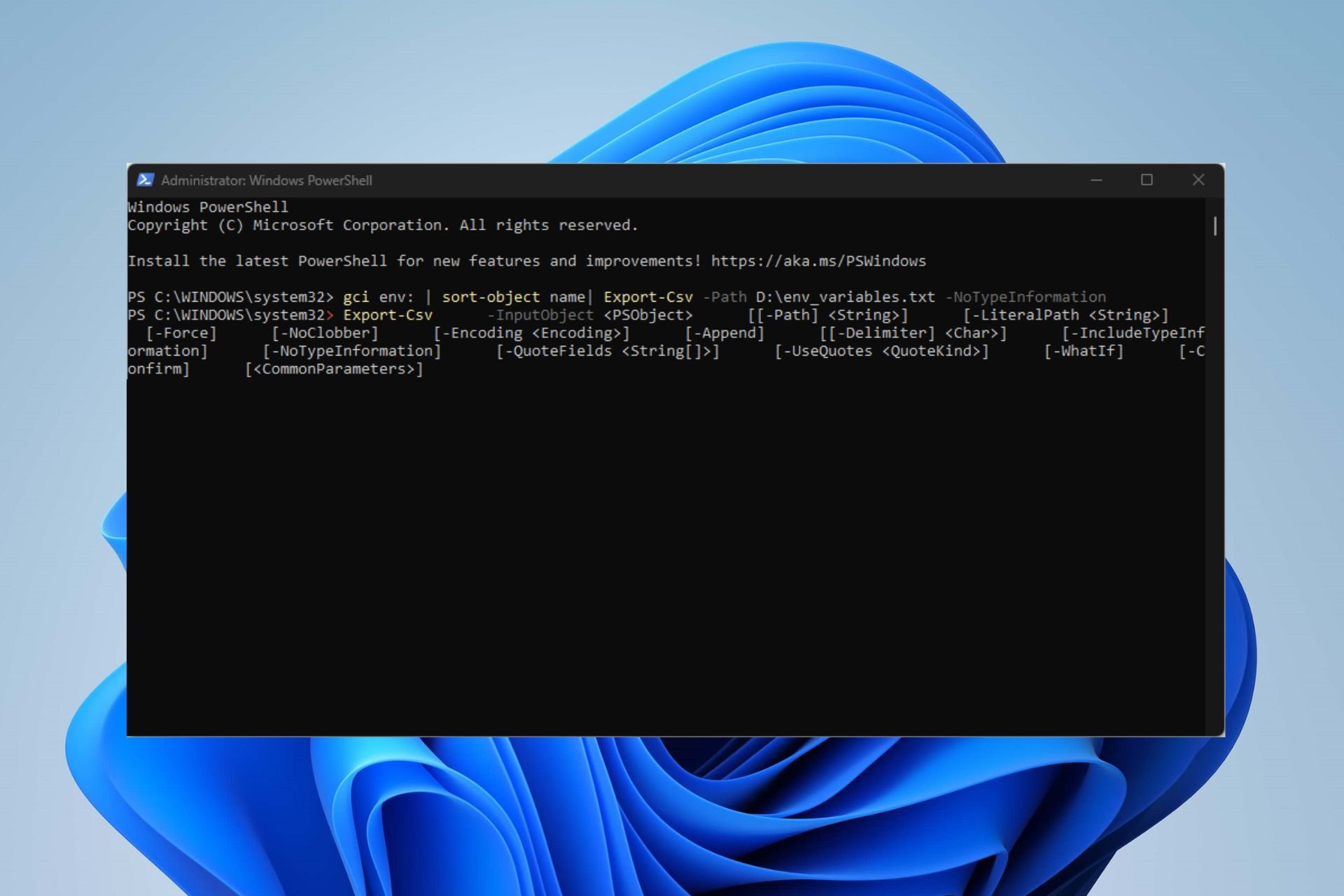
How To Print Environment Variables In Powershell 4 Easy Tips

How To Use Environment Variables In React Native YouTube

How To Use Environment Variables YouTube

How To Use Environment Variables In NextJS Applications Upmostly
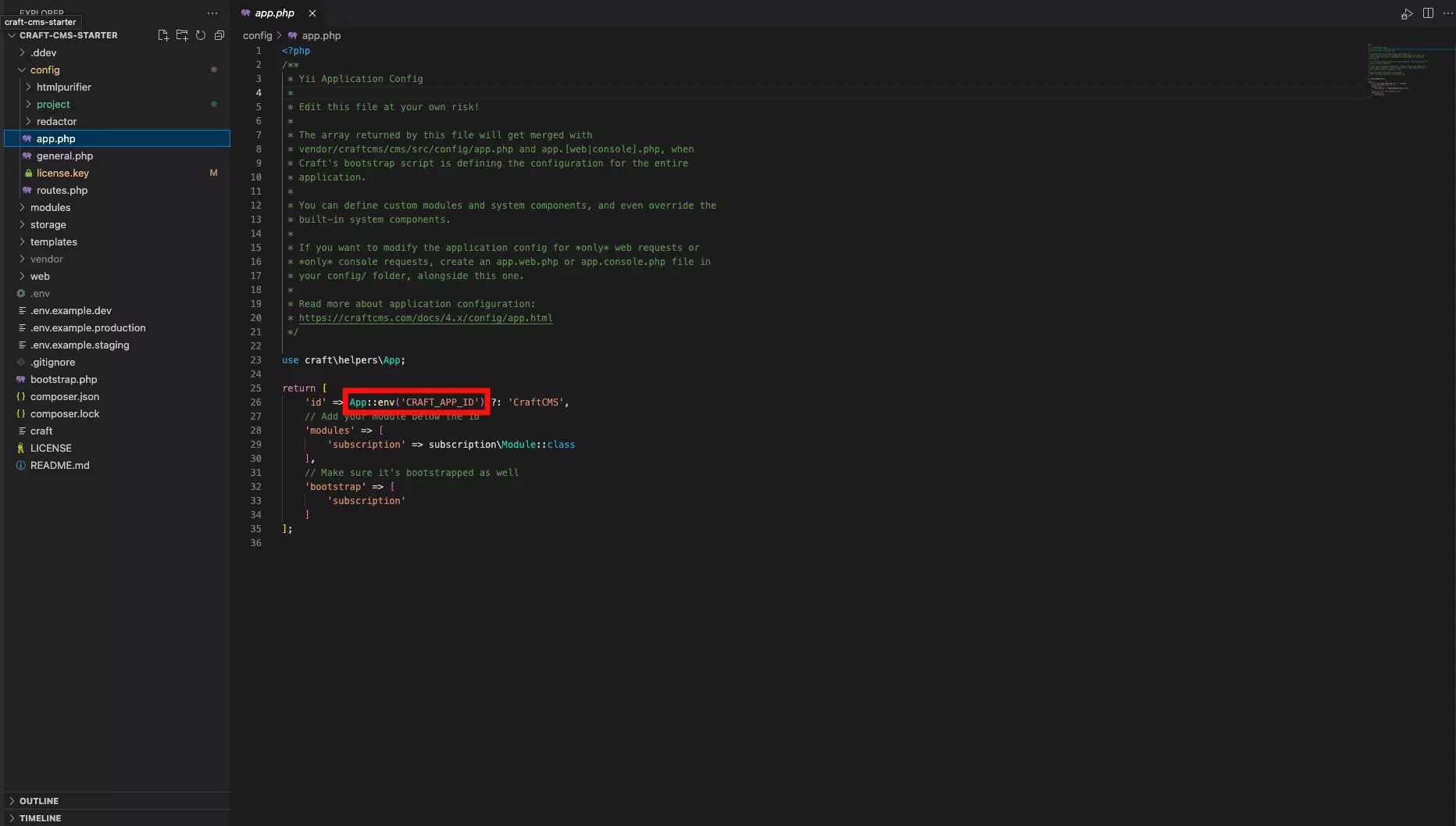
How To Create Use Environment Variables In Craft CMS

Declare Variables In Batch Script Delft Stack
1 Answer Sorted by 3 start window name can be empty but not omitted visstudio cd Src Edge Test Edge Test sln start interprets the first quoted parameter as a window title It can be empty The executable needs to be in quotes since it contains spaces Share Improve this answer Follow answered Feb 16 2017 at 5 27

Environment variables are mainly used within batch files they can be created modified and deleted for a session using the SET command To make permanent changes use SETX Variables can be displayed using either SET or ECHO Variables have a percent sign on both sides ThisIsAVariable

Use environment variables to control the behavior of some batch files and programs and to control the way Windows and the MS DOS subsystem appears and works The set command is often used in the Autoexec nt file to set environment variables If you use the set command without any parameters the current environment settings are displayed
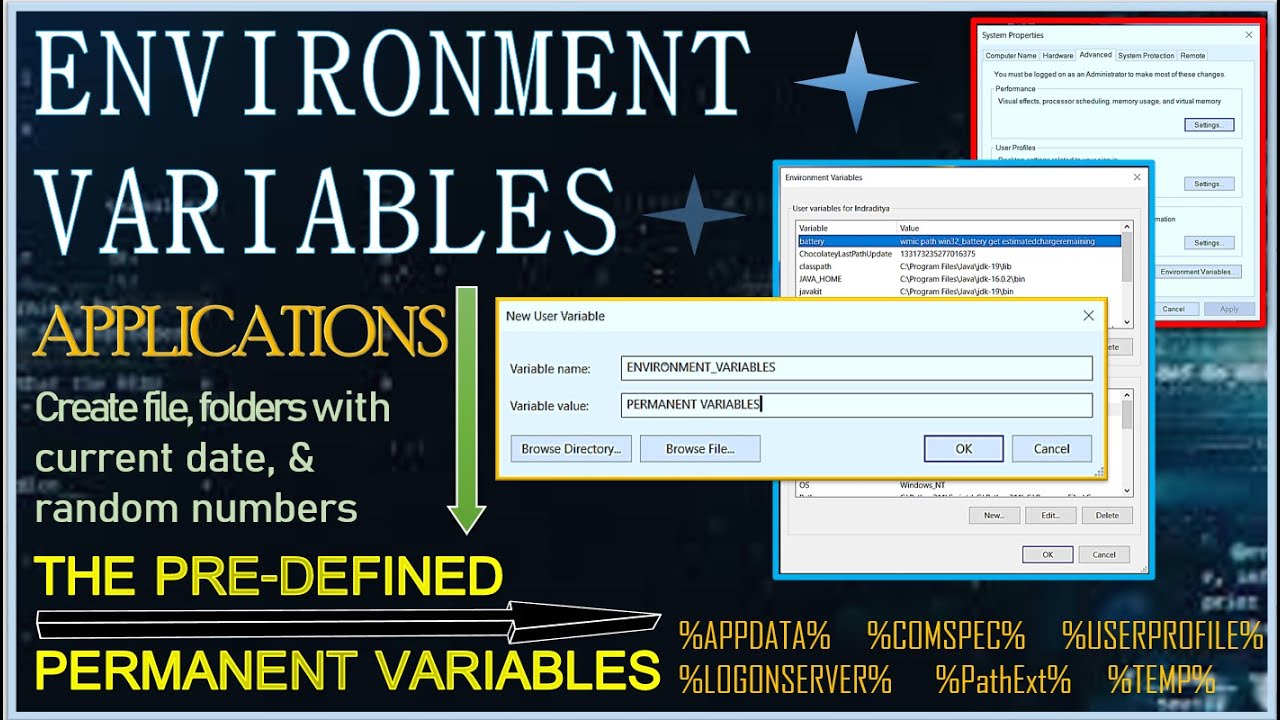
I use the stack in my batch files to keep track of subroutine calls Every subroutine in my batch files starts with Call Push 0 which pushes the current subroutine s name onto the stack and ends with Call Pop Some may find it an over kill for batch scripting but I enjoyed creating it and I hope someone will find this useful enjoy
Select the Advanced system settings link In the System Properties dialog click Environment Variables In the Environment Variables dialog click the New button underneath the System variables section Enter the name of your new variable as well the value and click OK You should now see your new variable listed under the System
SET Display set or remove CMD environment variables Changes made with SET will remain only for the duration of the current CMD session Syntax SET variable SET variable string SET variable string SET variable SET A variable expression SET P variable promptString SET Key variable A new or existing environment variable name e g num string A text string to assign to the variable Overview Part 1 Getting Started Part 2 Variables Part 3 Return Codes Part 4 stdin stdout stderr Part 5 If Then Conditionals Part 6 Loops Part 7 Functions Part 8 Parsing Input Part 9 Logging Part 10 Advanced Tricks Today we ll cover variables which are going to be necessary in any non trivial batch programs
4 Answers Sorted by 729 The space before the is interpreted as part of the name and the space after it as well as the quotation marks are interpreted as part of the value So the variable you ve created can be referenced with location If that s not what you want remove the extra space s in the definition Share Improve this answer