How To Use Command Button On Windows Keyboard How To Take Screenshots In Windows 10 How To Use A Windows PC Keyboard On Mac By Remapping Command Option Command Button On Keyboard Beginners Guide For Those Switching From HOW TO USE COMMAND BUTTON IN WORD 2016 INSERT COMMAND BUTTON IN MS COMMAND V PASTE Keyboard Mac Keyboard Shortcuts Mac To easily manage and share content across all of your devices and the cloud use Google s desktop sync client Drive for desktop If you edit delete or move a file on the Cloud the same
Official Gmail Help Center where you can find tips and tutorials on using Gmail and other answers to frequently asked questions Depending on your learning setting you can sign in to Classroom with one of the following accounts School account An accredited educational institution creates this account typically
COMMAND V PASTE Keyboard Mac Keyboard Shortcuts Mac How To Take A Screenshot On A Mac Print Screen Button On A Typical PC Keyboard A Close Up Of Flickr The Best Use Of FUNCTION KEYS Computer And Laptop Shortcut Key Useful Keyboard Shortcuts IT Services How To Screenshot On HP Laptop A Step by Step Guide Infetech Command Button How To Use Command Button In Excel Vba Function In How To Use Fn Key With Action Function Keys In Windows 10 Fix And Have Swapped In Windows 10
How To Use Command Button On Windows Keyboard
 How To Use Command Button On Windows Keyboard
https://sm.pcmag.com/pcmag_in/photo/u/use-the-wi/use-the-windows-key-print-screen-shortcut_3269.jpg
Official Google Play Help Center where you can find tips and tutorials on using Google Play and other answers to frequently asked questions
Templates are pre-designed files or files that can be used for different functions. They can conserve effort and time by providing a ready-made format and layout for developing various kinds of content. Templates can be utilized for individual or expert jobs, such as resumes, invitations, flyers, newsletters, reports, presentations, and more.
How To Use Command Button On Windows Keyboard

Command Key On Keyboard Source Support apple To Use A Keyboard
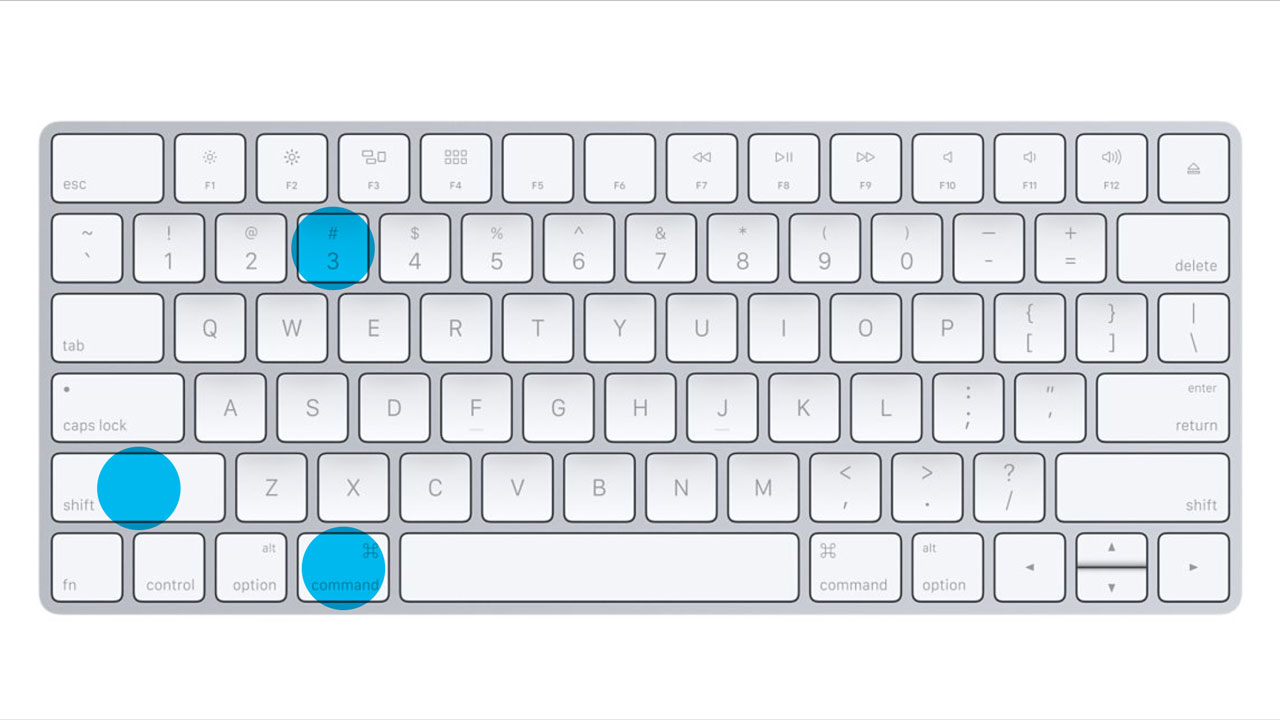
How To Take A Screenshot On A Mac
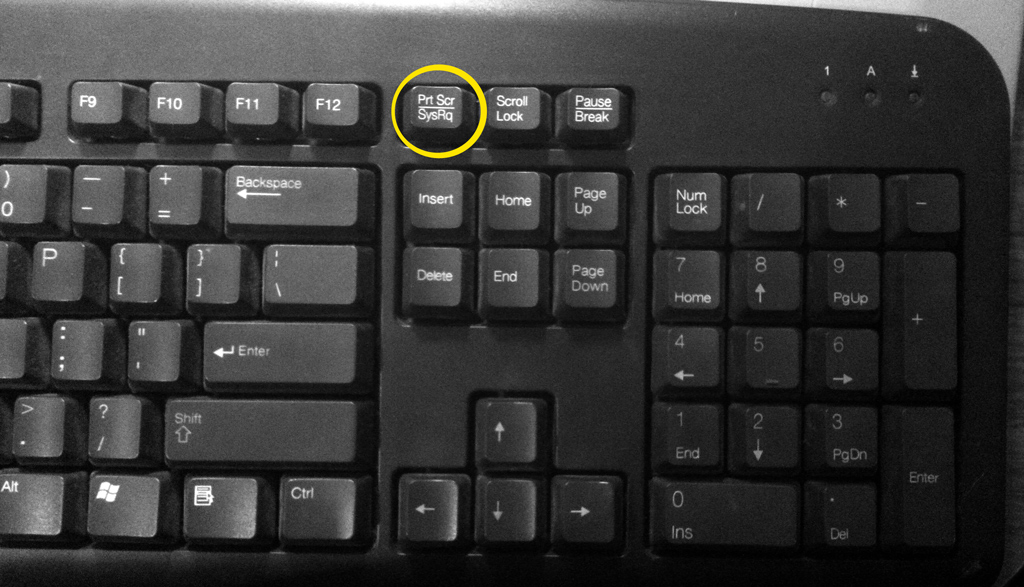
Print Screen Button On A Typical PC Keyboard A Close Up Of Flickr
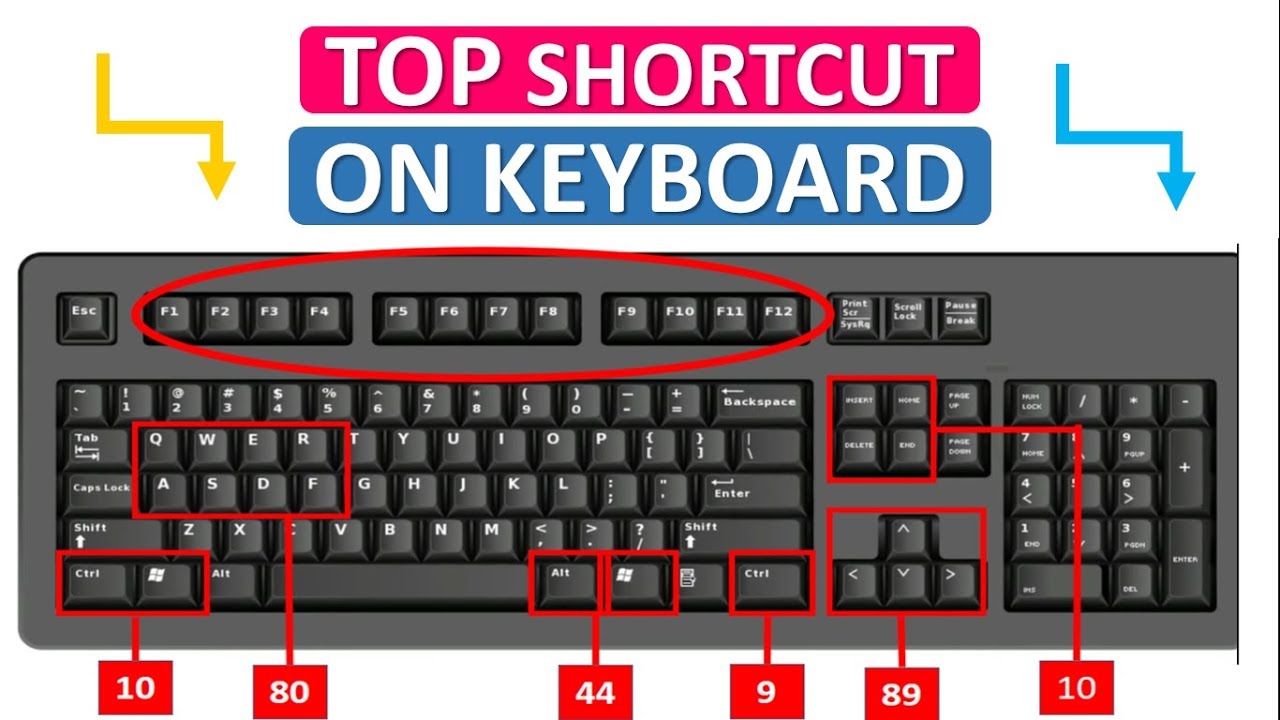
The Best Use Of FUNCTION KEYS Computer And Laptop Shortcut Key

How To Screenshot On HP Laptop A Step by Step Guide Infetech

Command Button How To Use Command Button In Excel Vba Function In

How to install Chrome Important Before you download you can check if Chrome supports your operating system and other system requirements

Google Chrome tips Google Chrome tips From productivity to customization learn how to get things done more quickly with your browser

Learn how to use Google Drive In this section you ll learn to Use Google Drive features Upload share amp organize your files Use Drive for Desktop Use Google Drive features On your
Gemini Apps give you direct access to Google AI You can get help with writing planning learning and more Learn more about what Gemini is and how it works

If you forgot your password or username or you can t get verification codes follow these steps to recover your Google Account That way you can use services like Gmail Pho
[desc-11] [desc-12]
[desc-13]