How To Uninitialize Git Repository In Visual Studio Code How To Remove Delete A Local Git Repository YouTube Using Git With Visual Studio Code Osesong Visual Studio Microsoft Learn How To Clone A Git Repository In Visual Studio Code Github1s Open Any GitHub Repository In VS Code In Your Browser note To merge the main branch into your feature branch on the command line use the following commands Bash git checkout New Feature git merge main To do the same in Visual Studio check out the feature branch by double clicking it in the branch list Then right click main and select Merge main into New Feature
The git init Command Uninitialize Repository in Git Git is a well known platform that we use to track changes in our code during the development of our application It is a version control system that allows us to coordinate with our teammates and helps us to improve our coding while coordinating with each other in a team based project 2 Configure Github s Personal Access Token in Visual Studio Code To configure Github s personal access token inside Visual Studio Code open the Terminal and follow these steps Open Terminal inside VS Code cd into the local repository cd path to project
Github1s Open Any GitHub Repository In VS Code In Your Browser note How To Uninitialize Git Repository YouTube Git Benutzeroberfl che In Visual Studio Microsoft Docs The Git Experience In Visual Studio Microsoft Learn Mengklon Repositori GitHub Dengan VSCode Azure Microsoft Learn How To Push Local Git Repository To Github YouTube How To Clone Git Repository In Visual Studio Code Creare E Mantenere Un Repository Git Su Synology Davide Permunian Connect To Projects In Team Explorer Visual Studio Windows
How To Uninitialize Git Repository In Visual Studio Code
 How To Uninitialize Git Repository In Visual Studio Code
https://i.ytimg.com/vi/-sdYsDumGgM/maxresdefault.jpg
This means that if you need to create a branch new Git repository you have to delete your git folder and rerun the git init command NOTE the following command deletes the git folder and the associated Git repository Only run this if you want to create a branch new repository and discard the old one shell
Templates are pre-designed files or files that can be utilized for different functions. They can save effort and time by offering a ready-made format and design for producing various type of material. Templates can be used for individual or expert projects, such as resumes, invitations, leaflets, newsletters, reports, presentations, and more.
How To Uninitialize Git Repository In Visual Studio Code

How To Clone Git Repository In Visual Studio Code

How To Uninitialize Git Repository YouTube

Git Benutzeroberfl che In Visual Studio Microsoft Docs
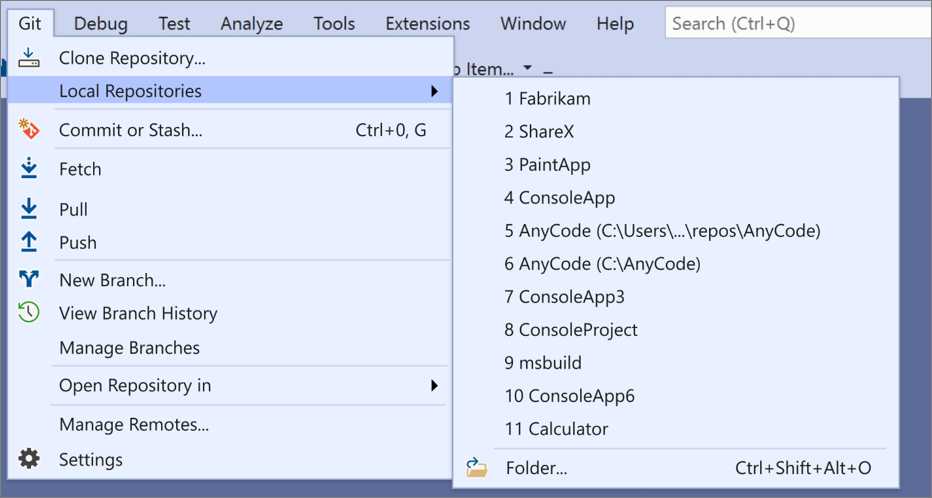
The Git Experience In Visual Studio Microsoft Learn
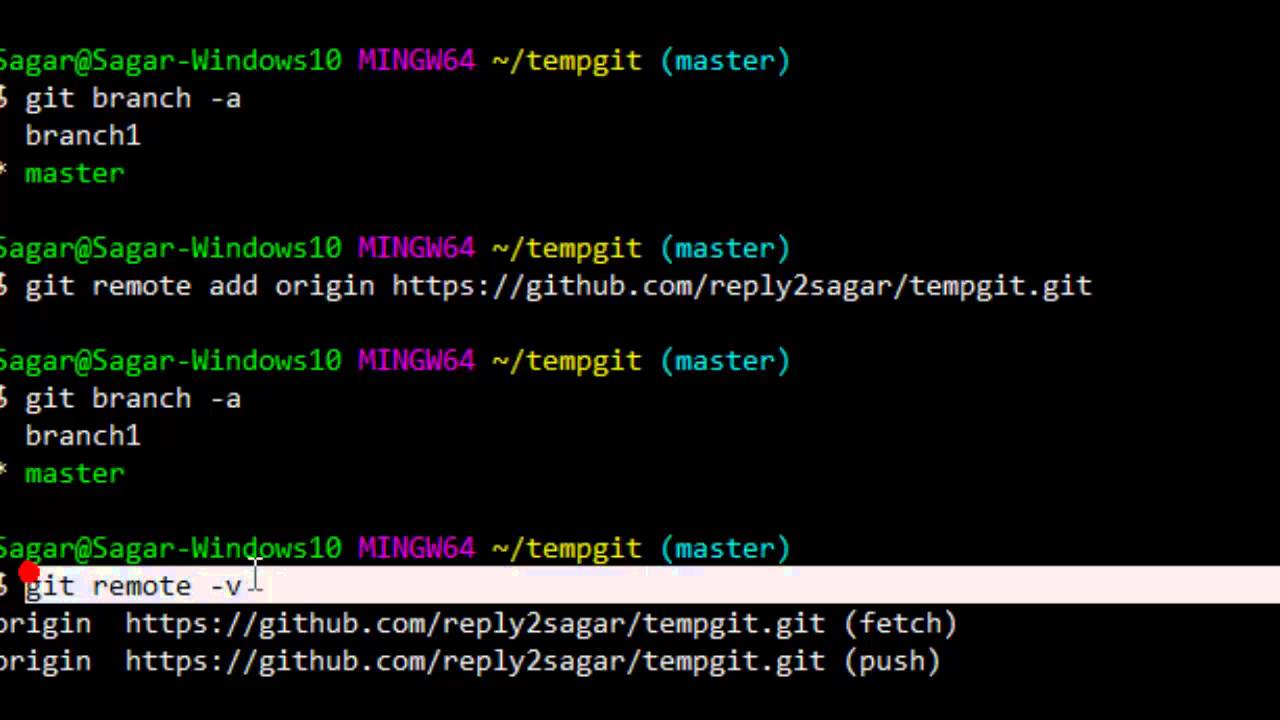
How To Push Local Git Repository To Github YouTube

How To Clone Git Repository In Visual Studio Code

When you initialize a git repository with you create a hidden git directory inside your project directory To uninitialize remove git
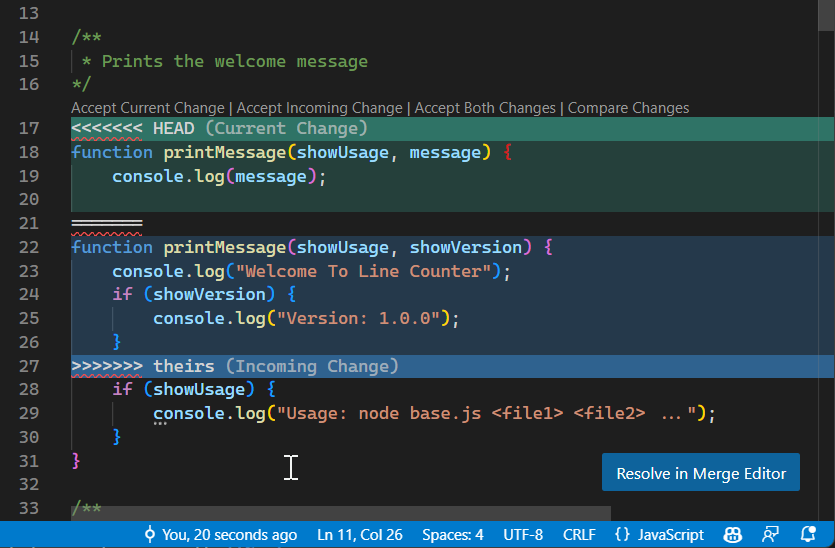
p To uninitialize a git repository you simply need to remove the folder named git in your repository folder

Make sure Git is installed VS Code will use your machine s Git installation at least version 2 0 0 so you need to install Git first before you get these features The Source Control icon in the Activity Bar on the left will always indicate an overview of how many changes you currently have in your repository

Open a GitHub repository in a codespace GitHub Codespaces let you open a GitHub repository in a full configured cloud based development environment allowing you to develop in a browser without having to install any software on your local computer
How to delete and initialize repository again in visual studio code YouTube 0 00 0 59 How to delete and initialize repository again in visual studio code Problem Solving Point
Step 1 Familiarizing with the Source Control Tab The first thing you need to do to take advantage of source control integration is initialize a project as a Git repository Open Visual Studio Code and access the built in terminal You can open this by using the keyboard shortcut CTRL on Linux macOS or Windows Oct 8 2022 at 0 40 No it s just on the Users Duskendale directory nothing special about it I have also tried in other directories and it s all the same Duskendale Oct 9 2022 at 2 34 I haven t been able to re create this Is gittests a git repo itself Maybe something weird going on with creating a repo within a repo
Open Visual Studio Code Step 3 Click on Explorer Icon displayed on the left side bar of Visual Studio Code and click on Open Folder button OR Click Open folder link existing on the Welcome Page under Start section shown below OR Go to File Menu Open folder OR Use Ctrl K Ctrl O Step 4