How To Undo A Git Command How To Undo Pushed Commits With Git Sciencx Git Useful Commands NTechDevelopers How To Undo Changes In Git reset Vs Revert Vs Restore Git Revert File Reverting A File To A Previous Commit GIT Commands Basic To Advanced GIT Commands List That You Should Know The git rm command can be used to remove individual files or a collection of files The primary function of git rm is to remove tracked files from the Git index Additionally git rm can be used to remove files from both the staging index and the working directory There is no option to remove a file from only the working directory
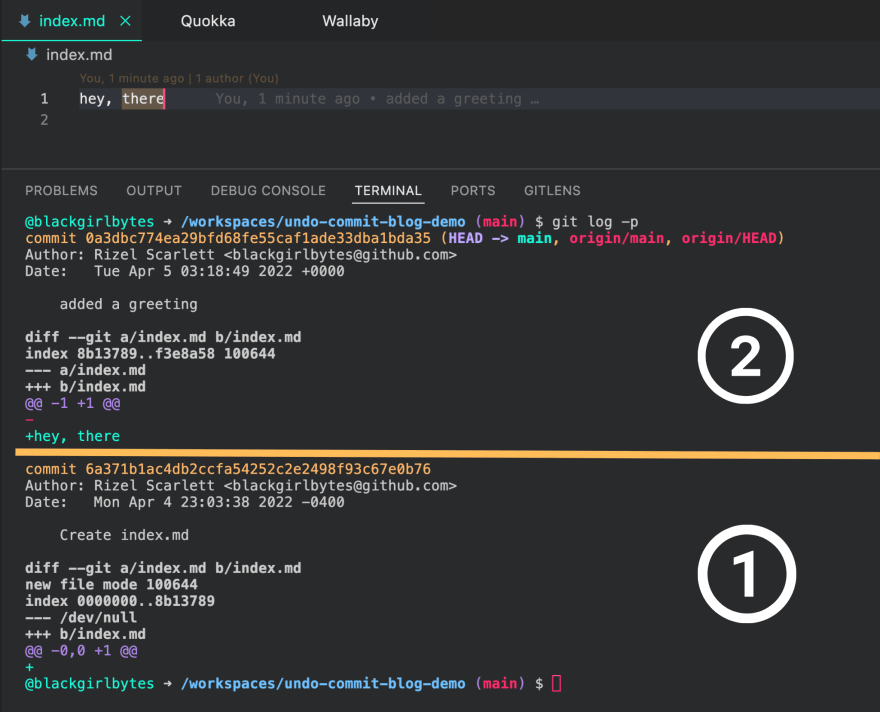
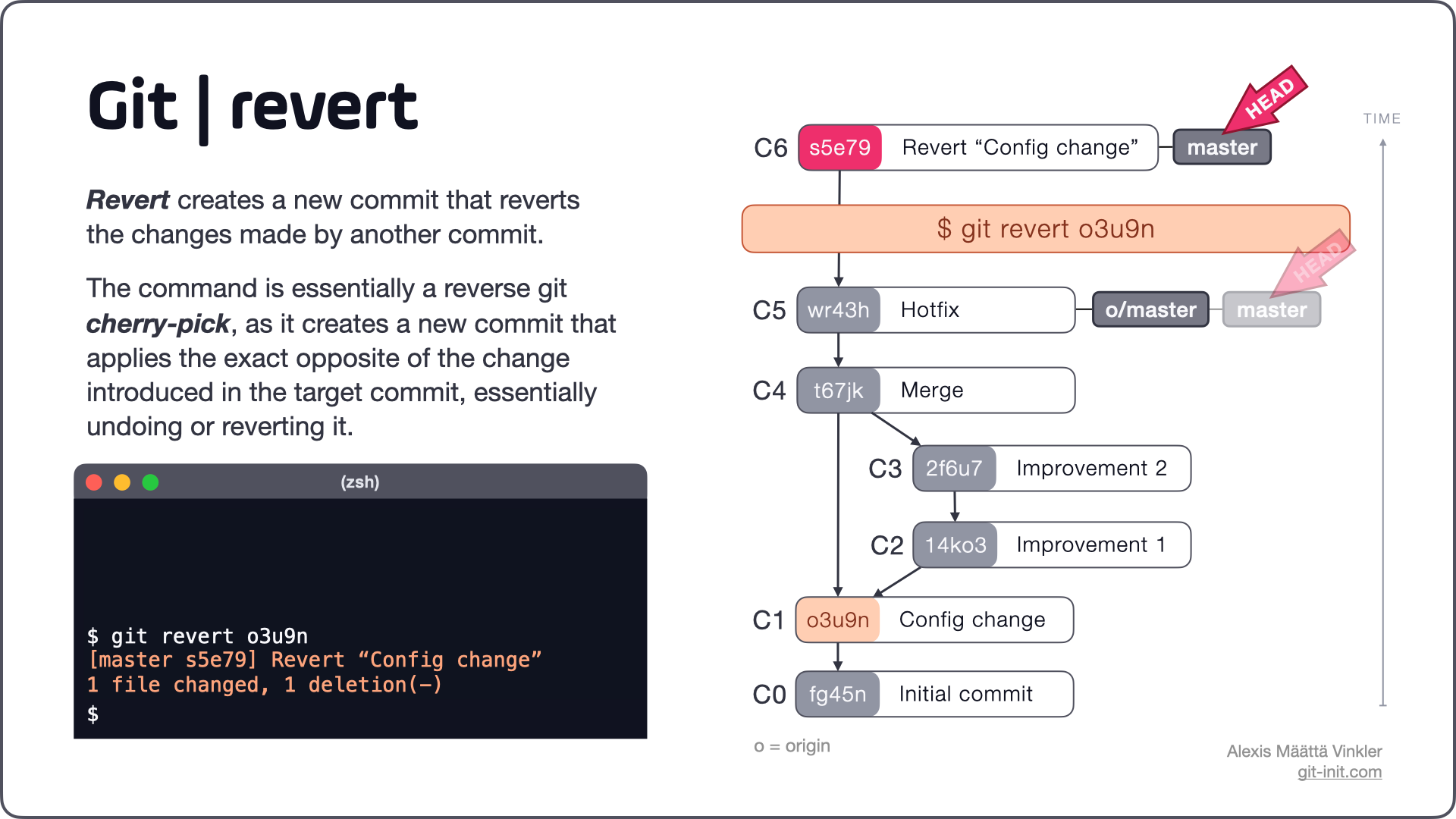
In your terminal Terminal Git Bash or Windows Command Prompt run the command git log oneline Once you know the hash for the commit you want to undo run the following command replacing 2f5451f with your commit s hash git revert 2f5451f no edit NOTE The no edit option prevents git from asking you to enter in a commit message 0 00 55 20 Git offers lots of different ways to undo revert recover and fix your mistakes In this course we ll look at the bad things that can happen to you and h
GIT Commands Basic To Advanced GIT Commands List That You Should Know How To Undo A Git Add Command YouTube How To Undo Mistakes With Git Using The Command Line YouTube How To Undo A Git Add GIT Branch And GIT Merge Git Revert Studytonight Git Undo 13 Ways To Undo Mistakes In Git Blog GitProtect io Git Cheat Sheet Rahmat Subandi How To Undo Git Add Command Git Undo Add Operation How To Undo Git
How To Undo A Git Command
 How To Undo A Git Command
https://res.cloudinary.com/practicaldev/image/fetch/s--WJ4vIovB--/c_limit%2Cf_auto%2Cfl_progressive%2Cq_auto%2Cw_880/https://dev-to-uploads.s3.amazonaws.com/uploads/articles/l2xkq5x8b08s7safkhdu.png
The git reset command is a handy way to undo recent changes and restore files to an earlier version The reset command can be used for a hard reset a soft reset or a mixed reset which falls somewhat in the middle Many experts advise against using git reset as it throws away the changes
Pre-crafted templates offer a time-saving option for developing a diverse range of files and files. These pre-designed formats and layouts can be made use of for numerous individual and professional projects, consisting of resumes, invitations, flyers, newsletters, reports, discussions, and more, improving the content production process.
How To Undo A Git Command
Introduction To Undoing Things In Git Earth Data Science Earth Lab

How To Undo A Git Add Command YouTube
How To Undo Mistakes With Git Using The Command Line YouTube

How To Undo A Git Add
Git Revert Studytonight
Git Undo 13 Ways To Undo Mistakes In Git Blog GitProtect io

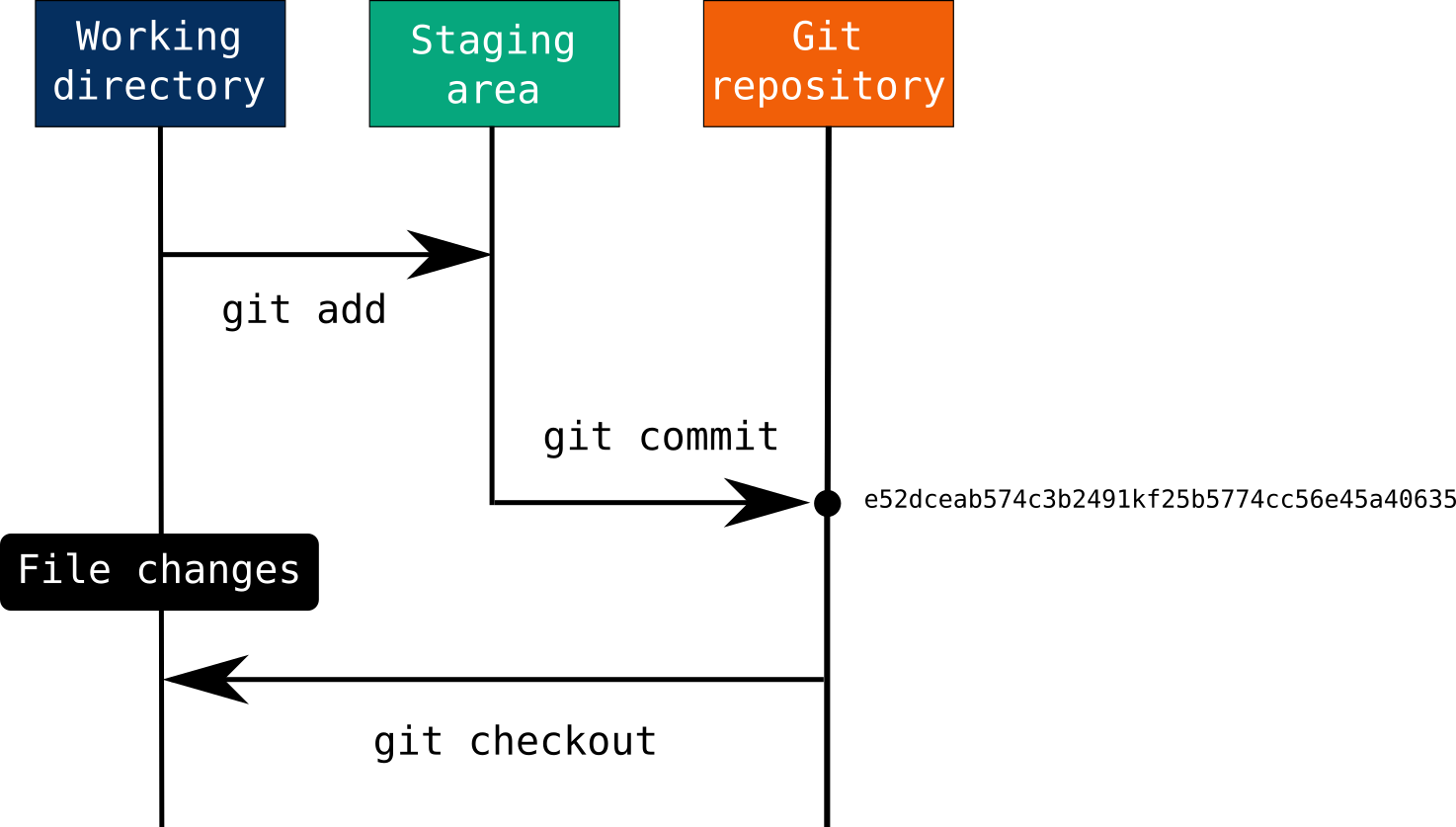
Invoking the command git branch a will return a list of all known branch names One of these branch names can then be logged using git log When you have found a commit reference to the point in history you want to visit you can utilize the git checkout command to visit that commit
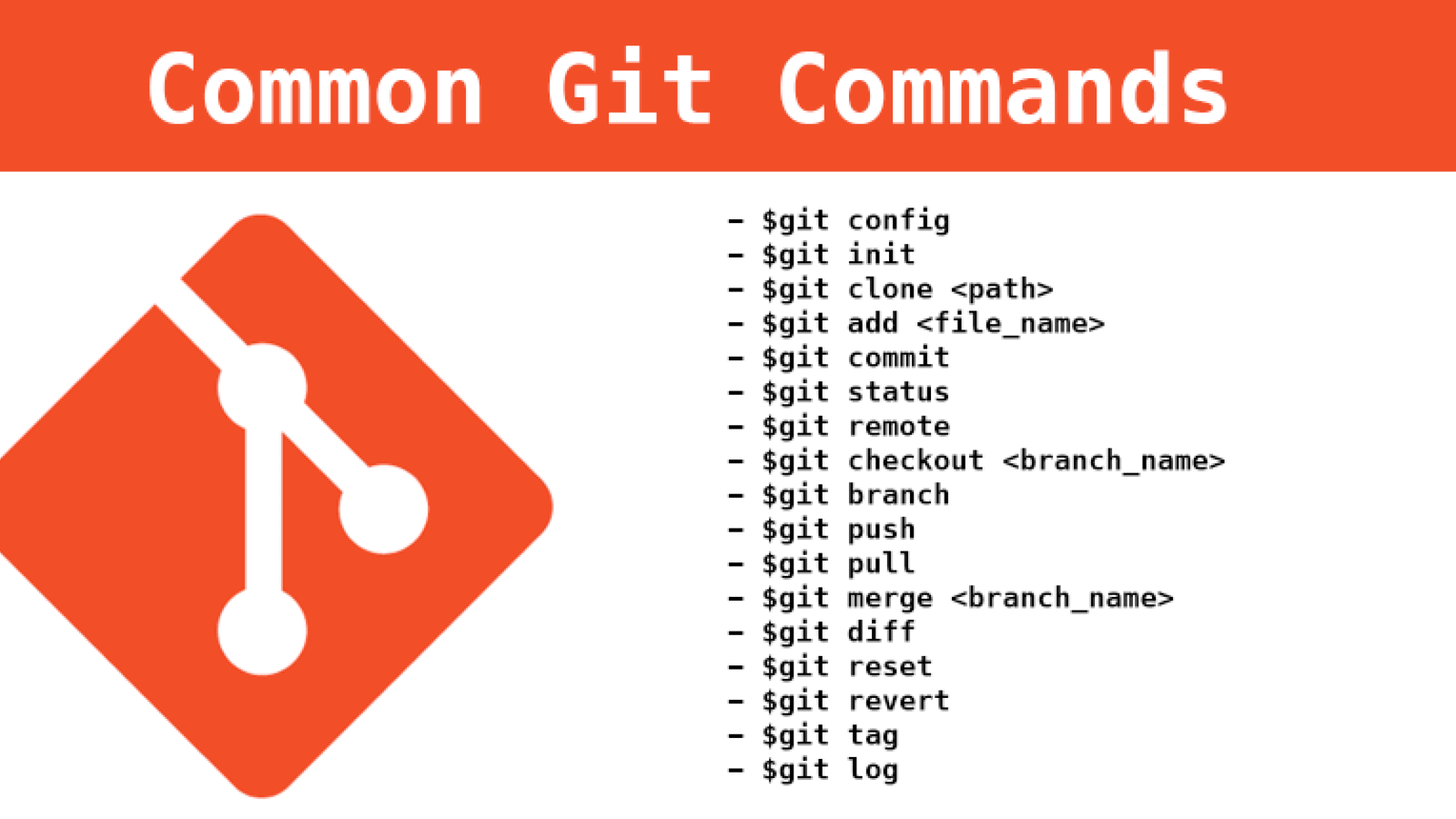
Undoing Things At any stage you may want to undo something Here we ll review a few basic tools for undoing changes that you ve made Be careful because you can t always undo some of these undos This is one of the few areas in Git where you may lose some work if you do it wrong
6 Answers Sorted by 1813 You can just delete git Typically rm rf git Then recreate as the right user Share Improve this answer

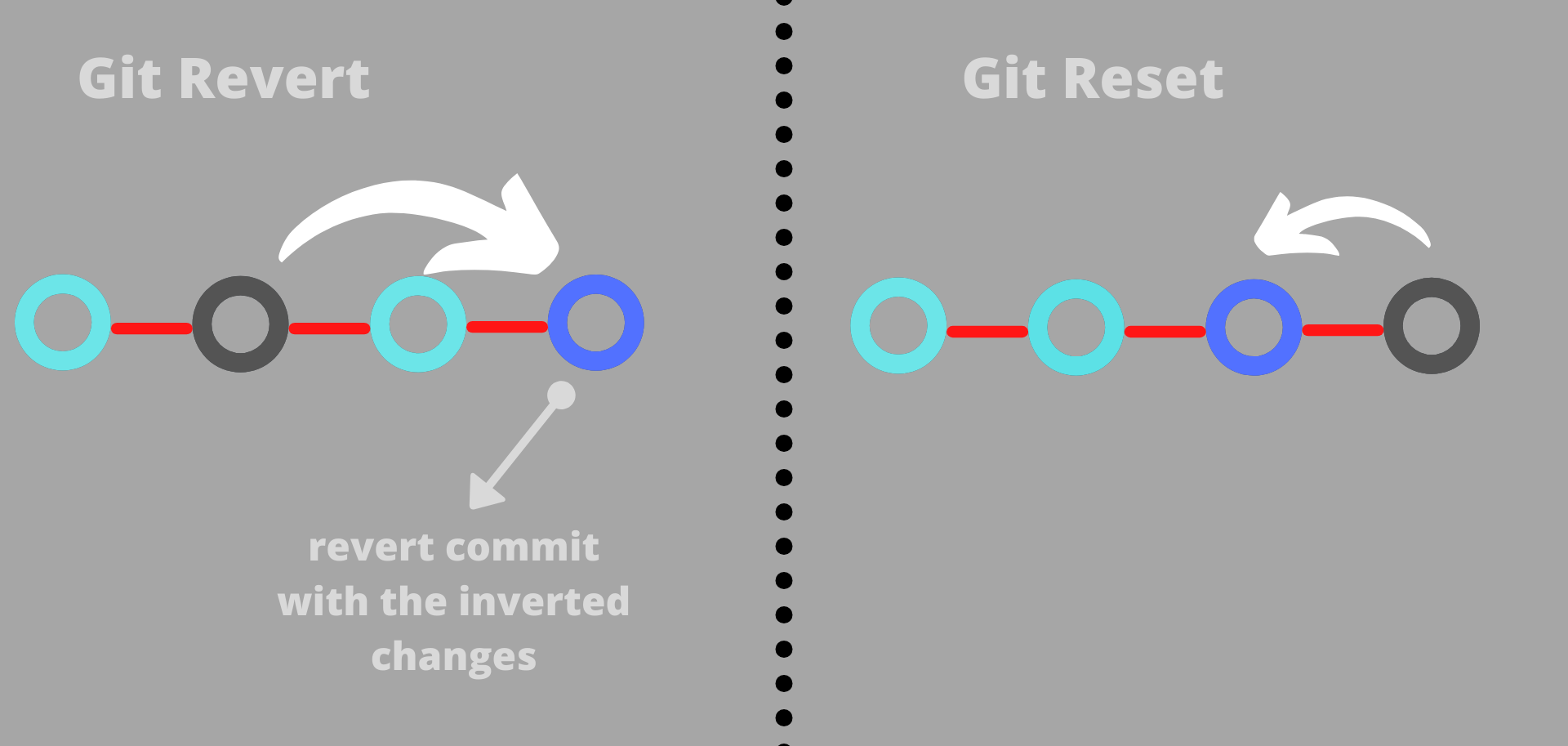
In Git there are three commands with similar names reset restore and revert all which can be used to undo changes to your source code and history but in different ways From the official documentation the options are described like this reset is about updating your branch moving the tip in order to add or remove commits from the

Command line Git Add file to repository Partial clone Undo options Unstage Git stash Push options Roll back commits Cherry pick a commit Troubleshooting Set up your organization Tutorial Set up your organization
To initialize a Git repository we must use the git init command This command creates all of the configuration files and folders necessary to work with the Git version control system in a given folder You only need to run the git init command if you are creating a repository from scratch You can use the git reset command to return to the revision before the merge thereby effectively undoing it git reset hard commit before merge If you don t have the hash of the commit before the merge at hand you can also use the following variation of the command git reset hard HEAD 1 This way using HEAD 1 you re telling
There are two major commands that you can use to undo git add or remove added files in Git In other words you can use two major commands to remove staged files from the staging area These are the git reset and git rm cached commands But these commands are quite different from each other How to Remove Added Files in Git with git reset