How To Stop Data Validation In Excel Data Validation In Excel YouTube How To Stop Data Use Restrict Use Of Internet Android Tips And Excel Data Validation Using Dependent Lists YouTube How To Stop Data Centres From Gobbling Up The World s Electricity Web Sep 10 2021 nbsp 0183 32 excel Prevent pasting into a data validation cell Stack Overflow Prevent pasting into a data validation cell Ask Question Asked 2 years ago Modified 2 years ago Viewed 2k times 0 Right now I am able to restrict a user from typing over a
Web Sep 18 2018 nbsp 0183 32 1 you would probably need a wee bit of VBA code to monitor the lists Prior to changing a cell in the desiginated range it can check the other range to see if it is there depending on the results you can allow the value to change or prevent the intended action from executing Unfortunately I am an extremely weak VBA programer Web The user sees a message like this When style is set to Information or Warning a different icon is displayed with a custom message but the user can ignore the message and enter values that don t pass validation The table below summarizes behavior for each error alert option Data validation options
How To Use Data Validation In Microsoft Excel YouTube Excel Magic Trick 1125 Data Validation Custom Formula Workday Dates Excel Data Validation GemBox Spreadsheet Example How To Use Data Validation In Excel Part 01 YouTube Data Validation In Microsoft Excel Microsoft Excel Tutorials How To Stop Data Leakage With Microsoft 365 How To Apply Data Validation To A Range Of Cells In Excel Excel Formula Data Validation With Conditional List Exceljet
How To Stop Data Validation In Excel
 How To Stop Data Validation In Excel
https://i.ytimg.com/vi/bSvNe2cejlc/maxresdefault.jpg
Web Select Data gt Data Validation On the Settings tab under Allow select an option Whole Number to restrict the cell to accept only whole numbers Decimal to restrict the cell to accept only decimal numbers List to pick data from the drop down list Date to restrict the cell to accept only date
Templates are pre-designed documents or files that can be utilized for different functions. They can conserve effort and time by offering a ready-made format and design for creating different sort of material. Templates can be utilized for personal or professional tasks, such as resumes, invites, flyers, newsletters, reports, presentations, and more.
How To Stop Data Validation In Excel

How To Use Data Validation In Excel MicrosoftExcel
How To Use Data Validation In Microsoft Excel YouTube
Excel Magic Trick 1125 Data Validation Custom Formula Workday Dates
Excel Data Validation GemBox Spreadsheet Example
Data Validation In Microsoft Excel Microsoft Excel Tutorials

How To Stop Data Leakage With Microsoft 365
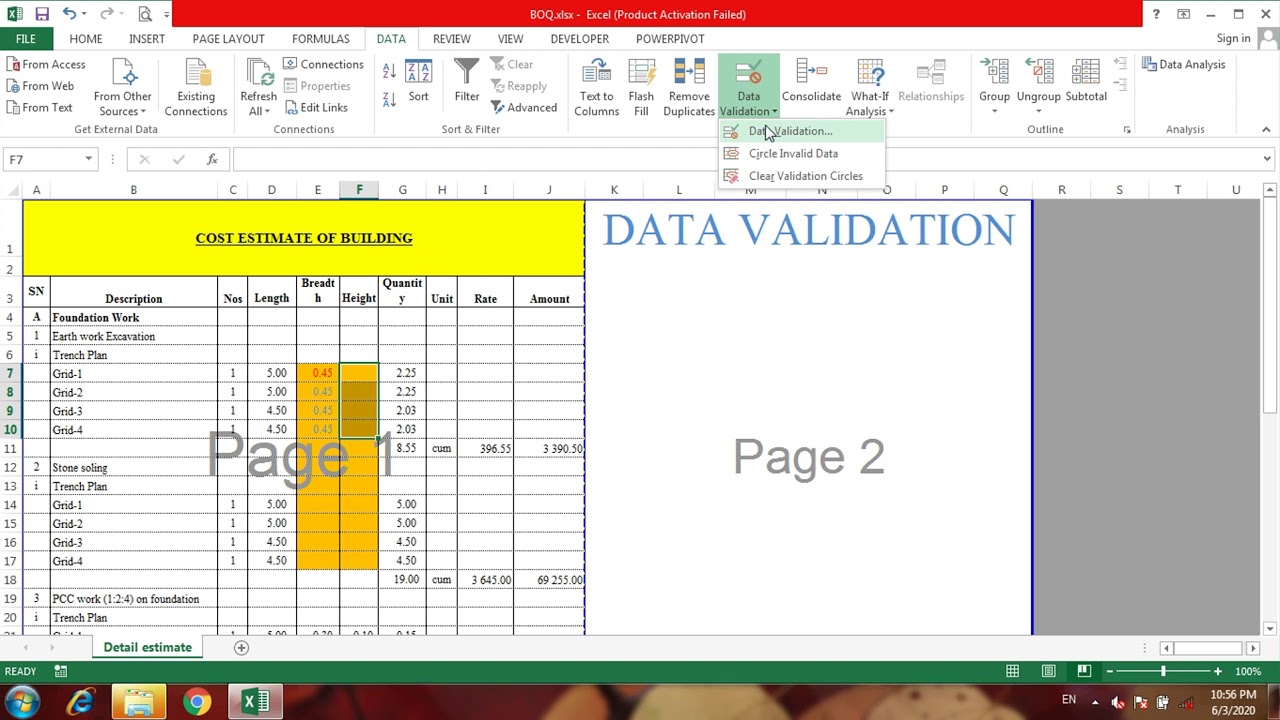
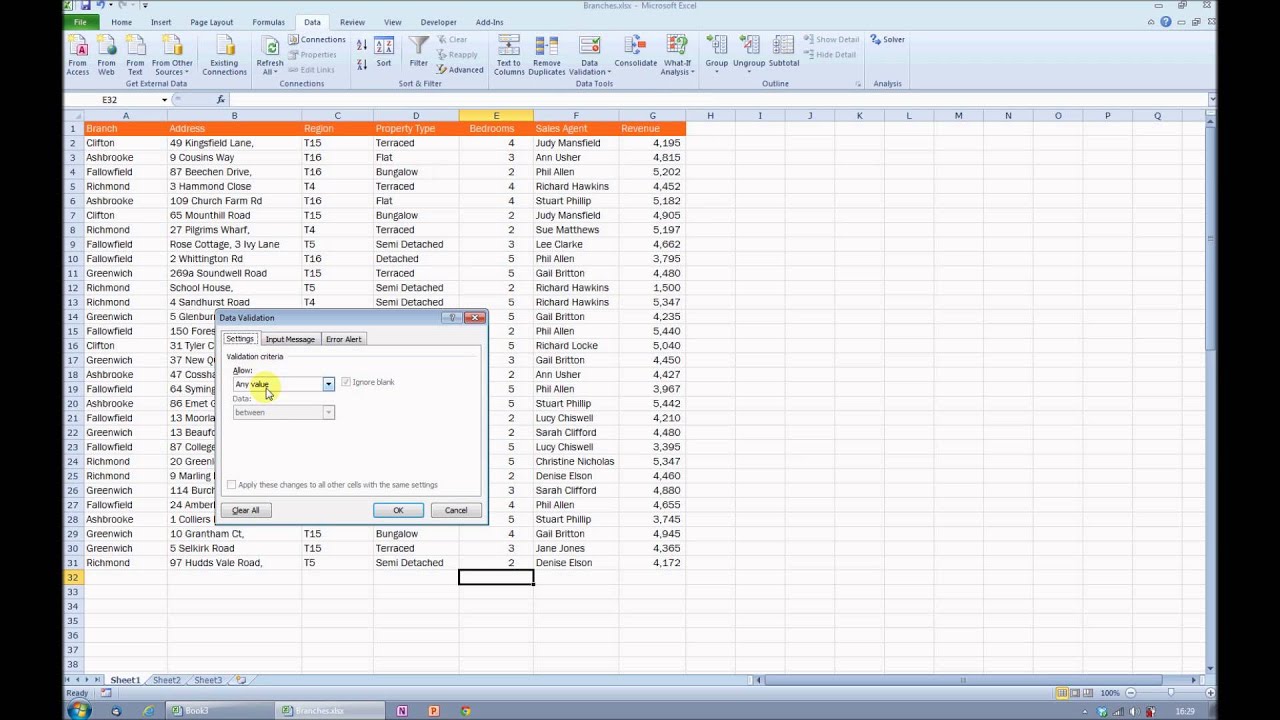
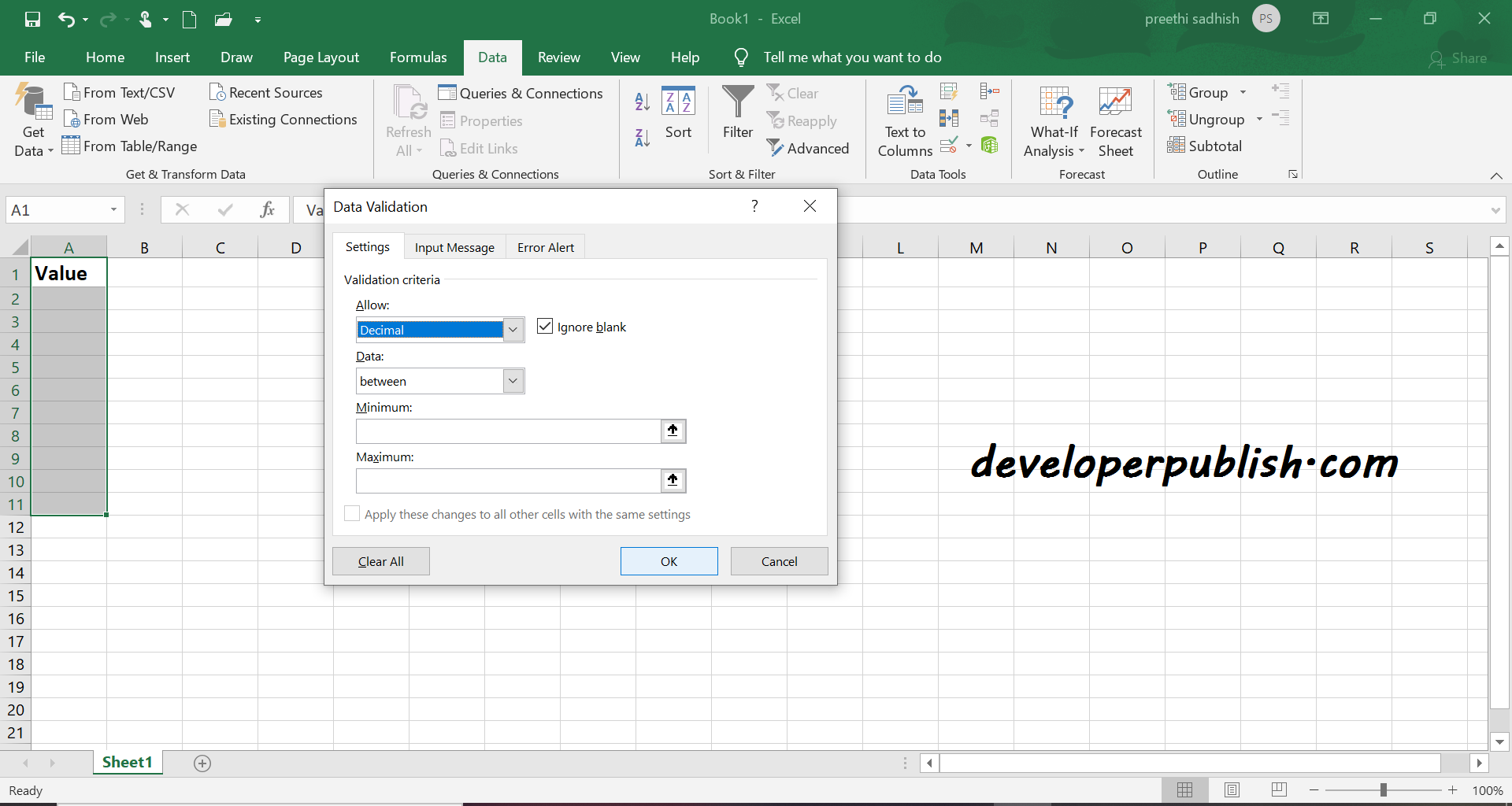
Web Apr 5 2023 nbsp 0183 32 Method 1 Regular way to remove data validation Normally to remove data validation in Excel worksheets you proceed with these steps Select the cell s with data validation On the Data tab click the Data Validation button On the Settings tab click the Clear All button and then click OK

Web Microsoft security Accessibility center To remove a drop down list click the cell with the list then click Data gt Data Validation and then on the Settings tab click Clear All then OK A drop down list is also known as a drop down box or drop down menu
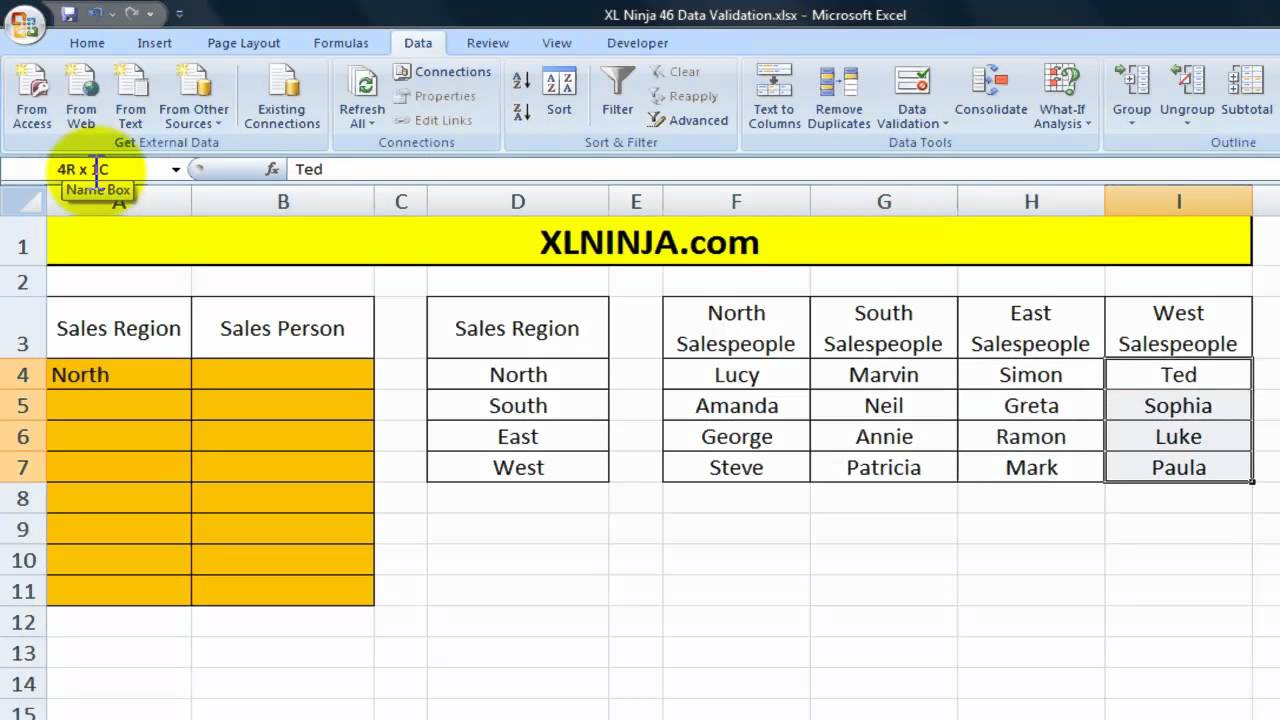
Web To quickly remove data validation for a cell select it and then go to Data gt Data Tools gt Data Validation gt Settings gt Clear All To find the cells on the worksheet that have data validation on the Home tab in the Editing group click Find amp

Web Apr 26 2018 nbsp 0183 32 In the Data Validation window on the quot Settings quot tab click the Allow dropdown menu Here you can set a specific type of input to allow for your selected cells For our expense report we re going to insist that users put in a number with two decimal values so we would select the Decimal option

Web Add data validation Change a data validation condition Remove data validation Ways that users are notified about validation errors For a form that is designed to be filled out by using InfoPath you can set a data validation message to be displayed as a ScreenTip
[desc-11] [desc-12]
[desc-13]