How To Start Docker In Command Line Docker Run Image In Terminal Tabholden Docker Run Image Environment Variables Hoolidaily The Basic Anatomy Of A Docker Run Command Codeopolis Docker Tutorial Basics Of The Docker Run Command YouTube Containers 101 Attach Vs Exec What s The Difference Verkko 15 kes 228 k 2021 nbsp 0183 32 How Does Docker Work Why Do So Many People Use Docker Getting Started Creating Images Image Registries Managing Your Containers Persistent Data Storage Maintaining
Verkko 29 maalisk 2022 nbsp 0183 32 One of the best ways to get started with Docker is by installing Docker Desktop especially if you re a developer using Mac or Windows That said you might be wondering What s Docker Verkko For Windows select the Start Menu specify cmd and then select Command Prompt For Mac select the Launchpad icon in the Dock specify Terminal in the search field
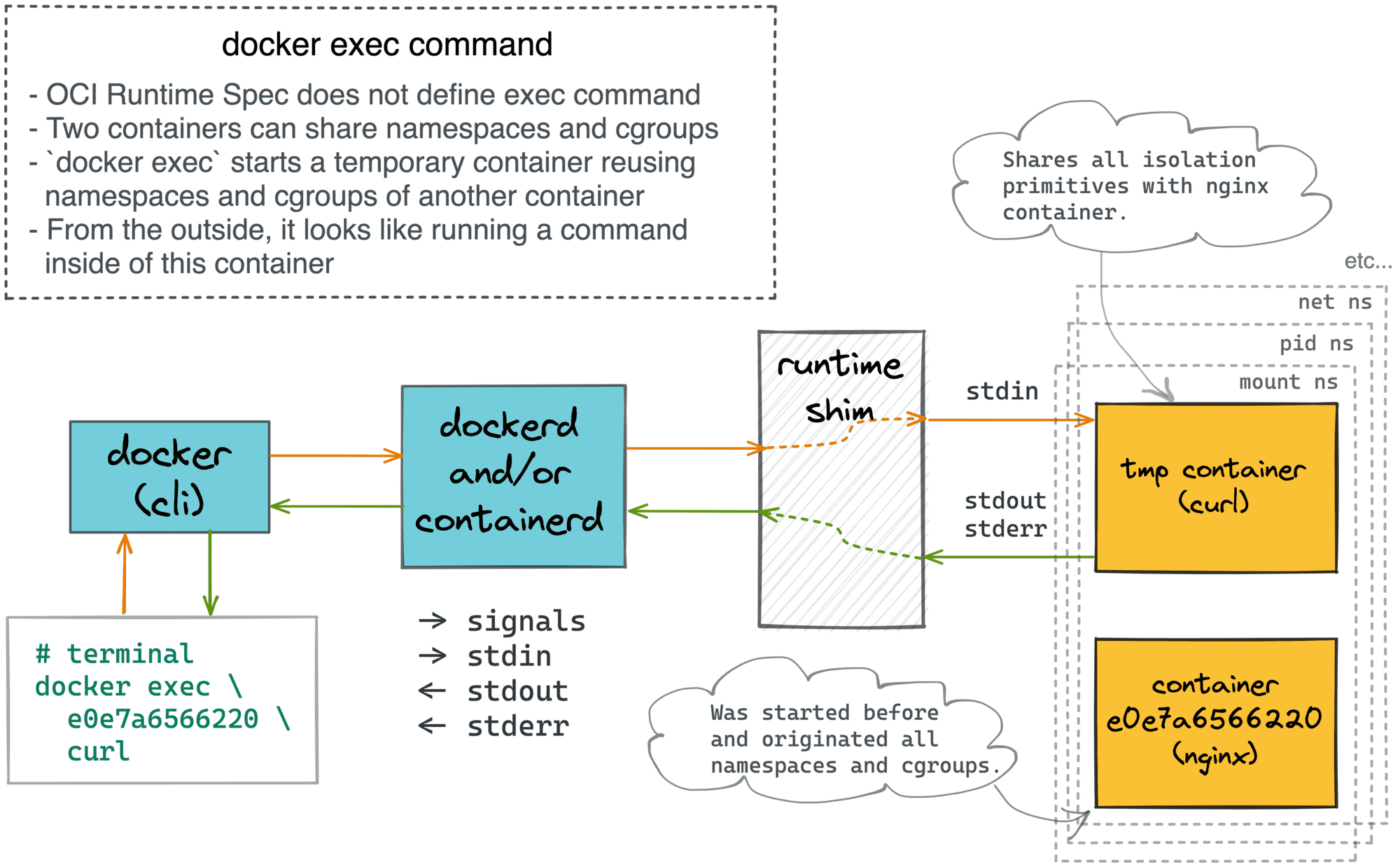
Containers 101 Attach Vs Exec What s The Difference Docker Run Image And Give Container Name Deltaseries Run Linux And Windows Containers On Windows 10 Restart Docker Service From Command Line Docker Desktop For Windows How To Run Docker In Docker Shisho Cloud Shisho Cloud Docker Client For Windows Is Now Available Dockers Clients Windows How To Start Docker Containers Automatically By Twain Taylor Codeburst How To Start Docker Daemon How To Start Docker Daemon On Mac OS
How To Start Docker In Command Line
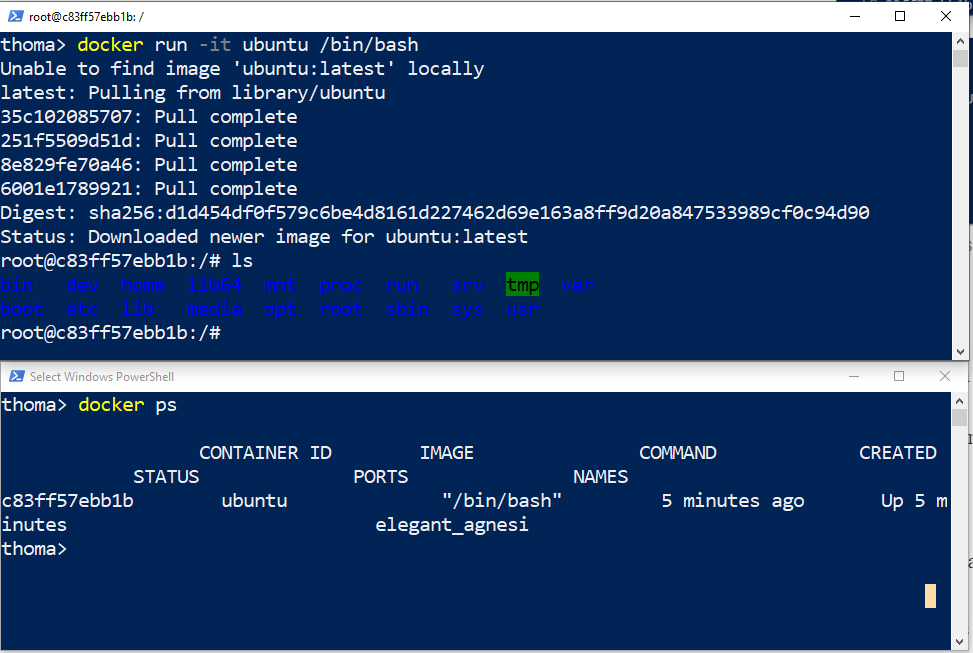 How To Start Docker In Command Line
https://miro.medium.com/max/1400/1*xfMSS_J23xOqwSOTzRrlUA.png
Verkko Accelerated control The Docker CLI provides users with a convenient way to quickly manage containers from any terminal The CLI lets you build images manage images on Docker Hub start and stop
Templates are pre-designed documents or files that can be used for various functions. They can save effort and time by offering a ready-made format and layout for producing different sort of material. Templates can be utilized for individual or expert jobs, such as resumes, invites, flyers, newsletters, reports, presentations, and more.
How To Start Docker In Command Line
How To Start Docker Daemon A Comprehensive Guide The Enlightened

Docker Run Image And Give Container Name Deltaseries
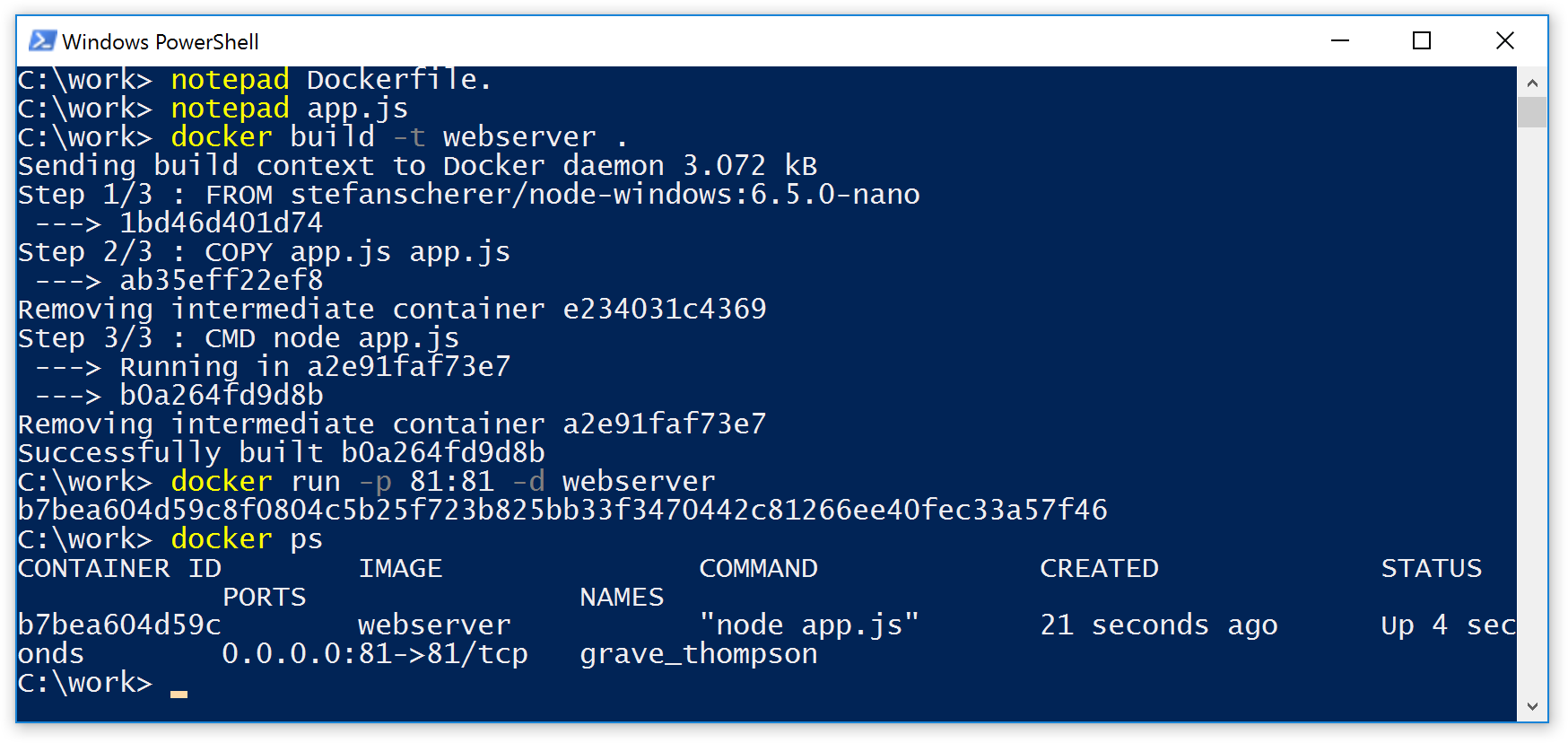
Run Linux And Windows Containers On Windows 10

Restart Docker Service From Command Line Docker Desktop For Windows

Docker Client For Windows Is Now Available Dockers Clients Windows

How To Start Docker Containers Automatically By Twain Taylor Codeburst
Verkko Option Default Description a attach Attach STDOUT STDERR and forward signals checkpoint experimental daemon Restore from this checkpoint checkpoint dir
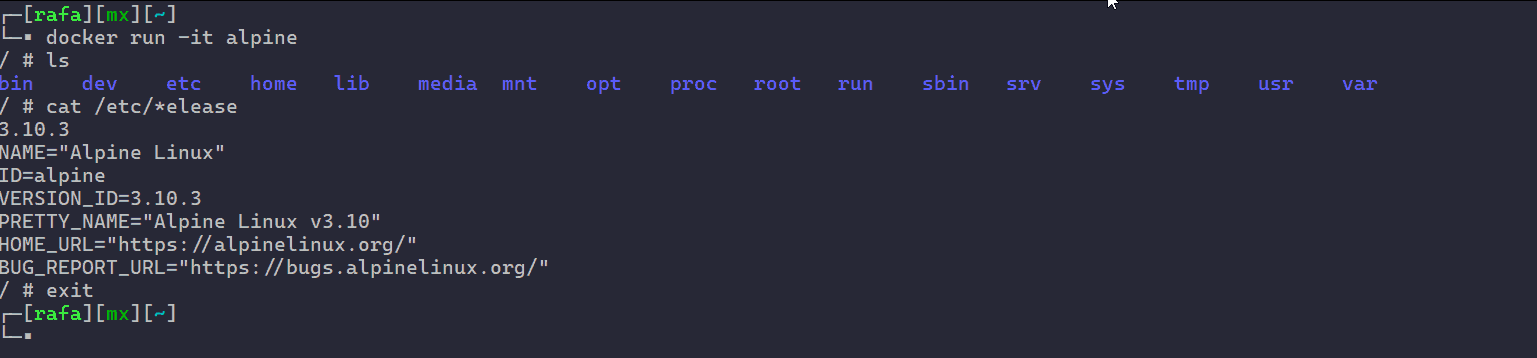
Verkko Use the following command to start it manually sudo systemctl start docker If you want Docker to start at boot see Configure Docker to start on boot Start the
Verkko 25 toukok 2017 nbsp 0183 32 Follow following steps it helped me to start docker successfully Use command on CMD Admin mode docker
Verkko 3 marrask 2019 nbsp 0183 32 2 Answers Sorted by 11 Is there a way to start Docker Desktop for Windows from the command line If you re using Docker for Windows then simply
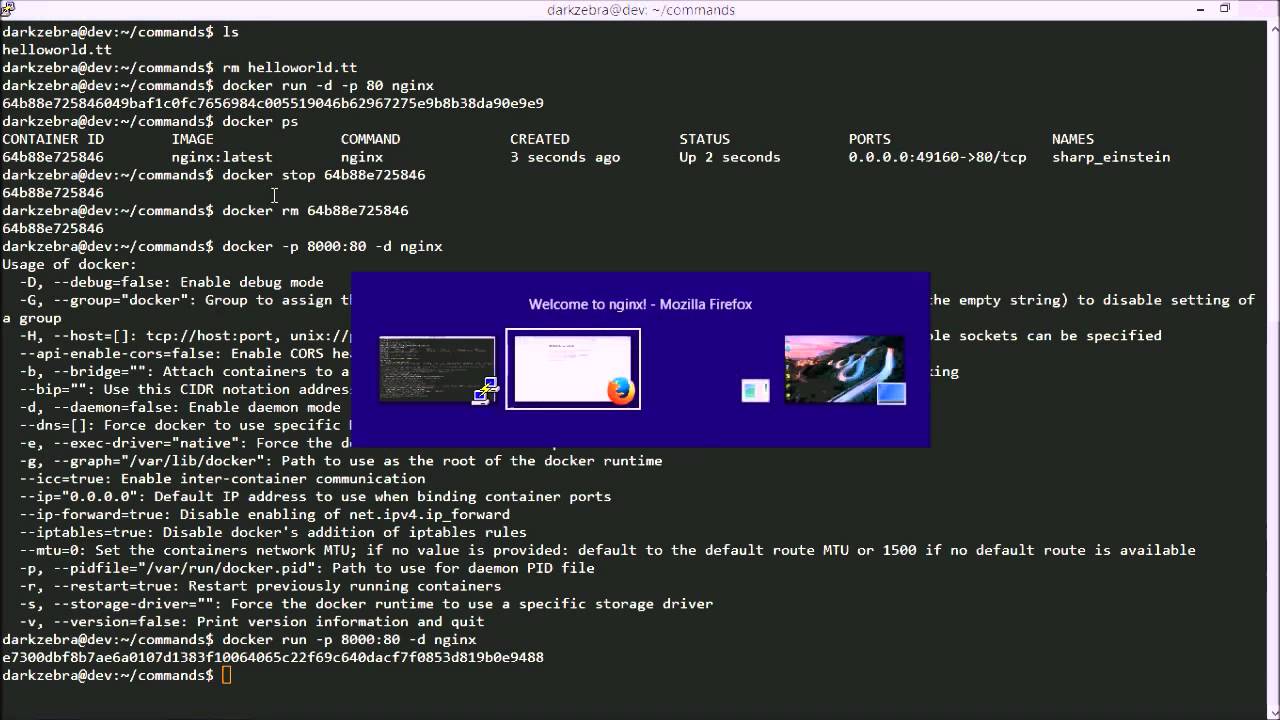
Verkko The docker run command runs a command in a new container pulling the image if needed and starting the container You can restart a stopped container with all its
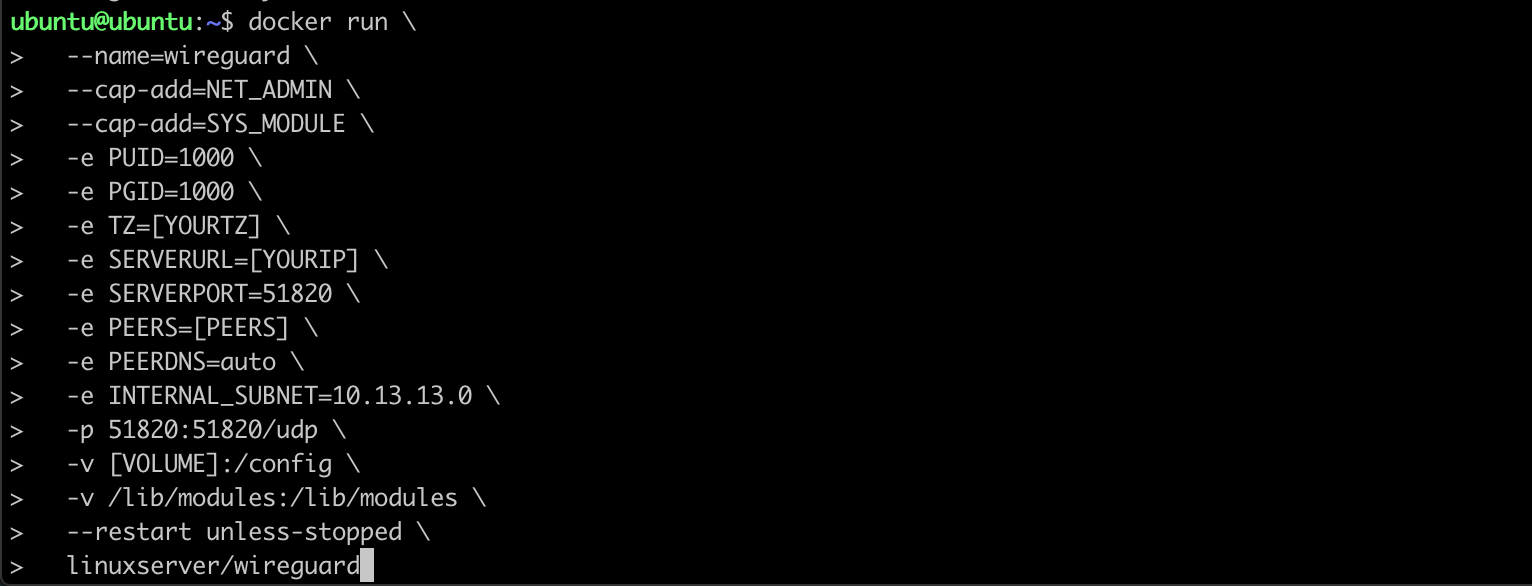
Verkko When an you execute docker run the container process that runs is isolated in that it has its own file system its own networking and its own isolated process tree separate Verkko 29 syysk 2017 nbsp 0183 32 The basic docker run command takes this form docker run OPTIONS IMAGE TAG DIGEST COMMAND ARG Here s a very simple
Verkko 29 hein 228 k 2021 nbsp 0183 32 How To Use docker exec to Run Commands in a Docker Container DigitalOcean Tutorial Series Getting Started With Cloud Computing 1 39 Cloud