How To Split Two Word Documents On One Screen How To Compare Two Word Documents On Windows 11 3 Easy Ways Artofit Microsoft Edge 110 Now Lets You Split Two Tabs In One Window Software Compare Two Word Documents CustomGuide Keyboard Shortcut For Split Screen Mac Petslopez Split Screen In Windows 11 With Keyboard Shortcuts And Snap Mobile Google Chrome tips From productivity to customization learn how to get things done more quickly with your browser
To know whether this is a problem with the webpage or Chrome try to open the page in another browser like Firefox or Safari If it works in another browser try the steps below Uninstall and Set your startup page You can control what page or pages appear when you launch Chrome on your computer
Split Screen In Windows 11 With Keyboard Shortcuts And Snap Mobile Html Jquery How To Split Table Cell Into A Different Number Of Rows How To Compare Two Word Documents On PC Or Mac 8 Steps How To Compare Two Word Documents On PC Or Mac 8 Steps How To Open New Document In Word Adventureslasopa How To Split Your Laptop Or PC Screen Monitor In Windows How To Merge Two Or More Microsoft Word Documents How To Compare Two Word Documents On PC Or Mac 8 Steps How To Open Two Word Documents In Split View On An IPad Apple Must
How To Split Two Word Documents On One Screen
 How To Split Two Word Documents On One Screen
https://i.pinimg.com/originals/9b/87/d8/9b87d89a96346b190b19302346f82708.jpg
Official Google Play Help Center where you can find tips and tutorials on using Google Play and other answers to frequently asked questions
Templates are pre-designed files or files that can be used for numerous functions. They can conserve effort and time by offering a ready-made format and design for producing different sort of content. Templates can be used for personal or expert tasks, such as resumes, invitations, flyers, newsletters, reports, presentations, and more.
How To Split Two Word Documents On One Screen
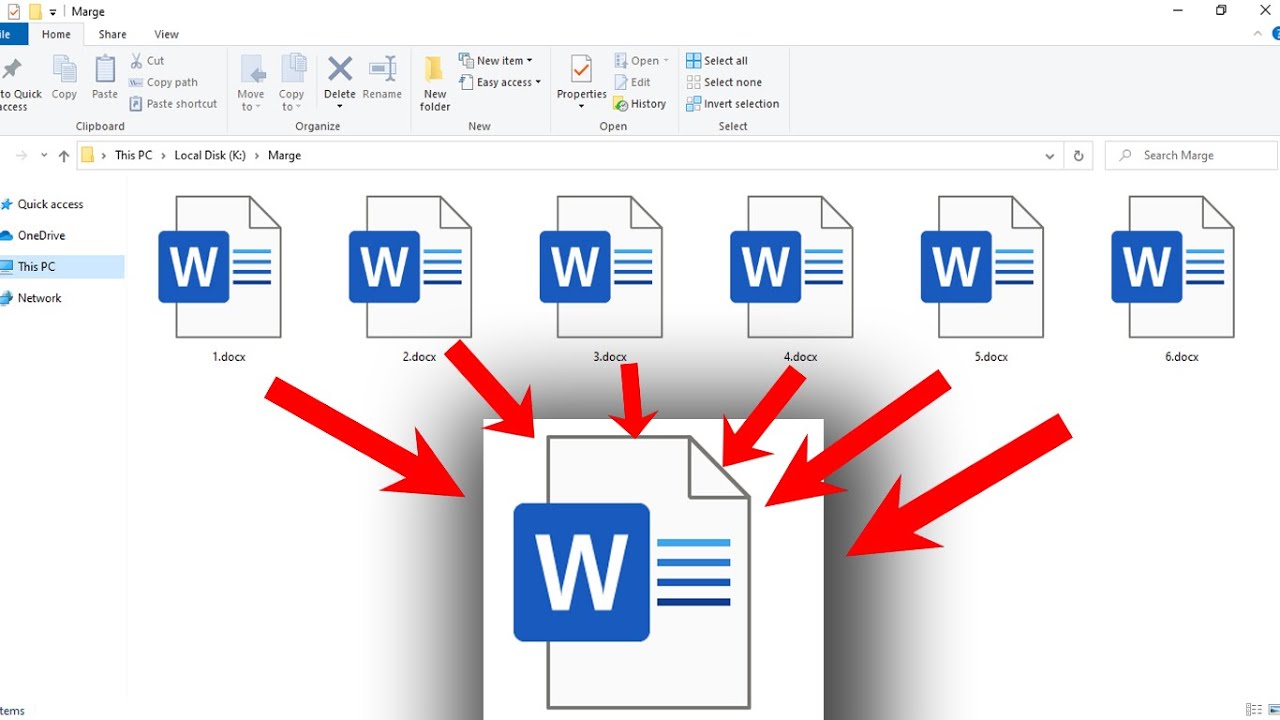
How To Merge Multiple Microsoft Word Documents Bank2home
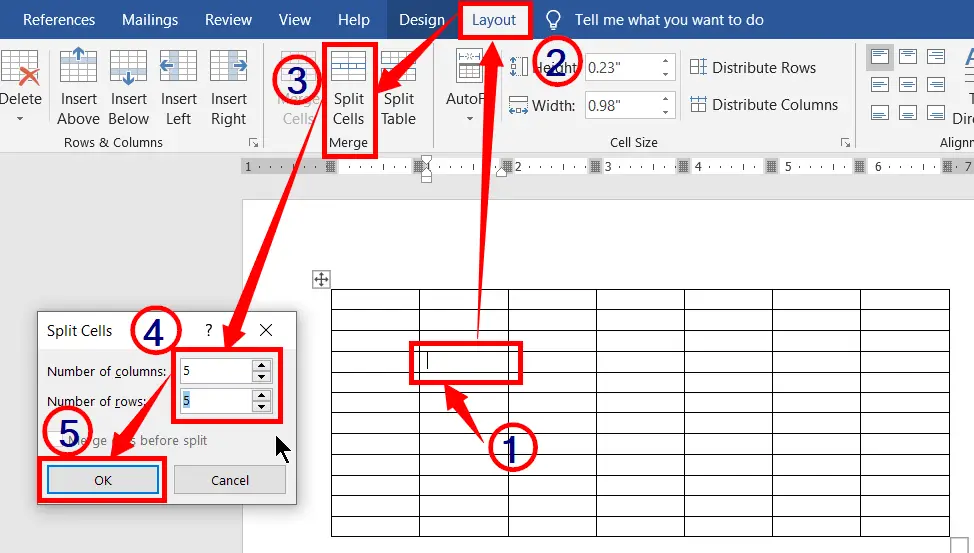
Html Jquery How To Split Table Cell Into A Different Number Of Rows

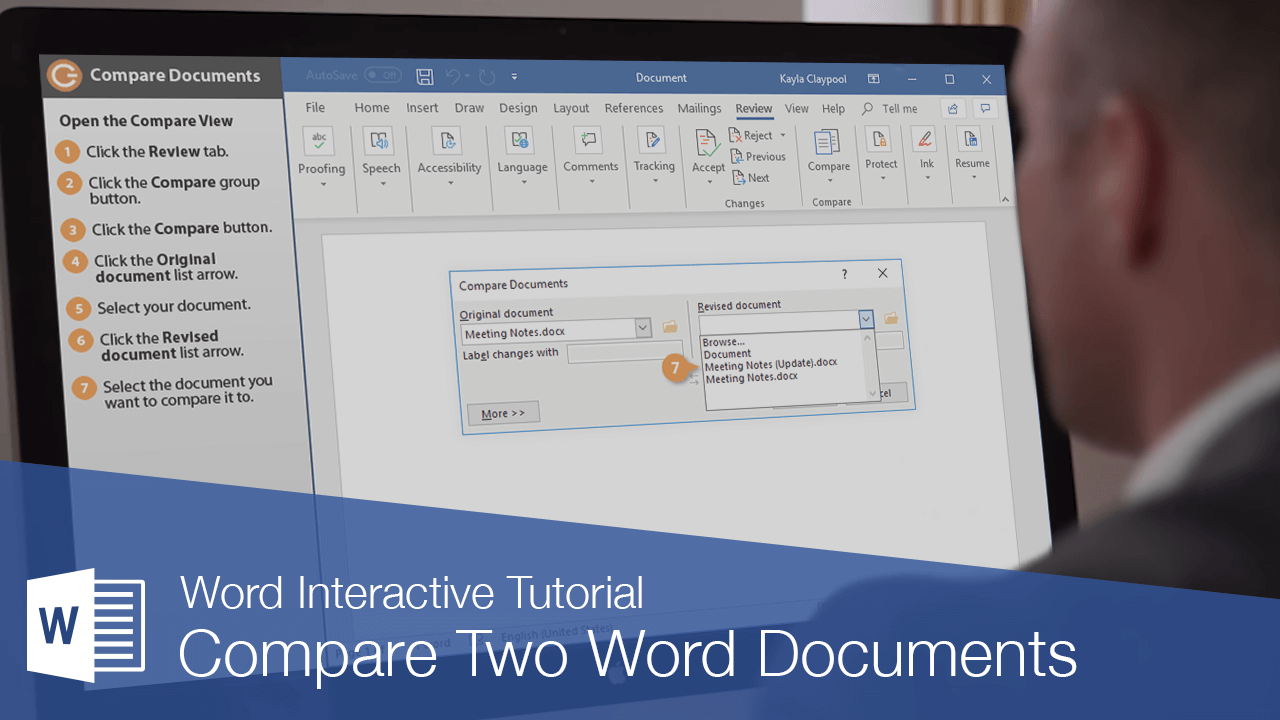
How To Compare Two Word Documents On PC Or Mac 8 Steps

How To Compare Two Word Documents On PC Or Mac 8 Steps
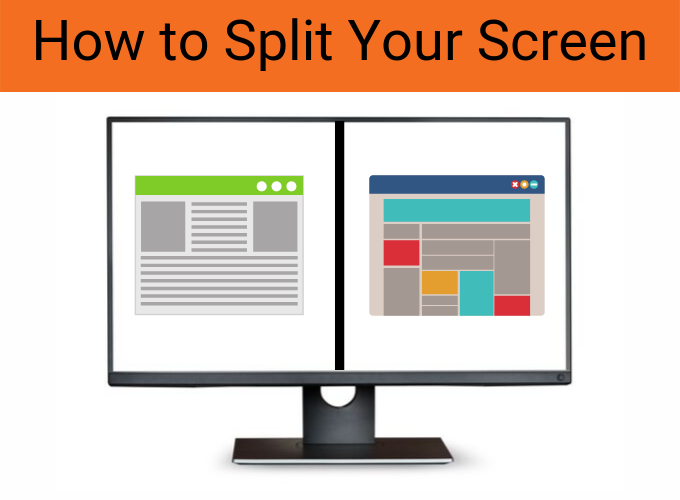
How To Split Your Laptop Or PC Screen Monitor In Windows

How To Merge Two Or More Microsoft Word Documents

Sign in to Gmail Tip If you sign in to a public computer make sure to sign out before you leave the computer Learn how to sign in on a device that s not yours

Analytics Academy on Skillshop is a collection of free e learning courses designed by Analytics experts to help users get the most out of Google Analytics Google Analytics currently offers 4
Official Gmail Help Center where you can find tips and tutorials on using Gmail and other answers to frequently asked questions

Get started with Analytics Collect and manage data Report and explore Advertising and attribution Audiences and remarketing Manage accounts properties and users Google Analytics 360

Want advanced Google Workspace features for your business Try Google Workspace today Google Drive helps you keep all your files together You can upload and share your files from
[desc-11] [desc-12]
[desc-13]