How To Split Text Vertically In Word How To Insert VERTICAL TEXT In WORD Multiple Ways To Type Vertically In Word EASILY Microsoft Word Table Cell Vertical Alignment Shanghaivlero Decorativ Op iune Plictisitor Table Cell Align Center Mythicmermaidarts How To Split Microsoft Word Page In Half Vertically Knowl365 How To Delete Text Vertically In Word Or Excel Web Do one of the following steps Select the text box and then go to Shape Format or Drawing Tools Format gt Rotate Use any of the rotate commands in the list Manually rotate the
Web 1 Open the Microsoft Word application 2 Click the quot File quot tab and select quot Open quot to open the two documents you want to view on a vertical split screen 3 Click the quot View quot tab on the Web Sep 17 2023 nbsp 0183 32 1 Launch Microsoft Word or run any DOCX document 2 Go to Insert gt Shapes gt Text Box For Word 2007 you can go to Insert gt Text Box 3 Draw the text
How To Delete Text Vertically In Word Or Excel How To Center Labels Vertically In Word 2013 Kingdomtide Center The Text Horizontally And Vertically On A Page In Microsoft Word Tech Gaun Your Tech How To Center Text In Word Vertically And Horizontally Fecolstep How To Center Text In Word Horizontally And Vertically Lasopatwo How To Center Text In Word Vertically In Labels Lasopathings How To Center Text In Word Vertically And Horizontally Tastelasopa How To Center Text In Word Vertically And Horizontally Daxbrothers Change Text Alignment Vertically Text Alignment Editing Format Hot Sex Picture
How To Split Text Vertically In Word
 How To Split Text Vertically In Word
https://i.pinimg.com/originals/9e/3a/b8/9e3ab819ce18c56e377c95285795ca2b.jpg
Web Follow the instructions below for splitting pages into two parts vertically in Microsoft Word Using your cursor select the text you wish to split into two halves on the page
Templates are pre-designed files or files that can be used for different purposes. They can conserve effort and time by supplying a ready-made format and design for producing different kinds of content. Templates can be used for personal or expert tasks, such as resumes, invitations, flyers, newsletters, reports, presentations, and more.
How To Split Text Vertically In Word

How To Align Text Vertically In Microsoft Word For Mac Vitalver

How To Center Labels Vertically In Word 2013 Kingdomtide
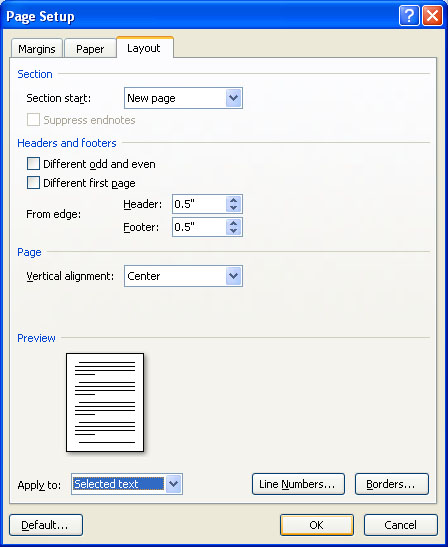
Center The Text Horizontally And Vertically On A Page In Microsoft Word Tech Gaun Your Tech
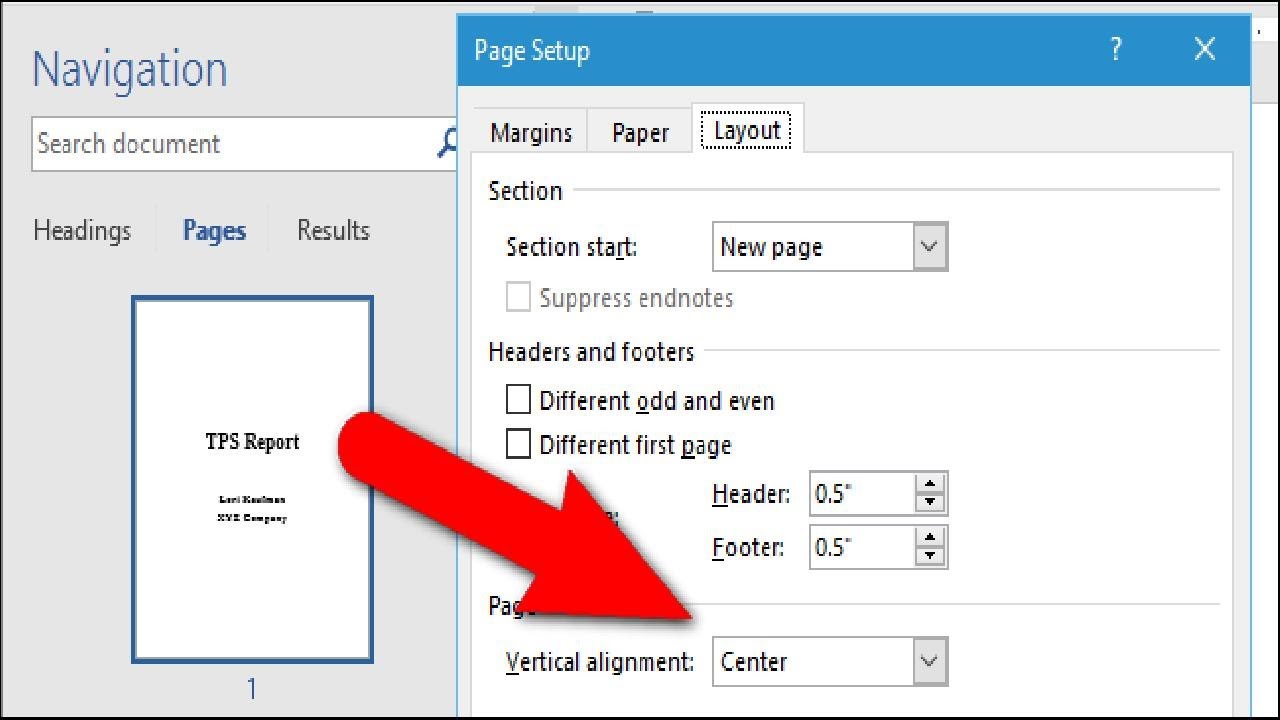
How To Center Text In Word Vertically And Horizontally Fecolstep
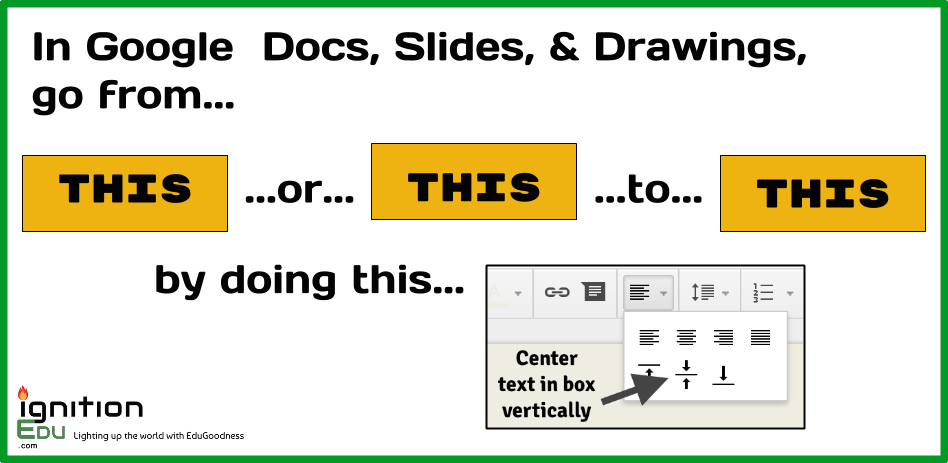
How To Center Text In Word Vertically In Labels Lasopathings

How To Center Text In Word Vertically And Horizontally Tastelasopa

Web Jun 17 2022 nbsp 0183 32 This video demonstrates two methods more So you want every page in your Microsoft Word document to be split vertically with two columns as if you were

Web Jan 30 2023 nbsp 0183 32 Method 1 Rotating Text Download Article 1 Open a project in Microsoft Word This looks like a W on top of a blue square Microsoft Word is available to install for Windows and Mac 1 You must have a

Web 1 Select the content you wish to split into two or more columns To select the entire document using a shortcut press Ctrl A on your keyboard 2 Click on the Page Layout tab on the Office Ribbon 3 Click on the

Web Jul 27 2022 nbsp 0183 32 Press Insert gt Table Select the table size choose 2 215 1 to split the document in half With the table created begin writing in each column You can adjust your table size to make one column
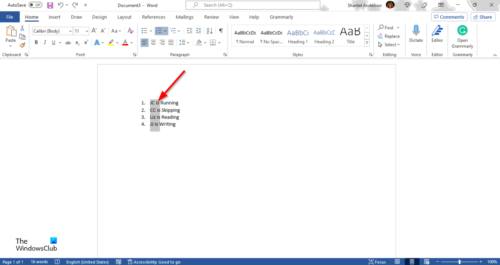
Web May 6 2021 nbsp 0183 32 How to Vertically Split a Screen in Microsoft Word Tech Pro Advice 26 5K subscribers Join Subscribe 17 Share 4 9K views 2 years ago Microsoft Word Tutorial How to Vertically Split
Web Nov 7 2019 nbsp 0183 32 To align text vertically on a page head over to the Layout tab and select the small icon in the bottom right corner of the Page Setup group This opens the Web Splits text strings by using column and row delimiters The TEXTSPLIT function works the same as the Text to Columns wizard but in formula form It allows you to split across
Web Sep 27 2021 nbsp 0183 32 Select the text on the page you want to split into two halves Don t select any text if you want to split all pages in your Word document Click on the Layout tab