How To Split One Cell Into Two In Excel Mac How To Split A Cell In Half In Excel Easy Learn Methods Excel Split Cells Into Two Filtervsera How To Divide A Cell In Excel Into Two Cells Images And Photos Finder Comment Diviser Une Cellule En Diagonale Dans Excel Split Cells In Excel In Windows Macos Web 2022 Updated Tecnotrend Verkko 20 huhtik 2022 nbsp 0183 32 Use Convert Text to Columns or Flash Fill to split a selected cell Use Left and Right Excel functions to split one cell into two Merge amp Center lets you span one cell across multiple adjacent
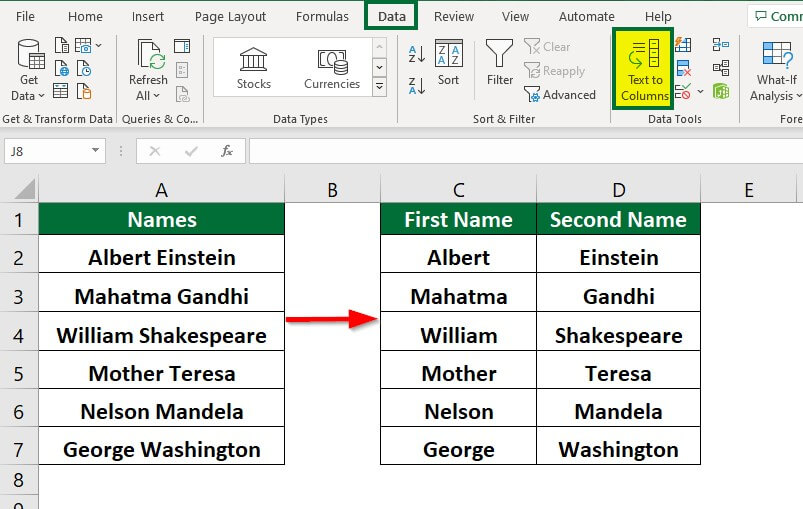
Verkko You might want to split an Excel cell into two smaller cells This is what we are going to show you today amp nbsp Verkko 22 maalisk 2023 nbsp 0183 32 Select the cells you want to divide navigate to the Data tab gt Data Tools group and click the Text to Columns button In the first step of the Convert Text
Split Cells In Excel In Windows Macos Web 2022 Updated Tecnotrend How To Split One Cell Into Two In Excel Pixelated Works How To Split A Column In Two In Microsoft Excel 2010 Split Cell Excel Microsoft Excel Split Cells Based On Enter Destinationlasopa How To Split One Cell Into Two In Excel Pixelated Works How To Split One Cell Into Two In Excel 5 Useful Methods ExcelDemy How To Split One Cell Into Two I Want To Be Able To Separate The How To Split Cells In Excel Ultimate Guide Coupler io Blog How To Diagonally Split A Cell In Excel Doovi
How To Split One Cell Into Two In Excel Mac
 How To Split One Cell Into Two In Excel Mac
https://i0.wp.com/www.easylearnmethods.com/wp-content/uploads/2021/08/how-to-split-a-cell-in-half-in-excel.jpg?resize=1080%2C608&ssl=1
Verkko 12 helmik 2021 nbsp 0183 32 Select the cells you want to split by clicking the first cell and dragging down to the last cell in the column In our example we ll split the first and last names listed in column A into two
Templates are pre-designed files or files that can be used for numerous functions. They can conserve effort and time by offering a ready-made format and layout for producing various type of content. Templates can be utilized for personal or expert projects, such as resumes, invites, leaflets, newsletters, reports, discussions, and more.
How To Split One Cell Into Two In Excel Mac
Split Cell In Excel Examples How To Split Cells In Excel 2023

How To Split One Cell Into Two In Excel Pixelated Works
How To Split A Column In Two In Microsoft Excel 2010 Split Cell Excel
Microsoft Excel Split Cells Based On Enter Destinationlasopa

How To Split One Cell Into Two In Excel 5 Useful Methods ExcelDemy
How To Split One Cell Into Two I Want To Be Able To Separate The

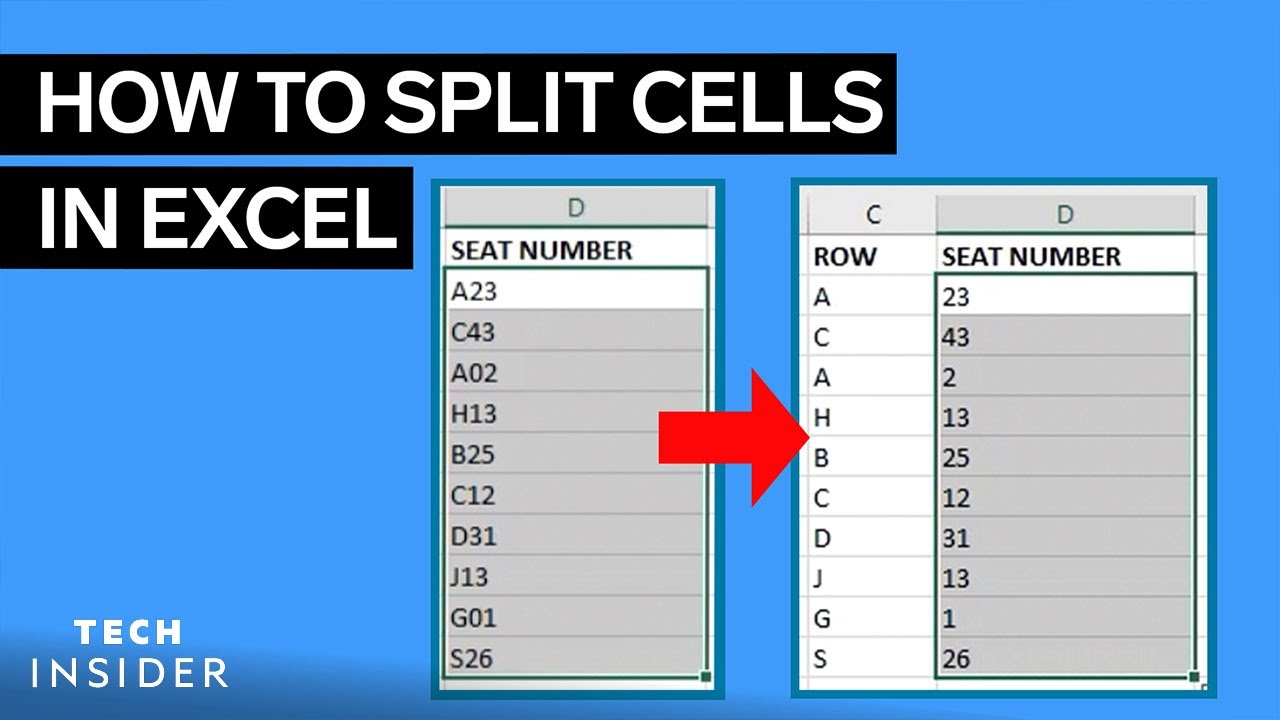
Verkko 2 marrask 2023 nbsp 0183 32 1 Split One Cell into Two Using Text to Columns Feature 2 Apply Flash Fill Feature in Excel to Separate Cell 3 Insert Formulas for Splitting One Cell
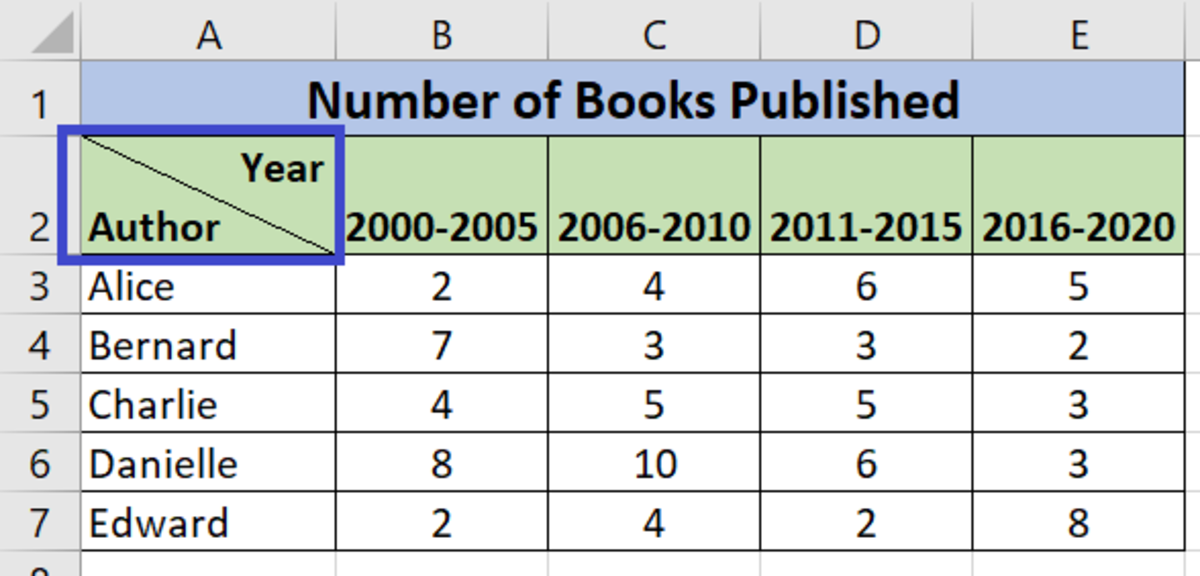
Verkko 8 jouluk 2021 nbsp 0183 32 In the quot Data quot tab from the quot Data Tools quot section select quot Flash Fill quot And instantly Excel will split the names from all the B column records and add those to the C column To split the obtained marks
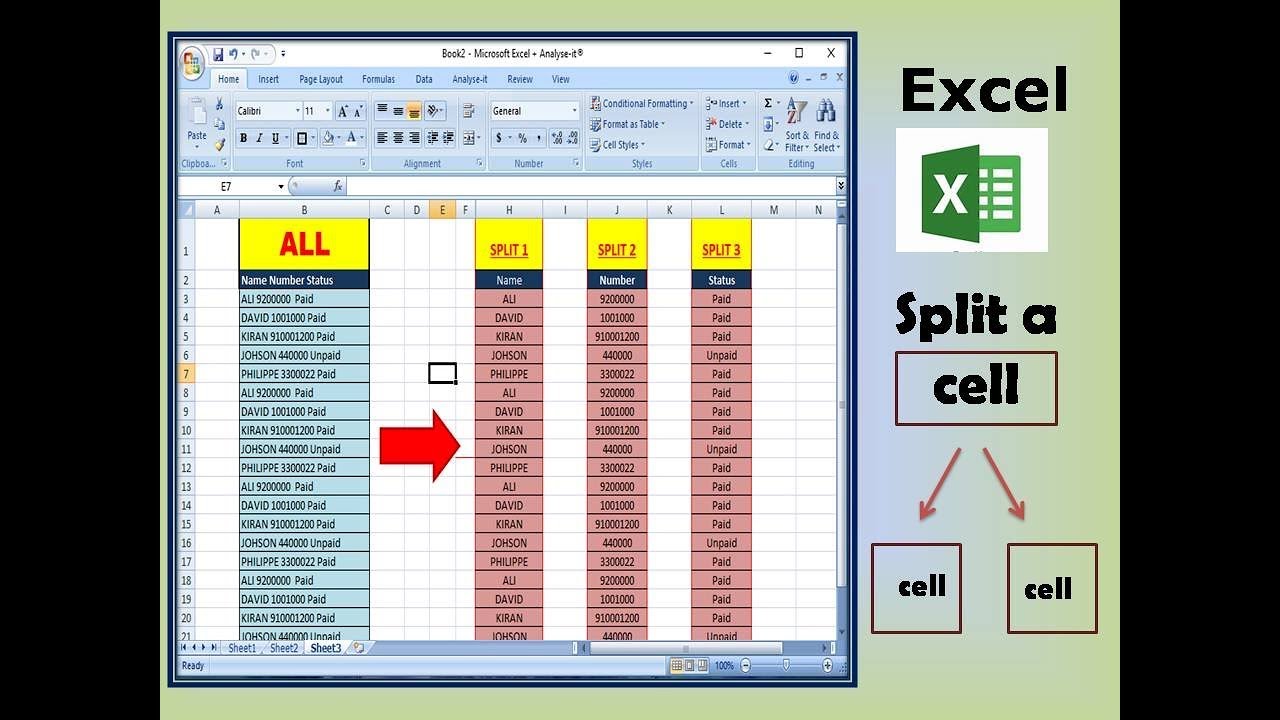
Verkko Enter and format data Layout Split text into different columns with functions Split text into different columns with functions Excel for Microsoft 365 Excel for Microsoft 365 for Mac Excel for the web

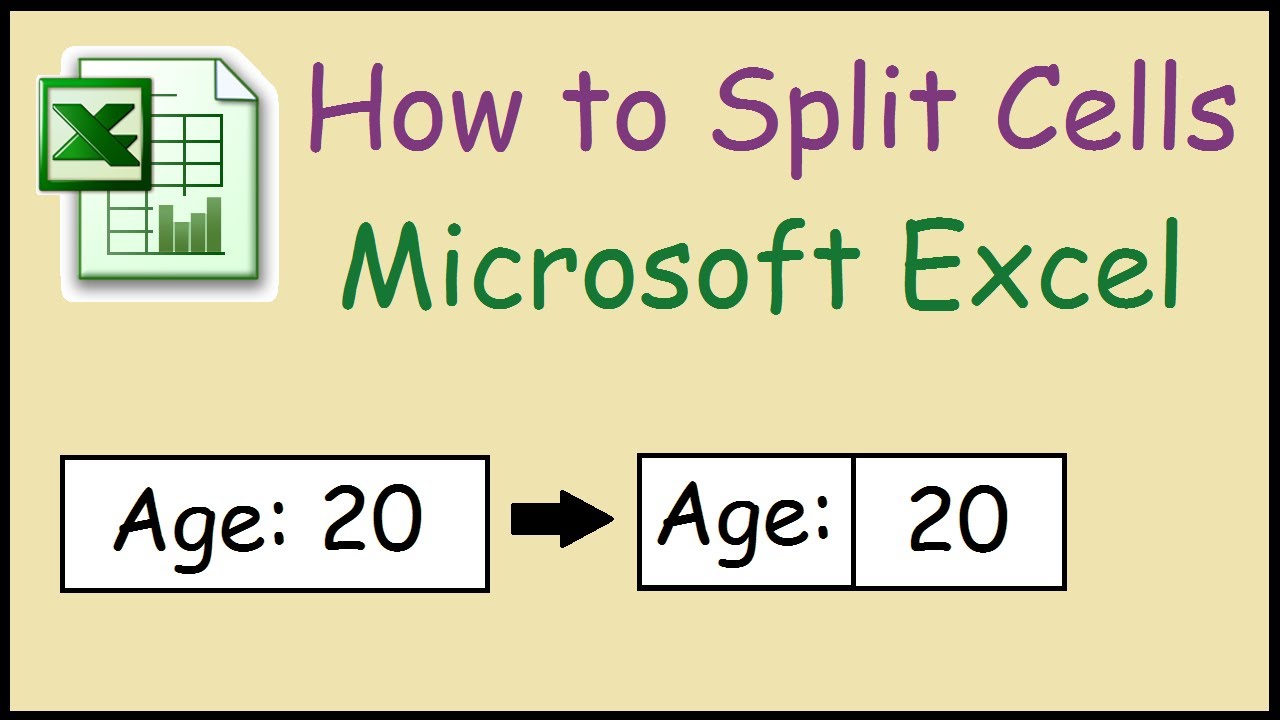
Verkko You might want to split a cell into two smaller cells within a single column Unfortunately you can t do this in Excel Instead create a new column next to the
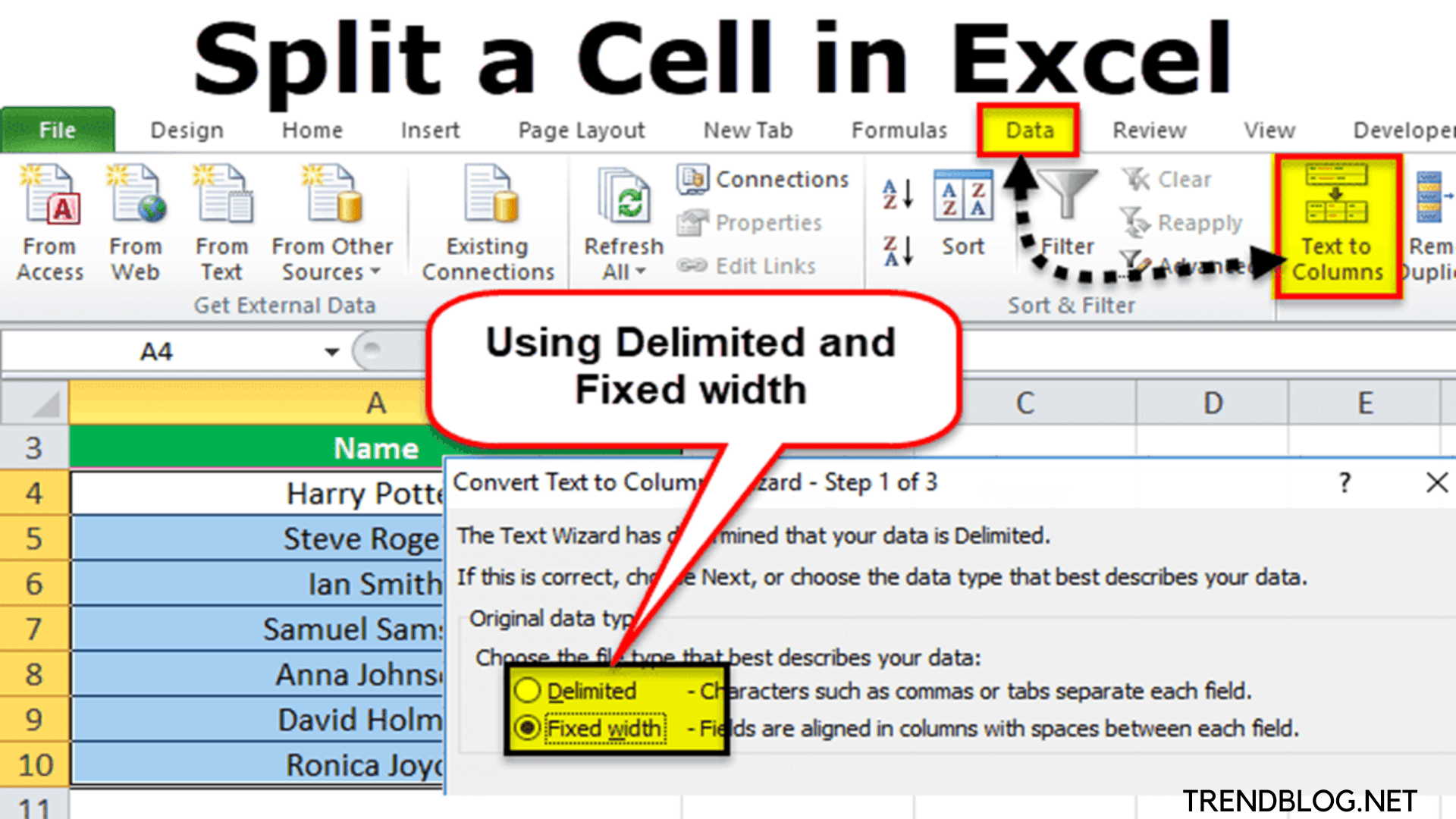
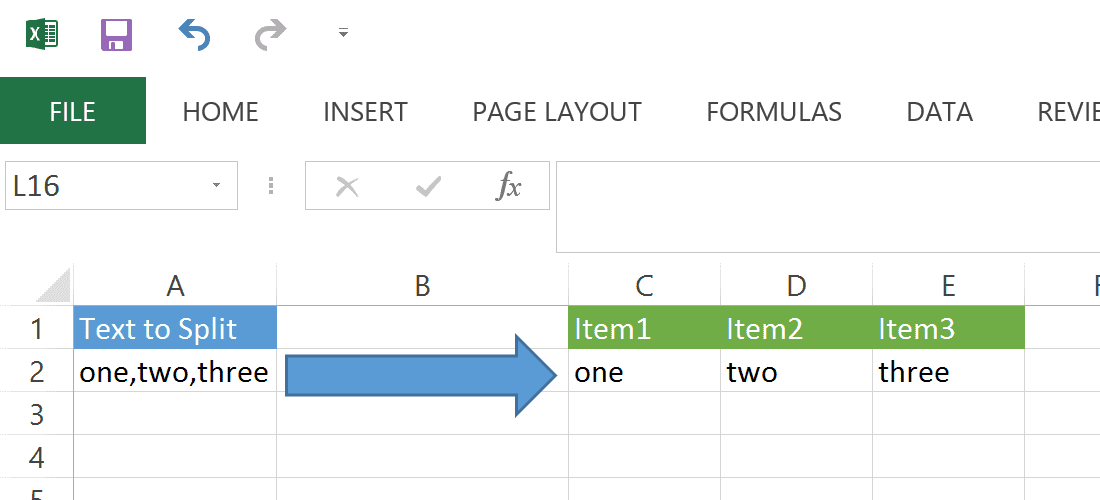
Verkko Try it Select the cell or column that contains the text you want to split Select Data gt Text to Columns In the Convert Text to Columns Wizard select Delimited gt Next Select
Verkko 22 elok 2020 nbsp 0183 32 1 Select the Data menu Then select Text to Columns in the Data Tools group on the ribbon 2 This will open a three step wizard In the first window make Verkko To split the contents of a cell into multiple cells use the Text to Columns wizard For example let s split full names into last and first names 1 Select the range with full
Verkko Sometimes data is consolidated into one column such as first name and last name But you might want separate columns for each So you can split the Sales Rep first name