How To Split Cells In Excel 2007 Merge Split Or Delete Table Cells Office Support Split Cells In Excel Oldlasopa Excel Split Cell Half Rows Cells Diagonally 3 Ways To Split A Cell In Excel Split Cell In Excel Examples How To Split Cells In Excel 2023 This article shows you how to extract various components from a variety of name formats using these handy functions You can also split text into different columns with the Convert Text to Columns Wizard
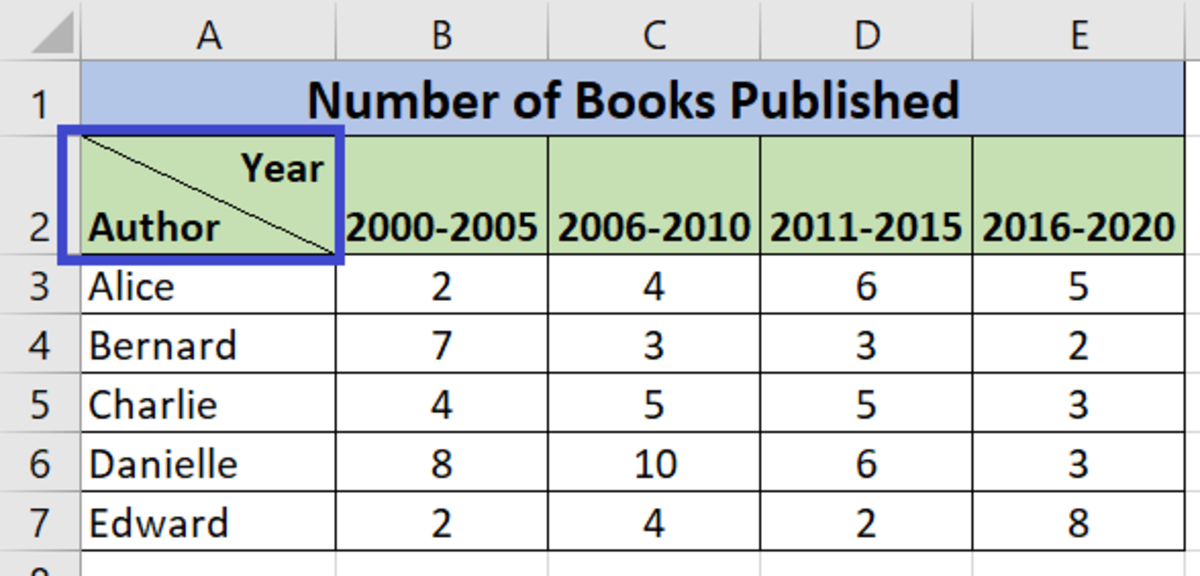
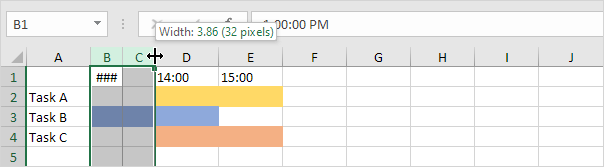
To split the contents of a cell into multiple cells use the Text to Columns wizard flash fill or formulas Split a Cell Use the following trick to split a cell in Excel 1 For example task B starts at 13 00 and requires 2 hours to complete Suppose task B starts at 13 30 We would like to split cell B3 and color the right half 2 Select the cell or cells whose contents you want to split Important When you split the contents they will overwrite the contents in the next cell to the right so make sure to have empty space there On the Data tab in the Data Tools group click Text to Columns The Convert Text to Columns Wizard opens
Split Cell In Excel Examples How To Split Cells In Excel 2023 How To Split Cells In Excel Excel Split Cells Into Two Filtervsera Learn How To Split Cells In Excel Quickly And Easily How To Split Cell In Excel In 3 Steps Tips For Everyday How To Split Cells In Excel Healthy Food Near Me How To Divide A Cell In Excel Into Two Cells Images And Photos Finder How To Split Excel Cells How To Split A Column In Two In Microsoft Excel 2010 Split Cell Excel
How To Split Cells In Excel 2007
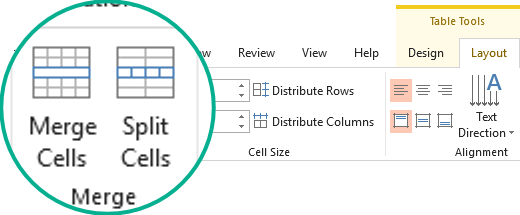 How To Split Cells In Excel 2007
https://support.content.office.net/en-us/media/7433f239-37b7-4f6d-93d0-5f7d9ca0949c.png
Select the cells you want to separate and click the Split Text icon on the Ablebits Data tab in the Text group On the add in s pane configure the following options Select Comma and Space as the delimiters Select the Treat consecutive delimiters as one check box Choose Split to columns
Templates are pre-designed documents or files that can be used for numerous functions. They can save effort and time by supplying a ready-made format and layout for creating various kinds of material. Templates can be used for individual or expert projects, such as resumes, invitations, leaflets, newsletters, reports, presentations, and more.
How To Split Cells In Excel 2007
How To Split Cells In Excel Split Data Into Multiple Columns MS Excel

How To Split Cells In Excel
Excel Split Cells Into Two Filtervsera

Learn How To Split Cells In Excel Quickly And Easily
How To Split Cells In Excel Healthy Food Near Me
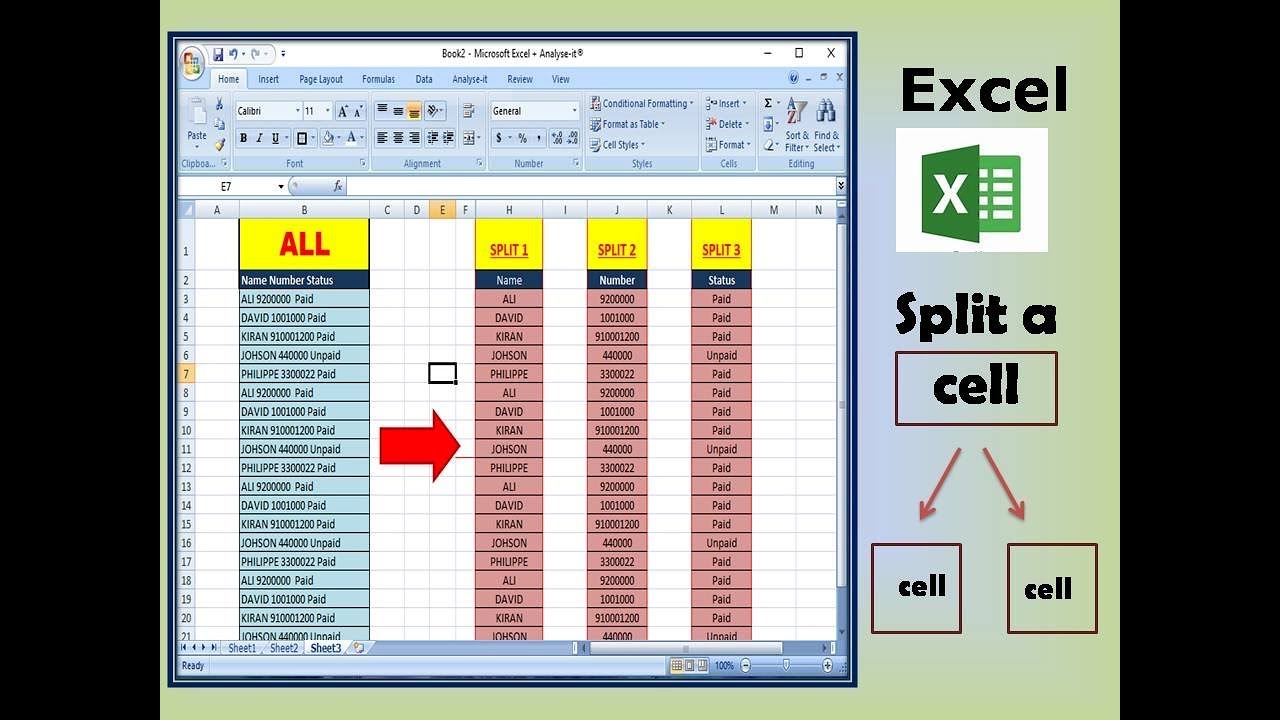
How To Divide A Cell In Excel Into Two Cells Images And Photos Finder
Click the Merge Center button in the Alignment group on the Home tab The cells are merged into a single cell and the text if any is centered within the merged cell A worksheet title after centering it across columns A through E Optional Change the alignment in the merged cell if desired
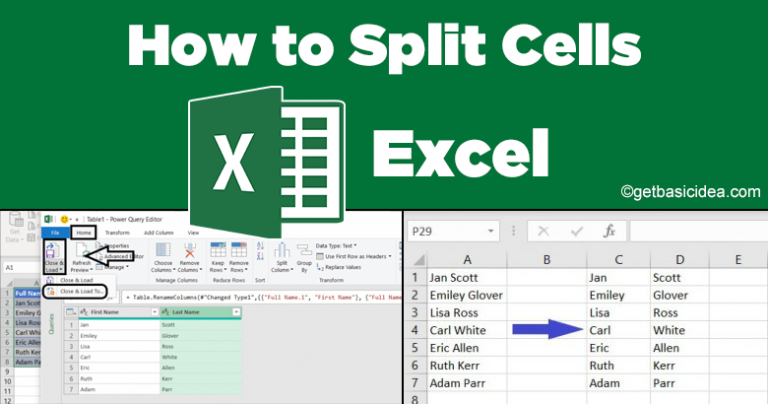
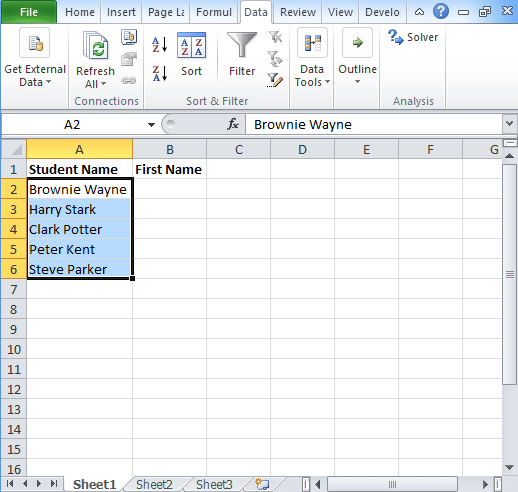
First click the C2 cell and manually type the name that appears in the B2 cell In this case it will be Mahesh Click the C2 cell so it s selected Then in Excel s ribbon at the top click the Data tab In the Data tab from the Data Tools section select Flash Fill
1 Open an Excel spreadsheet and highlight at least two adjacent cells 2 Click the ribbon s Home tab 3 Click the Merge Center button in the ribbon s Alignment section Excel merges
The steps to split a cell into multiple columns with Text to Columns are Select the cell or cells containing the text to be split From the ribbon click Data Data Tools Group Text to Columns The Convert Text to Columns Wizard dialog box will open Select the Delimited option
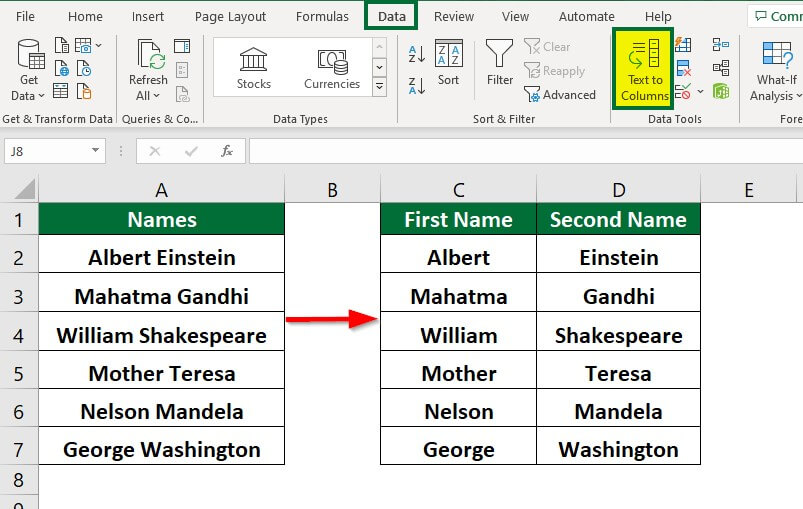
Select the cells in which you have the text that you want to split in this case A2 A7 Click on the Data tab In the Data Tools group click on Text to Columns In the Convert Text to Columns Wizard Step 1 of 3 of Text to Columns Wizard Make sure Delimited is selected it is the default selection
Select the Data menu Then select Text to Columns in the Data Tools group on the ribbon 2 This will open a three step wizard In the first window make sure Delimited is selected and select Next 3 On the next Wizard window deselect Tab and make sure Space is selected Select Next to continue Select the cells you want to split by clicking the first cell and dragging down to the last cell in the column In our example we ll split the first and last names listed in column A into two different columns column B last name and column C first name Click the Data tab at the top of the Excel Ribbon
Do you know how to split information in cells Microsoft Excel 2007 2013 and 2016 Watch the video and learn how to do it in simple few clicks Almost yours 2 weeks on us