How To Skip Rows In Python 115 How To Skip Rows To Load In Excel SSIS YouTube How To Skip Rows From CSV File Load To Azure SQL Table By Using Data HOW TO SKIP GALLOP And SLIDE The PE Guy Distance Learning YouTube How To Load A Skip Effectively Camiers Skip Hire Skip Rows But Keep Header When Reading CSV File In Python Example 2 I want to isolate a data set that that is in the middle of a cvs file but I don t know how I ve tried data df 2 pd read csv data set csv skiprows range 1 8 21 114 and data df 2 pd read csv data set csv skiprows range 1 8 skiprows range 21 114 and neither of them work What is the correct way to approach my problem python
Step 1 Read CSV file skip rows with query condition in Pandas By default Pandas skiprows parameter of method read csv is supposed to filter rows based on row number and not the row content So the default behavior is pd read csv csv file skiprows 5 The code above will result into 995 rows 8 columns Python panda s library provides a function to read a csv file and load data to dataframe directly also skip specified lines from csv file i e Copy to clipboard pandas read csv filepath or buffer skiprows N It can accepts large number of arguments But here we will discuss few important arguments only i e Arguments
Skip Rows But Keep Header When Reading CSV File In Python Example How To Skip Rows In Read Text File In Power Automa Power Platform Pandas Skip Rows While Reading Csv File To A Dataframe Using Read csv Databases How To Skip Rows In A SQL Server Query 2 Solutions Python How To Skip Rows In Pandas Dataframe Iteration Stack Overflow 91 How To Skip Rows In Flat File In SSIS How To Skip Rows In CSV File Forgotten Exercises Monkey Rows Physical Culture Study Cassandra How To SKIP Rows In Paging YouTube Sum Of Rows And Columns In Python Mobile Legends
How To Skip Rows In Python
 How To Skip Rows In Python
https://i.ytimg.com/vi/Lj394LnMY_I/maxresdefault.jpg
Remove rows or columns by specifying label names and corresponding axis or by directly specifying index or column names When using a multi index labels on different levels can be removed by specifying the level See the user guide for more information about the now unused levels Parameters labelssingle label or list like
Templates are pre-designed files or files that can be used for various purposes. They can conserve effort and time by offering a ready-made format and layout for producing different kinds of material. Templates can be used for individual or expert projects, such as resumes, invites, flyers, newsletters, reports, discussions, and more.
How To Skip Rows In Python

March 10 2011 OneMint

How To Skip Rows In Read Text File In Power Automa Power Platform
Pandas Skip Rows While Reading Csv File To A Dataframe Using Read csv

Databases How To Skip Rows In A SQL Server Query 2 Solutions
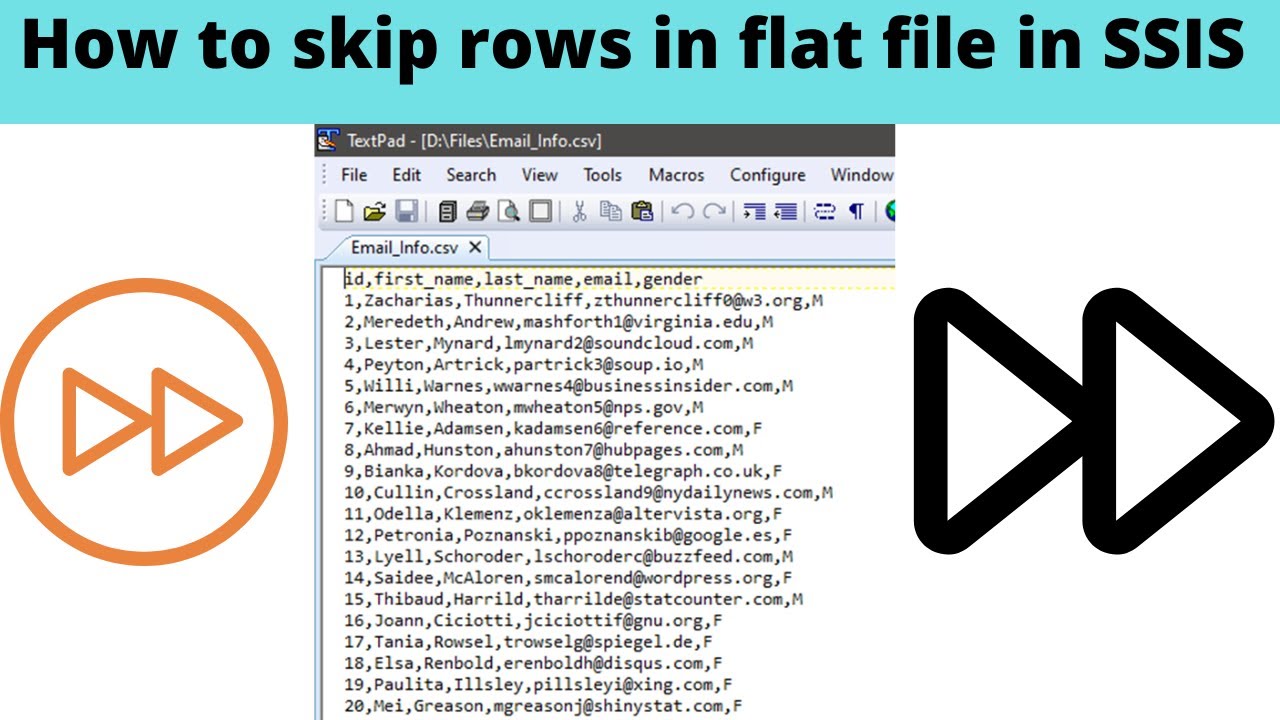
91 How To Skip Rows In Flat File In SSIS How To Skip Rows In CSV File

Forgotten Exercises Monkey Rows Physical Culture Study
Method 1 Skipping N rows from the starting while reading a csv file Code Python3 import pandas as pd df pd read csv students csv skiprows 2 df Output Method 2 Skipping rows at specific positions while reading a csv file Code Python3 import pandas as pd df pd read csv students csv skiprows 0 2 5 df Output
Method 1 Skip One Specific Row import DataFrame and skip 2nd row df pd read csv my data csv skiprows 2 Method 2 Skip Several Specific Rows import DataFrame and skip 2nd and 4th row df pd read csv my data csv skiprows 2 4 Method 3 Skip First N Rows

While you cannot skip rows based on content you can skip rows based on index Here are some options for you skip n number of row df pd read csv xyz csv skiprows 2 this will skip 2 rows from the top skip specific rows

Method 1 Skip One Specific Row import DataFrame and skip row in index position 2 df pd read excel my data xlsx skiprows 2 Method 2 Skip Several Specific Rows import DataFrame and skip rows in index positions 2 and 4 df pd read excel my data xlsx skiprows 2 4 Method 3 Skip First N Rows

8 Answers Sorted by 581 with open fname as f next f for line in f do something Share Improve this answer Follow answered Jan 25 2011 at 17 26 SilentGhost 310k 67 307 293 67 if you need the header later instead of next f use f readline and store it as a variable damned Oct 8 2013 at 5 38 40 Or use header line next f
1 I am reading a large csv file in chunks as I don t have enough memory to store I would like to read its first 10 rows 0 to 9 rows skip the next 10 rows 10 to 19 then read the next 10 rows 20 to 29 rows again skip the next 10 rows 30 to 39 and then read rows from 40 to 49 and so on Following is the code I am using Obligatory disclaimer from the documentation Iterating through pandas objects is generally slow In many cases iterating manually over the rows is not needed and can be avoided with one of the following approaches Look for a vectorized solution many operations can be performed using built in methods or NumPy functions boolean indexing
Let s load this csv file to a dataframe using read csv and skip rows in various ways Method 1 Skipping N rows from the starting while reading a csv file When we pass skiprows 2 it means it will skip those rows while reading csv file For example if we want to skip 2 lines from the top while readingusers csvfile and initializing a dataframe