How To Shutdown Wsl2 How To Install Windows Subsystem For Linux WSL2 On Windows 10 SrcCodes How To Cancel Shutdown On Windows 10 5 Ways To Remotely Shutdown A Computer WikiHow Shutdown YouTube How To Add A Slide To Shut Down Option On Windows 10 You would need to do so via Windows cmd or powershell with wsl shutdown If you have numerous instances and need to shutdown a specific instance or distribution you can use wsl l v
1 Open Settings and click tap on the Apps icon 2 Click tap on a running WSL distro app ex Debian from Option One on the right side you want to terminate and click tap on the Advanced options link see screenshot below 3 Open Windows Command Prompt with admin privileges and then open the diskpart command interpreter by entering diskpart You will now have a DISKPART prompt Enter the following command replacing pathToVHD with the directory path to the ext4 vhdx file associated with the Linux distribution copied in step 2
How To Add A Slide To Shut Down Option On Windows 10 Shutdown Icon Windows 10 2052 Free Icons Library Vinoth Infotek XP Disable Shutdown Button How To Install WSL2 On Windows 11 YouTube SHUTDOWN INTRO1 YouTube How To Remotely Shutdown A Computer with Pictures WikiHow Learn New Things How To Shutdown PC If Shutdown Option Not Available WSL2 Indexyz Blog Wsl2 Lets You Install The Linux Kernel As A Windows Update Omg Ubuntu
How To Shutdown Wsl2
 How To Shutdown Wsl2
https://www.srccodes.com/content/images/2021/08/install-wsl2-windows10-linux-subsystem-srccodes-1.jpg
Select Start type PowerShell right click Windows PowerShell and then select Run as administrator Enter the WSL update command PowerShell Copy wsl update You will need to restart WSL for the update to take effect You can restart WSL by running the shutdown command in PowerShell PowerShell Copy
Pre-crafted templates provide a time-saving option for creating a varied variety of documents and files. These pre-designed formats and layouts can be used for different individual and expert jobs, consisting of resumes, invitations, flyers, newsletters, reports, discussions, and more, enhancing the material development procedure.
How To Shutdown Wsl2
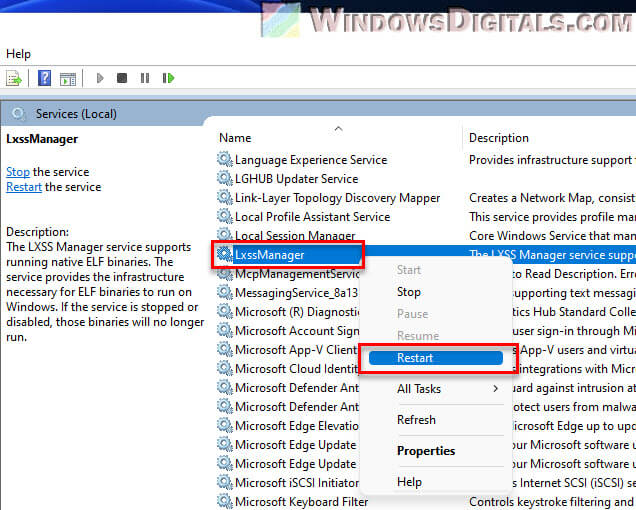
How To Start Restart Or Shutdown WSL2 On Windows 11

Shutdown Icon Windows 10 2052 Free Icons Library

Vinoth Infotek XP Disable Shutdown Button

How To Install WSL2 On Windows 11 YouTube

How To Remotely Shutdown A Computer with Pictures WikiHow
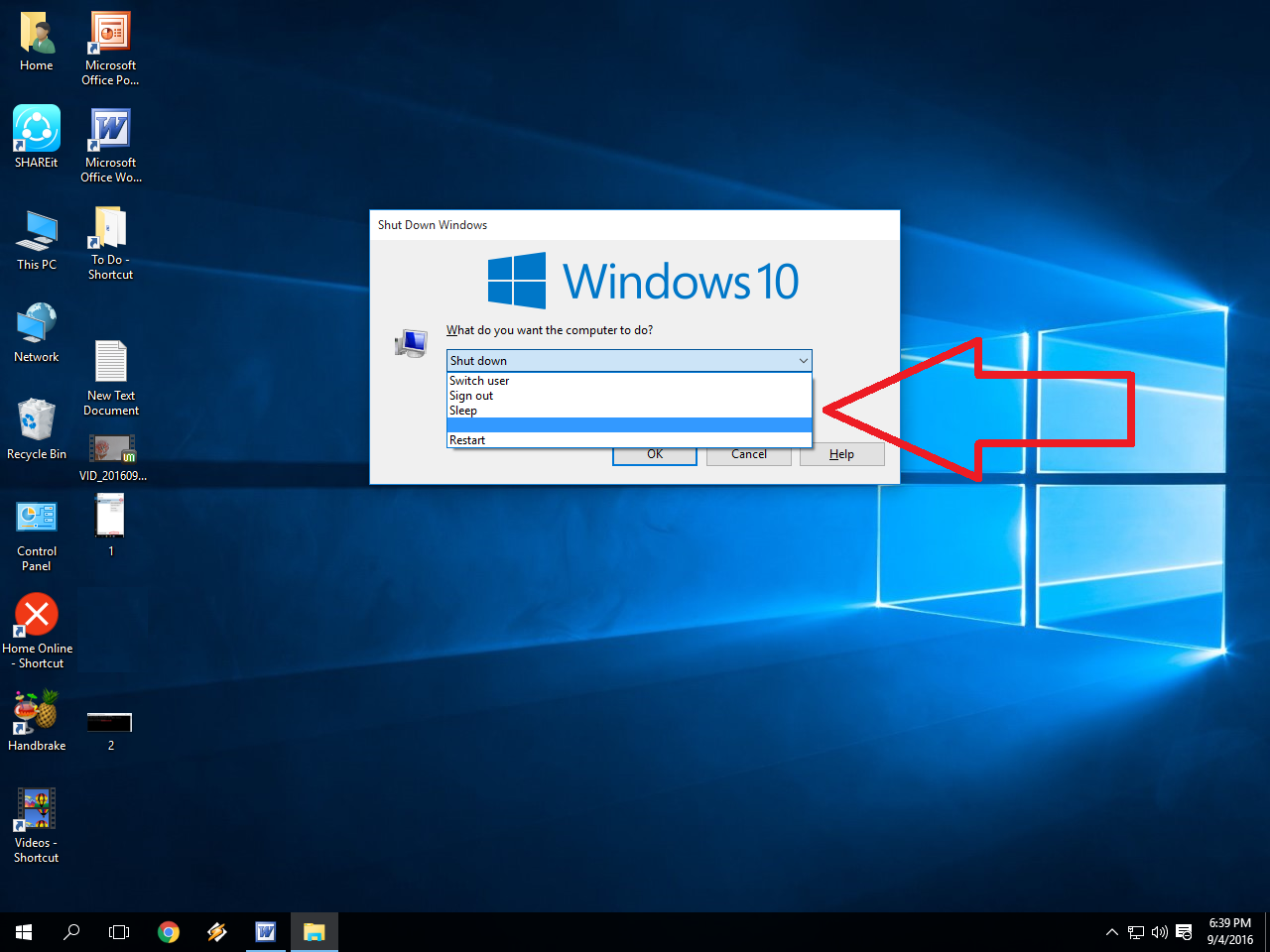
Learn New Things How To Shutdown PC If Shutdown Option Not Available
Open PowerShell in administrator mode and type the following command Get Service LxssManager Restart Service This command fetches the LxssManager service and pipes it to the Restart Service command effectively restarting the service and consequently WSL2 Shutting down WSL2

To shut down all the WSL distros running on Windows 10 or 11 use these steps Open Start Search for Command Prompt or PowerShell right click the top result and select the Run as administrator option Type the following command to view all running WSL distros and press Enter wsl list verbose

4 I would not like to screw up my environment databases or apache etc For safety you should shut down those services first You should be able to write a small batch file that shuts everything down in the right order Share Improve this answer Follow edited Sep 12 2022 at 15 40 NotTheDr01ds 19 8k 5 51 92 answered Oct 11 2020 at 12 26

The command wsl shutdown is a fast path to restarting WSL 2 distributions but it will shut down all running distributions so use wisely You can also use wsl terminate distroName to terminate a a specific distribution that s running instantly wsl conf

We need to run a basic wsl command to shut down the distro First I m listing my installed WSL distributions followed by the wsl shutdown command Plain text Copy to clipboard Open code in new window check wsl distros status wsl l v shutdown the running wsl host wsl shutdown check wsl distros status wsl l v
Type the following command wsl terminate DistributionName Alternatively you can use this shorten syntax wsl t DistributionName Substitute the DistributionName portion with the name of the WSL distro you want to terminate The WSL Distro is now terminated Therefore we can use wsl exe you have to make sure to always add exe when calling Windows commands or they will not work to shutdown the currently running WSL session wsl exe t Ubuntu 20 03 but the problem is that I don t know the session name
Ubuntu windows subsystem for linux wsl 2 Share Follow edited Jan 7 2021 at 10 32 asked Sep 13 2020 at 15 08 user1373996 To be honest I ve been having problems with WSL2 this week and I am not sure on how to solve them Same issue as you have actually