How To Show Console In Vs Code Trouble Shooting Postman My Docs Visual Studio 2022 Console WriteLine Postman Beginner Tutorial 12 How To Debug YouTube Postman Format Console Log Output Javascript Debug A NET Console Application Using Visual Studio NET Microsoft Learn Terminal cursor The terminal cursor style and whether it blinks can be customized with the following settings terminal integrated cursorStyle Defines the shape of the cursor can be block line or underline terminal integrated cursorWidth How wide in pixels the cursor should be when the cursor style is set to line
New Course Alert Modern JavaScript Course https bit ly JavaScript Course Udemy 100 Days Of JavaScript https bit ly 100 Days Of Jav Since Microsoft owns VS Code obviously VS code will be used by the tech giant to convert developers to Edge Before you start squirming in your seats I ll tell you that Edge is just repackaged chrome Microsoft Edge uses the Chromium browser engine internally Therefore it has the same dev tools and console as chrome So give it a chance
Debug A NET Console Application Using Visual Studio NET Microsoft Learn Console Overview Microsoft Edge Development Microsoft Learn Jan David Narkiewicz developer Visual Studio Code Disabling Code Node Js With Typescript And How To Print The Results Of Pm test In Console Help Postman Community Show Timestamp In Postman Console Logs Issue 9066 Postmanlabs postman app support GitHub Solved How To Show Console In Chrome Dev Tools Sources 9to5Answer Php Is There Console log Equivalent In Laravel Stack Overflow CS GO Console Commands List Best Useful And Fun Show Content Of Variable In Console Log Just Getting Started Postman Community
How To Show Console In Vs Code
 How To Show Console In Vs Code
https://assets.postman.com/postman-docs/console-pane-opened-from-response-v8.jpg
Today s VS Code basics the debug consoleThe debug console lets you explore and interact with your program as it is being debugged View the output of your pr
Pre-crafted templates provide a time-saving option for creating a diverse range of files and files. These pre-designed formats and designs can be utilized for different individual and professional projects, including resumes, invitations, flyers, newsletters, reports, discussions, and more, simplifying the material development process.
How To Show Console In Vs Code
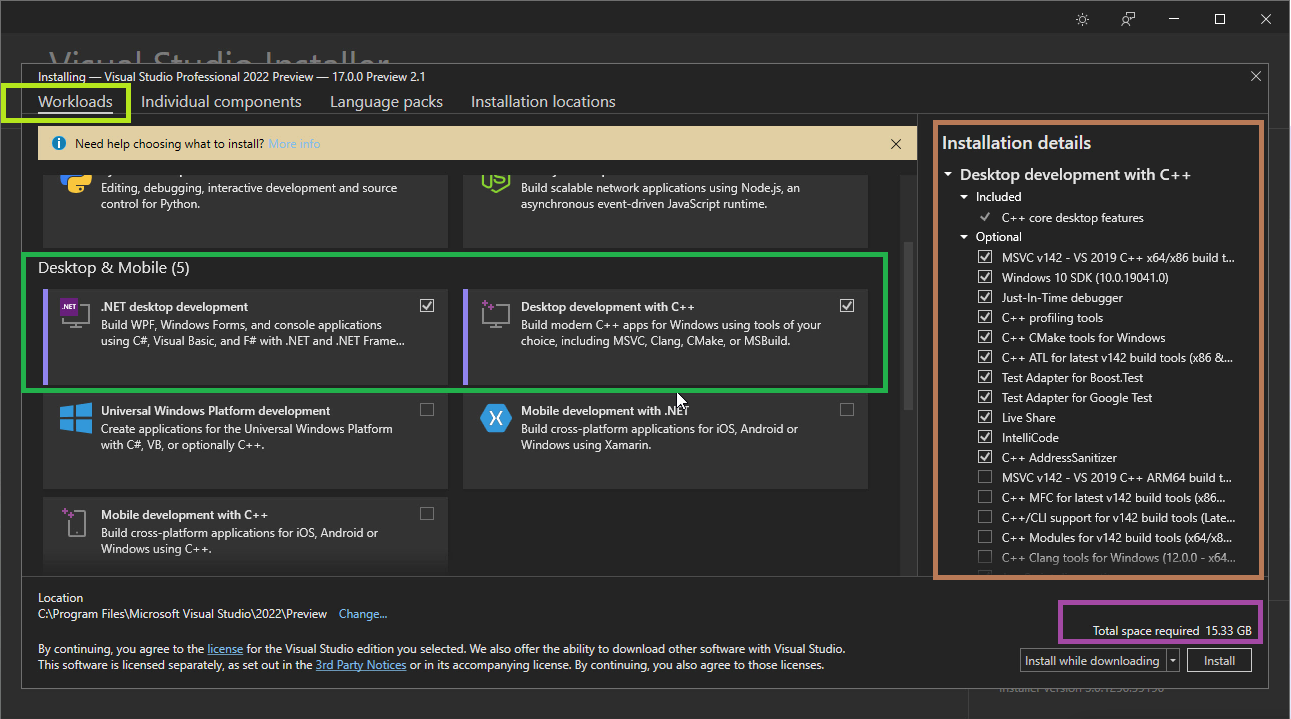
Download Visual Studio 2022 Powerase
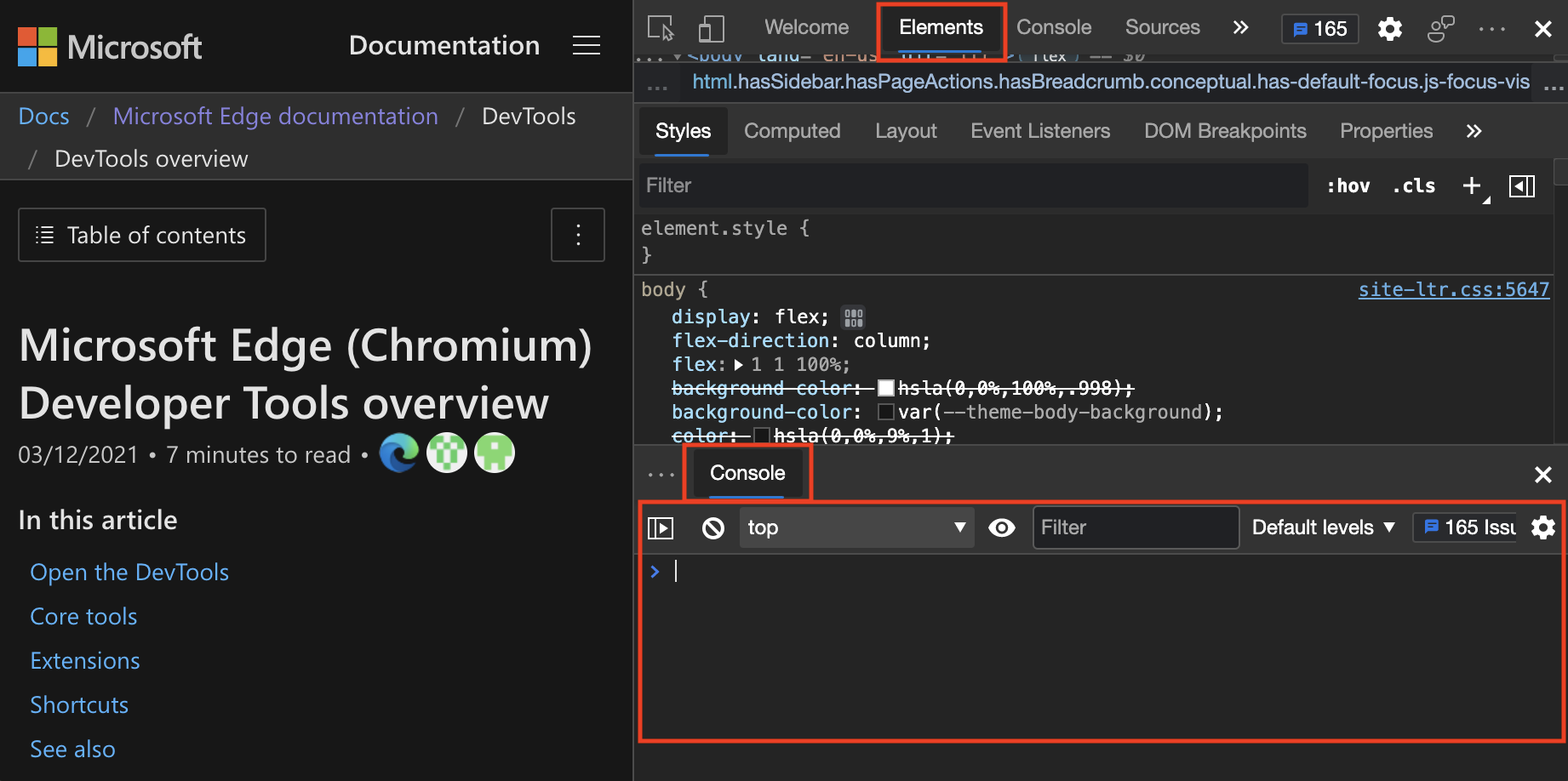
Console Overview Microsoft Edge Development Microsoft Learn
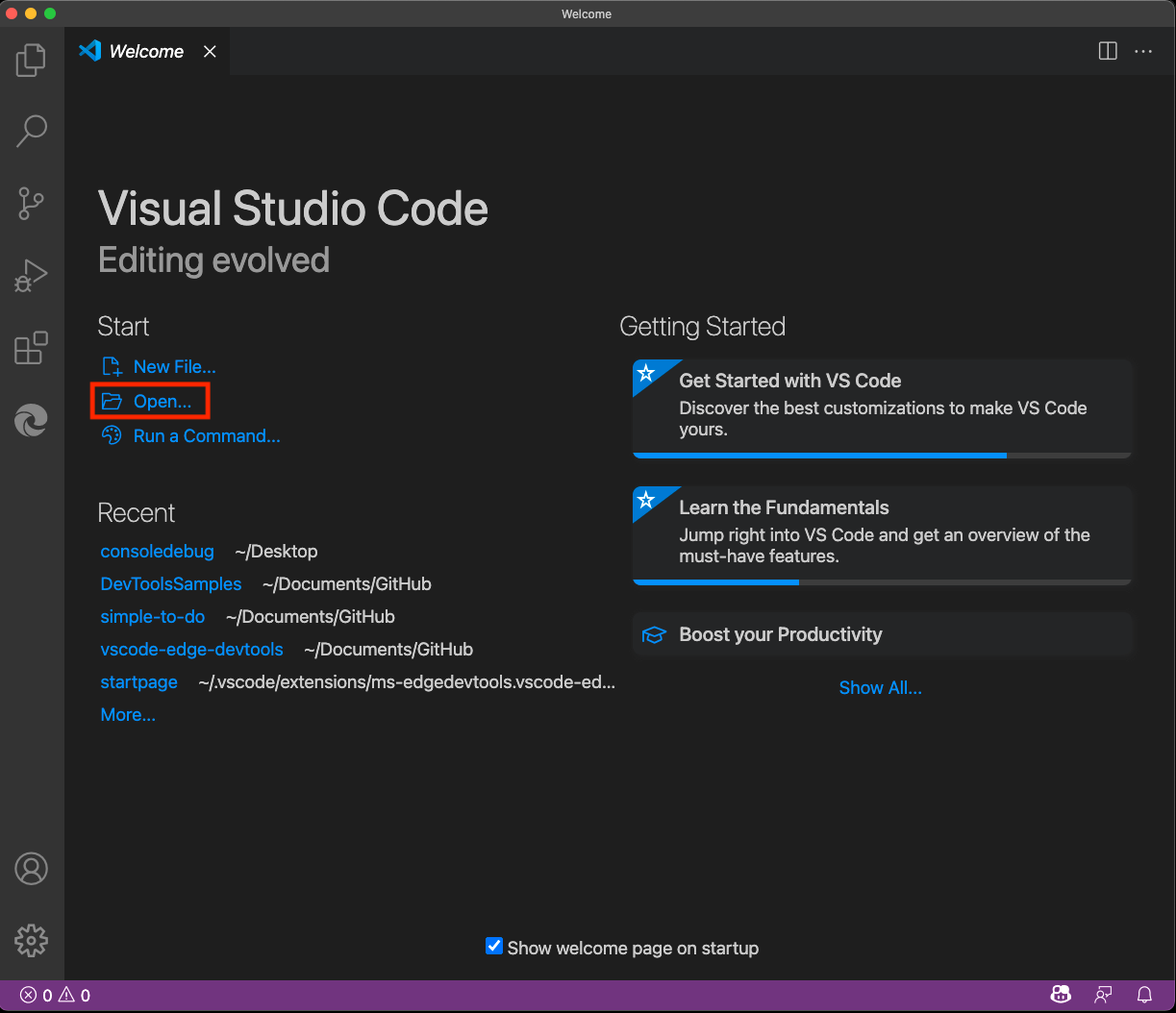
Jan David Narkiewicz developer Visual Studio Code Disabling Code Node Js With Typescript And

How To Print The Results Of Pm test In Console Help Postman Community

Solved How To Show Console In Chrome Dev Tools Sources 9to5Answer

Php Is There Console log Equivalent In Laravel Stack Overflow

Right click the context menu and selecting the Split menu option Alt and click on a tab the button or the single tab on the terminal panel Trigger the Windows Linux Ctrl Shift 5 command Tip The working directory for the new terminal depends on the terminal integrated splitCwd setting

And it even works without a local server So let s do this Step 1 Create a folder and call it consoledebug Step 2 Start Visual Studio Code choose open select that folder Step 3 Select New File call it index html Step 4 Add some HTML JS and save it Step 5 Select the Run and Debug icon and press the Run and

Tip Use the setting debug toolBarLocation to control the location of the debug toolbar It can be the default floating docked to the Run and Debug view or hidden A floating debug toolbar can be dragged horizontally and also down to the editor area Run mode In addition to debugging a program VS Code supports running the program The Debug Run Start Without Debugging action is

Select a profile You can launch VS Code with a specific profile via the profile command line interface option You pass the name of the profile after the profile argument and open a folder or a workspace using that profile The command line below opens the web sample folder with the Web Development profile code projects web sample profile Web Development
Settings values are kept in a settings json file Select File Preferences Code Preferences or Code Settings on macOS Settings or press Windows Linux Ctrl to edit the user settings json file To edit workspace settings select the WORKSPACE SETTINGS tab to edit the workspace settings json file
Keyboard Shortcut M Windows Linux Ctrl Shift M Quickly jump to errors and warnings in the project Cycle through errors with F8 or F8 Windows Linux Shift F8 You can filter problems either by type errors warnings or text matching 0 30 Use Console and Elements together There are two caveats at the moment in order to see the Console you need to use Edge Canary as your debugging target version 101 0 1193 0 and it can happen that the you need to refresh the target once to see the Console light up This is a bug in VS Code itself and will be fixed in the upcoming version
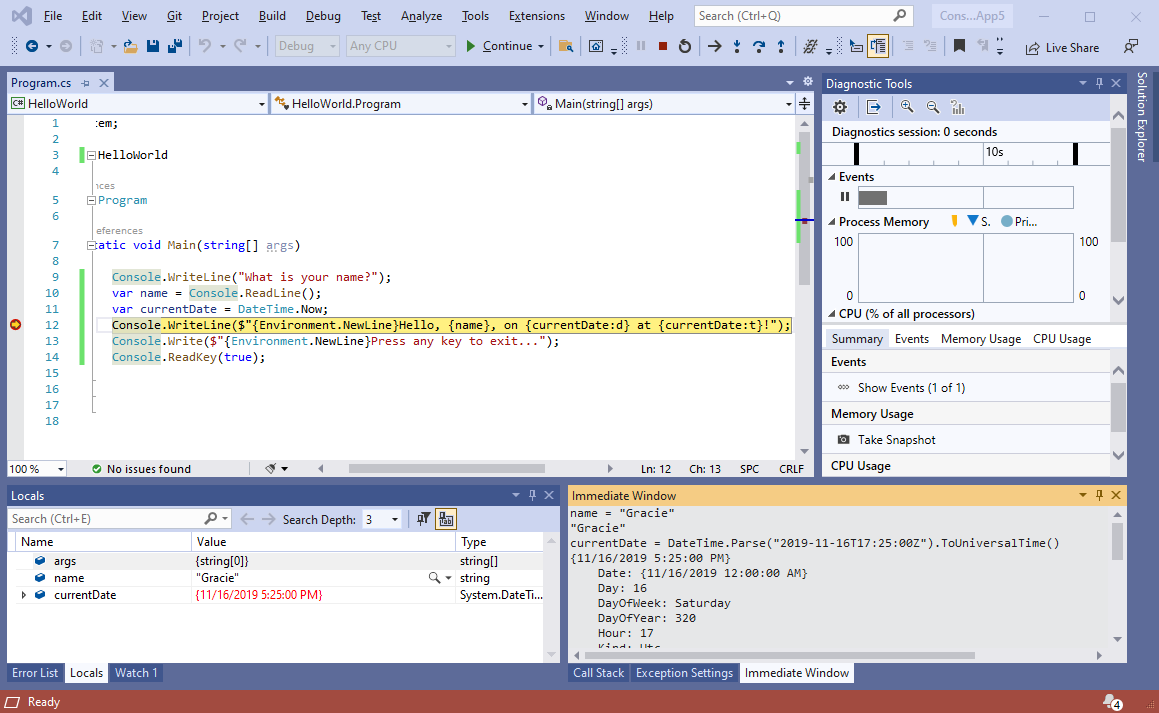
The code defines a class Program with a single method Main that takes a String array as an argument Main is the application entry point the method that s called automatically by the runtime when it launches the application Any command line arguments supplied when the application is launched are available in the args array The code in Main calls the Console WriteLine String method to