How To Setup Visual Studio Code For Python How To Setup Visual Studio Code For Python 3 10 Development In Windows How To Use Visual Studio Code Python Sdlo Using Python In Visual Studio Canadianlo Python Development In Visual Studio Code Setup Guide Vrogue How To Setup Python In Visual Studio Code On Windows 11 Web Getting Started with Python in VS Code Learn how to edit run and debug code in VS Code Virtual Environments and Packages Python Learn more about virtual environments and packages Installing Python Modules Python Learn how to install Python modules
Web Introduction min Validate your Python version and installation min Install Python 3 min Install Visual Studio Code min Install the Python extension min Create your first Python application min Knowledge check min Summary min Get started with learning Python by installing and configuring the tools you ll need to build real applications Web Apr 4 2019 nbsp 0183 32 Learn how to set up Visual Studio Code for Python development By following examples you ll cover everything from installing and configuring VSCode to running tests and debugging Python apps Make the most of this powerful Python IDE by following our complete setup guide What s Included 6 Lessons Video Subtitles and Full
How To Setup Python In Visual Studio Code On Windows 11 Setup Visual Studio Code For Python Development TutLinks How To Setup Python In Visual Studio Code Magazinelokasin Python Development In Visual Studio Code Setup Guide AvaxHome How To Set Up Python In Visual Studio Code On Windows 10 Installation Top 10 VSCode Extensions For More Productive Python Development Bas Codes How To Setup Visual Studio Code For Python On Windows 10 Gambaran How To Setup Visual Studio Code For C Program C Step By Step Run C The Code Blogger WSL Setup VS Code For Python Development
How To Setup Visual Studio Code For Python

https://avatars.mds.yandex.net/get-vthumb/909625/204b721650960f35e0b6f09cffdd0736/564x318_1
Web In this tutorial you ll learn how to use Visual Studio Code for Python development By following examples you ll cover everything from how to install and configure Visual Studio Code for Python development to how to run tests and debug application so you can use this powerful tool
Templates are pre-designed files or files that can be utilized for various purposes. They can conserve time and effort by supplying a ready-made format and design for developing various type of material. Templates can be utilized for individual or expert tasks, such as resumes, invites, leaflets, newsletters, reports, presentations, and more.
How To Setup Visual Studio Code For Python
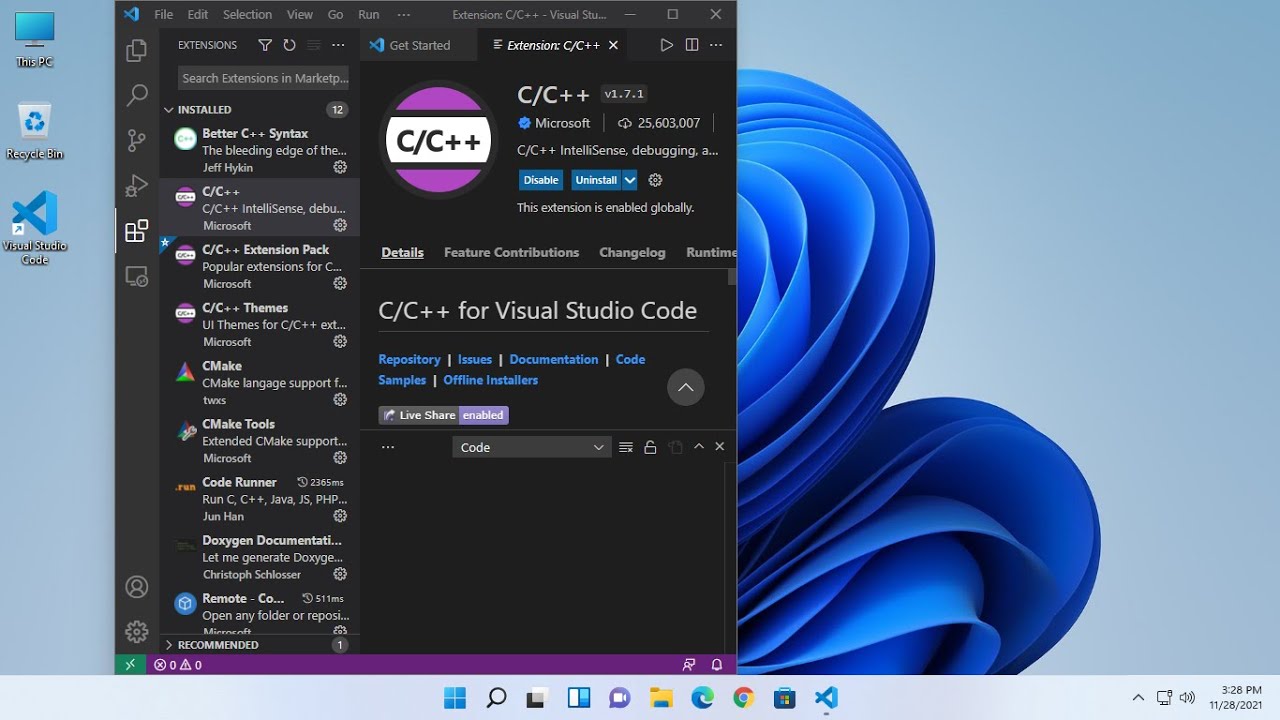
How To Setup Visual Studio Code For C And C Programming In Windows 11
Setup Visual Studio Code For Python Development TutLinks
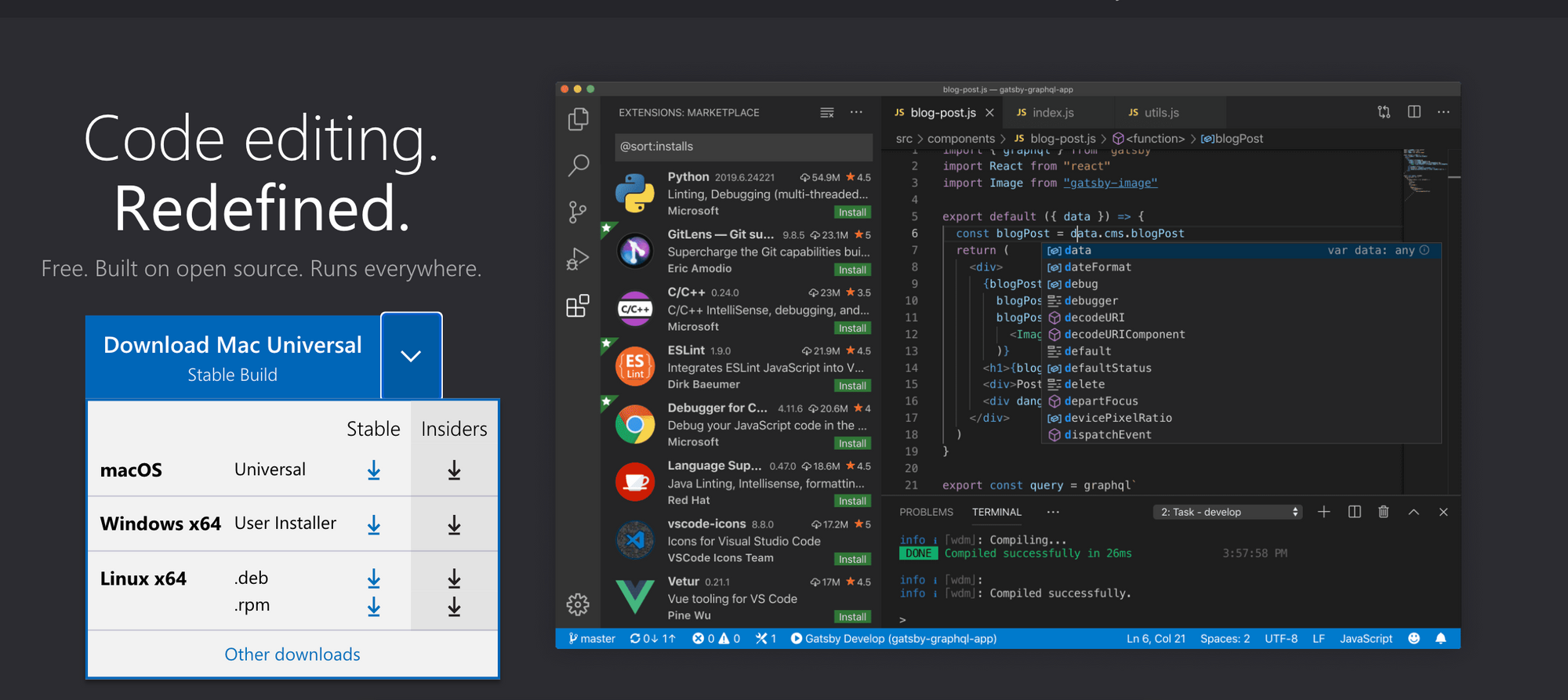
How To Setup Python In Visual Studio Code Magazinelokasin
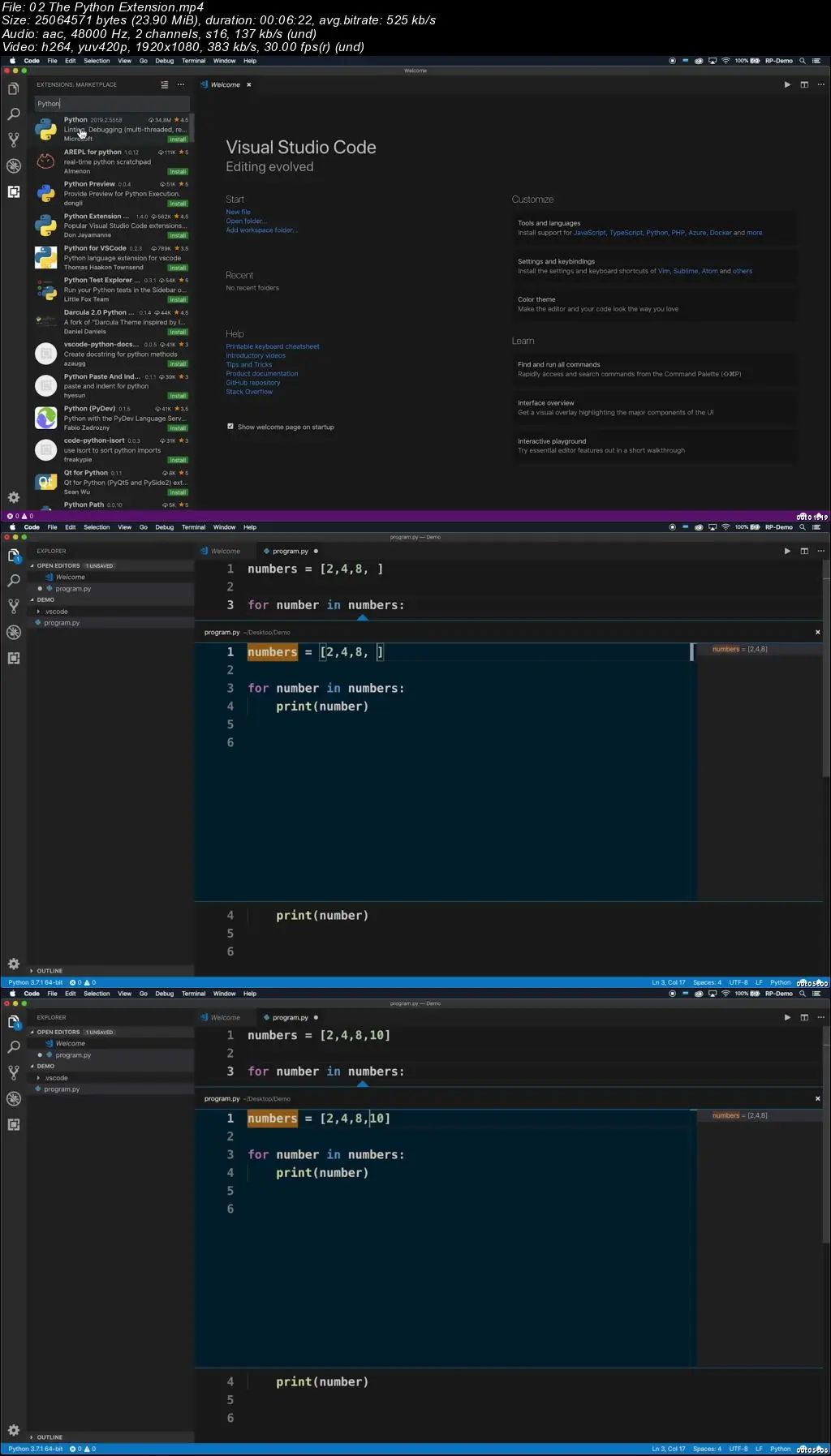
Python Development In Visual Studio Code Setup Guide AvaxHome
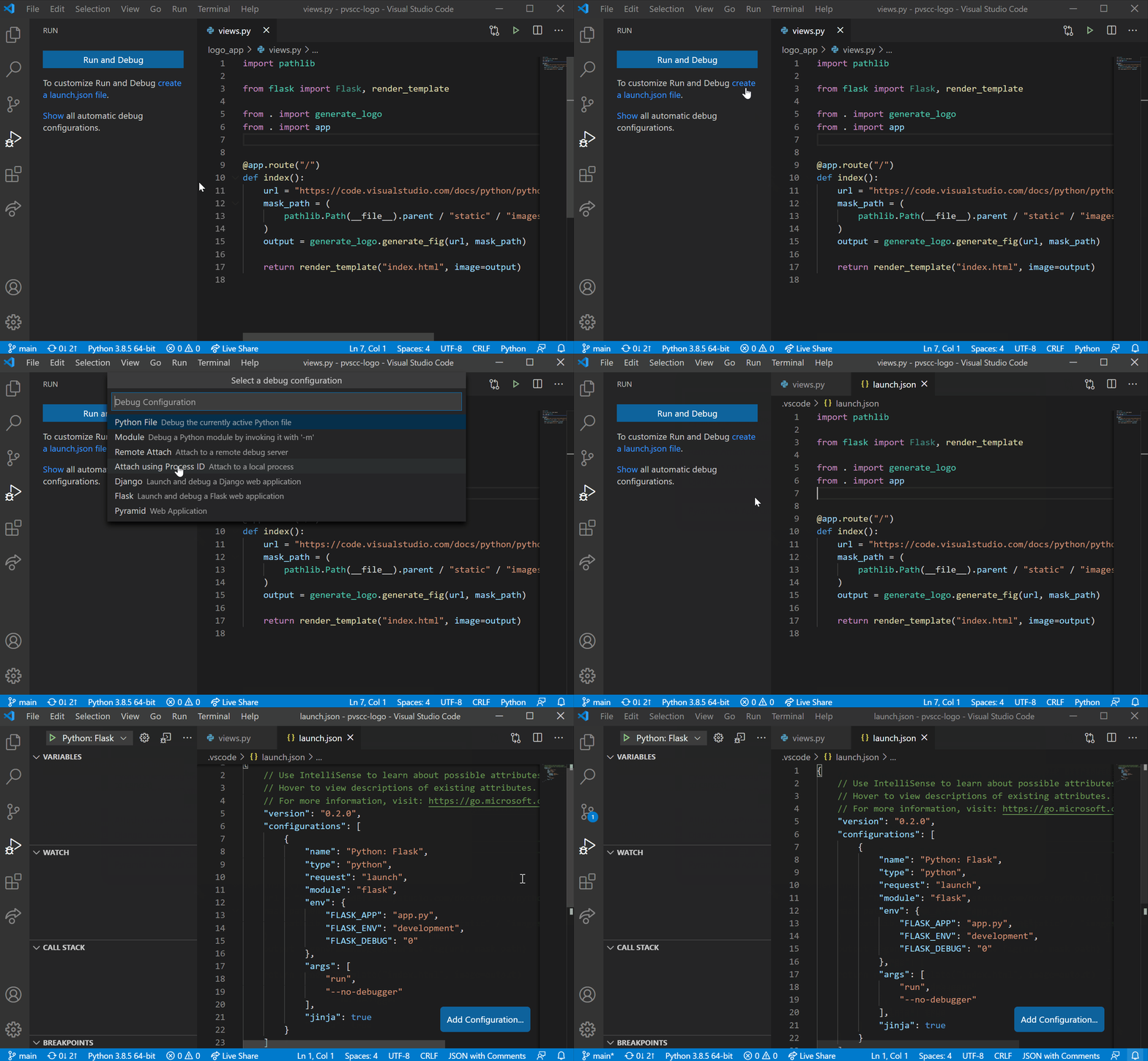
Top 10 VSCode Extensions For More Productive Python Development Bas Codes

How To Setup Visual Studio Code For Python On Windows 10 Gambaran

Web Install Python and the Python extension The tutorial guides you through installing Python and using the extension You must install a Python interpreter yourself separately from the extension For a quick install use Python from python and install the extension from the VS Code Marketplace

Web To set up the VS Code you follow these steps First navigate to the VS Code official website and download the VS code based on your platform Windows macOS or Linux Second launch the setup wizard and follow the steps Once the installation is completed you can launch the VS code application Install Python Extension

Web In this tutorial we will start by installing Python and VSCode then run a Python script in VSCode After that we will customize the editor to enhance the Python development experience by installing essential extensions and learning about built in features In the end we will learn about Python productivity hacks
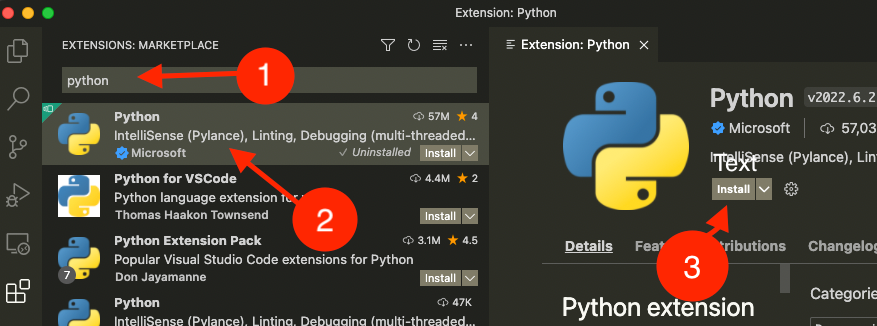
Web Dec 12 2019 nbsp 0183 32 Visual Studio Code installed on your machine by visiting the official download page Step 1 Running Python From the Built in Terminal With Python installed and your local programming environment set up open Visual Studio Code

Web Jul 17 2023 nbsp 0183 32 In this article I ll walk you through the entire process of configuring Visual Studio Code for Python development It s not a universal setup but this is something that I use personally and have found it to be really comfortable The first step is to install Visual Studio Code on your computer
Web Jun 29 2023 nbsp 0183 32 Step 2 Write and run code to see Visual Studio IntelliSense at work Step 3 Create more code in the Interactive REPL window Step 4 Run the completed program in the Visual Studio debugger Step 5 Install packages and manage Python environments Step 6 Work with Git Prerequisites Visual Studio with the Python workload installed Web Setting Up Pylance Setting Format and Lint on Save Testing Your Python Code in Visual Studio Code Configuring Test Integration Executing Tests Using the Visual Studio Code Tasks System Using Tasks to Compile Wheels Using Tasks for Django Chaining Tasks Using Tasks to Run Tox Using the Task Explorer Extension
Web In the menu that displays type or select Python In the pane on the right add source code To save the file in the File menu select Save To open the Debug pane click the bug icon Click the gear icon and then select Python At the top right click the green run arrow next to Python The source code is run using your Anaconda Python