How To Set Up Default Browser How To Make Google Chrome Your Default Browser Windows 10 YouTube How To Change Default Web Browser To Google Chrome In Windows 10 YouTube How To Set Edge As Your Default Browser YouTube How To Make Google The Default Search Engine In Microsoft Edge YouTube Dashboardsno Blog In Microsoft Edge click the three dot icon in the upper right and go to Settings Default browser Click the button for Make default The same trick works for other browsers In Opera
Method 1 Windows Download Article 1 Open your Settings A quick way to do this is to right click the Windows menu and select Settings but you can also click the gear icon in the Windows menu If you haven t already installed the browser you want to use you ll need to do that first 2 Click Apps Click on Default apps Under the Choose default apps section click the current default browser Select the browser you want to make the new default For example Firefox or Google Chrome
Dashboardsno Blog Fox News The FOX News Decision Desk Projects Former President Donald Default Browser Microsoft Edge Smartscreen Nawseattle Default Browser Not Working Microsoft Surface Forums How To Change Default Browser On Mac Josef Hartwig Bauhaus Chess Set Www ChessAntiques How To Change The Default Browser On Windows 11 Set Chrome As Default Browser For Windows 10 Itechguides
How To Set Up Default Browser
 How To Set Up Default Browser
https://i.ytimg.com/vi/yJZIE98nRvQ/maxresdefault.jpg
Open the Start menu Select Settings From the left panel select Apps Select Default apps Select the browser to set as the default Under Set default file types or link types select each of the following types to set to your new browser default htm html pdf shtml svg webp xht xhtml FTP HTTP and HTTPS Close the Settings
Pre-crafted templates use a time-saving service for producing a varied series of files and files. These pre-designed formats and designs can be utilized for different personal and expert projects, including resumes, invites, flyers, newsletters, reports, presentations, and more, streamlining the material production process.
How To Set Up Default Browser

How To Set Goals You Can Easily Achieve In 2023 Motimagz Magazine

Fox News The FOX News Decision Desk Projects Former President Donald
Default Browser

Microsoft Edge Smartscreen Nawseattle

How To Change Default Browser On Mac

Josef Hartwig Bauhaus Chess Set Www ChessAntiques

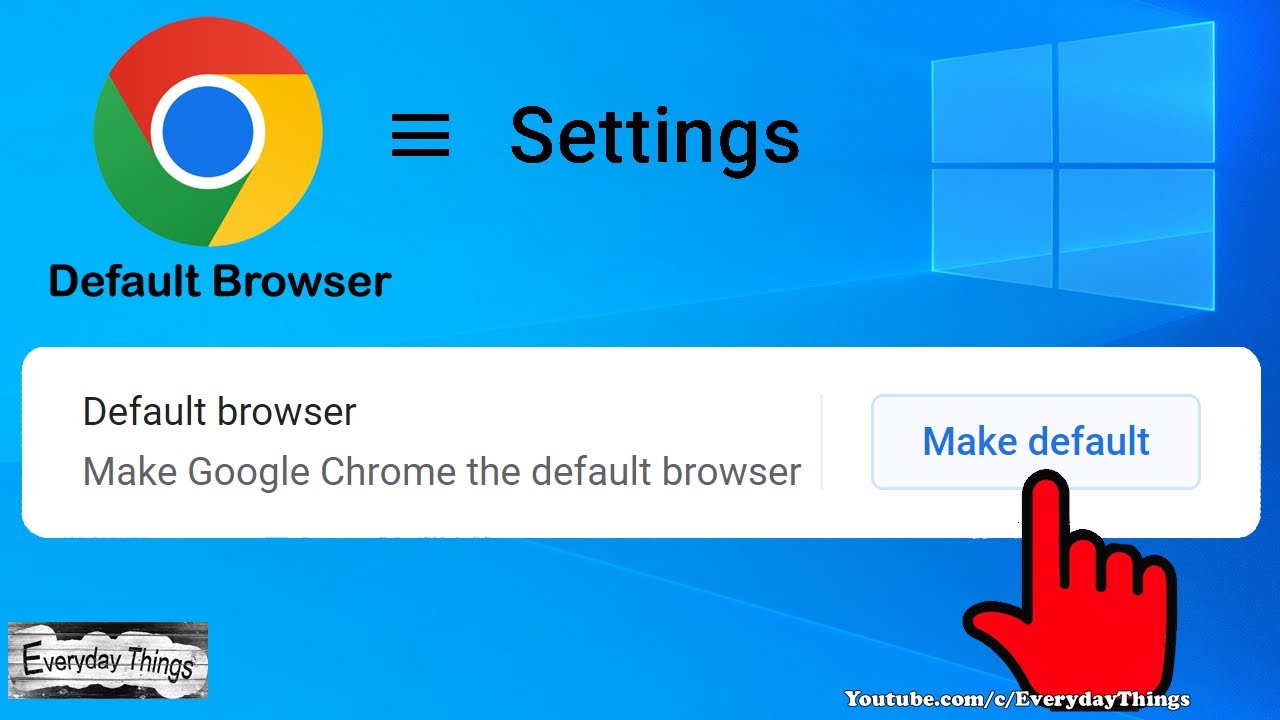
In the Default browser section click Make default If you don t see the button Google Chrome is already your default browser To easily open Chrome later add a shortcut to your

Select Settings Default browser At the top of this page select Make default This will replace any other browser you might have installed on your laptop or device On a mobile device the first time you open a link in any app you will be prompted to select which browser you want to use the default installed one or Microsoft Edge

In Edge hit the menu button at the top right the three horizontal dots and then choose the Settings command Right at the top click the Change My Default button You can also set a default browser directly in the Windows settings How you do it differs slightly depending on whether you re using Windows 10 or Windows 7

Windows 10 makes it super easy to change your default web browser This way you can set Chrome Firefox Edge Brave or another browser of your choice as the default We ll show you how to do that Once you ve set a browser as the default your PC will open all your web links in that browser

On Windows 10 navigate to Settings Apps Default Apps Web Browser then select Google Chrome to set Chrome as your default browser On Windows 11 head to Settings Apps Default Apps search for Chrome click Google Chrome and click Set as Default
[desc-11] [desc-12]
[desc-13]